Using A Qr Code For Attendance Take Students Attendance By Using Mobile To Scan QR Code Attendance Check By Using QR Code YouTube How To Track Attendance With QR Codes How To Take Attendance With A QR Code YouTube How To Track Attendance With QR Codes QR Codes for Attendance Turn your attendance register into a QR code Overcome the hurdles involved in tracking attendance by using our attendance QR codes Now you can verify and track your attendance super smoothly You can also export your attendance data to Excel with no trouble at all Everything comes down to a simple scan
Consider using a quick response QR code to track attendance QR codes can streamline the attendance tracking process in any setting and ensure accuracy for both attendees and administrators How does QR code attendance tracking work Canva now has an app for QR codes First get the link to your Google form Open your Google Form and look for a little eye icon towards the top right of your Google Form editing page that s the Preview button Give it a click and voila you ll see your form just how your students would see it
How To Track Attendance With QR Codes How To Collect Attendance Using QR Codes YouTube How To Use Qr Codes In Marketing Campaigns Full Service Marketing Vrogue QR Code Attendance Tracking With Excel with Easy Steps How To Create A QR Code Attendance And Leverage Your COVID 19 Attendance With QR Code Flutter Plugin Wordpress Online Student Qr Code For Attendance Jan Robertson PDF Mobile Based Attendance System Using QR Code Semantic Scholar QR Code Attendance System With SMS Notification Free Sample 2023
Using A Qr Code For Attendance
 Using A Qr Code For Attendance
https://www.schooltracs.com/assets/images/cover/qr_attendance.png
Method 1 Deploy a QR Code at the entrance which links to a Google Form Simplest way to do it Method 2 Create unique QR Code IDs for each attendee and have someone scan them How to create attendance QR Codes with Beaconstac s bulk generation feature Beaconstac allows you to automate QR Code creation seamlessly for attendance tracking purposes
Templates are pre-designed documents or files that can be utilized for various purposes. They can conserve time and effort by supplying a ready-made format and design for producing different sort of material. Templates can be used for personal or professional projects, such as resumes, invitations, flyers, newsletters, reports, discussions, and more.
Using A Qr Code For Attendance
QR Attendance Control APK Download For Windows Latest Version 2 2

How To Collect Attendance Using QR Codes YouTube
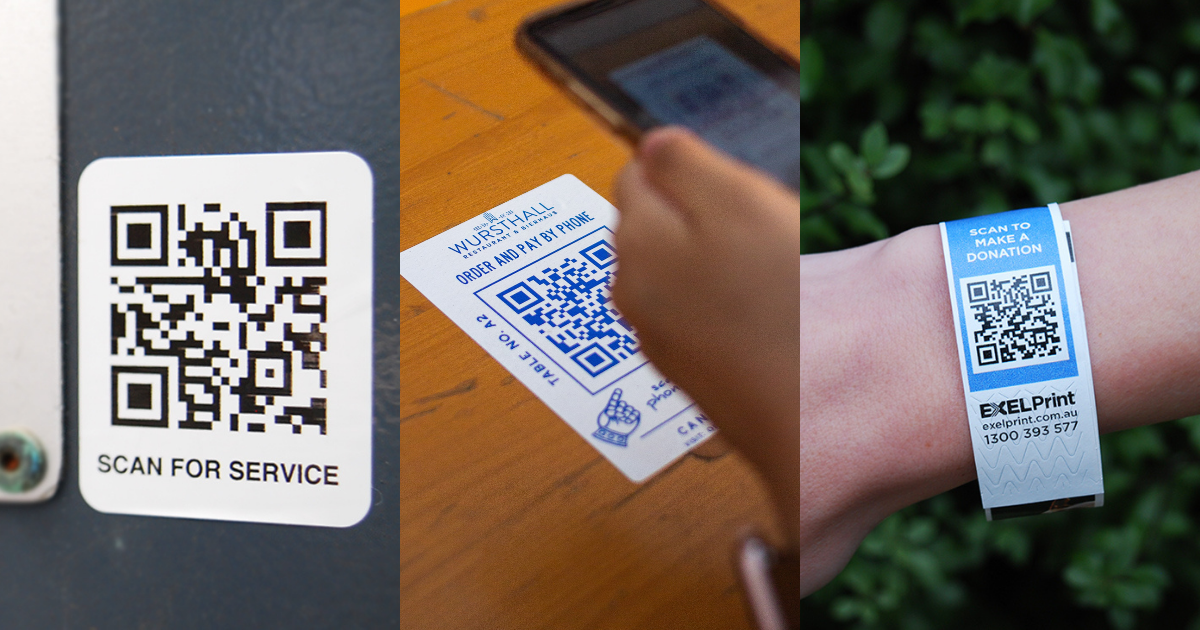
How To Use Qr Codes In Marketing Campaigns Full Service Marketing Vrogue

QR Code Attendance Tracking With Excel with Easy Steps

Attendance With QR Code Flutter Plugin Wordpress Online Student

Qr Code For Attendance Jan Robertson
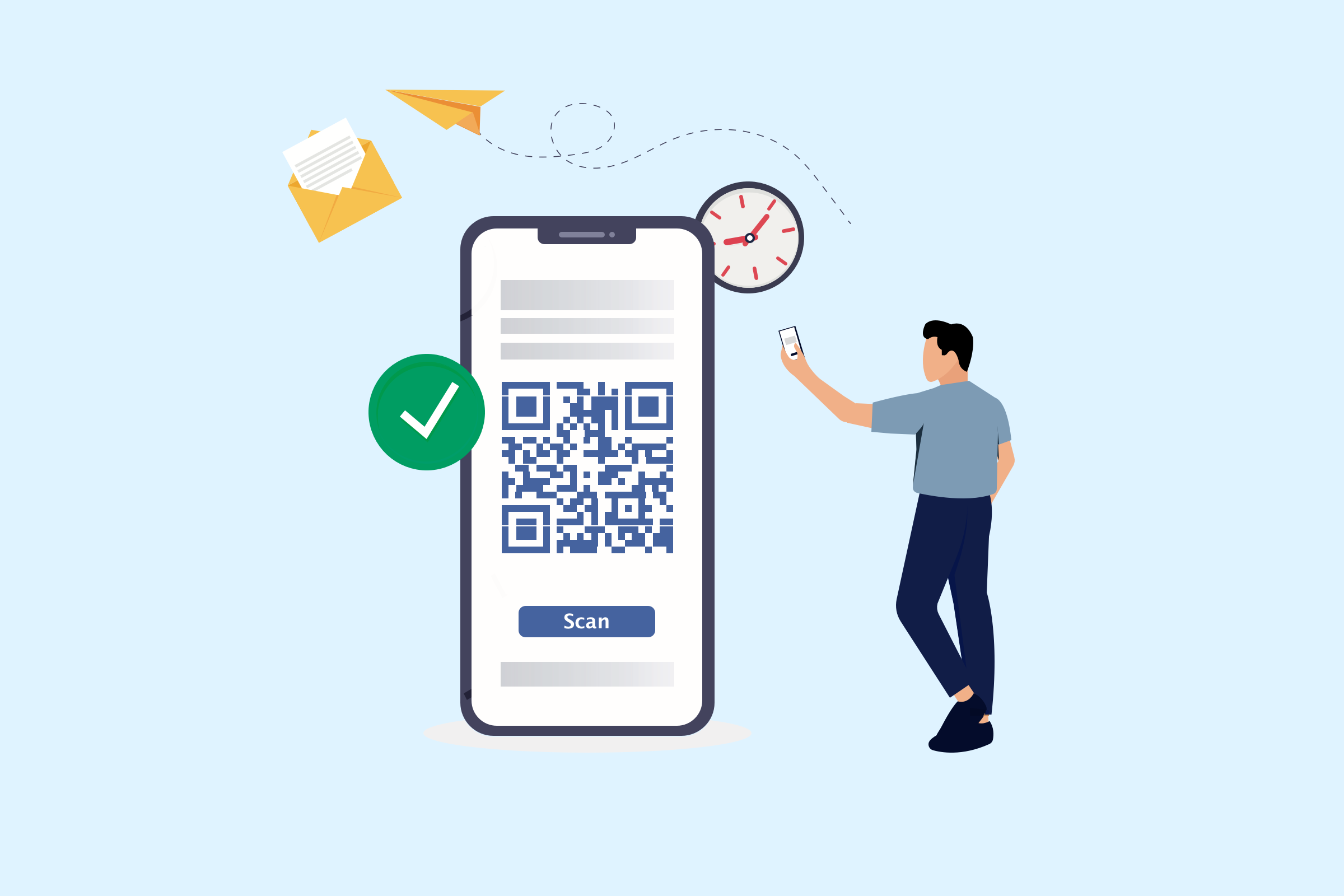
Why Use QR Codes for Attendance QR codes are increasingly popular for attendance tracking for several reasons Efficiency They offer a quick and easy way to register attendance saving time and reducing manual errors Digital Integration QR codes can be easily integrated into digital systems allowing for seamless data collection and analysis

Use Case Learn how to easily setup a QR code based attendance system without any coding skills Improve your attendance tracking process with this step by step guide

The Google Form QR code for the attendance system is a contactless and digital form of tracking attendance for the workplace school and events You can guarantee a safe and hygienic attendance platform for employees students or guests that is convenient accurate and easy to use

5 steps using QR codes to track attendance with Google Forms Create your form Generate a URL link for the form Turn that link into a QR code Display the code where attendees can see it Collect your attendance data Taking attendance is a necessary but time consuming task whether it s for an event a classroom or a work training seminar

Create a form in Google Forms Generate a QR code for your form Print or project your QR code Attendees students scan your QR code to check in Export your attendance data to Excel NOTE This guide requires that you have a Google account If you do not you can register for one for free here Step 1 Create a form in Google Forms
Generate a link for the Form which you have created using the form creator solution Generate a QR Code with QR Code generator software You can attach the form link to the generated QR Code Now print the code and deploy it at the entrance of the workplace Employees can now use their smartphones to scan and record their attendance This simple video will show you how easy setting up a time and attendance system right from your office Using QR codes are much more cost effective and can a
Best QR Code attendance for Google Classroom and all online learning platforms and must have employee tracker You can design QR Codes for your mobile scanner When a Google Form