Update Powershell Command Force Update Group Policy Settings In Windows 10 Manually Vrogue How To Update Windows 10 From Command Line And Powershell Update And Upgrade Windows 10 Using PowerShell Tutorials Windows Update Check For And Install In Windows 10 How To Install And Upgrade To Powershell 7 1 Laptrinhx Www vrogue co 6 days ago nbsp 0183 32 In most cases the Windows Update service does a great job of automatically getting and installing updates in Windows However if needed you can manually find download and
The Windows Update Assistant downloads and installs feature updates on your device Feature updates offer new functionality and help keep your systems secure You ll get these updates Oct 25 2023 nbsp 0183 32 To update Windows 10 manually open Settings gt Update amp security gt Windows Update and click Check for updates You can also download updates manually from the
How To Install And Upgrade To Powershell 7 1 Laptrinhx Www vrogue co How To Update Windows 10 Using PowerShell Commands YouTube How To Use PowerShell To Manage Windows Updates PowerShell Commands Quiz On Level Up How To Open A Windows 11 Command Prompt As Administrator PowerShell Help Update Listing And Explanation Of PowerShell Commands Screenshot Of Plugin List Command On Craiyon How To List All Installed Drivers In Windows powershell Cmd Vrogue The Top 10 PowerShell Commands That You Should Know Petri
Update Powershell Command
 Update Powershell Command
https://www.vrogue.co/top-featureds-i.ytimg.com/vi/HMSOyQG-a8U/maxresdefault.jpg
To make sure you re protected by the latest security updates Google Chrome can automatically update when a new version of the browser is available on your device
Templates are pre-designed documents or files that can be utilized for numerous purposes. They can conserve time and effort by offering a ready-made format and layout for producing different type of material. Templates can be used for individual or professional jobs, such as resumes, invites, leaflets, newsletters, reports, presentations, and more.
Update Powershell Command
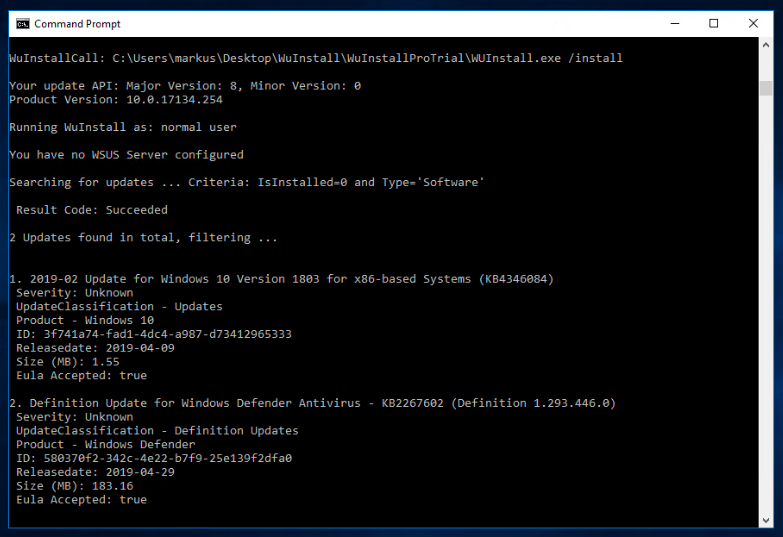
Command Prompt Windows 10 Command List Serrecaster
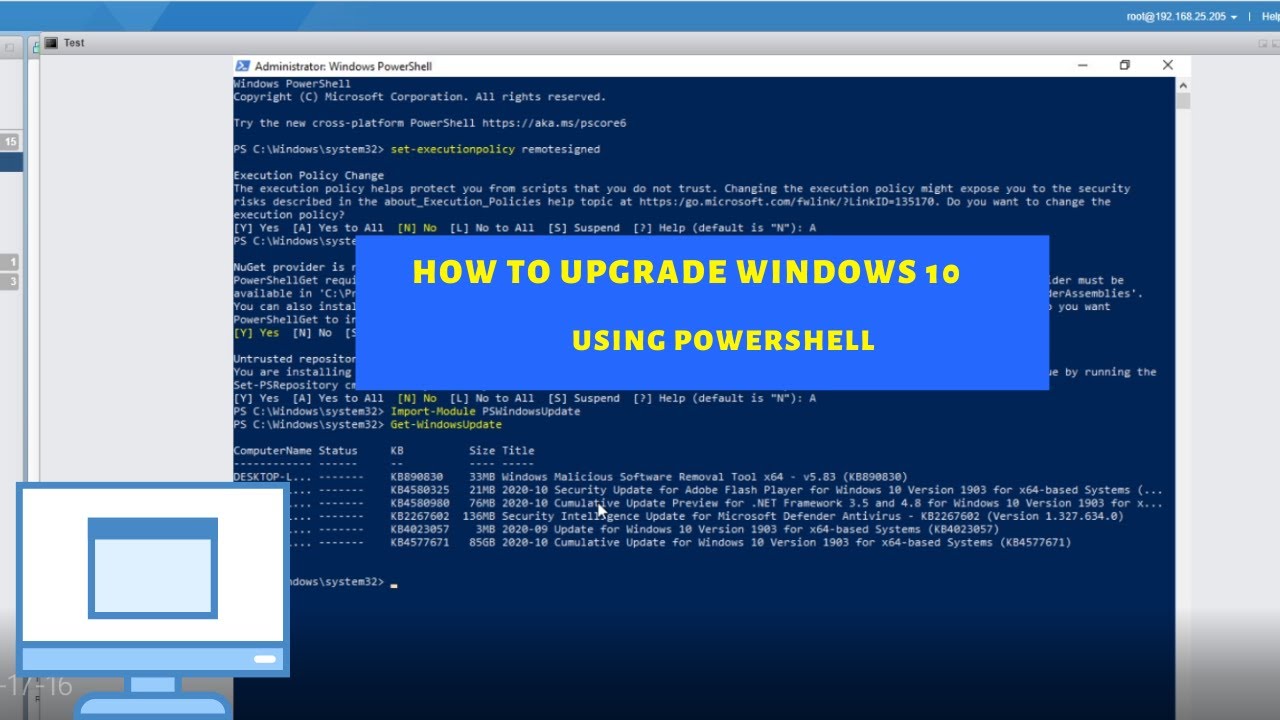
How To Update Windows 10 Using PowerShell Commands YouTube
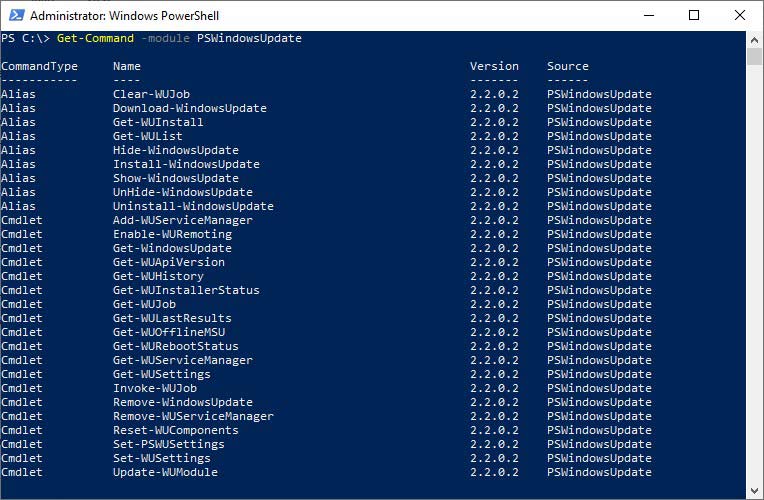
How To Use PowerShell To Manage Windows Updates
PowerShell Commands Quiz On Level Up
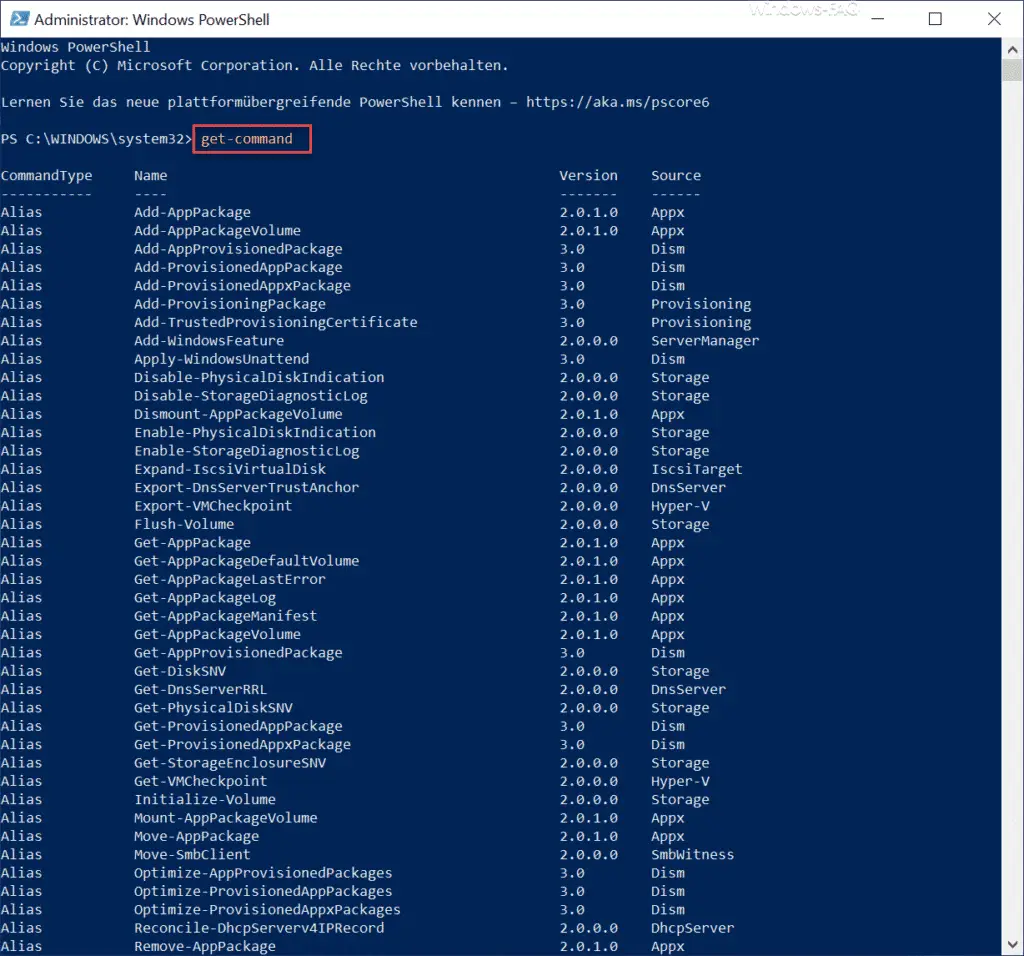
PowerShell Help Update Listing And Explanation Of PowerShell Commands

Screenshot Of Plugin List Command On Craiyon

Chrome updates happen automatically keeping you running smoothly and securely Discover how to check your version and update to the latest Chrome

You can find your device s Android version number security update level and Google Play system level in your Settings app You ll get notifications when updates are available for your

Oct 18 2022 nbsp 0183 32 If you have an older version of Windows 10 installed you can use the Windows 10 Update Assistant to directly update to the latest version of Windows 10 instead of slowly
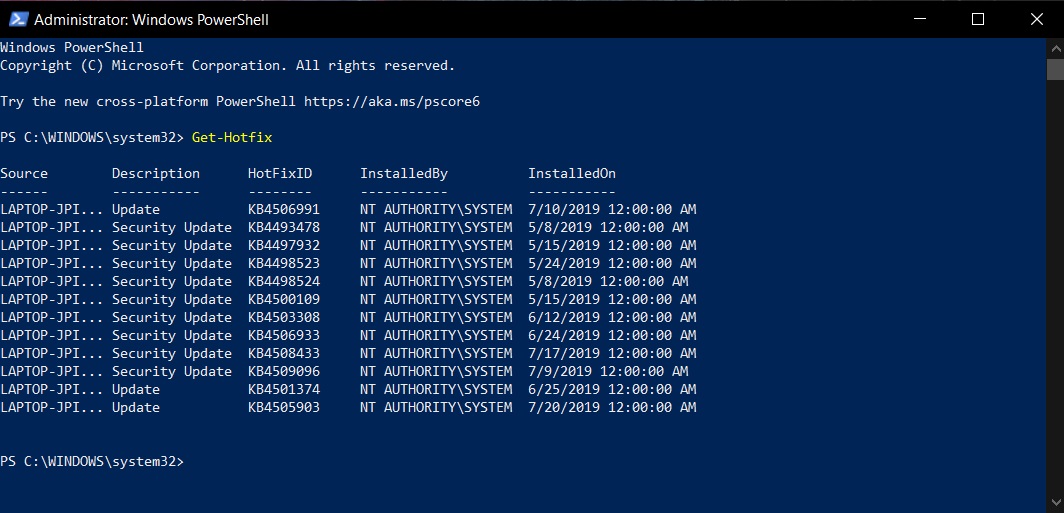
Before updating please refer to the Windows release information status for known issues to confirm your device is not impacted Stay Secure with Essential Windows Updates After

The Windows 11 24H2 update is one of the biggest updates from Microsoft for Windows in recent years While the update mainly focuses on Copilot PCs there are also plenty of new features
[desc-11] [desc-12]
[desc-13]