Update List Item In Flutter GitHub DevSumanrazz Grouped List Flutter A Flutter ListView In Which Update List Item In SharePoint Using Power Automate Photos Update List Item In Flutter Mobile Legends Flutter Form Dropdown List Womengulu Flutter Listview Memory Performance Issue 29782 Flutter flutter That 1 Update the data set initial data List String data Horse Cow Camel Sheep Goat 2 Notify the AnimatedList s global key about the change final
In this tutorial will learn how to Update and Delete an item from the list with clean code and refactor widget 1 Answer Sorted by 1 You can write a function for updating the name which takes a name to be changed as an argument and onPressed you can call that function inside setState After changing the name once and for further addition if you want the same name to be added then you might have to assign that String to the variable name Example
Flutter Listview Memory Performance Issue 29782 Flutter flutter That How To Create Horizontal Listview In Flutter Flutter Corner Images My How To Add Divider Between Items In Flutter Youtube Vrogue Learn How To Increment Counter For A Specific List Item In Flutter Mieten George Hanbury Sympathie Flutter Select Box Meilen Schemel Exklusiv Automatick Man elka Zklam n Flutter Listview From List Z tra Selecting Multiple Item In List In Flutter By Ashish Rawat FlutterDevs Flutter Expandable Listview In Flutter Youtube Vrogue Photos Update List Item In Flutter Mobile Legends
Update List Item In Flutter
 Update List Item In Flutter
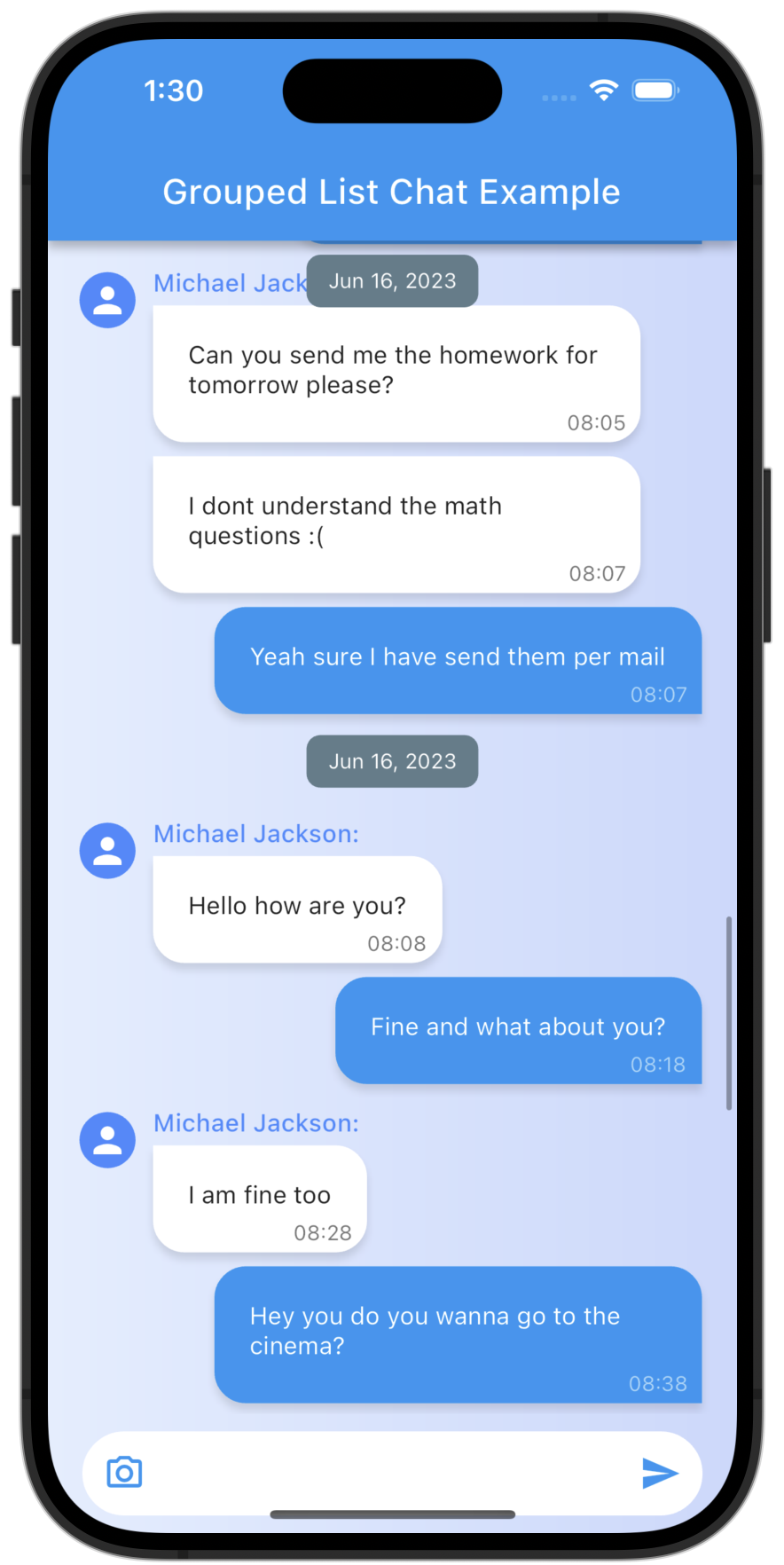
https://raw.githubusercontent.com/Dimibe/grouped_list/main/assets/chat_example.png
Run this application and you should see a TextField widget and a Add button to add an item to the list dynamically Type in some name and click on Add button The item will be added at the top of the list dynamically Summary In this Flutter Tutorial we learned how to add an item to ListView dynamically using Expanded and ListView builder
Pre-crafted templates provide a time-saving option for creating a varied variety of documents and files. These pre-designed formats and designs can be used for various individual and expert jobs, including resumes, invitations, flyers, newsletters, reports, presentations, and more, streamlining the material creation process.
Update List Item In Flutter
How Do I Add Data To Additional Columns In A Microsoft SharePoint List
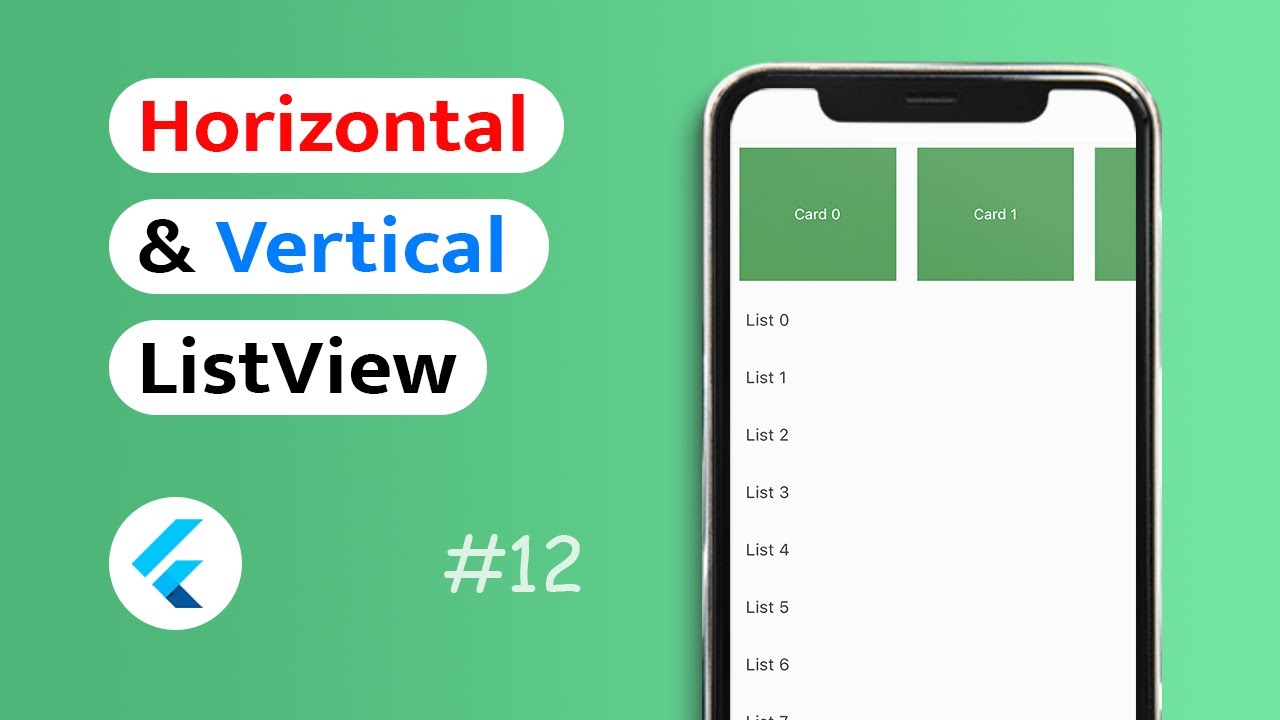
How To Create Horizontal Listview In Flutter Flutter Corner Images My

How To Add Divider Between Items In Flutter Youtube Vrogue
Learn How To Increment Counter For A Specific List Item In Flutter

Automatick Man elka Zklam n Flutter Listview From List Z tra

Selecting Multiple Item In List In Flutter By Ashish Rawat FlutterDevs
How to update a list item in Flutter There are several ways to update a list item items in Flutter Dart Replace item in a list using the operator Copy var list zero 1 2 3 list 0 0 list 3 three print list The output Copy 0 1 2 three Replace items in a list using replaceRange method

In this quick tutorial I will show you how to update a value in a list using a dart programming language Unfortunately there is no method update in the list so we have to handle this by ourselves Luckily I will show you how to do this in a single line of code with validation Dart Updating Value in the List String

Last modified April 1 2022 bezkoder Dart Flutter One of the most popular data structure in OOP is List In this tutorial we ll show you many methods and functions to work with a List in Dart also in Flutter At the end you re gonna know Introduction to Dart List How to create initialize access modify remove items in a List
This is an extension method on a List to update the items in it extension ListUpdate T on List T List T update int pos T t List T list list add t replaceRange

1 Create a data source with different types of items Types of items To represent different types of items in a list define a class for each type of item In this example create an app that shows a header followed by five messages Therefore create three classes ListItem HeadingItem and MessageItem content copy
ListView class ListView class A scrollable list of widgets arranged linearly ListView is the most commonly used scrolling widget It displays its children one after another in the scroll direction In the cross axis the children are required to fill the ListView If non null the itemExtent forces the children to have the given extent in Our List would hold custom Item Task Task is model Adding an item Here we want to add item to our List Our list is allTask as you can see from the above code In the below picture the first line adds an item and then trigger a event The second line triggers the event After trigger the event the below code is executed
1 Understand how to structure the Firebase Database 2 Finish the steps in the Firebase Setup for your project 3 Set up a Collection 4 Add data to the collection Updating a document Updating allows you to make changes to a single document