Unity Canvas Size For Mobile Setting The Maximum Canvas Size For Printing Sketchbook Unity Canvas Print By RSkumar Redbubble Mens Unity Alp Fwd White Rainbow Canvas Espadrille TOMS Compressed Builds And Server Configuration Unity Mens Unity Alp Fwd White Rainbow Canvas Espadrille TOMS Canvas Scaler reference resolution for mobile Mike01923 Joined Jun 19 2015 Posts 191 What s common here 1920x1080 Do the values affect performance much or is it mainly about the aspect ratio For example would it be safer to just use 1280x720
Luckily our updated optimization guides are now available Optimize your game performance for mobile and Optimize your game performance for consoles and PC include the latest updates from Unity 2022 LTS and provide you with an arsenal of useful tips tactics and workarounds to optimize your projects These guides are built on the deep Learn how to work with multiple Mobile Resolutions inside of Unity in less than 10min In this short video I will cover a simple and easy way to use in all o
Mens Unity Alp Fwd White Rainbow Canvas Espadrille TOMS UIObject3D Render 3D Models On Any Unity UI Canvas Version 1 14 N A UnityAsset TOP YouTube Banner Size The Best Dimensions And Formats In 2022 2022 Free And Customizable Facebook Cover Templates Attention Required Unity Canvas Print DOOGA ART LLC Instagram Profile Picture Size Guide 2022 Free Template Profile Picture Instagram Mens Unity Alp Fwd White Rainbow Canvas Espadrille TOMS What Is The Best Size For Fb Cover Photo Nda or ug Hiding The Screen Canvas In The Unity Editor
Unity Canvas Size For Mobile
 Unity Canvas Size For Mobile
https://static.helpjuice.com/helpjuice_production/uploads/upload/image/8850/direct/1640119196144-image_size.png
Canvas Within the Viewport The user s visible area of an app on their screen See in Glossary pane you can find the Canvas a floating re sizable edit time container that contains a live version of the UI User Interface Allows a user to interact with your application Unity currently supports three UI systems More info See in Glossary Document UXML
Pre-crafted templates provide a time-saving service for creating a varied variety of files and files. These pre-designed formats and designs can be used for different individual and professional tasks, including resumes, invitations, leaflets, newsletters, reports, discussions, and more, streamlining the material production process.
Unity Canvas Size For Mobile

Introduction To Unity UI Part 1 Kodeco
UIObject3D Render 3D Models On Any Unity UI Canvas Version 1 14 N A UnityAsset TOP

YouTube Banner Size The Best Dimensions And Formats In 2022 2022
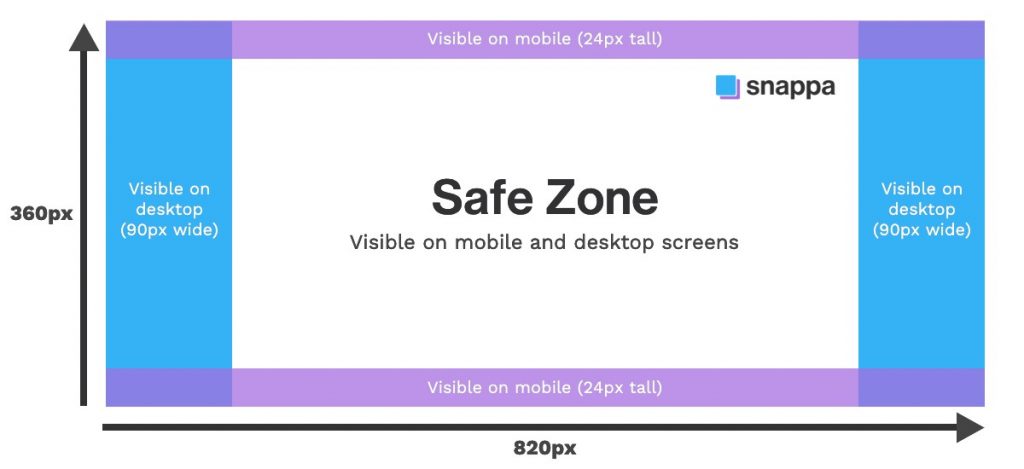
Free And Customizable Facebook Cover Templates Attention Required

Instagram Profile Picture Size Guide 2022 Free Template Profile Picture Instagram
Mens Unity Alp Fwd White Rainbow Canvas Espadrille TOMS

I have an android smartphone with a FullHD screen 1920 1080 And I am building a game with Default Canvas settings 1280 720 And in my html template I ve set canvas size
Maja The process of creating game UI typically involves several steps including defining the UI goals and requirements sketching and prototyping designing and styling implementing and testing and iterating and refining In some cases the UI may be created as part of a larger development process that can involve working closely with other

1 Answer Sorted by 2 Use the line below whenever you need Screen orientation ScreenOrientation Portrait Changing display orientation doesn t depend on Canvas but Canvas changes upon display orientation So when orientation changes canvas orientation does same
This is where the Canvas Scaler Controls the overall scale and pixel density of all UI elements in the Canvas including font sizes and image borders More info See in Glossary component can help Scaling with Screen Size The Canvas Scaler component can be added to a root Canvas The area that contains all UI elements in a scene The Canvas

The Canvas The area that contains all UI elements in a scene The Canvas area is shown as a rectangle in the Scene View More info Glossary component represents the abstract space in which the UI is laid out and rendered All UI elements must be children of a GameObject that has a Canvas component attached When you create a UI element object
The Canvas is the area that all UI User Interface Allows a user to interact with your application More info See in Glossary elements should be inside The Canvas is a Game Object with a Canvas component on it and all UI elements must be children of such a Canvas Creating a new UI element such as an Image using the menu GameObject UI Image automatically creates a Canvas if there isn My question is simple after creating an interface Ui with Canvas at the right size in the Game unit window for example two joysticks on each side of the screen a menu button at the top left of the screen a score at the top right of the screen then information window interactions are displayed in the center of the screen when the player
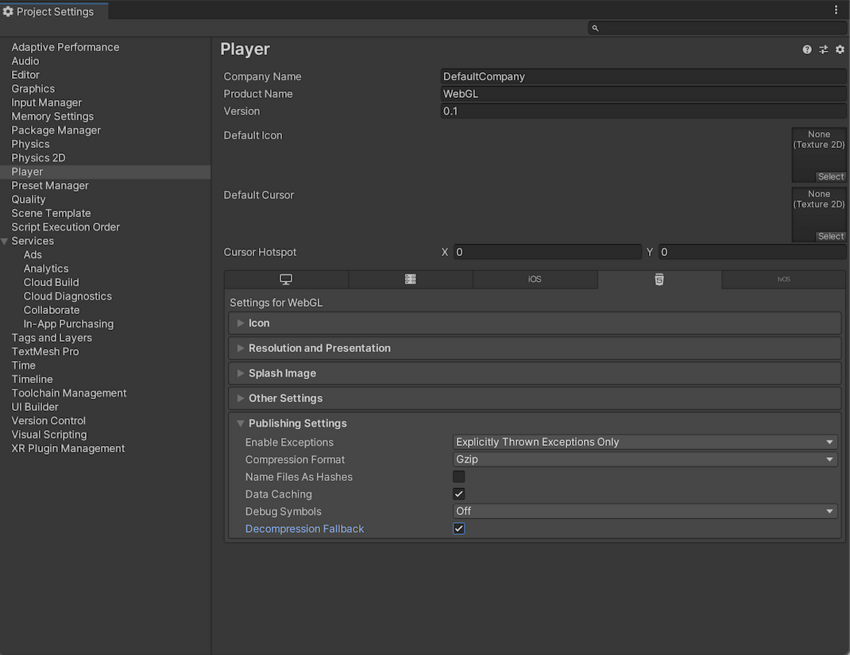
To configure your WebGL Canvas size you must consider the following types of canvas size If the above two canvas size elements don t match the browser will stretch the rendered WebGL output to fill the visible canvas area on the web page Decouple the render resolution