Unity Canvas Image Not Showing Solved How To Control Image Size In Container Flutter Canvas Image Not Showing And Gravity Affecting Image Sprite Move To 4 Religion Must Be The Source Of Unity The Free Baha i Faith 0 Result Images Of Pump Shotgun Png Transparent PNG Image Collection Android Profile Icon 55160 Free Icons Library begingroup I added the sprite inspector image to the question above It looks wrong in the inspector with the same problems as mentioned But if I double click the sprite in the Assets folder it s in the image it displays in my external image viewer is correct It s the image on the left above endgroup
Since Start is called before the first frame update the user doesn t get to see the dialog just before we hide it 2 Using Image enabled Another way to show hide a UI element in the canvas If a UI child in unity is enabled but is under a canvas UI But even after canvas the elements is not visible Solution
Android Profile Icon 55160 Free Icons Library Reduce Tiling Within Perlin Noise Texture Anycodings Unity In Our Community Australian Vaccination risks Network Inc Background Pictures No Repeat In Html Background Wallpaper Canvas Image Not Showing And Gravity Affecting Image Sprite Move To 0 Result Images Of Flechas Imagenes Png PNG Image Collection J ges Egy Csillog Best Stylus For Iphone Ki ll Papnevelde Magf zi Ch n L c 46 H nh nh Background Size Not Working Thpthoangvanthu edu vn React Native Error Execution Failed For Task
Unity Canvas Image Not Showing
 Unity Canvas Image Not Showing
https://i.stack.imgur.com/XxyBC.jpg
The Canvas is the area that all UI User Interface Allows a user to interact with your application Unity currently supports three UI systems More info See in Glossary elements should be inside The Canvas is a Game Object with a Canvas component on it and all UI elements must be children of such a Canvas Creating a new UI element such as
Templates are pre-designed files or files that can be utilized for numerous purposes. They can save time and effort by providing a ready-made format and layout for developing various type of content. Templates can be used for personal or professional projects, such as resumes, invites, leaflets, newsletters, reports, presentations, and more.
Unity Canvas Image Not Showing

Mailbox Cartoon Mail Clipart Clipartix 48 How To Put Photo As

Reduce Tiling Within Perlin Noise Texture Anycodings

Unity In Our Community Australian Vaccination risks Network Inc
Background Pictures No Repeat In Html Background Wallpaper

0 Result Images Of Flechas Imagenes Png PNG Image Collection

J ges Egy Csillog Best Stylus For Iphone Ki ll Papnevelde Magf zi

It might also be a good idea to Ctrl Shift P and look in the Scene View to see where they re actually appearing offscreen After playing with it for a while I found out it s because I was using sprite rendered instead of images Not sure why this fixed it though danmct1995 Aug 19 2020 3
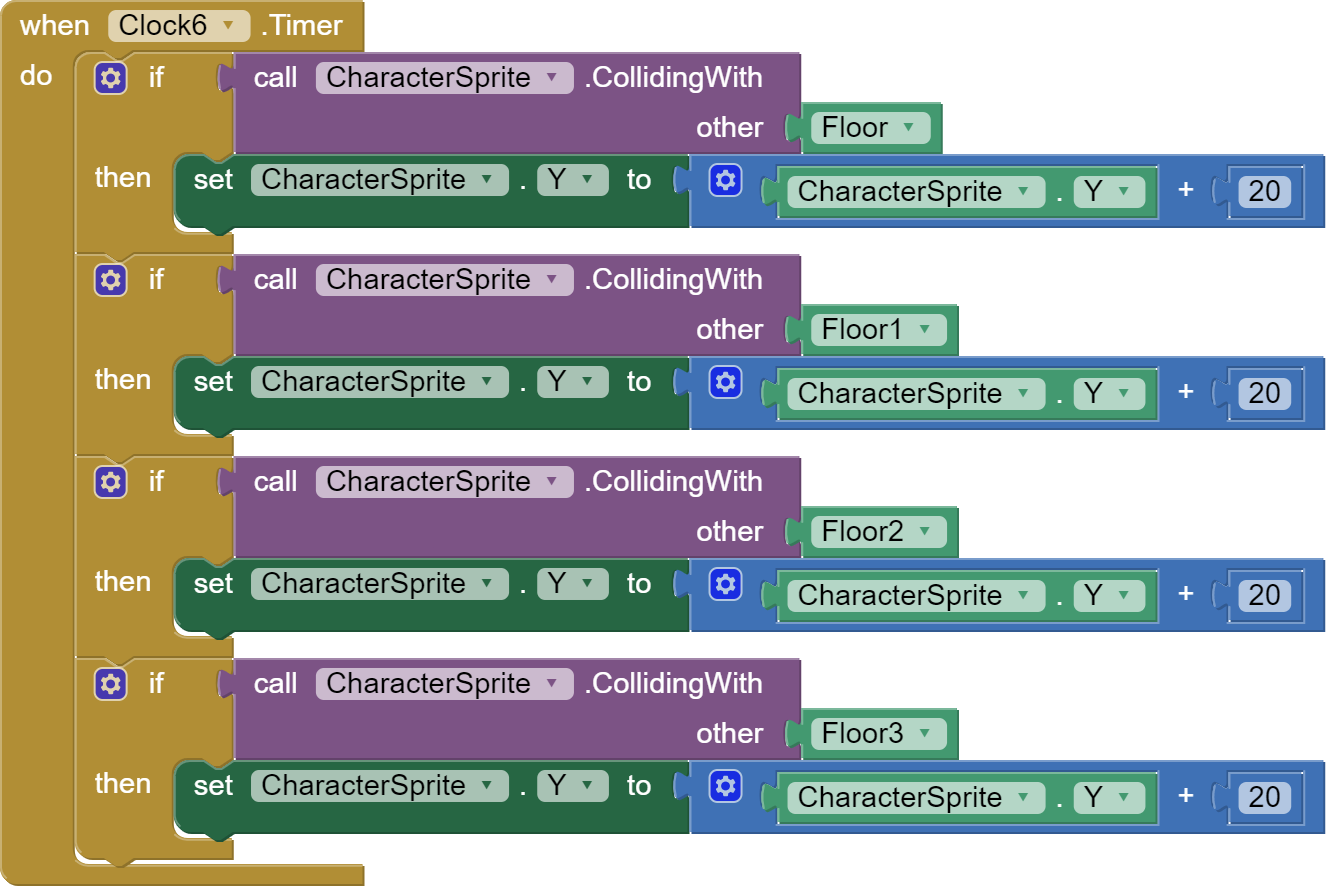
1 Answer Sorted by 1 You re assigning your image a colour with zero alpha 100 transparent Compare the working example in your video White bar under colour swatch 100 alpha with the non working example Black bar under colour swatch 0 alpha So go to the inspector where you ve configured circleOfLifeLogoColor and ensure you

Not quite I have two 2d objects red squares in my gif Sprites in front of a canvas green rectangle in my gif canvas Image The Canvas is in Default Sorting Layer and the Sprites are in a different sorting layer that is in front of Default But when an overlap occurs the Canvas which is definitely behind the sprites appears in front of them

Symptoms None of the UI elements are showing in the scene view Cause The UI layer is hidden Resolution If the UI Layer is hidden un hide it To do so just click on the Layers dropdown to the upper right of Unity s Editor and click on the layer you wish to un hide

Hi Please go to the top right corner of Unity Click on Layers and make sure Everything is visible The box on the left side in the scene window is the camera viewport And there is a corner of the canvas box Smashedketchum June 25 2020 10 48am 3 all layers are viewable and I don t think necessarily that the camera and canvas
Hit control shift i again to close the developer tools pane Option 3 Clear browser data In Chrome you can clear all the images and files stored by your browser Click the 3 vertical dots on the top right of Chrome go to Settings and scroll to the bottom and click on Advanced Click on Clear Browsing Data Create an empty project create a raw image and assign the same file to see if it works would indicate that something with your setup is wrong Test if other images show up See the documentation what the parameters do and play with them Try a regular image instead Play with sort order
So I created a basic Photon multiplayer game and everything works except for the UI For each player prefab I attach a canvas so that it also gets instantiated and every player has a health bar UI for every screen The problem is that the canvas won t show up for my Game tab but shows up in my Scenes tab It s really strange and I was hoping if anyone can help I ve attached pictures to