Uninstall Version Of Node Global Angular CLI Version Is Greater The Current Version Of Node Is Not Supported By Anguar How To Install Npm Through NVM Node Version Manager DEV Community What Is New In Node js 18 How To Install Multiple Node Js Or Older Version Of Node Js nvm YouTube Microsoft Uaa High Definition Audio Bus Driver Inprosowac Nvm windows provides a management utility for managing Node js versions in Windows Here s how to install it 1 Click on Download Now In the nvm windows repository Readme click on Download Now This will open a page showing different NVM releases 2 Install the exe file of the latest release
Courses We can completely remove Node js from windows using the following simple steps Step 1 Whenever we install a package with command npm install package name npm stores the cache inside the user file system The default directory where the cache data is stored on Windows is AppData npm cache So we need to clean the cache first To remove a Node js version from your Windows system 1 Type Control Panel in the search box on the taskbar 2 Open the Control Panel app 3 Click Uninstall a program in the Programs category 4 Select the Node js installation 5 Click Uninstall
Microsoft Uaa High Definition Audio Bus Driver Inprosowac How To Change Node Version Listten How To Uninstall Version 15 Driver MacOS HUION How To Uninstall Version 15 Driver MacOS HUION Install Nvm On Windows Ksemay How To Install Nvm On Windows Eatlo Node 18 Not Supported By Angular How To Install Npm Through NVM Node Version Manager Solved Ng version Showing The Current Version Of Node 9to5Answer
Uninstall Version Of Node
 Uninstall Version Of Node
https://i.ytimg.com/vi/8r75fmuybC0/maxresdefault.jpg
MacOS Uninstalling Node js on macOS can be done in two primary ways using Homebrew or manually Homebrew is a package manager that simplifies the installation and management of software on macOS It provides a convenient way to uninstall Node js and related packages
Templates are pre-designed files or files that can be used for different purposes. They can save effort and time by providing a ready-made format and layout for developing various type of material. Templates can be used for individual or expert projects, such as resumes, invitations, leaflets, newsletters, reports, presentations, and more.
Uninstall Version Of Node
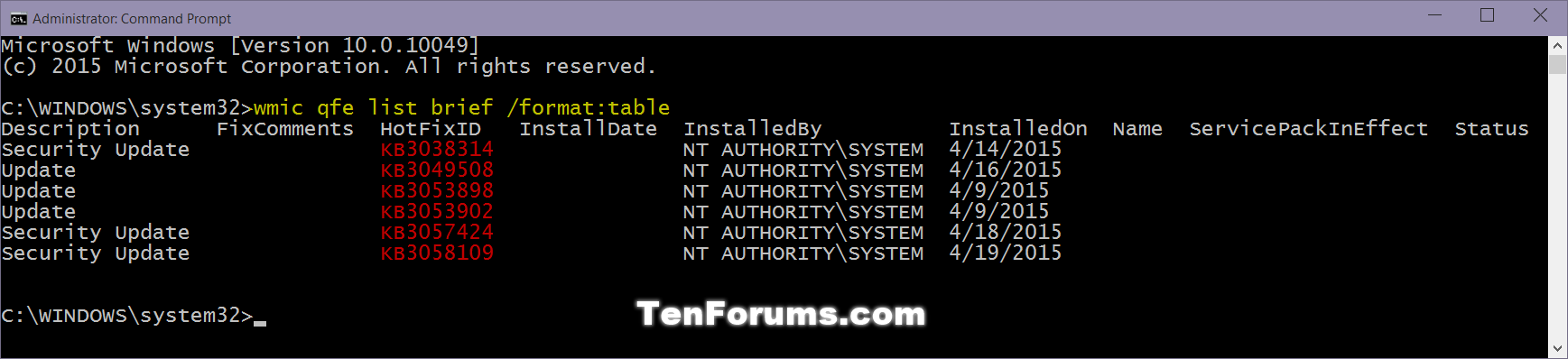
Update Node Version Windows Cmd Gretalks

How To Change Node Version Listten

How To Uninstall Version 15 Driver MacOS HUION

How To Uninstall Version 15 Driver MacOS HUION

How To Install Nvm On Windows Eatlo

Node 18 Not Supported By Angular

1 Find the uninstaller e g WIN key Uninstall NodeJS Worked for me Mark Kahn Nov 9 2020 at 15 09 Add a comment 9 Answers Sorted by 1138 How to remove Node js from Windows Take a deep breath Run npm cache clean force

Enter cmd and hit Ctrl Shift Enter to open the command prompt as administrator Write the following command node version Code language JavaScript javascript If you get a result like this it indicates Node is correctly installed on your system v16 16 0 Code language JavaScript javascript Check if Node js installed on Linux

Go to Start and search for Command Prompt Or press the Win key R to open Run Type cmd and hit Ctrl Shift enter to run Command Prompt as administrator Right click on the result and select Run as administrator Now pass this command node version This command returns the versions of Node js if it is installed on your pc

You need to manually remove Node versions installed by n and set the correct Node system version sudo n prune sudo npm uninstall g n sudo rm r usr local n sudo rm usr local bin node See the following issues for n on GitHub Cant uninstall n and node 327 Simple command to switch back to the system installation of Node 486

Ask Question Asked 3 months ago Modified 3 months ago Viewed 105 times 0 I am using a Mac Ventura and VSCode I am teaching myself javascript and have installed node 3 times in 3 different places over the years due to my own confusion I am unsure how I installed them but think it was by terminal
Remove a package Select CLI Version Version 6 14 18 Legacy Synopsis npm uninstall scope pkg version S save D save dev O save optional no save aliases remove rm r un unlink Description This uninstalls a package completely removing everything npm installed on its behalf Example npm uninstall sax To install NVM using curl run the following command curl o https raw githubusercontent nvm sh nvm v0 37 2 install sh bash Note You can also install NVM using GIT or with a manual download and installation Consult the GIT section of the NVM Documentation Guide for detailed instructions
Uninstalling Node js requires administrator privileges as it affects system level directories and settings especially on Windows and macOS On Linux systems package managers like apt or yum streamline the removal process but manual checks for residual files are recommended for thorough cleanup