Unhide Columns Based On Cell Value 281 Master Excel Tricks Hide Or Unhide Columns Based On Cell Values How To Unhide All Columns With Excel VBA 8 Examples How To Unhide Rows In Excel Here Is The Ways Unhide Columns In Excel Shortcut Spreadsheet Planet Hide Columns Based On Cell Value simple Macro AuditExcel co za May 3 2021 nbsp 0183 32 Microsoft Community
Oct 6 2017 nbsp 0183 32 I have created a couple of sub folders in one of my main email folders but I cannot see them I thought maybe I did something wrong so I went to try and create them again and Oct 6 2019 nbsp 0183 32 3 2 4 5
Hide Columns Based On Cell Value simple Macro AuditExcel co za How To Automatically Hide Columns Based On Cell Value Macro For How To Hide Or Unhide Columns Based On Drop Down List Selection In Excel How To Hide Or Unhide A Specific Worksheet Based On Cell Value In Vba Hide Columns How To Hide Columns Using Vba Code Www vrogue co Vba Hide Columns How To Hide Columns Using Vba Code Www vrogue co Change Chart Color Based On Value In Excel SexiezPicz Web Porn How To Use Conditional Formatting To Hide Columns In Excel Technology How To Hide Or Unhide A Specific Worksheet Based On Cell Value In
Unhide Columns Based On Cell Value
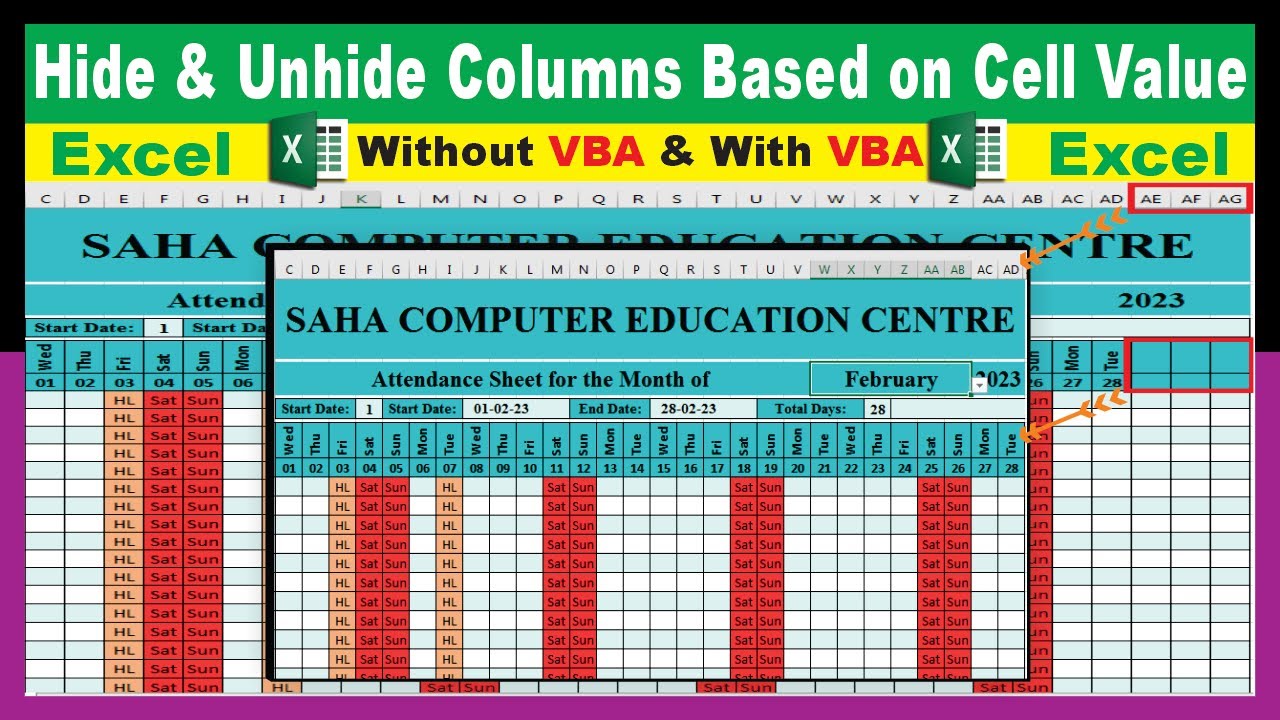 Unhide Columns Based On Cell Value
https://i.ytimg.com/vi/TxaBa3J99_8/maxresdefault.jpg
Feb 25 2025 nbsp 0183 32 I accidently hide folders which shared with me by my friend And now I cant unhide it and see it When I search the folder name Its visible on Onedrive webpage but thats all How
Templates are pre-designed files or files that can be utilized for different purposes. They can save time and effort by providing a ready-made format and layout for producing various kinds of content. Templates can be used for personal or expert tasks, such as resumes, invitations, leaflets, newsletters, reports, discussions, and more.
Unhide Columns Based On Cell Value

How To Hide Or Unhide A Command Button Based On Specified Cell Value In
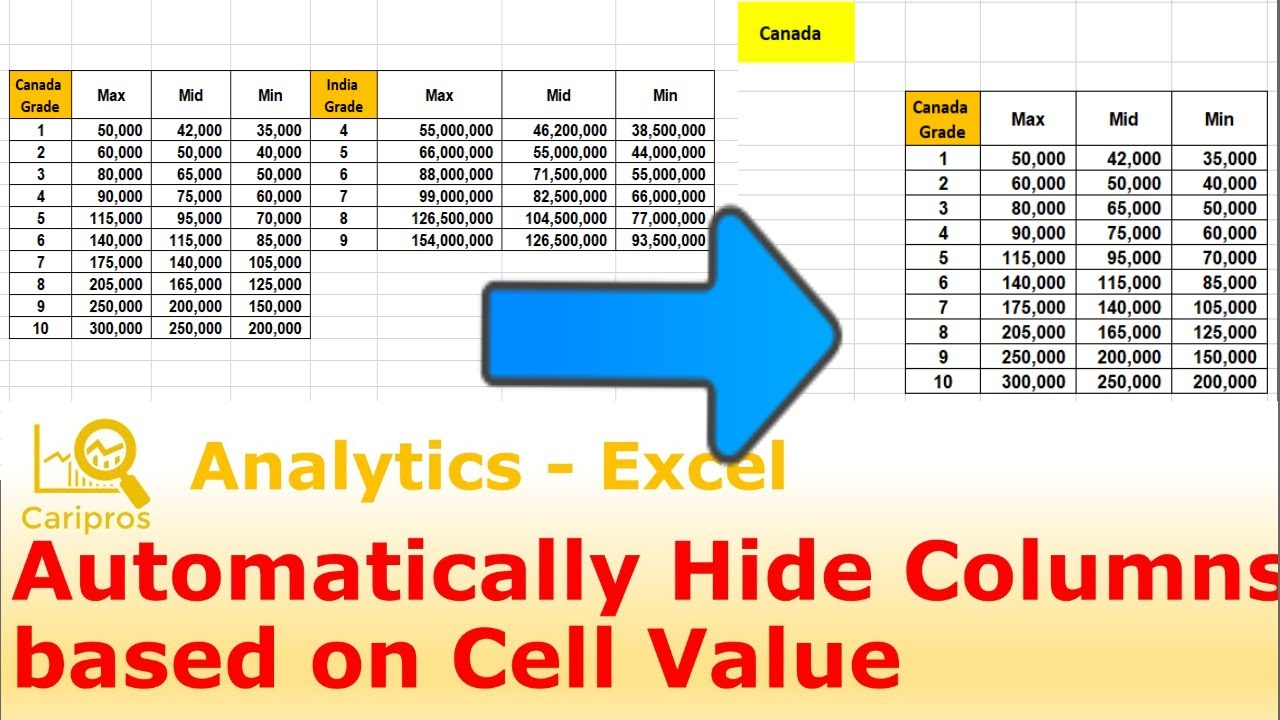
How To Automatically Hide Columns Based On Cell Value Macro For
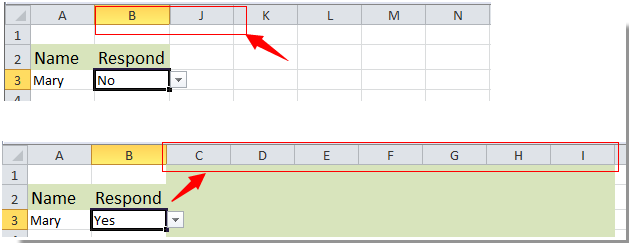
How To Hide Or Unhide Columns Based On Drop Down List Selection In Excel

How To Hide Or Unhide A Specific Worksheet Based On Cell Value In

Vba Hide Columns How To Hide Columns Using Vba Code Www vrogue co
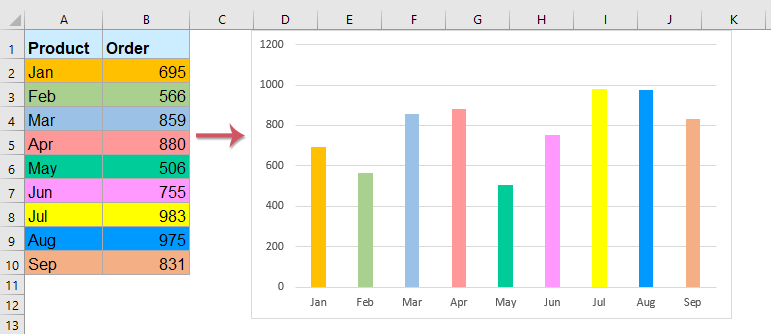
Change Chart Color Based On Value In Excel SexiezPicz Web Porn

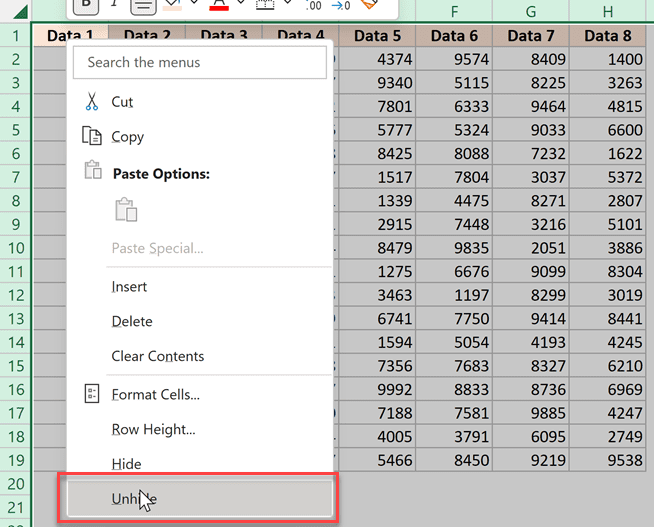
Hi Doug You can unhide it by following these steps Open Excel and go to the quot View quot tab on the ribbon Look for the quot Window quot group within the quot View quot tab Click on the quot Unhide quot button A

Mar 16 2020 nbsp 0183 32 How to Show Hidden Files Folders and Drives in Windows 10 Hidden files folders and drives do not show by default in Windows Windows protected system files ex
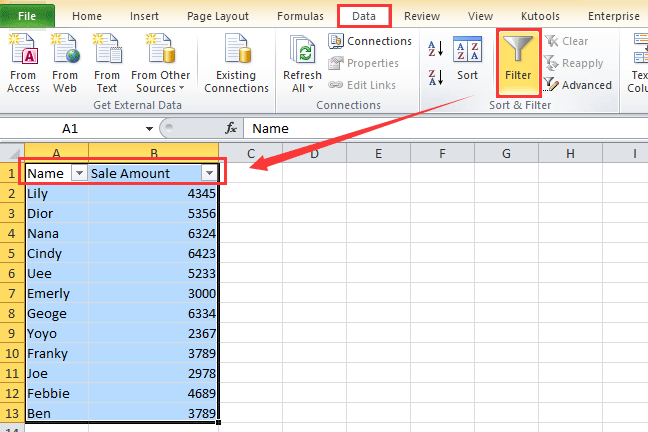
Sep 1 2022 nbsp 0183 32 Excel Windows Mac 5
Jul 14 2017 nbsp 0183 32 When you connect a plug and play device Windows Plug and Play manager detects it finds and installs the driver Device Manager lists the device with a solid icon The

May 31 2023 nbsp 0183 32 For some reason the top menu ribbon in Outlook suddenly disappeared I can see it if I click at the top of the app but it goes away again as soon as I click elsewhere in Outlook I
[desc-11] [desc-12]
[desc-13]