Ubuntu Start Docker Desktop From Command Line Getting Started With Docker Desktop Docker How To Start A Service During A Server Restart On Linux Systran Box What Is Docker Docker Engine Failed To Start Windows 10 How To Start A Linux Desktop From The Command Line Systran Box Steps to install Docker Desktop on Ubuntu 22 04 LTS Linux 1 Update Ubuntu 22 04 Linux 2 Add Docker s repository 3 Download Docker Desktop
Docker Crash Course for Absolute Beginners NEW How to install Docker on Ubuntu 22 04 If you re using Docker for Windows then simply start the desktop app installed in C Program Files Docker Docker Docker Desktop exe
How To Start A Linux Desktop From The Command Line Systran Box Set Up Docker On Ubuntu 18 04 LTS Google Cloud Cloudbooklet AI Run Linux And Windows Containers On Windows 10 How To Start MySQL In Docker Container Apps Developer Blog How To Quit Docker Desktop From Command Line Or Programatically How To Uninstall Software In Ubuntu Command Line Unable To Start Docker Desktop On Windows 10 With WSL 2 Enabled Issue Docker Nginx My Technical Blogs Docker Management Commands
Ubuntu Start Docker Desktop From Command Line
 Ubuntu Start Docker Desktop From Command Line
https://www.docker.com/wp-content/uploads/2022/03/dd-linux.png
Access to the terminal Ctrl Alt T Run the following command to allow Ubuntu to access the Docker repositories over HTTPS
Templates are pre-designed documents or files that can be used for different purposes. They can conserve time and effort by offering a ready-made format and layout for developing different sort of content. Templates can be used for individual or professional projects, such as resumes, invitations, flyers, newsletters, reports, presentations, and more.
Ubuntu Start Docker Desktop From Command Line
How To Start GNOME Desktop From Command Line In Debian

Set Up Docker On Ubuntu 18 04 LTS Google Cloud Cloudbooklet AI
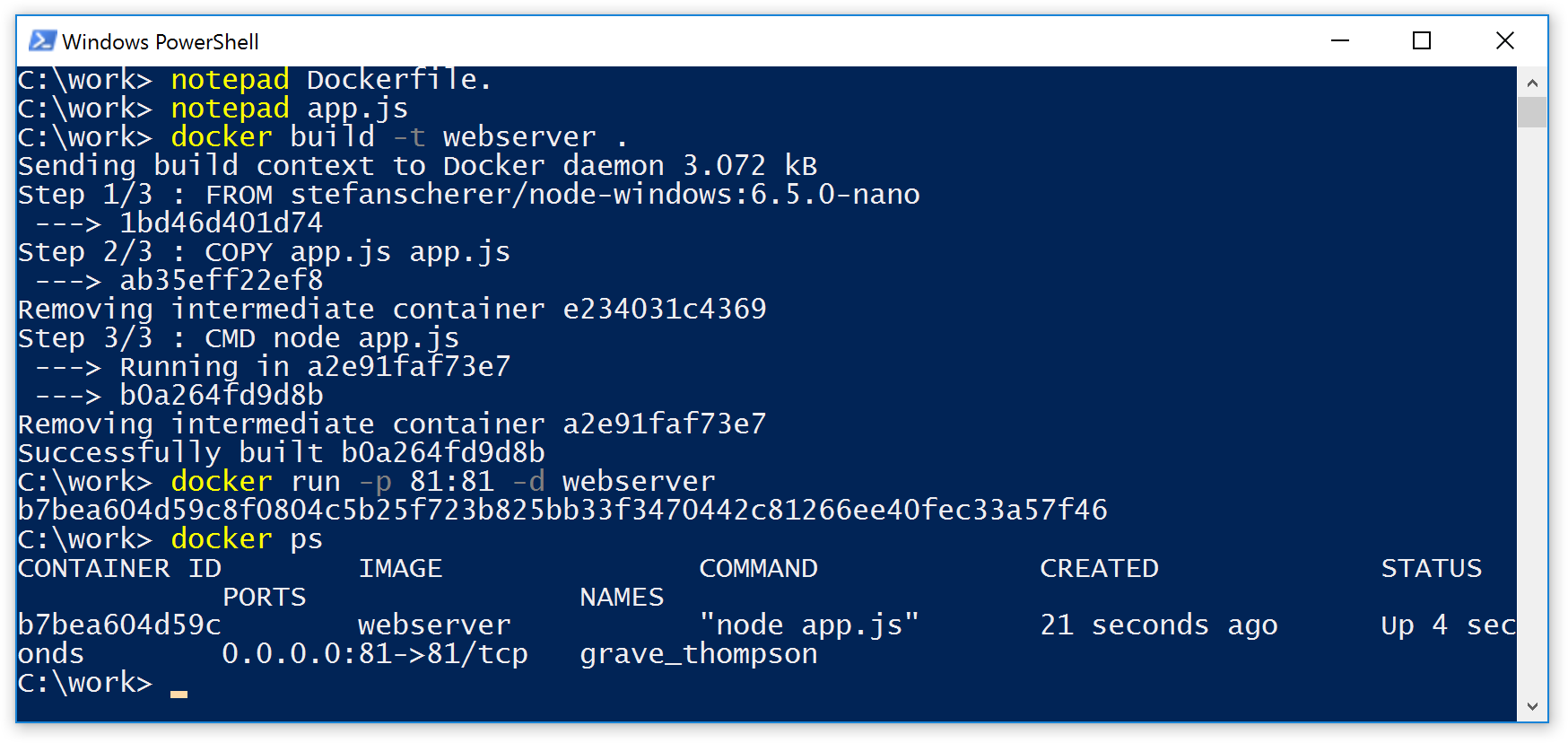
Run Linux And Windows Containers On Windows 10
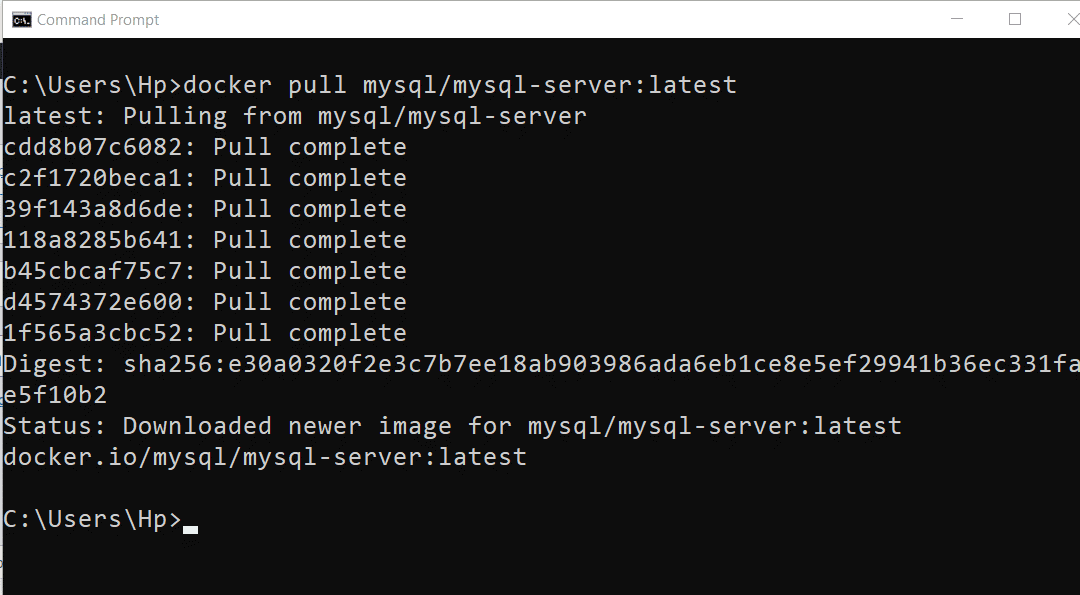
How To Start MySQL In Docker Container Apps Developer Blog

How To Uninstall Software In Ubuntu Command Line
Unable To Start Docker Desktop On Windows 10 With WSL 2 Enabled Issue
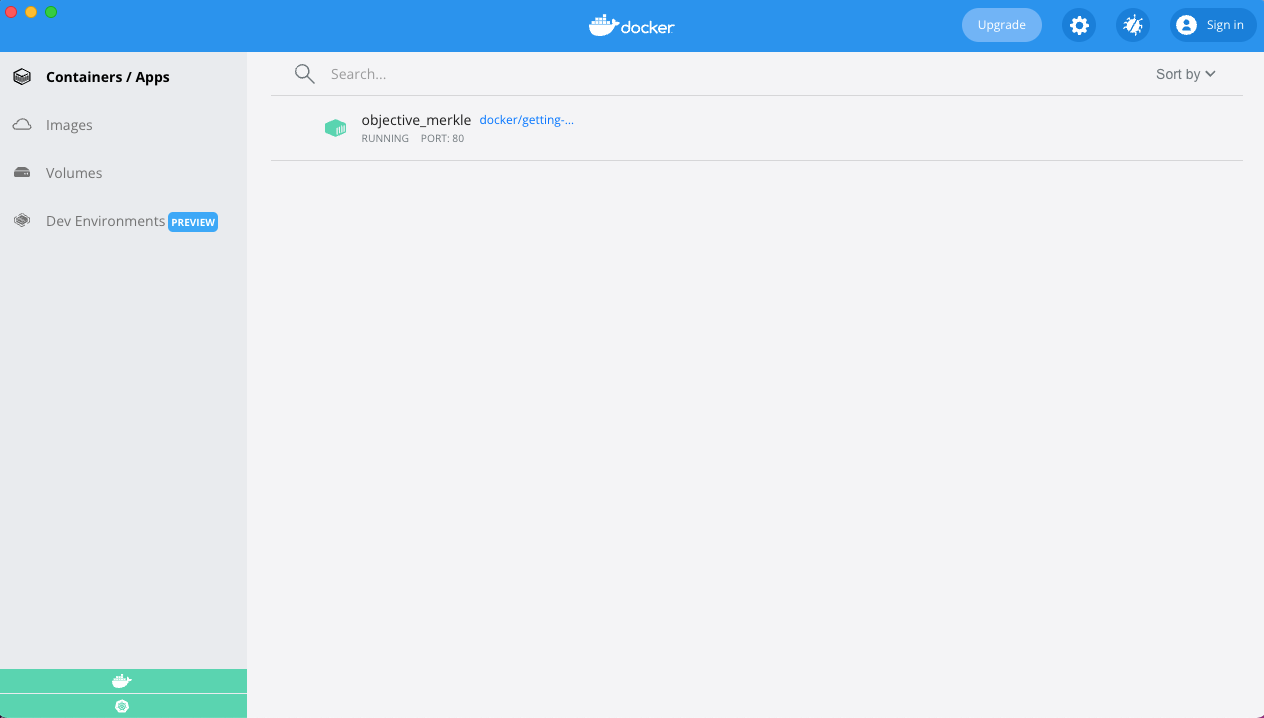
Step 1 Confirm KVM virtualization is enabled Step 3 Install Docker Desktop on Ubuntu 22 04 Step 4 Launch Docker Desktop Step 5 Configure

Step 1 Install Docker Engine Step 2 Install Docker Desktop on Ubuntu Step 3 Launch and Use Docker Desktop Step 4 Configure Docker
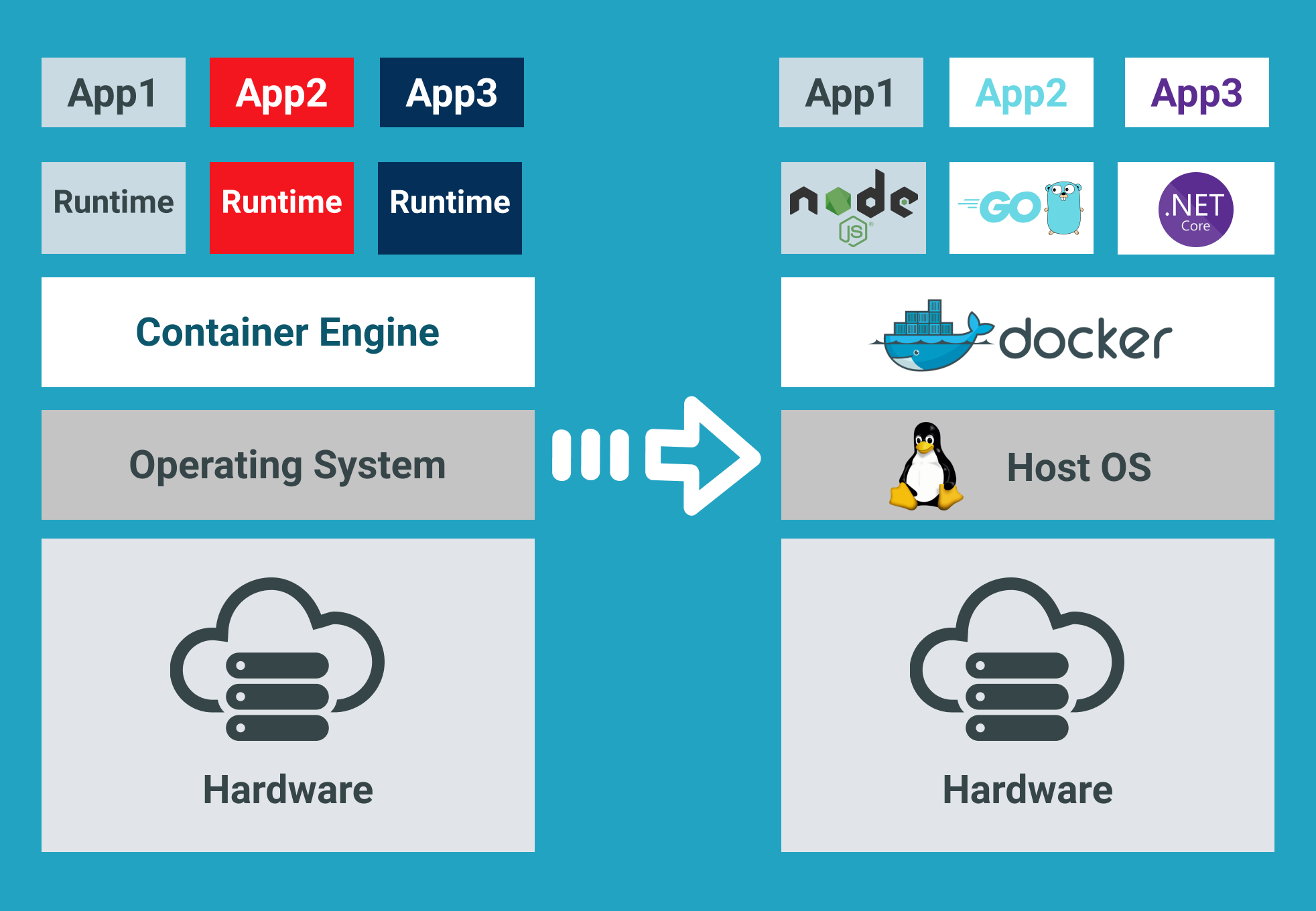
Download and install Docker Desktop for Linux is currently available on Ubuntu 21 04 21 10 and Debian distributions
1 Open the terminal on Ubuntu 2 Remove any Docker files that are running in the system using the following command sudo apt get remove

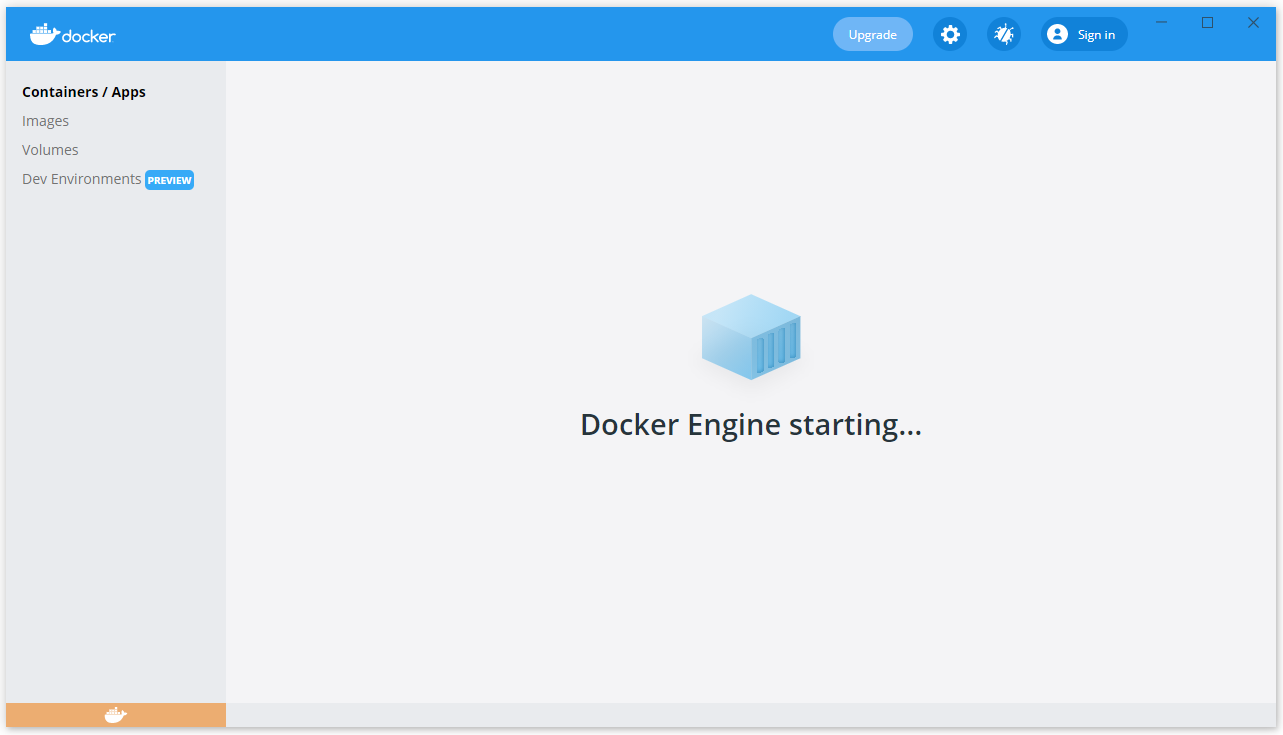
Launch Docker Desktop either from Dash or Menu When you launch the Docker Desktop for the first time you will prompted to accept the Docker
Step 1 Update the system Step 2 Install dependencies Step 3 Install Docker on Ubuntu 22 04 Step 4 Confirm that Docker is installed Step 5 Manage Docker Installing Docker on Ubuntu 4 Easy Ways sudo apt update sudo apt install ca certificates curl gnupg lsb release sudo mkdir p etc apt
Docker run it ubuntu Your command prompt should change to reflect the fact that you re now working inside the container and should take this