Ubuntu Show Disk Space Cli Ubuntu Rar Gamburger Disk Space Analyzer New Update Nektony How To Make Disk Space On Mac Mazwin Ubuntu 20 04 Ubuntu 22 04 Ubuntu 20 04 2 LTS Released Download Now Technology News Information Web Feb 24 2023 nbsp 0183 32 If you want to display disk space usage in human readable format use the dh command with h option df h You should get the following output
Web Dec 2 2015 nbsp 0183 32 To know which are the largest folders and the largest files in a glance you can also use the command line tool Top Disk Usage tdu https unix stackexchange questions 425615 how to get top Web What command do I use to find physical disk size Ask Question Asked 10 years 2 months ago Modified 9 years 2 months ago Viewed 56k times 19 I use df h to see formatted
Ubuntu 20 04 2 LTS Released Download Now Technology News Information Command To Check Hard Disk Size In GB In Linux Ubuntu Introduction To Ubuntu TechPiezo How To Free Up Disk Space In Windows 10 TechRadar How To Free Up Disk Space On Your PC Here Are 10 Effective Ways Ubuntu Command To Check System Configuration Linux Check Disk Space Command To View System Disk Usage Df And How To Check Disk Space On Ubuntu 22 04 Ubuntu Free Stock Photo Public Domain Pictures
Ubuntu Show Disk Space Cli
 Ubuntu Show Disk Space Cli
http://www.sysadminslife.com/wp-content/uploads/2012/12/ubuntu-installation-installieren.jpg
Web May 15 2020 nbsp 0183 32 Check disk space from command line You can get a quick and concise readout of the hard disk usage on your Ubuntu 20 04 system with the following command df h
Pre-crafted templates provide a time-saving option for producing a diverse series of documents and files. These pre-designed formats and layouts can be utilized for numerous individual and professional jobs, consisting of resumes, invites, flyers, newsletters, reports, discussions, and more, streamlining the content production procedure.
Ubuntu Show Disk Space Cli

Linux Reparar GRUB Con Boot Repair Ubuntu 14 04 Codegeando
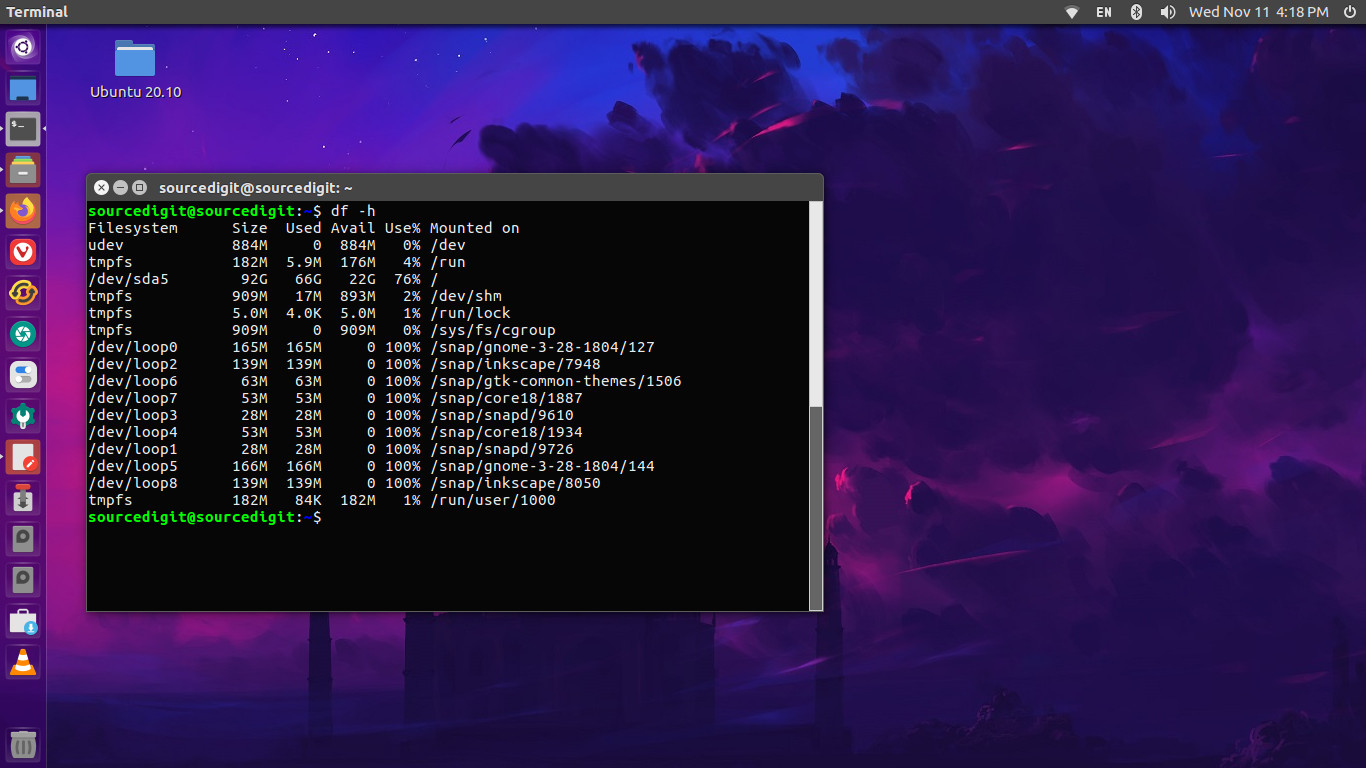
Command To Check Hard Disk Size In GB In Linux Ubuntu

Introduction To Ubuntu TechPiezo
How To Free Up Disk Space In Windows 10 TechRadar
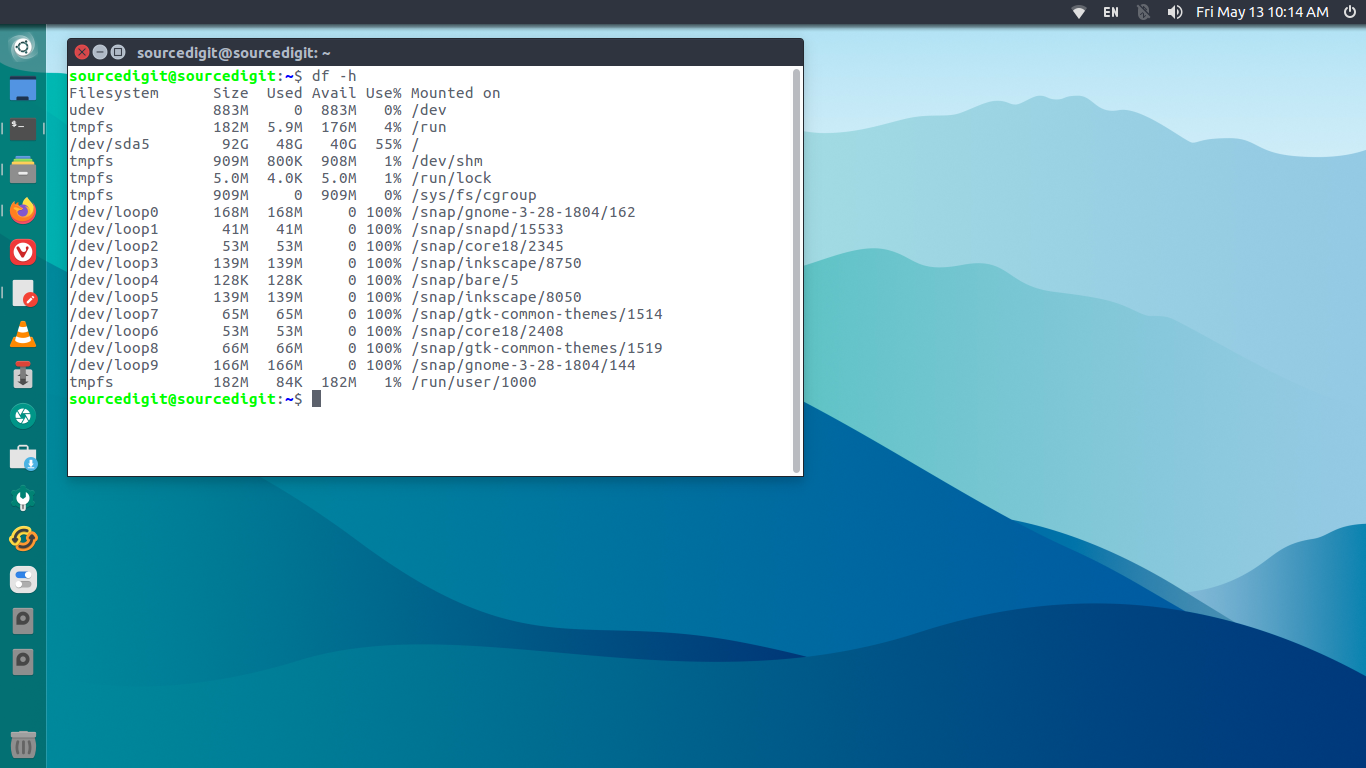
Ubuntu Command To Check System Configuration
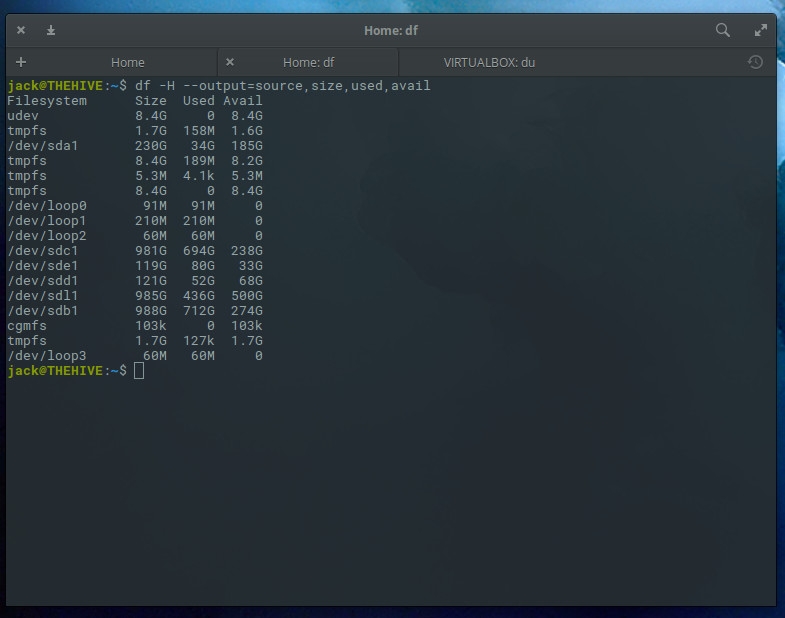
Linux Check Disk Space Command To View System Disk Usage Df And

Web Jun 27 2012 nbsp 0183 32 You can use two commands df and du df report file system disk space usage Usage works like such df h Which should output something like this Filesystem Size Used Avail Use Mounted on

Web This method is commonly used to make sure there is enough disk space as that is a common cause of MySQL errors df h df i
Web Jan 11 2011 nbsp 0183 32 Aug 8 2014 at 21 41 Add a comment 2 Answers Sorted by 205 ncdu Works well from the command line It s ncurses based and

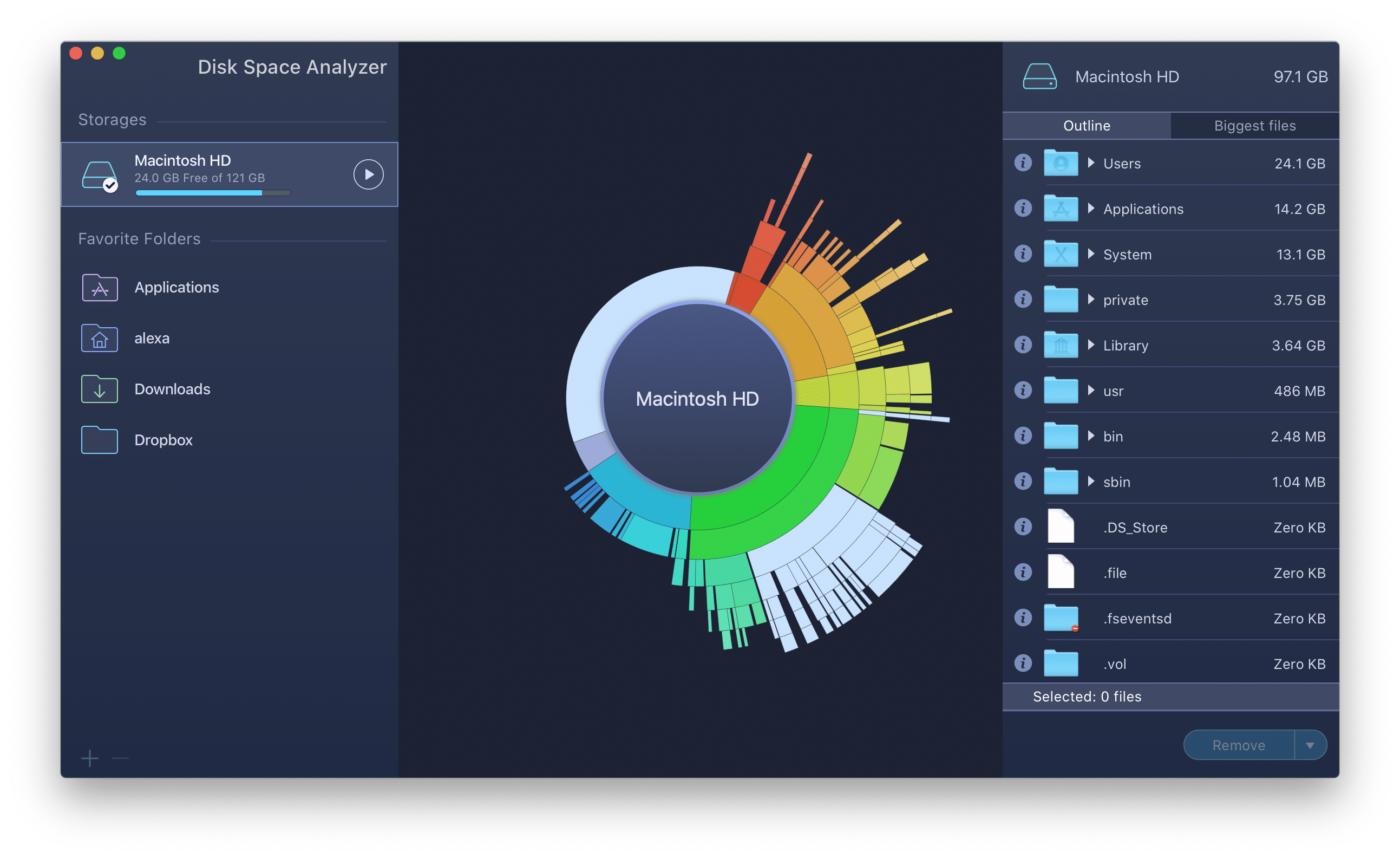
Web Oct 28 2011 nbsp 0183 32 You can use baobab or similar tools such as kdirstat or filelight to see what files are using up your disk space Baobab is also called Disk Usage Analyzer on Ubuntu Here s a sample screenshot of

Web Jan 14 2022 nbsp 0183 32 df hT This command here is invoked with two flags h for quot human readable quot which prints out byte numbers in KB MB and GB and T which displays the type of the filesystem df will print out each
Web Nov 4 2020 nbsp 0183 32 Using df command Using alternative commands like du and dust Using a graphical user interface With the information you gather you can go about making some Web Sep 13 2022 nbsp 0183 32 The fdisk utility is mainly used to manipulate the disk partition table but when used with l option brings the list of partition tables for specific devices fdisk l 2 Using df
Web While also finding the unallocated space in a hard disk using command line fdisk dev sda will display the total space and total cylinder value Now check the last cylinder value