Ubuntu Set Password Sudo How To Stop Ubuntu From Asking For Your Sudo Password Simple Help Set Root User Password In Ubuntu 20 04 LTS Focal Fossa Linux Shout Steam Deck Set Password For Sudo Chilltimes de Microsoft Blog How To Change Root Password In Ubuntu Linux LinuxStoney How To Reset Mysql Root Password Ubuntu 18 04 Trending Topic Lagi Web Jan 21 2019 nbsp 0183 32 Open the system Settings window by clicking on the Settings icon as shown in the image below In the system settings window click on the Users tab If you want to change other users passwords you need to Unlock the panel which requires sudo administrator privileges Open the Change Password window by clicking on the 183 183 183 183 183
Web Sep 17 2014 nbsp 0183 32 I don t know what the username is on Ubuntu instances in Azure but you will need to go into your etc sudoers file and look for the following line Allow members of group sudo to execute any command sudo ALL NOPASSWD ALL Replace NOPASSWD with PASSWD and save the file Share Improve this answer Web Feb 17 2019 nbsp 0183 32 You ll have to use sudo with an account with admin privileges If the root password was not set up previously it would ask you to set it up Else you can change it using the existing root password sudo passwd root Change Root Password I also suggest learning more about the root user concept in Ubuntu
How To Reset Mysql Root Password Ubuntu 18 04 Trending Topic Lagi Ubuntu 20 04 Ubuntu 22 04 Reset Your Forgotten Password Quickly Ubuntu Linux Mint And Related How To Use Sudo Command Without Entering Password In Ubuntu YouTube How To Change Root Password In Ubuntu Linux NixCraft How To Set A Root Password On Ubuntu 20 04 Focal Fossa Linux Linux Linux Basics How To Sudo In Linux Without Password YouTube Linux Reparar GRUB Con Boot Repair Ubuntu 14 04 Codegeando Reset Sudo Password In Ubuntu 22 04 LTS OSTechNix
Ubuntu Set Password Sudo
 Ubuntu Set Password Sudo
https://www.simplehelp.net/wp-content/uploads/2009/05/Ubuntu-sudo-password.png
Web Dec 7 2023 nbsp 0183 32 If you want to change the password for remote Ubuntu server log in using the ssh command ssh user ubuntu server ip ssh vivek ubuntu webserver 1 ssh ubuntu aws ec2 cloud server name Type sudo i at the command prompt and press the Enter key sudo i
Pre-crafted templates provide a time-saving option for developing a varied range of documents and files. These pre-designed formats and designs can be used for numerous personal and expert projects, consisting of resumes, invites, flyers, newsletters, reports, discussions, and more, streamlining the content creation process.
Ubuntu Set Password Sudo

Now You Can Try Ubuntu In A Web Browser With Ubuntu Online 21 10

Ubuntu 20 04 Ubuntu 22 04
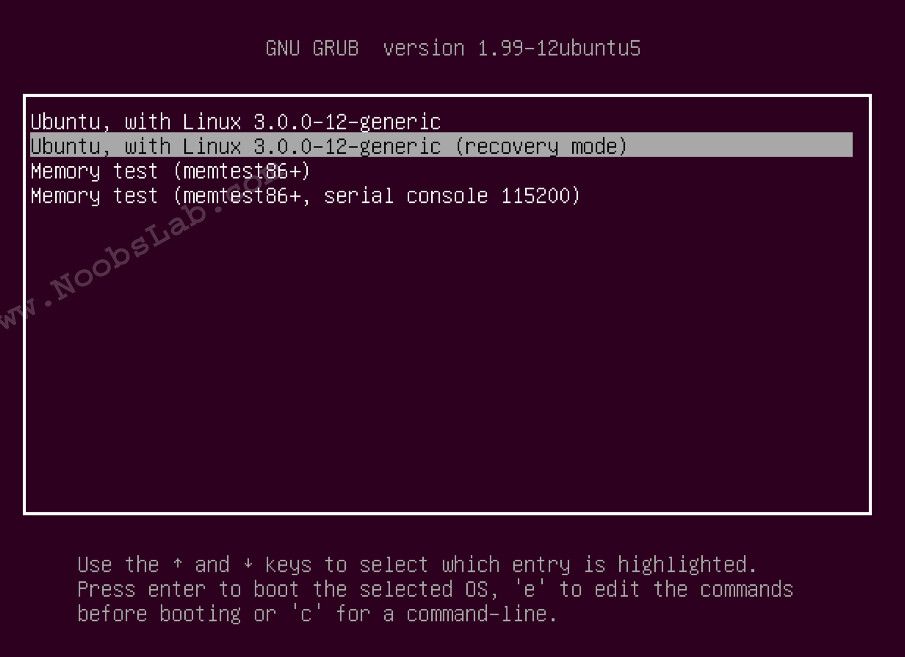
Reset Your Forgotten Password Quickly Ubuntu Linux Mint And Related

How To Use Sudo Command Without Entering Password In Ubuntu YouTube

How To Set A Root Password On Ubuntu 20 04 Focal Fossa Linux Linux
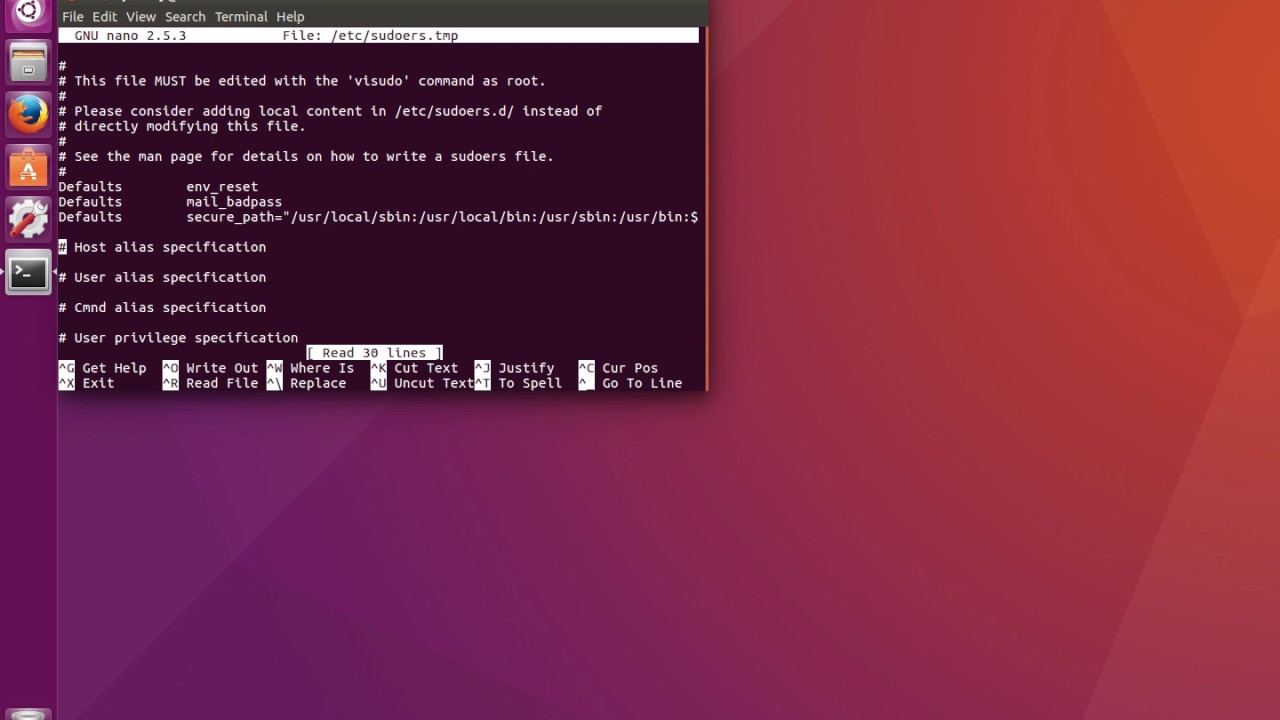
Linux Basics How To Sudo In Linux Without Password YouTube
Web You may have noticed that you can t log in as root on Ubuntu this is because root doesn t actually have a password set Enter the following command sudo passwd You will be prompted for your current user s password followed by

Web Aug 2 2022 nbsp 0183 32 Then take a look here 7 Methods to Generate a Strong Password in Ubuntu Step 1 Open the Ubuntu command line We need to use the Ubuntu command line the Terminal in order to change the sudo password Open the Terminal either through the system Dash or the Ctrl Alt T shortcut Step 2 Log in as root user Only a root user can

Web Aug 8 2012 nbsp 0183 32 For example the below will safely pipe your password to the sudo command without retaining a history of your password S means to use stdin for the password k means to ignore cached credentials to force sudo to always ask

Web Jun 22 2020 nbsp 0183 32 sudo ls la root The first time you use sudo in a session you will be prompted for the password of that user s account Enter the password to proceed Output sudo password for sammy Note This is not asking for the root password Enter the password of the sudo enabled user you just created If your user is in the proper group

Web Oct 16 2019 nbsp 0183 32 This tutorial explains how to temporally change to the root user account and how to set the root password on Ubuntu systems The root user or superuser is a special user account that is present on all Linux and Unix like systems How to Add User to Sudoers in Ubuntu Jun 23 2019 How to Install and Configure an NFS Server on
Web Jan 17 2023 nbsp 0183 32 passwd OR set a password for root user in a single go sudo passwd root Test it your root password by typing the following command su How to disable your root account on Ubuntu One can disable the root account by typing the following command sudo passwd dl root OR sudo passwd delete lock root Web Jun 7 2022 nbsp 0183 32 Changing passwords is really simple in the Ubuntu command line Just use the passwd command and you can change the password for your account or other user accounts A few things to note You should have access to the system as a root or non root user You need to be root or have sudo access to change passwords for other users
Web May 18 2022 nbsp 0183 32 First boot your Ubuntu system into rescue mode to reset a sudo user s password as described in the link below How To Boot Into Rescue Mode Or Emergency Mode In Ubuntu 22 04 20 04 18 04 After you entered into the rescue mode mount the root file system in read write mode by running the following command