Ubuntu Set Global Git Credentials How To Add Git Credentials In Jenkins YouTube Git Global Config Tutorial WiseTut Storing Github Personal Access Token In Git Credentials File YouTube WayPoint Ventures Set Git Credentials Ubuntu Linux Enables GitHub Login From Terminal Redirect To Browser Or In linux Ubuntu 18 04 the username password can be saved in the file git credentials just edit the file to use your new username password The file format is quiet easy to understand and manipulate each line contains credentials for one user domain in the following format
You can choose one of these methods by setting a Git configuration value git config global credential helper cache Some of these helpers have options The store helper can take a file path argument which customizes where the plain text file is saved the default is git credentials To set your global commit name and email address run the git config command with the global option git config global user name Your Name git config global user email youremail yourdomain Once done you can verify that the information is correctly set by executing the following command git config list
Ubuntu Linux Enables GitHub Login From Terminal Redirect To Browser Or How One Can Repair Git At All Times Asking For Consumer Credentials For Setup Git User Open Source Agenda Bash Global Git Config File Does Not Exist Stack Overflow Dev Minutes How To Set Git Config username Email And Credentials GIT Storing HTTPS Authentication In Ubuntu and Arch Linux The Jenkins Git Credentials jenkins Git Credentials CSDN Git Puesto En Pr ctica Primeros Pasos View Configure Local Git Settings Git Foundations Hands On Walktrough
Ubuntu Set Global Git Credentials
 Ubuntu Set Global Git Credentials
https://i.ytimg.com/vi/HSA_mZoADSw/maxresdefault.jpg
Step 3 Before using git we must set up our GitHub credentials git config so that we may use the capability of committing code to the GitHub account The subsequent commands can be used to do this as shown in the image below git config global user name git config global user email
Templates are pre-designed documents or files that can be used for numerous functions. They can conserve time and effort by supplying a ready-made format and design for creating various kinds of content. Templates can be used for personal or professional jobs, such as resumes, invites, flyers, newsletters, reports, presentations, and more.
Ubuntu Set Global Git Credentials

Ubicaci n Del Archivo De Configuraci n Global De Git Delft Stack
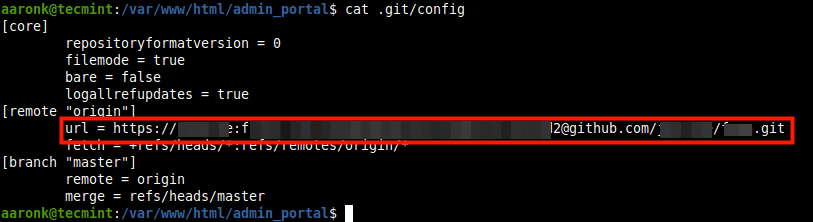
How One Can Repair Git At All Times Asking For Consumer Credentials For

Setup Git User Open Source Agenda

Bash Global Git Config File Does Not Exist Stack Overflow
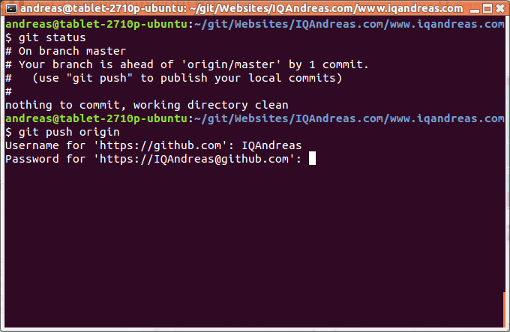
GIT Storing HTTPS Authentication In Ubuntu and Arch Linux The
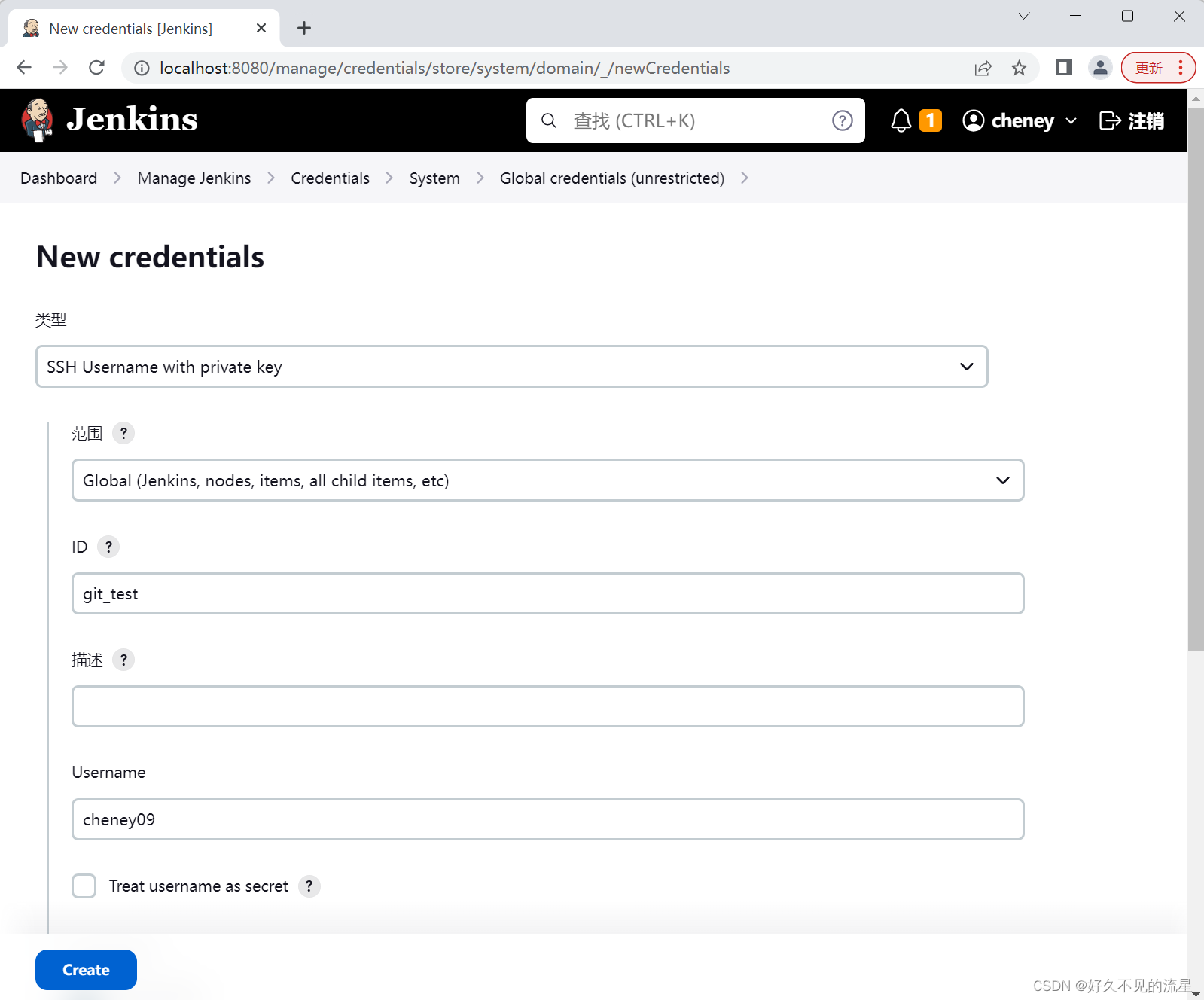
Jenkins Git Credentials jenkins Git Credentials CSDN

To set your git credentials use the git config command Git config is a built in tool that allows you to view and set git variables In Ubuntu the git configuration variables are in the following directories etc gitconfig This file stores the git configurations for all users and their repositories

If Git needs a username and password to access a remote connection it takes the following steps to prompt the user for input First it tries to invoke an application that allows the users to input credentials The following values are checked in order to determine the application to use GIT ASKPASS environment variable

Step 1 Go to the official website and click on the button named Download for Linux It will display different commands to install git on different Linux Distributions Step 2 Now copy the installation command as per your Linux distribution here we use Ubuntu from the download page Some of the commonly used distribution commands are
DESCRIPTION Git will sometimes need credentials from the user in order to perform operations for example it may need to ask for a username and password in order to access a remote repository over HTTP Some remotes accept a personal access token or OAuth access token as a password

Open Terminal Set a Git username git config global user name Mona Lisa Confirm that you have set the Git username correctly git config global user name Mona Lisa Setting your Git username for a single repository Open Terminal
In your terminal navigate to the repo you want to make the changes in Execute git config list to check current username email in your local repo Change username email as desired Make it a global change or specific to the local repo git config global user name Full Name git config global user email email address Git credential gnome keyring is now deprecated Instead use libsecret If it s not already pre installed on your machine use the following procedure Make sure libsecret and its development libraries are installed sudo apt install libsecret 1 0 libsecret 1 dev Then build the credential helper from the sources shipped with libsecret s
This will install git credential manager core on Ubuntu 22 04 or Ubuntu 20 04 install git credential manager core on ubuntu 20 04 sh Copy to clipboard Download wget https github git ecosystem git credential manager releases download v2 4 1 gcm linux amd64 2 4 1 deb O tmp gcmcore deb sudo dpkg i tmp gcmcore deb