Ubuntu Reset Keyring Password How To Reset Forgotten Root Password In Ubuntu DesignLinux How Do I Change The Default Keyring Password Ask Ubuntu How To Reset Ubuntu Password LinuxH2O Ubuntu Change Reset Keyring Password How To Reset Forgotten Password On Ubuntu 20 04 BENISNOUS 178 In Google Chrome when I go to a login page a window pops up asking to Enter password for keyring default to unlock In most cases whether I click Cancel or enter my password the login form gets auto filled anyway How do I get rid of the popup I want it to auto login each time not ask for my system password
The easiest way to reset the login keyring is by going to the keyrings directory in the local inside your home directory and removing the login keyring You can do it from the console like so rm local share keyrings login keyring Reset GNOME Keyring Password on Ubuntu This post is an update to an article I wrote some years ago There have been some changes in the configuration between now and then so I felt this warranted an update The original article in question is Clearing or Resetting the GNOME keyring This article addresses the issue where a user may have
How To Reset Forgotten Password On Ubuntu 20 04 BENISNOUS How To Change Keyring Password In Ubuntu 20 04 Ubuntu 18 04 Change Keyring Password On Xubuntu Ask Ubuntu Ubuntu Reset Root Password Or User Password Guide How To Reset Forgotten Root Password In Ubuntu Linux How To Change User Root Forgotten Password In Ubuntu 17 0 Using Terminal How To Change Keyring Password In Ubuntu 20 04 Ubuntu 18 04 How To Reset Forgotten Root Password In Ubuntu Linux Password To Unlock Your Login Keyring Ubuntu 19 10 Ask Ubuntu
Ubuntu Reset Keyring Password
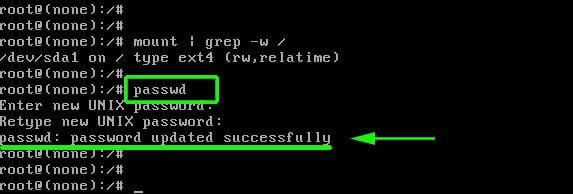 Ubuntu Reset Keyring Password
https://www.tecmint.com/wp-content/uploads/2020/04/Reset-Root-Password-in-Ubuntu.jpg
If that doesn t work you may be able to delete the default keyring from the Passwords and Keys app I think it s installed by default but if not then sudo apt install seahorse should install it There s no way I know of to recover the contents of the keyring without its password though It s designed to be secure
Templates are pre-designed documents or files that can be used for different functions. They can conserve time and effort by supplying a ready-made format and layout for producing different type of material. Templates can be used for individual or expert tasks, such as resumes, invites, leaflets, newsletters, reports, discussions, and more.
Ubuntu Reset Keyring Password
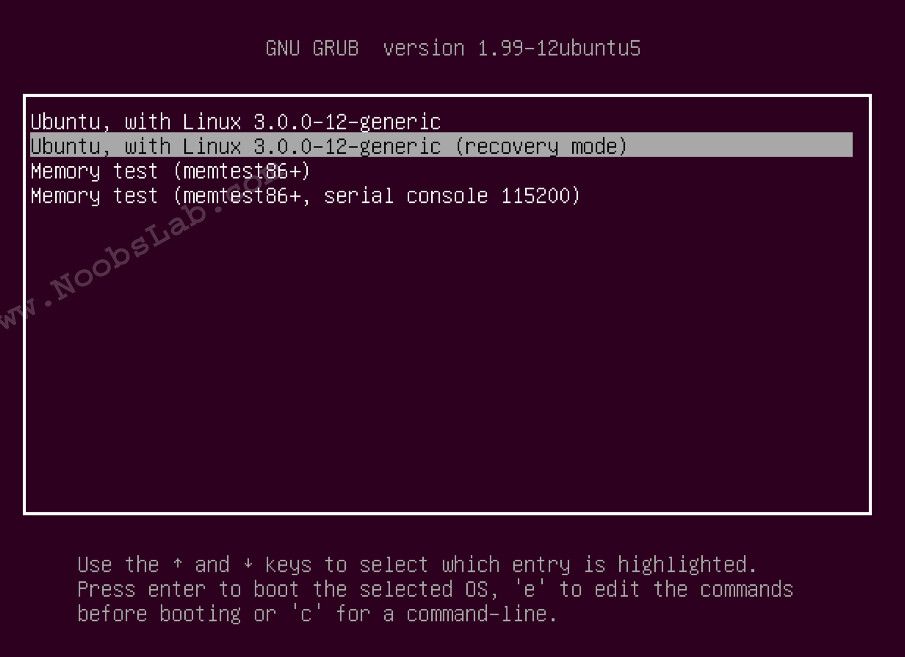
Reset Your Forgotten Password Quickly Ubuntu Linux Mint And Related

How To Change Keyring Password In Ubuntu 20 04 Ubuntu 18 04

Change Keyring Password On Xubuntu Ask Ubuntu
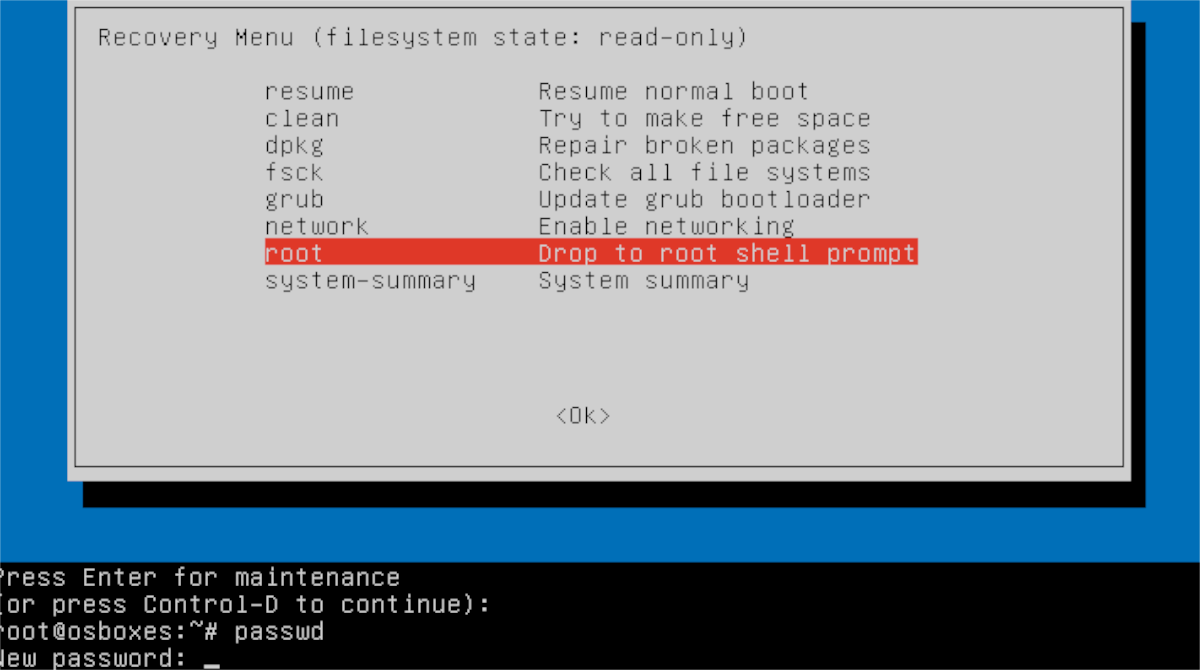
Ubuntu Reset Root Password Or User Password Guide
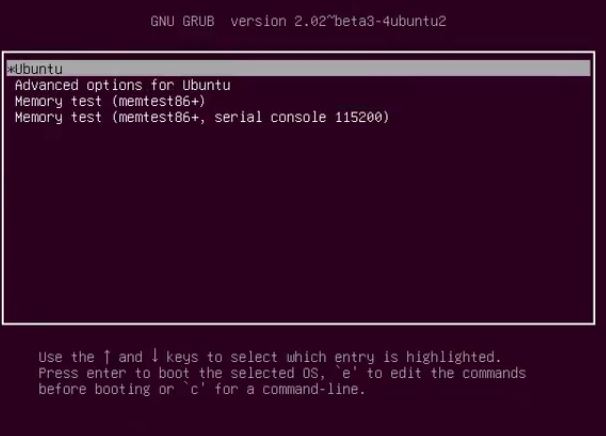
How To Change User Root Forgotten Password In Ubuntu 17 0 Using Terminal

How To Change Keyring Password In Ubuntu 20 04 Ubuntu 18 04
2 Answers Sorted by 16 I ve found the best solution to use the seahorse package which can handle changing the password of the keyring deleting the keyring creating new keyring an so on So if you have some derivative of Ubuntu like Lubuntu you should first install seahorse apt install seahorse

How to Reset Keyring on Ubuntu Method 1 Using Terminal The terminal is a powerful tool that can help you reset the keyring Here are the steps Open the terminal by searching for it in the Ubuntu Dash or by pressing Ctrl Alt T In the terminal type the following command rm local share keyrings fr Let s break down this command

1 The solution I found you can delete the keyring that you have forgotten the password for which results in you being prompted for a new keyring password on the command line use locate default keyring to find the location of your keyring folder

The keyring feature allows your system to group various passwords together and keep it one place Most desktop environments like GNOME KDE Xfce etc use an implementation of gnome keyring to provide this keyring feature in Linux This keyring keeps your ssh keys GPG keys and keys from applications that use this feature like Chromium browser

1 I m running 16 04 I am getting the pop up screen to enter my password but it keeps saying it s the wrong pass I ve tried using Seahorse to change the password by deleting the current situation and creating a new but I get the same results I ve even tried to use the Terminal and tried the following code that I found on the Ask Ubuntu
Ubuntu How to recover reset forgotten Gnome Keyring Password Question I am on Ubuntu and I have forgotten the password for my Gnome Keyring yes stupid me GUI Version Navigate to Places Home Press ctrl h for hidden files Navigate to gnome2 keyrings Delete default keyring file At this point your gnome keyring should be toast and you can reset the password on next use If anyone has any other ways around resetting the password without destroying the keyring I m all ears
1 Answer Sorted by 13 The program s name is seahorse If you can t find it in the menus run seahorse from a terminal Right click on the keyring you want to change the password for and select Change Password Share Improve this answer Follow edited Oct 7 2014 at 18 37 answered Oct 7 2014 at 18 28 muru 195k 53 477 732