Ubuntu Command To Boot From Usb How To Create A Bootable USB To Install Windows 10 Using The Command USB Stick Doesn t Boot On AMD Threadripper Issue 5002 QubesOS How To Create Usb Bootable Ubuntu 20 04 With BalenaEtcher Visa Kalligraphie Gl cklich Surface Boot From Usb Satz Tweet Weiche F e Ubuntu GNOME Doesn t Boot From USB Overclock Web Jul 29 2020 nbsp 0183 32 and run the command sudo update grub Then you will get a grub menu option to boot from a second drive hd1 which could be a USB pendrive If another drive is hd1 you can edit the line to hd2 etc If there is no grub menu press the left shift key during boot and it should appear
Web Boot Ubuntu from USB or DVD The process of booting Ubuntu 20 04 form USB includes four simple steps First switch OFF your PC Second insert the USB bootable flash drive into your computer in order to start the USB boot Then make sure that all other USB devices are removed e g memory cards printers as an extra precaution Web Mar 30 2022 nbsp 0183 32 There are many ways to create a bootable USB stick in Ubuntu Some involve using the system tools while others require external packages to be installed In this article we will use the Ubuntu command line the terminal to create a bootable Ubuntu USB stick This is done with the dd command
Ubuntu GNOME Doesn t Boot From USB Overclock Ubuntu Commands Ubuntu Impossible To Boot From USB YouTube Boot How To Fix Error Unknown Filesystem Entering Rescue Mode How To Install Ubuntu From USB Flash Drive ONE TECHNO Secondo Elastico Touhou Lenovo Usb Boot Not Showing E Squadra Visitando Boot Ubuntu Slim Bootloader 1 0 Documentation Usb UEFI Boot Possible On My Mini PC Ask Ubuntu Boot From USB Stuck On Loading R Ubuntu
Ubuntu Command To Boot From Usb
 Ubuntu Command To Boot From Usb
https://diarioinforme.com/en/wp-content/uploads/2022/11/How-to-create-a-bootable-USB-to-install-Windows-10.jpg
Web Dec 8 2016 nbsp 0183 32 Activate the quot Create a bootable disk using quot checkbox click the button to the right of it and select your downloaded ISO file Once you ve selected the correct options click the quot Start quot button to begin creating the bootable drive You may be told you need newer SysLinux files
Pre-crafted templates provide a time-saving service for creating a diverse range of documents and files. These pre-designed formats and layouts can be utilized for numerous personal and expert tasks, including resumes, invites, leaflets, newsletters, reports, discussions, and more, improving the content development process.
Ubuntu Command To Boot From Usb
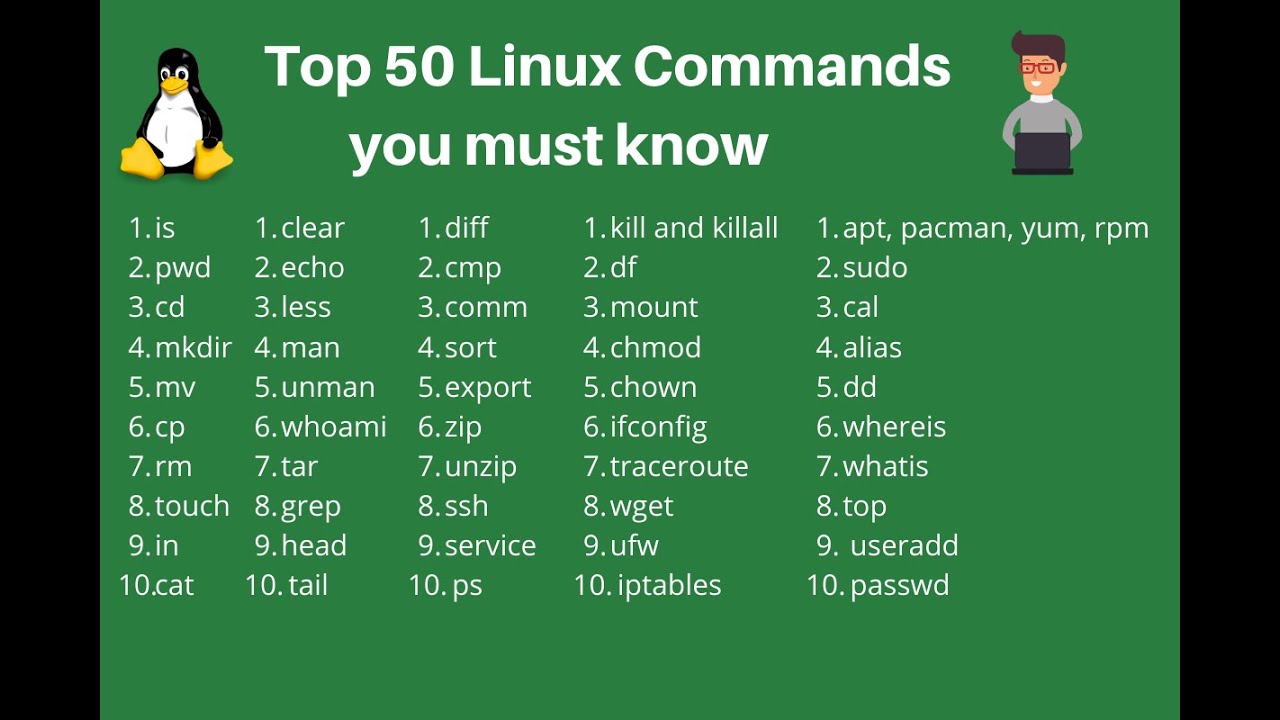
Simple Ubuntu Command
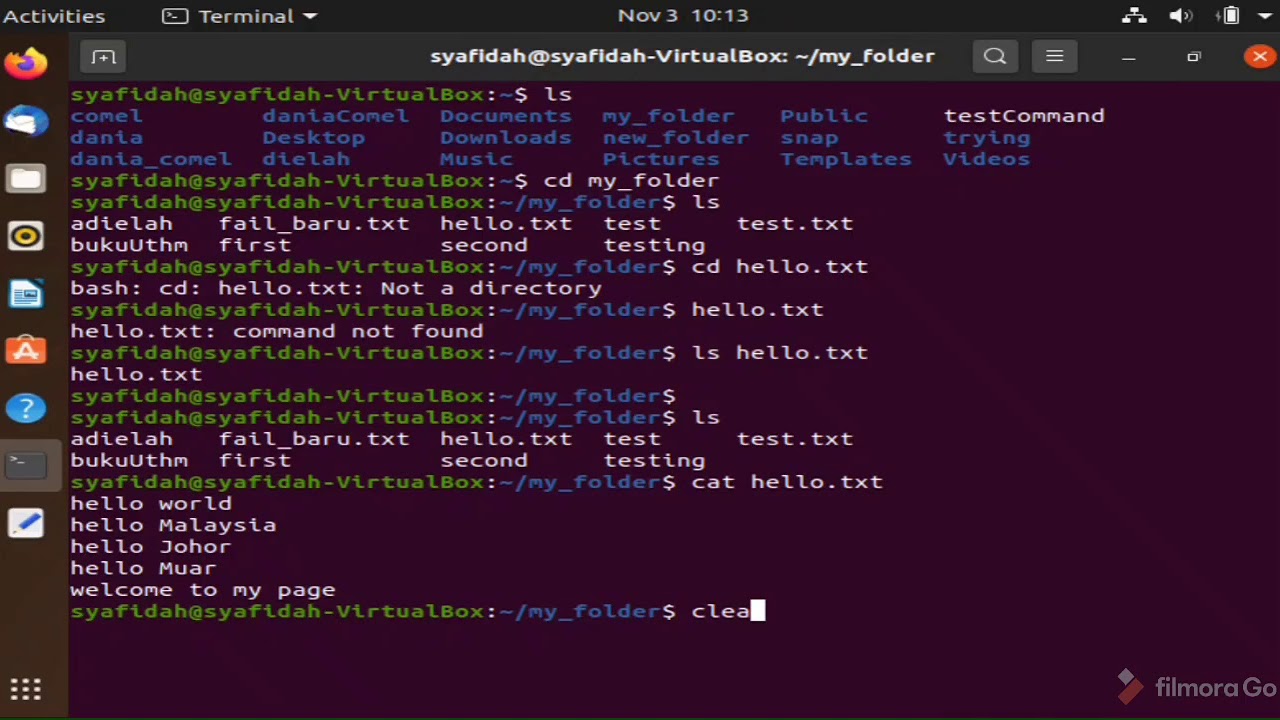
Ubuntu Commands

Ubuntu Impossible To Boot From USB YouTube

Boot How To Fix Error Unknown Filesystem Entering Rescue Mode

Secondo Elastico Touhou Lenovo Usb Boot Not Showing E Squadra Visitando
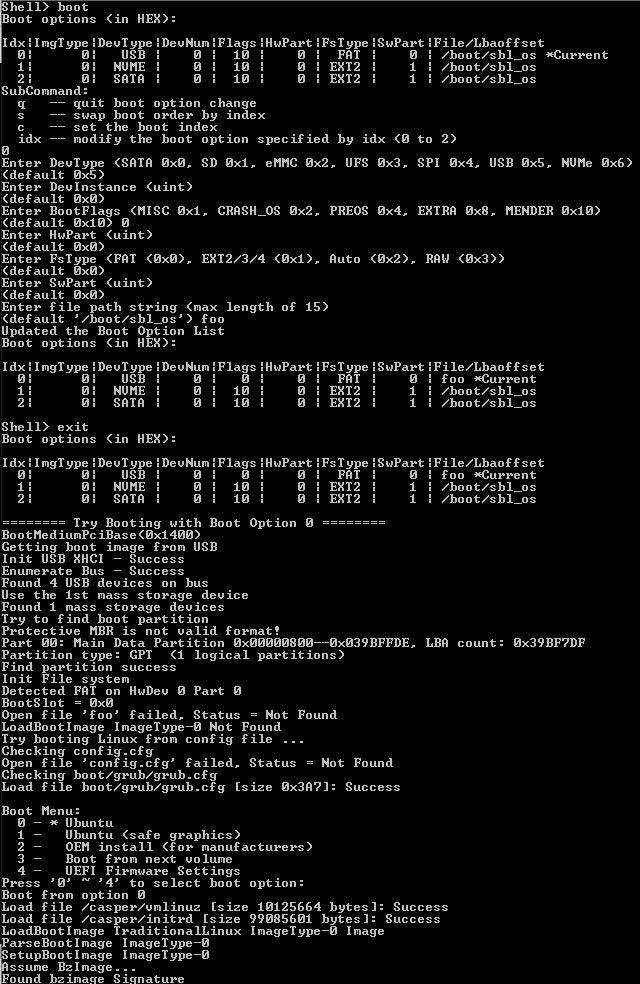
Boot Ubuntu Slim Bootloader 1 0 Documentation

Web Aug 20 2018 nbsp 0183 32 Once you have made a bootable USB of Ubuntu installation medium here s what you do You have to tell your BIOS to use the USB drive as the boot medium This is probably not the default in a new system so you ll have to do it Here s a link to an HP document on setting the boot order https support hp ca en document c00364979

Web Sep 29 2023 nbsp 0183 32 gparted Outline The general procedure to install Ubuntu or Ubuntu flavour Kubuntu Lubuntu Xubuntu from a USB flash drive is Get the correct Ubuntu installation file the iso file via this link or Ubuntu flavour via this link

Web Boot into Ubuntu on a borrowed machine or from an internet cafe Use tools installed by default on the USB stick to repair or fix a broken configuration This tutorial will show you how to create a bootable USB stick on Microsoft Windows using Rufus

Web Navigate to the media xxx mount folder and rename the isolinux directory to syslinux Then go into the renamed folder and rename the file isolinux cfg to syslinux cfg Reboot your PC and change the boot order in BIOS to allow booting from a USB drive Now your Ubuntu USB flash drive will boot and you can install it
Web Aug 30 2011 nbsp 0183 32 title USB FLASH DRIVE root hd0 6 kernel boot usb boot vmlinuz file cdrom preseed ubuntu seed boot casper noprompt cdrom detect try usb true persistent initrd boot usb boot initrd lz boot Now you can reboot your system with your Ubuntu Bootable usb device plugged in and choose USB FLASH DRIVE tested with
Web Apr 17 2022 nbsp 0183 32 Use ddrescue to create the bootable Ubuntu 22 04 USB startup disk For example if your usb block device name is called dev sdX and the downloaded Ubuntu 22 04 ISO image is named jammy desktop amd64 iso then the command to create bootable Ubuntu 22 04 USB startup disk will be sudo ddrescue jammy desktop Web Oct 8 2010 nbsp 0183 32 1 Run the Universal USB Installer by Pendrivelinux that you downloaded earlier 2 Choose Ubuntu 9 10 10 04 1 Desktop i386 3 Select the Ubuntu Live CD that you downloaded earlier 4 Choose your Flash Drive 5 In this instance we are going leave the persistence option unchecked
Web Aug 28 2014 nbsp 0183 32 UEFI Ubuntu 14 04 1 desktop amd64 With a UEFI boot without CSM enabled in firmware the media boots into a GRUB menu UEFI booting can be troublesome some firmware has the tendency to change from UEFI to BIOS boot in between reboots Other times the USB stick needs to be plugged in a different port after