Ubuntu Check Disk Usage Terminal Windows Laborersuppo 3 Open Source GUI Disk Usage Analyzers For Linux Opensource Linux Check Disk Space Command To View System Disk Usage Df And Magnus K Karlsson Ubuntu 16 04 Disk Usage Analyzer How To Check Linux CPU Usage Or Utilization Atlantic Net Web Oct 19 2006 nbsp 0183 32 Ubuntu Linux like all unix varieties includes the du command line utility du stands for Disk Usage as I m sure you assumed Go ahead just type the command in
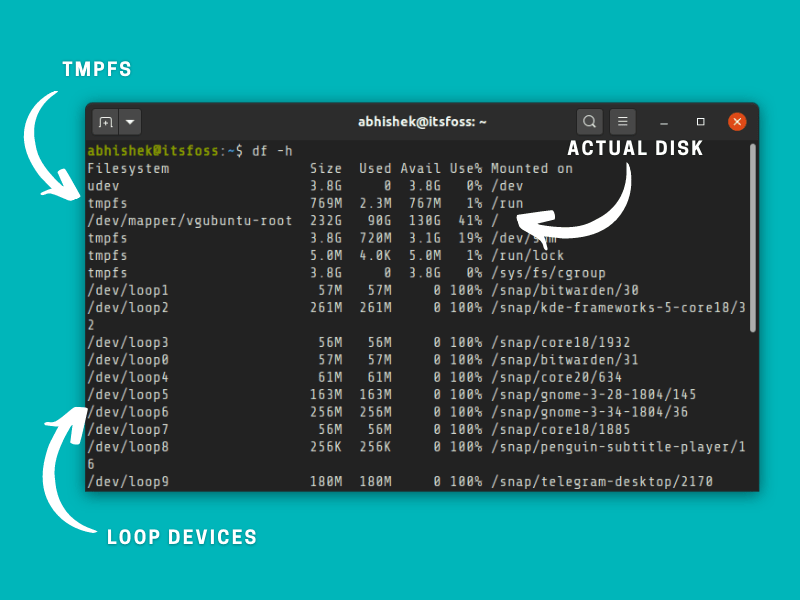
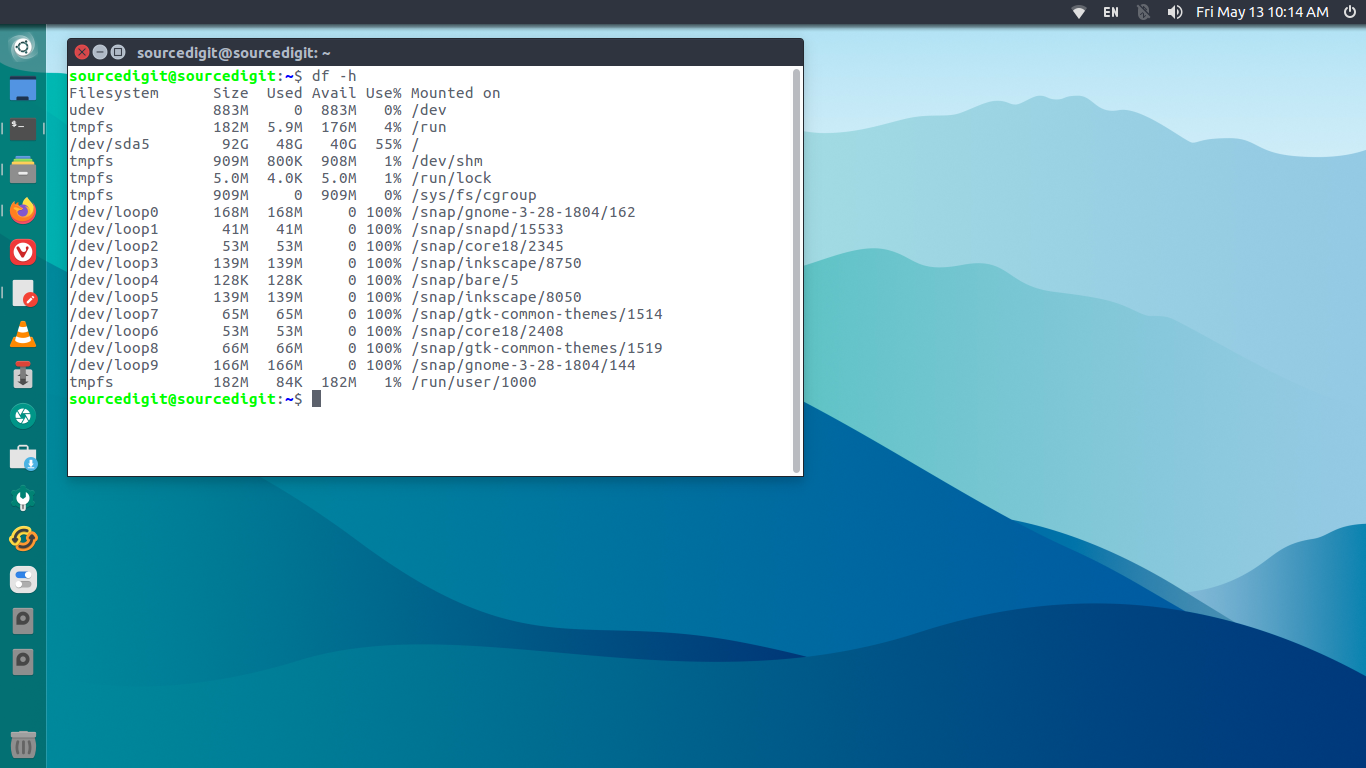
Web Apr 30 2022 nbsp 0183 32 A simple approach to check all disk usage on a system is to simply issue the df command from the home directory in a terminal window df You should see a long output list Web Jan 28 2021 nbsp 0183 32 Step 1 Open a Terminal Session If you re using an Ubuntu laptop or desktop you can press Ctrl Alt T on your keyboard to open a new terminal window If
How To Check Linux CPU Usage Or Utilization Atlantic Net How To Check The Amount Of Free Space On Your Linux System Systran Box How To Check Cpu Usage In Ubuntu YouTube Ubuntu 20 04 Disk Space Check Linux Tutorials Learn Linux Configuration Command To Check Hard Disk Size In GB In Linux Ubuntu WebSetNet How To Check Cpu Usage In Linux Ksk net jp Ubuntu Command To Check System Configuration How To Check Ubuntu Version Linuxtect Vrogue Checking For Available Disk Space On Ubuntu Guide
Ubuntu Check Disk Usage Terminal
 Ubuntu Check Disk Usage Terminal
https://websetnet.net/wp-content/uploads/2020/11/df-command-output.png
Web Apr 13 2020 nbsp 0183 32 You can check your disk space simply by opening a terminal window and entering the following df The df command stands for disk free and it shows you the amount of space taken up by different
Templates are pre-designed files or files that can be utilized for various purposes. They can conserve effort and time by supplying a ready-made format and design for creating different kinds of material. Templates can be used for individual or expert projects, such as resumes, invitations, flyers, newsletters, reports, discussions, and more.
Ubuntu Check Disk Usage Terminal

How To Check Disk Space In Ubuntu YouTube

How To Check The Amount Of Free Space On Your Linux System Systran Box

How To Check Cpu Usage In Ubuntu YouTube

Ubuntu 20 04 Disk Space Check Linux Tutorials Learn Linux Configuration
How To Check Cpu Usage In Linux Ksk net jp
Ubuntu Command To Check System Configuration

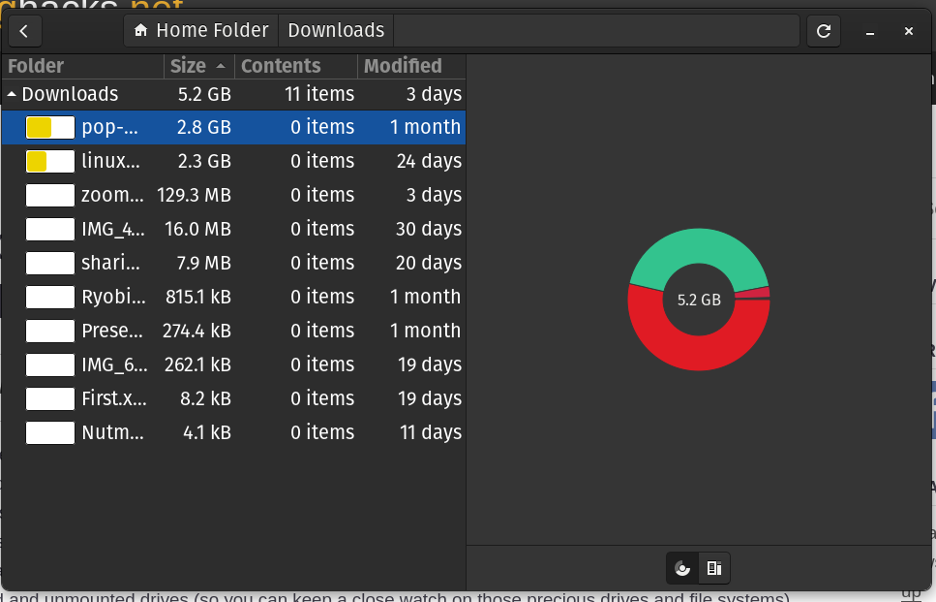
Web May 15 2020 nbsp 0183 32 First you ll need to install Disk Usage Analyzer by opening a terminal and entering the following command sudo apt install
Web Apr 1 2013 nbsp 0183 32 To use iotop open a terminal and type the following command sudo iotop iotop features real time display of all disk activity

Web Jun 27 2012 nbsp 0183 32 You can also use ncdu available directly from the Ubuntu repos which use the ncurses library for showing a graphical overview directly in the terminal For example ncdu x will analyze disk usage
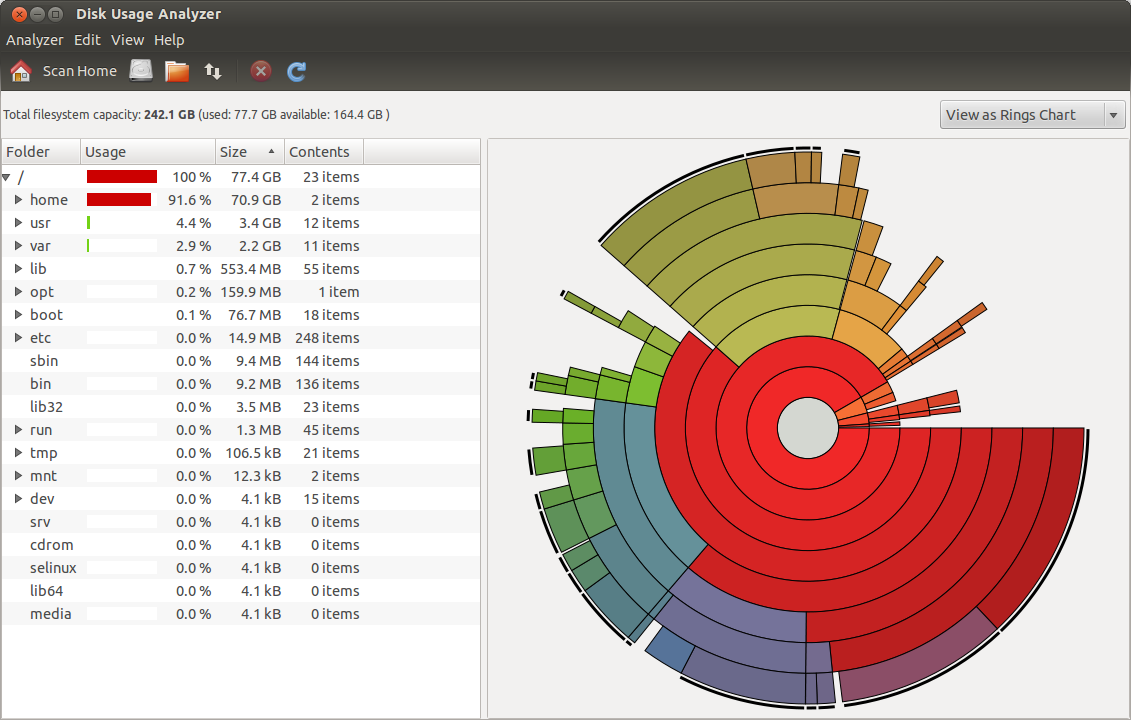
Web Dec 2 2015 nbsp 0183 32 7 Answers Sorted by 200 50 You might also want to try the NCurses Disk Usage aka ncdu Use it like ncdu x q if you re invoking it remotely e g via ssh and ncdu x otherwise
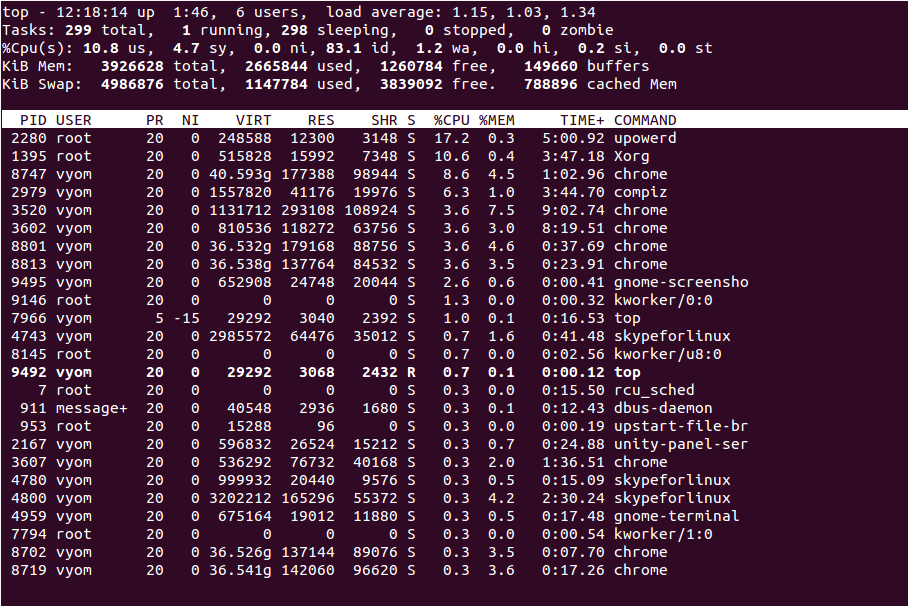
Web Jan 14 2022 nbsp 0183 32 Checking Disk Usage On Linux The utility used to quickly check disk usage on almost all Linux systems is df which stands for quot disk filesystems quot It simply prints out a list of all the filesystems on your
Web Jan 9 2023 nbsp 0183 32 The easiest way to check the disk space is to use the df command df H And if you are curious the H option with the df command is used to get output in human Web Nov 4 2020 nbsp 0183 32 The simplest way to find the free disk space on Linux is to use df command The df command stands for disk free and quite obviously it shows you the free and
Web Jan 31 2021 nbsp 0183 32 Step 1 Open a Terminal Session If you re using an Ubuntu laptop or desktop you can press Ctrl Alt T on your keyboard to open a new terminal window If