Ubuntu Check Disk Usage By User How To Check The Amount Of Free Space On Your Linux System Systran Box Magnus K Karlsson Ubuntu 16 04 Disk Usage Analyzer Drill Down Into Disk Space Usage To Free Up Space On Ubuntu 22 04 LTS How To Check Cpu Usage In Ubuntu YouTube Command To Check Hard Disk Size In GB In Linux Ubuntu WebSetNet Web Jan 14 2022 nbsp 0183 32 df hT This command here is invoked with two flags h for quot human readable quot which prints out byte numbers in KB MB and GB and T which displays the type of the filesystem df will print out each filesystem alongside the size how much is used and available and where it s mounted to on your system
Web To print the sizes of folders within each user s home directory level 3 warning this is bound to be really long you might want to pipe it to less sudo du d 2 home if output is long sudo du d 2 home less If you want to sort the subdirectories of each user by size then you would have to run du individually for each user Web Oct 28 2011 nbsp 0183 32 18 Answers Sorted by 781 Open System Monitor from Dash and select the Filesystems tab Or alternatively open a Terminal and type df h Share Improve this answer Follow edited Oct 28 2011 at 15 34 Jorge Castro 71k 124 466 653 answered Oct 28 2011 at 12 56 lgarzo 19 5k 6 39 35 8 thanks got me what i need
Command To Check Hard Disk Size In GB In Linux Ubuntu WebSetNet 14 04 My Computer Like Disk Usage Statistics Bar In Ubuntu Ask Ubuntu How To Check Ubuntu Version Linuxtect Vrogue How To Check Disk Usage In Linux Tom s Hardware Linux Commands To Check Disk Space Javatpoint Linux Check Disk Space Command To View System Disk Usage Df And Ubuntu 20 04 Disk Space Check Linux Tutorials Learn Linux Configuration Ubuntu 4 Ubuntu Check Disk Defects Can Not Mount dev loop0 YouTube
Ubuntu Check Disk Usage By User
 Ubuntu Check Disk Usage By User
https://syscdn.systranbox.com/check_disk_space_ubuntu_terminal.jpg
Web Jan 28 2021 nbsp 0183 32 Step 1 Open a Terminal Session If you re using an Ubuntu laptop or desktop you can press Ctrl Alt T on your keyboard to open a new terminal window If you re using a remote Ubuntu server you can connect using SSH to open a new terminal session Step 2 Use the df Command Root Volume
Templates are pre-designed files or files that can be utilized for numerous purposes. They can save time and effort by providing a ready-made format and layout for producing various type of material. Templates can be utilized for individual or expert jobs, such as resumes, invitations, leaflets, newsletters, reports, discussions, and more.
Ubuntu Check Disk Usage By User
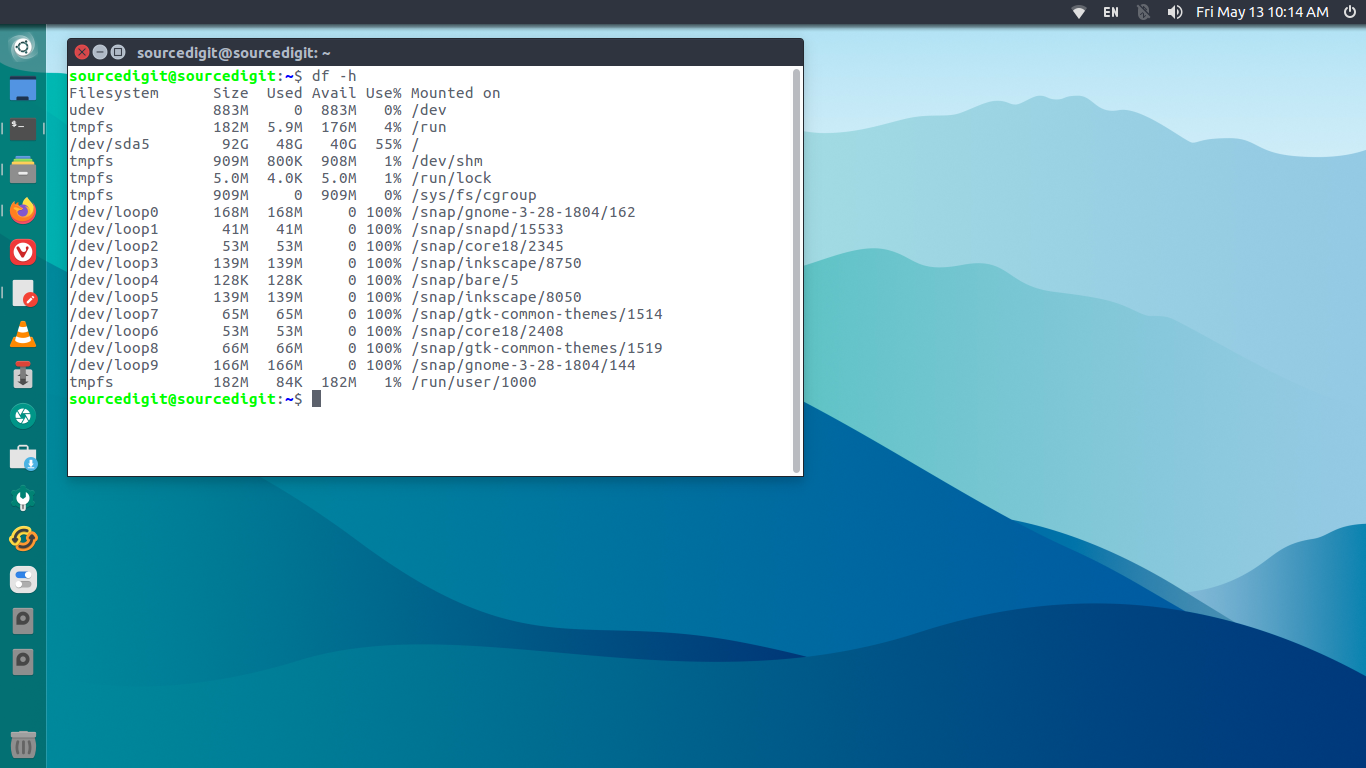
Ubuntu Command To Check System Configuration

14 04 My Computer Like Disk Usage Statistics Bar In Ubuntu Ask Ubuntu
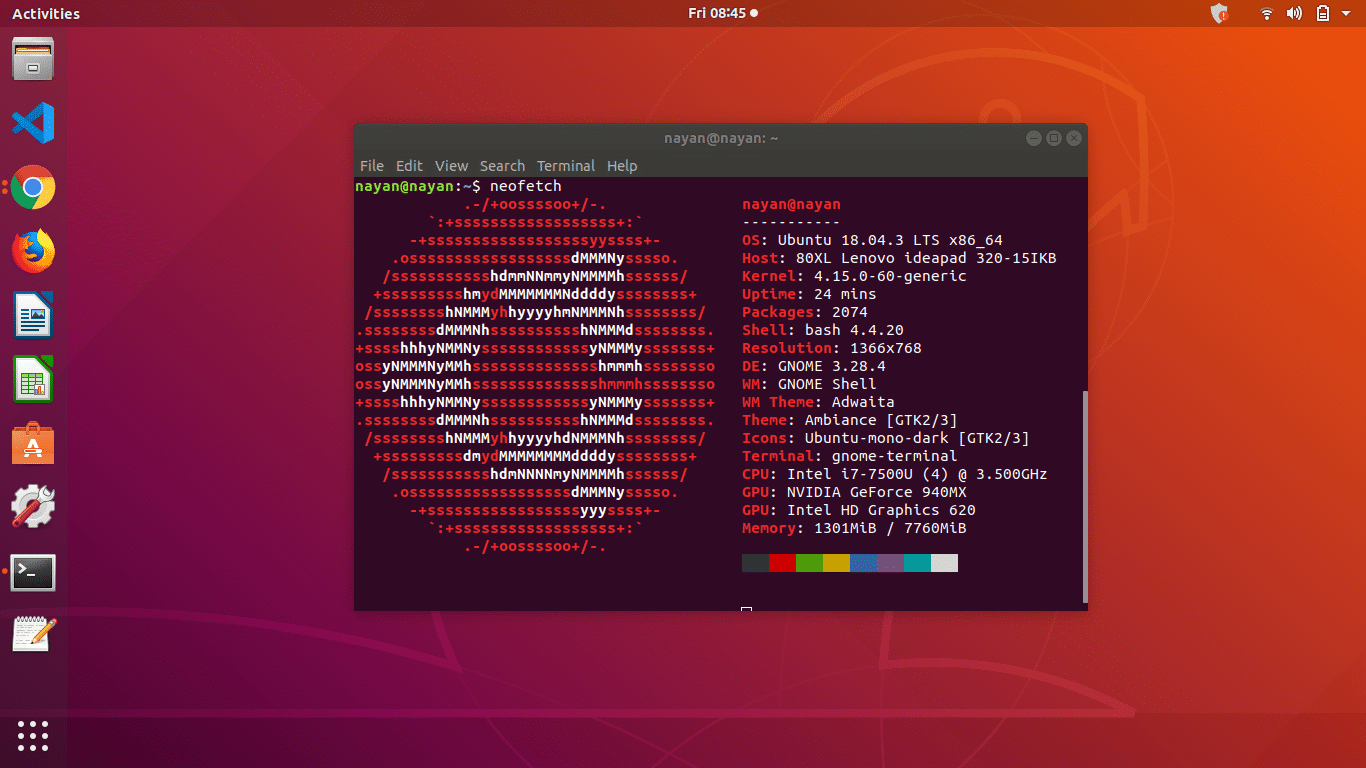
How To Check Ubuntu Version Linuxtect Vrogue
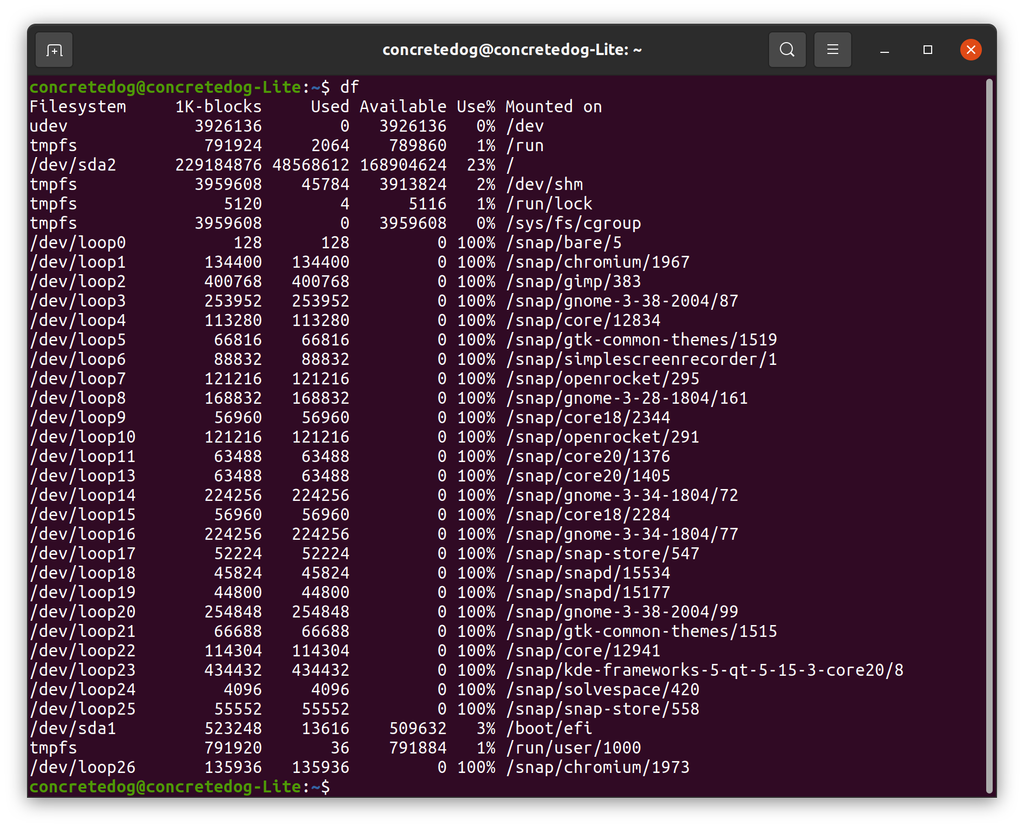
How To Check Disk Usage In Linux Tom s Hardware
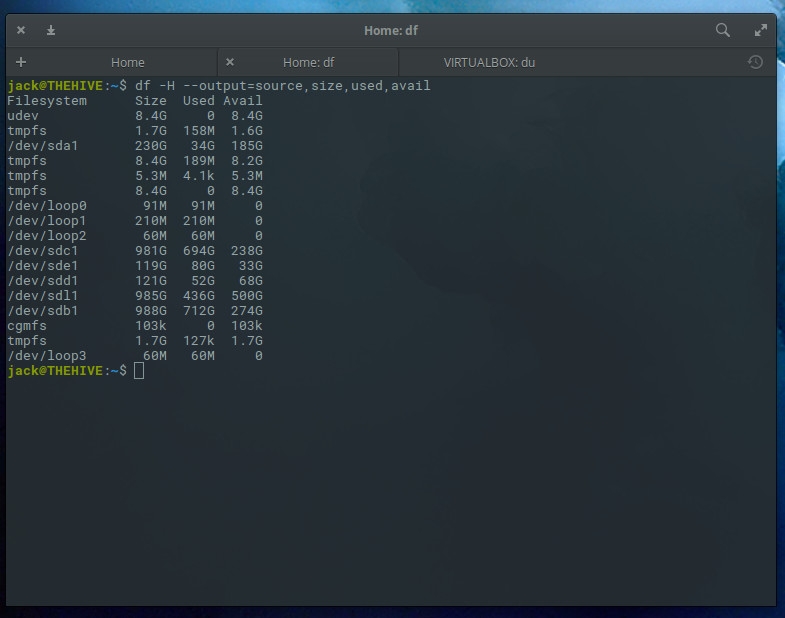
Linux Check Disk Space Command To View System Disk Usage Df And

Ubuntu 20 04 Disk Space Check Linux Tutorials Learn Linux Configuration

Web Feb 17 2019 nbsp 0183 32 The following shell script will get the disk usage in human readable form h sort the results and deliver the top 10 values s display total size of a file or total size of all files in a directory h human readable format c display a
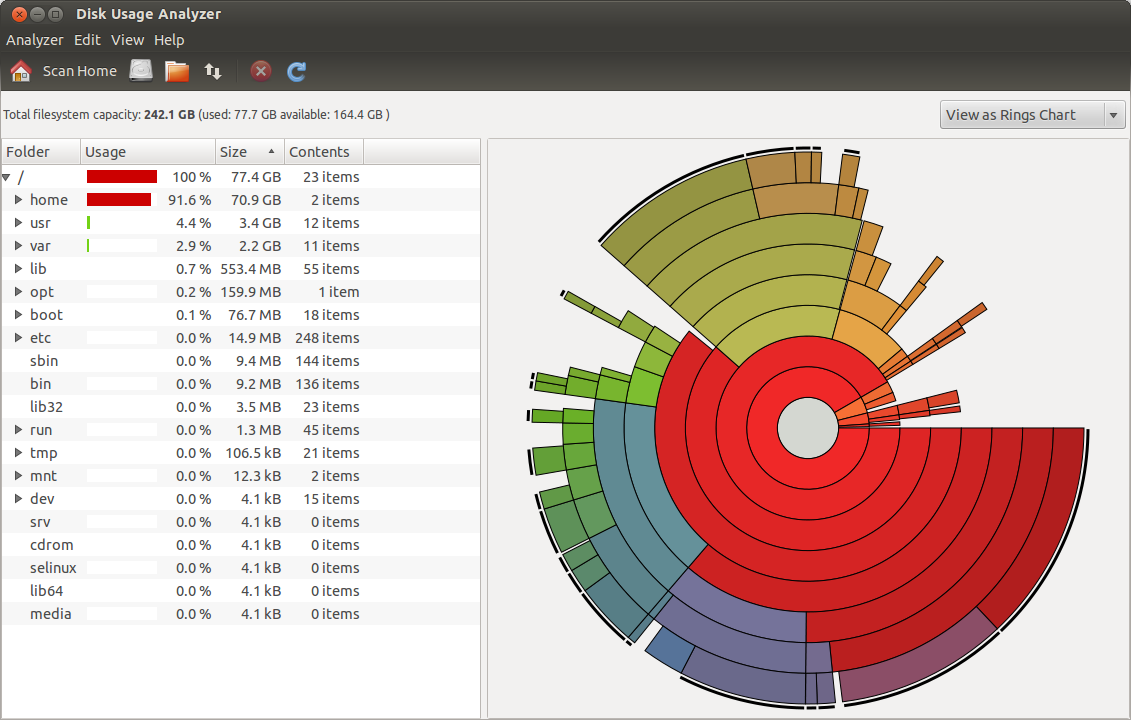
Web Apr 1 2013 nbsp 0183 32 To use iotop open a terminal and type the following command iotop features real time display of all disk activity and also displays the command responsible for the activity and the user behind the command just like
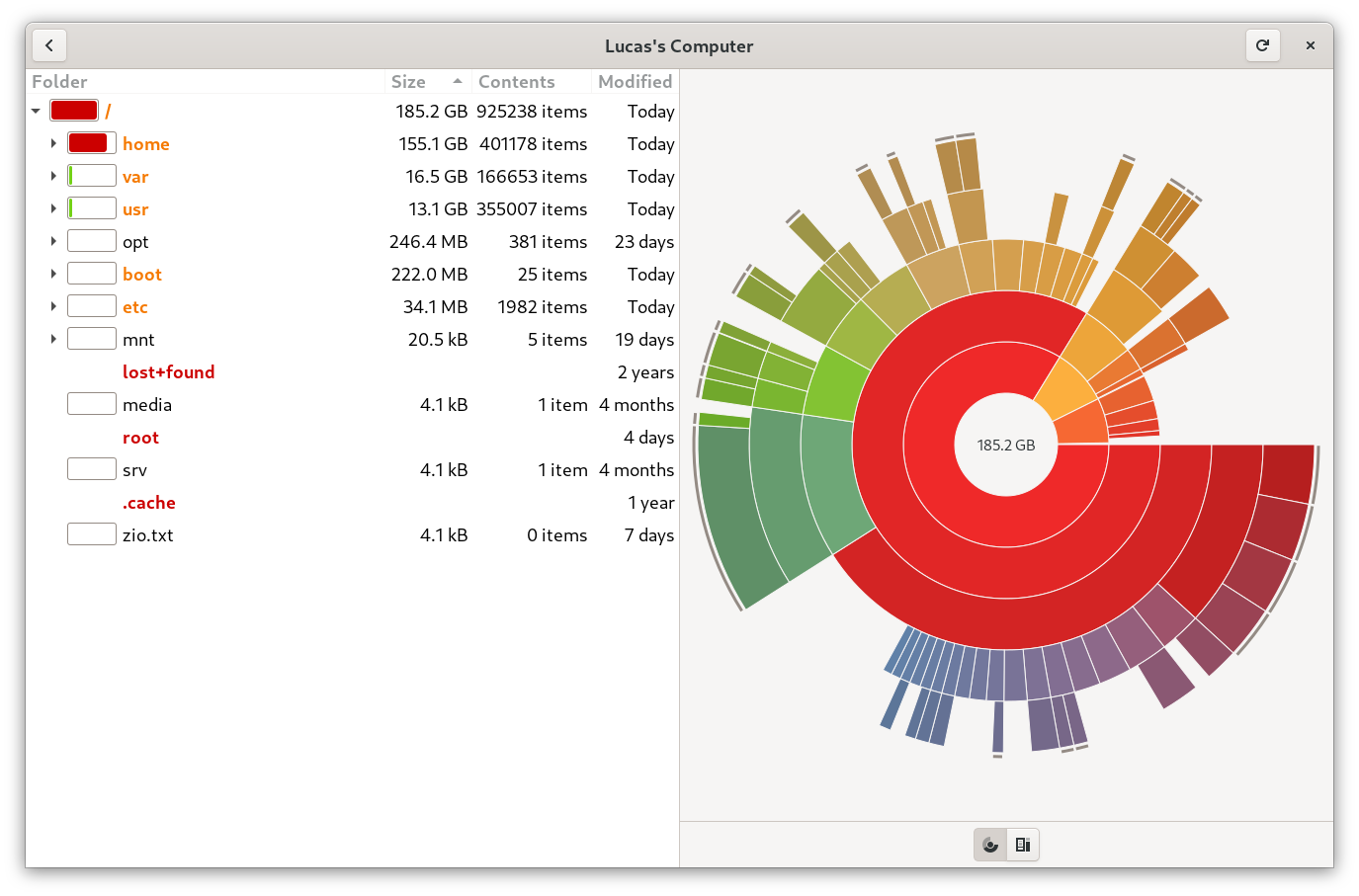
Web Jan 11 2011 nbsp 0183 32 2 Answers Sorted by 202 ncdu Works well from the command line It s ncurses based and interactive You can install it with sudo apt get install ncdu Alternatives Top ten du shx sort rh head 10 If you want more fine grained disk usage you should take a look at the answers here Share Improve this answer Follow
Web May 15 2020 nbsp 0183 32 You can get a quick and concise readout of the hard disk usage on your Ubuntu 20 04 system with the following command df h df command on Ubuntu 20 04 The h flag tells the command to make the sizes human readable It s much easier to look at gigabyte values as opposed to bytes

Web Apr 30 2022 nbsp 0183 32 1 Use the h argument to display the sizes and usage in megabytes and gigabytes The h argument refers to human readable df h 2 Use df h to see a broad overview of disk usage This
Web Select Storage tab to view the system s total Used and Available disk space as well as the used by the Operating System and common user s directories Disk space can be freed from user s directories and its subdirectories by checking the box next to the directory name What if the disk is too full If the disk is too full you should Web Apr 13 2020 nbsp 0183 32 You can check your disk space simply by opening a terminal window and entering the following df The df command stands for disk free and it shows you the amount of space taken up by different drives By default df displays values in 1 kilobyte blocks Display Usage in Megabytes and Gigabytes
Web Dec 16 2009 nbsp 0183 32 Disk usage per user in Linux Unix I need to find out how much disk space is being occupied by each user on the network I am aware of df and du commands I could list the entire filesystem and AWK the output but I wonder if there is a more standard command usr1 xMb usr2 yMb