Ubuntu Change System Date Command Line Ubuntu 22 04 LTS Is Now Powered By Linux Kernel 6 2 From Ubuntu 23 04 Date Command In Linux With Examples Linux Command Line Tutorial How To Change The Default Screen Resolution In Ubuntu TecAdmin Short Ubuntu Command Tricks Date Command Line Terminal Of Ubuntu 20 Change Hostname On Ubuntu 22 04 LTS DevOps Compass Guided IT Get Ubuntu Server one of three ways by using Multipass on your desktop using MAAS to provision machines in your data centre or installing it directly on a server
Experience Ubuntu with different choices of default desktop environment applications and settings backed by the full Ubuntu archive for packages and updates Ubuntu Ubuntu
Change Hostname On Ubuntu 22 04 LTS DevOps Compass Guided IT Changing Date And Time On Linux Ubuntu YouTube How To Learn The Linux Terminal As A Beginner Tips And Examples Linux Date Command How To Query The Terminal To Get Dates TrendRadars How To Download Freemind On Linux With Command Line Gawerergo How To Install Updates In Ubuntu Via Command Line Its Linux FOSS Commonly Used Linux Commands Change login screen on ubuntu jpg How To Change Directory In Terminal On Ubuntu Linux Tutorials Learn
Ubuntu Change System Date Command Line
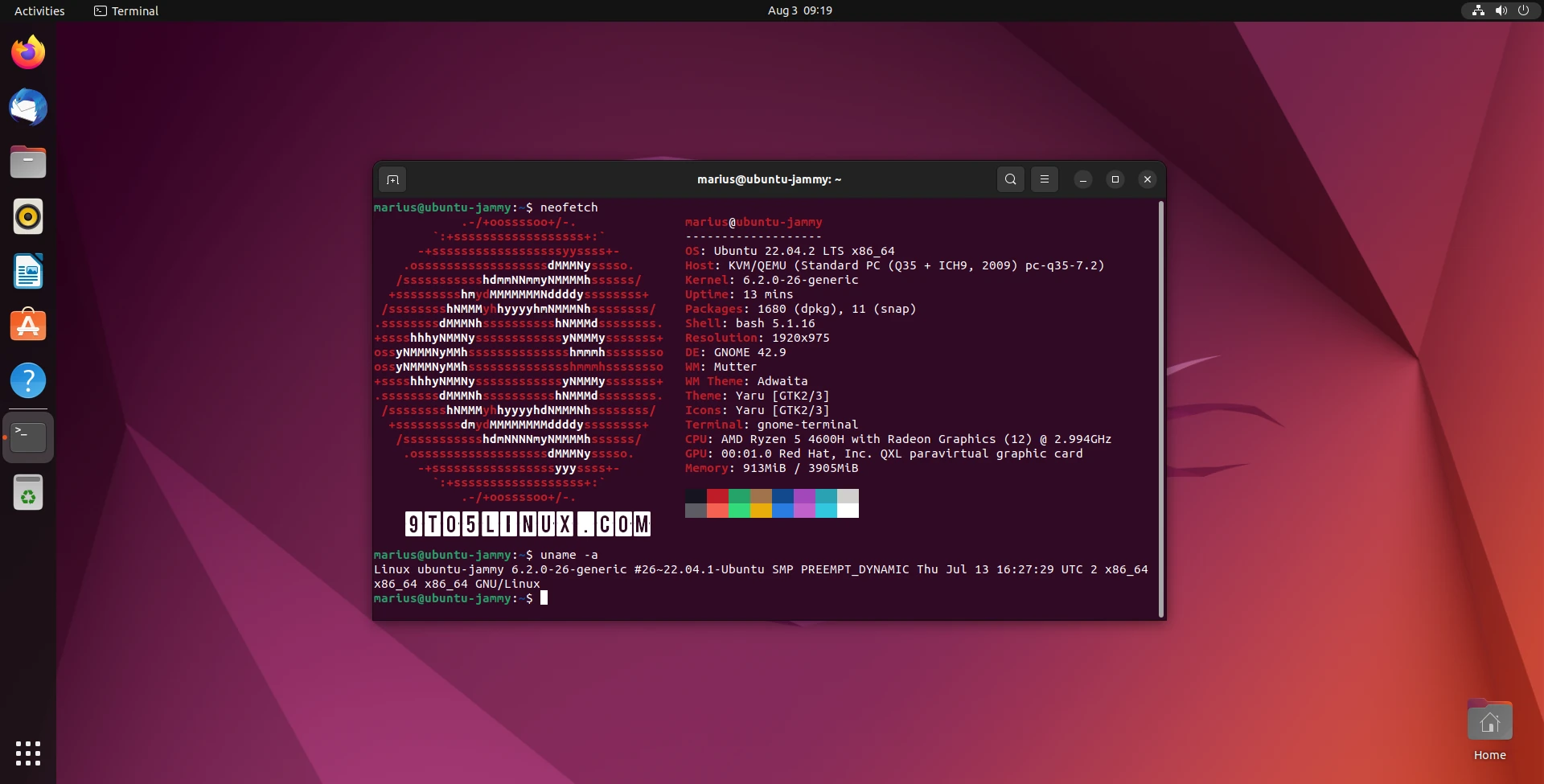 Ubuntu Change System Date Command Line
https://9to5linux.com/wp-content/uploads/2023/08/ujjlk62.webp
The desktop image allows you to try Ubuntu without changing your computer at all and at your option to install it permanently later This type of image is what most people will want to use You will need at least 1024MiB of RAM to install from this image
Pre-crafted templates use a time-saving option for creating a diverse range of documents and files. These pre-designed formats and layouts can be utilized for different personal and professional projects, consisting of resumes, invitations, flyers, newsletters, reports, discussions, and more, simplifying the content development procedure.
Ubuntu Change System Date Command Line

How To Change Root Password In Ubuntu Linux LinuxStoney

Changing Date And Time On Linux Ubuntu YouTube
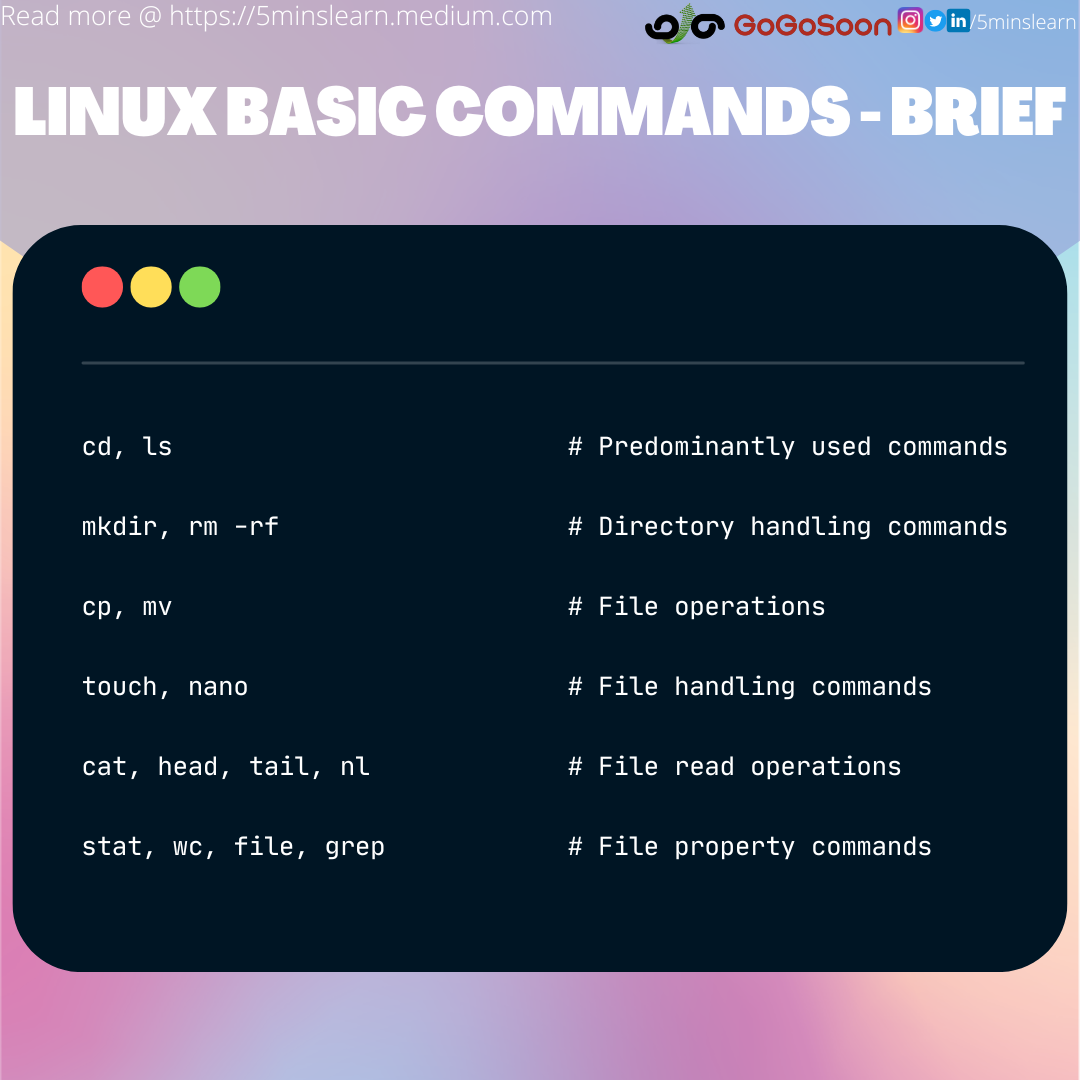
How To Learn The Linux Terminal As A Beginner Tips And Examples

Linux Date Command How To Query The Terminal To Get Dates TrendRadars

How To Install Updates In Ubuntu Via Command Line Its Linux FOSS
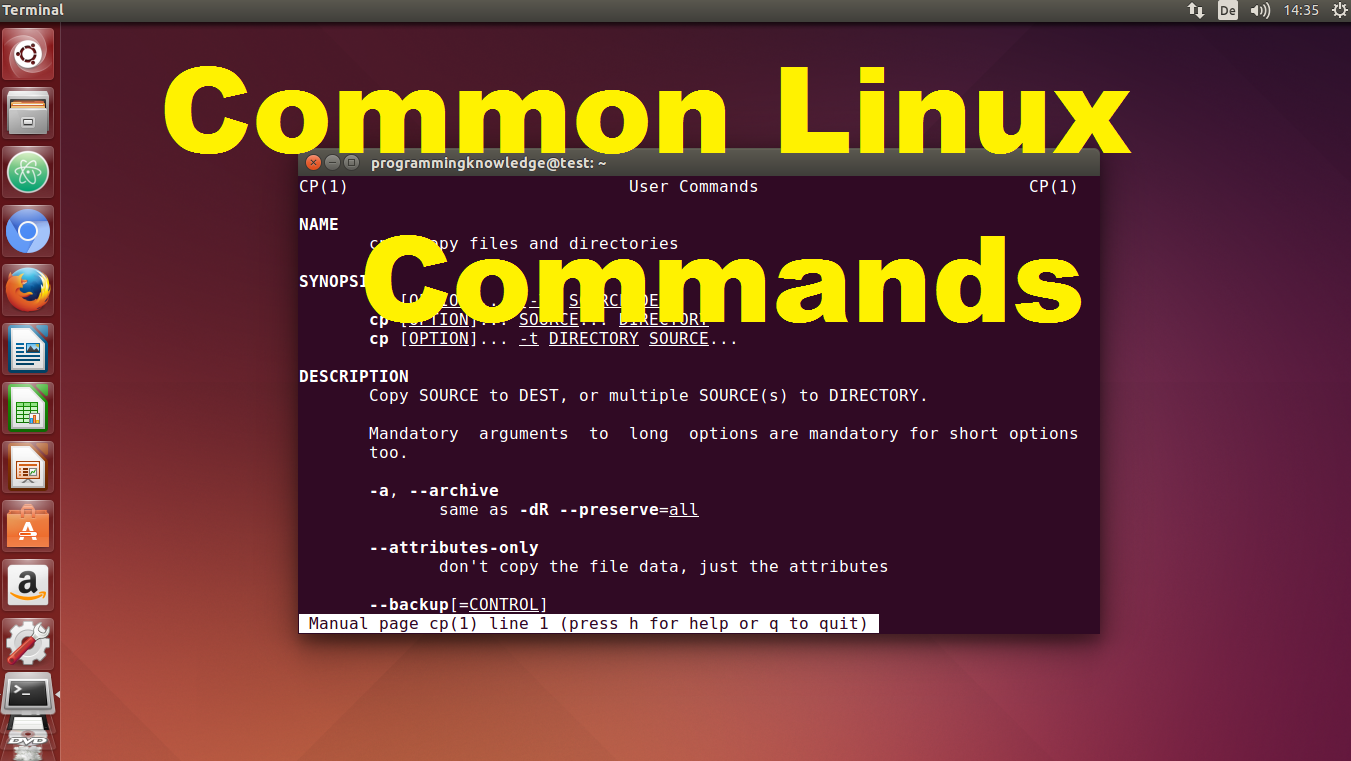
Commonly Used Linux Commands

Follow this tutorial to install Ubuntu Desktop on your laptop or PC You can also run Ubuntu from a USB to try it without installing

Ubuntu Ubuntu Ubuntu
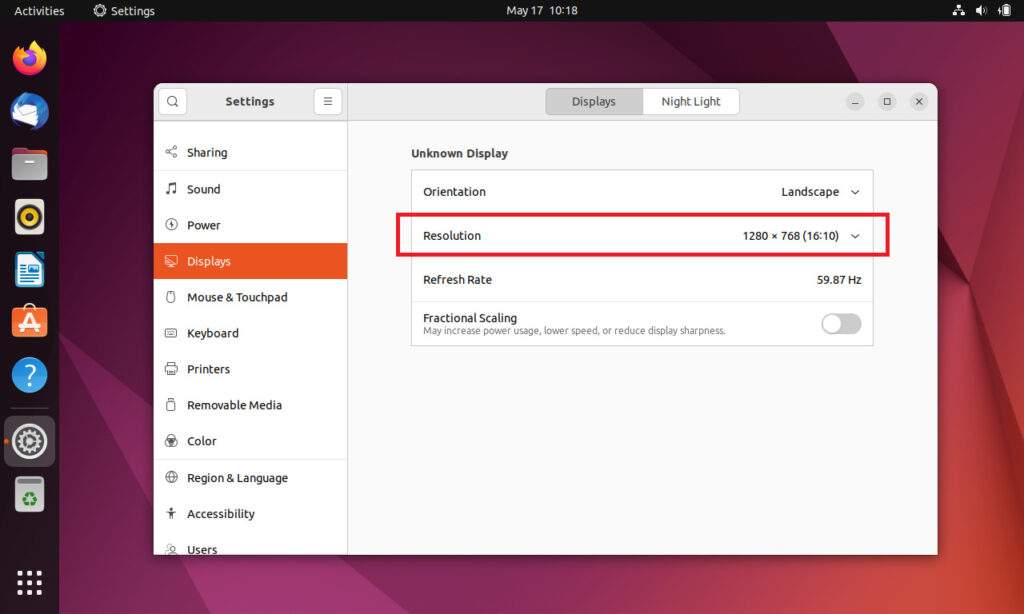
Get the Ubuntu image from the Download Ubuntu Desktop page Save it to a memorable location on your PC This tutorial uses the latest Ubuntu 24 04 LTS release available on April 25th 2024 which features the new Ubuntu Desktop installer

Feb 20 2025 nbsp 0183 32 The Ubuntu team is pleased to announce the release of Ubuntu 24 04 2 LTS Long Term Support for its Desktop Server and Cloud products as well as other flavours of Ubuntu with long term support

The desktop image allows you to try Ubuntu without changing your computer at all and at your option to install it permanently later This type of image is what most people will want to use You will need at least 1024MiB of RAM to install from this image
[desc-11] [desc-12]
[desc-13]