Ubuntu Change Display Manager Command Line Ubuntu 22 04 LTS Dark Style Changes Desktop Ubuntu Community Hub Ubuntu Task Manager NoloWiz How To Change Display Manager In Ubuntu Desktop TecAdmin How To Change The Default Screen Resolution In Ubuntu TecAdmin Kill Any Task From Task Manager Using Command Prompt In Windows 10 Commenting guidelines This article explains how to change the display manager from to GDM GDM and GDM3 LightDM SDDM or LXDM The instructions below should work on any Debian and Ubuntu based Linux distribution including Linux Mint elementary OS and so on
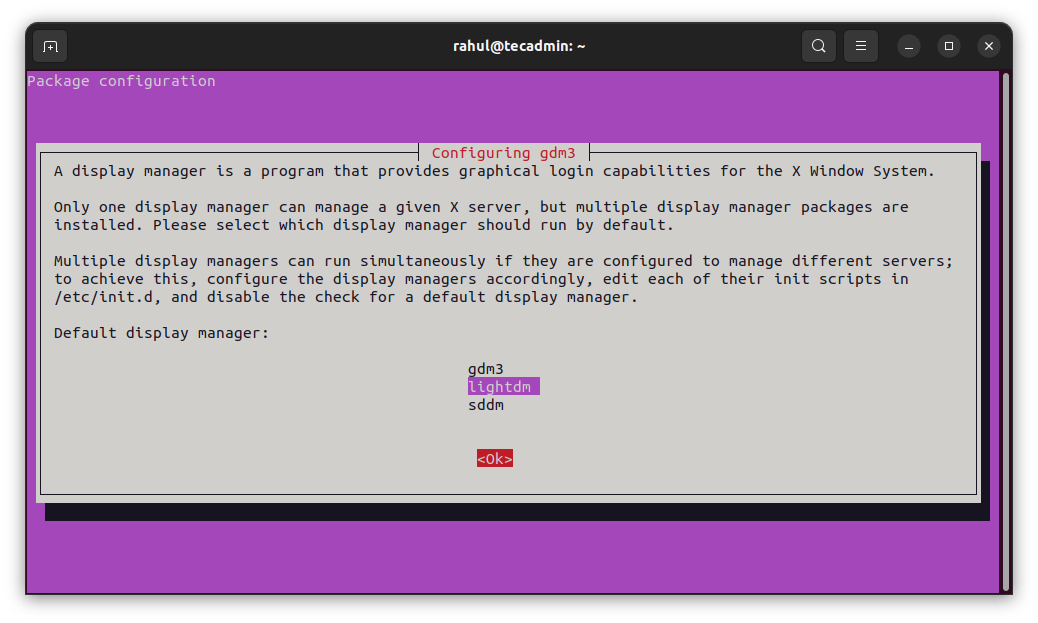
To install SDDM Simple Desktop Display Manager open a terminal and issue the following sudo apt install sddm Switch Display Manager in Ubuntu 20 04 Its not necessary to install all of the above mentioned Display Manager Any two will suffice First we need to identify our default display manager Therefore issue the following in terminal Change Default Display Manager You can change the default display manager any time by running the following command sudo dpkg reconfigure gdm3 You will see a screen as shown below This will list all the display managers installed on your system Switching Display Manager in Ubuntu
Kill Any Task From Task Manager Using Command Prompt In Windows 10 SOLVED Command To List All Windows Features Up Running Inc Tech Microsoft Tests A New Rejuvenated Windows 11 Task Manager How To Change Hostname On Ubuntu 22 04 LTS DevOps Compass Guided IT How To Learn The Linux Terminal As A Beginner Tips And Examples Visual Basic Command Line Compiler Running At 83 Cpu Microsoft Community Best Package Manager For Windows Kolits Cd Command In Linux Change login screen on ubuntu jpg
Ubuntu Change Display Manager Command Line
 Ubuntu Change Display Manager Command Line
https://ubuntucommunity.s3.dualstack.us-east-2.amazonaws.com/optimized/2X/b/b3fbb88b96e4e3e4cd07d046d8042b553cdc84c5_2_1024x862.png
Open a terminal and use the following command sudo dpkg reconfigure gdm3 You can in fact use lightdm instead of gdm the procedure is same for both Using the above mentioned command will take you to a warning page Enter to get back to next screen On the next screen you ll see all the available display managers
Templates are pre-designed files or files that can be used for numerous functions. They can conserve effort and time by offering a ready-made format and layout for producing different type of material. Templates can be used for individual or expert projects, such as resumes, invites, leaflets, newsletters, reports, presentations, and more.
Ubuntu Change Display Manager Command Line
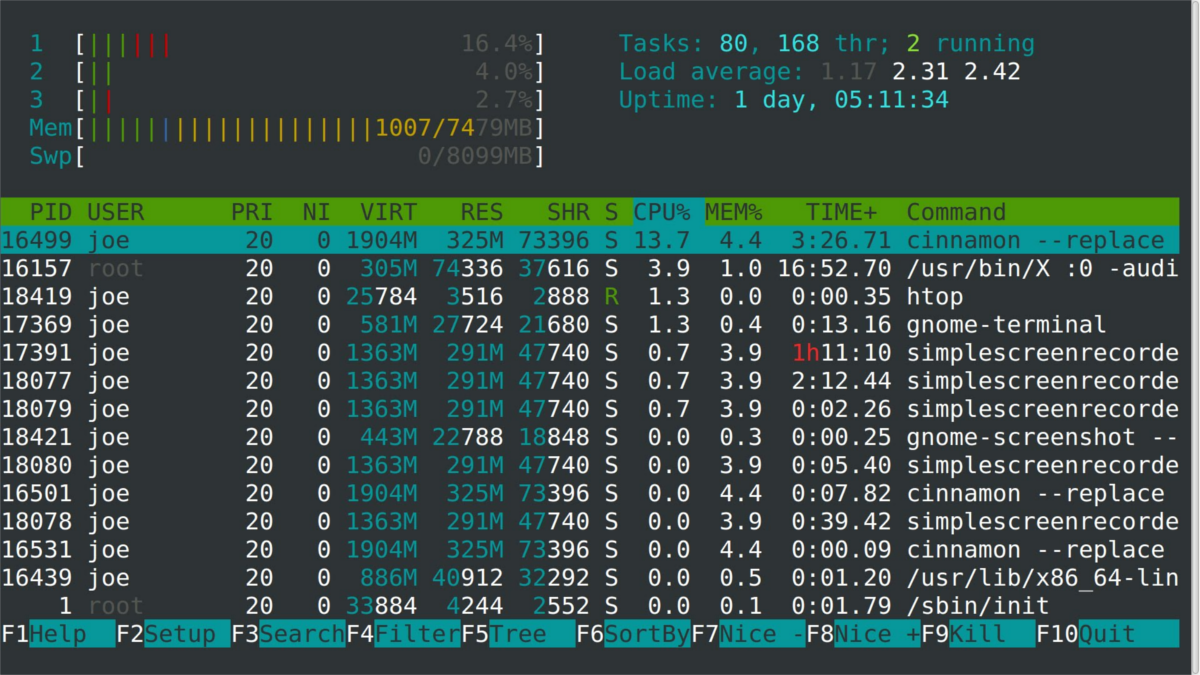
6 Useful Linux Command Line Apps To Install

SOLVED Command To List All Windows Features Up Running Inc Tech
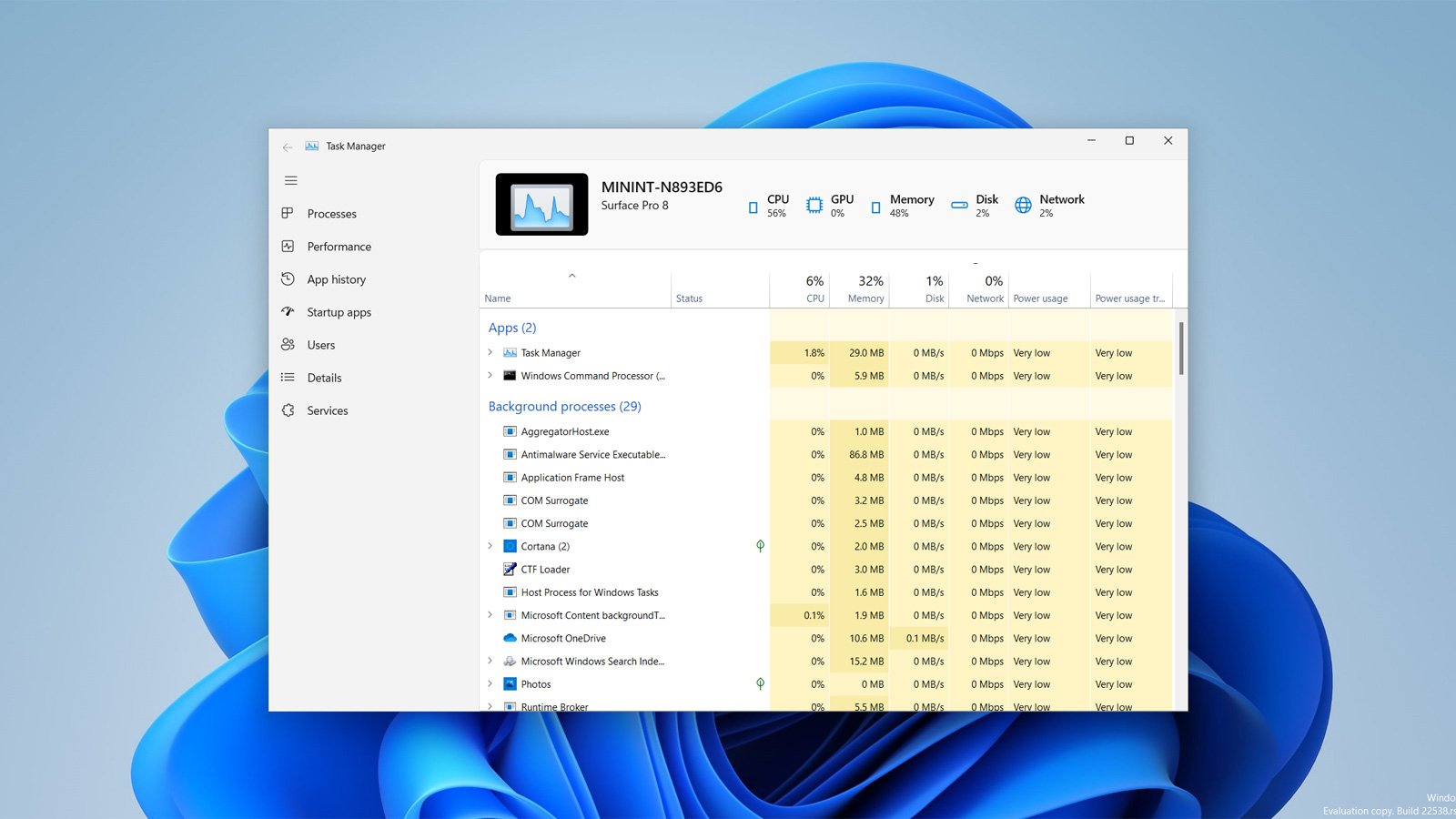
Microsoft Tests A New Rejuvenated Windows 11 Task Manager How To
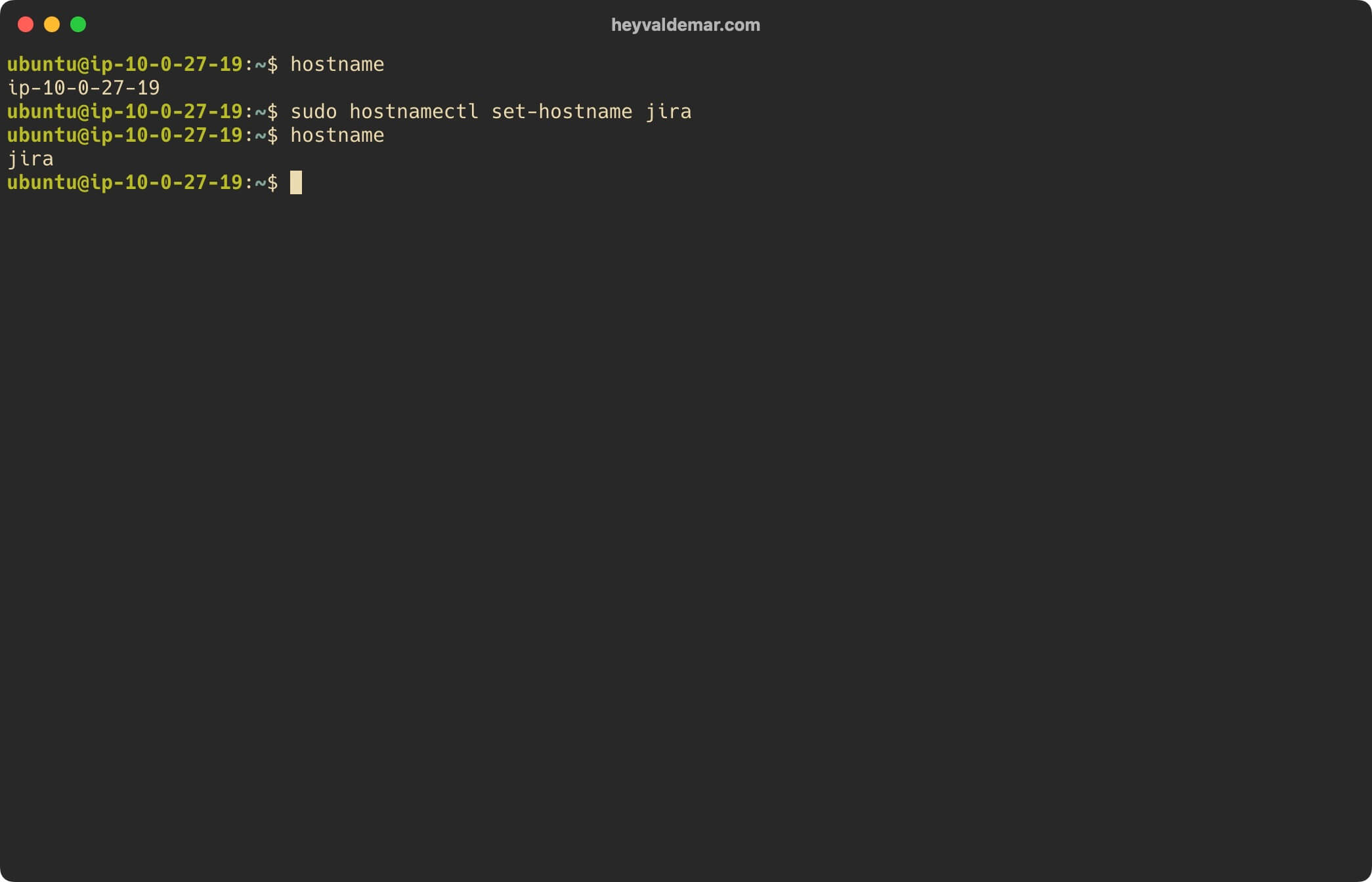
Change Hostname On Ubuntu 22 04 LTS DevOps Compass Guided IT

Visual Basic Command Line Compiler Running At 83 Cpu Microsoft Community
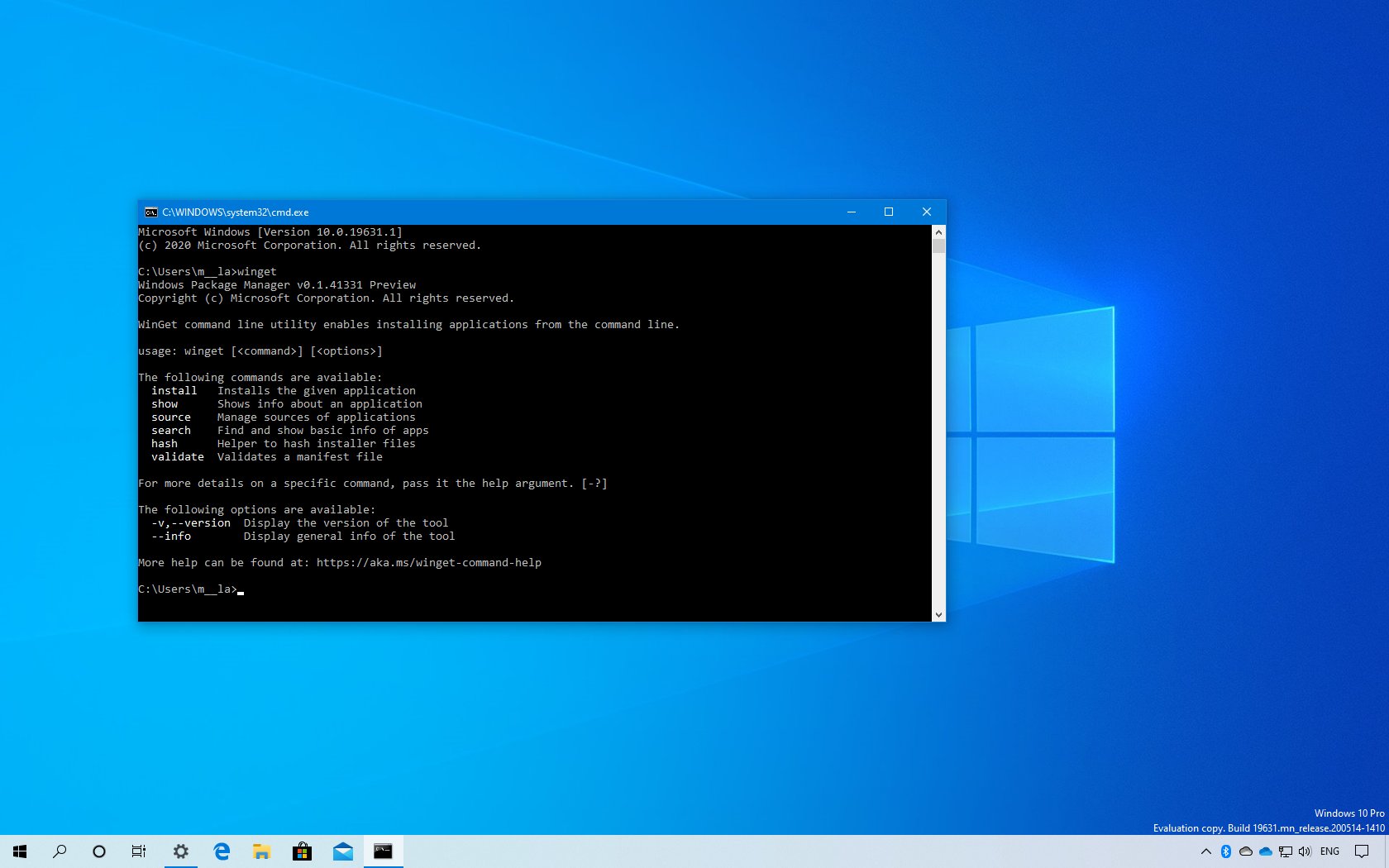
Best Package Manager For Windows Kolits
Press the Up Down arrow keys to switch the display manager and then hit the Enter button Verify Changes Once you have changed your display manager you can confirm changes with the following command systemctl status display manager service or cat etc X11 default display manager
Use one of the below commands to install Display Manager on the Ubuntu system ADVERTISEMENT Installing GDM3 sudo apt install gdm3 Installing LightDM sudo apt install lightdm Installing SDDM sudo apt install sddm After installation you ll be prompted to select the default Display Manager Choose preferred display manager and reboot your system
Open a terminal with Ctrl Alt T if you are on the desktop and not in the recovery console Type sudo apt get install gdm and then your password when prompted or run sudo dpkg reconfigure gdm then sudo service lightdm stop in case gdm is already installed
Change Display Manager on Ubuntu 22 04 Next you need to check the current display manager This information is crucial as you will need it in the process of changing the display manager To do this run the following command in your terminal cat etc X11 default display manager This command will display the path to the current display manager

HOW While working with and switching between display managers you will be mostly using the following commands Check Current Display Manager In order to check which display manager is currently running on your system enter the following command in your Ubuntu terminal cat etc X11 default display manager
Get current display manager Use dpkg reconfigure to configure default desktop manager sudo dpkg reconfigure gdm3 sudo password for user Use arrow key to select your preferred display manager use tab key to navigate to the Ok button and press ENTER Just launch a Terminal window and run this command sudo dpkg reconfigure gdm Most users running the latest Ubuntu versions may have to use gdm3 instead of gdm so the command to use would be sudo dpkg reconfigure gdm3 After this you ll be shown a message about configuring gdm3 that looks like the one shown above
Open the GNOME Launcher click on Terminal and type in the command below cat etc X11 default display manager Ubuntu 18 04 1 18 10 should return usr sbin gdm3 2 Install LightDM Unity on Ubuntu Applies to Ubuntu 18 04 18 10 To install LightDM type the following sudo apt install ubuntu unity desktop