Turn Off Spell Check Iphone Notes How To Turn Off Real Time Spell Check In Microsoft Word Al rendelt A Mi nk Lb Switch Off Grammar Checker In Word Medikus How To Turn On Or Turn Off Spell Check In Word How To Turn Off Spell Check In IOS 10 In Case You Like To Live Dangerously How To Turn Off Spell Checker In Android Tom s Guide Forum Web Oct 15 2020 nbsp 0183 32 How to Turn Off Auto Correction on iPhone and iPad Are you tired of your iPhone or iPad quot fixing quot typos when they re actually correct words names places or terms Then you should consider turning off auto correct which is
Web Jul 26 2017 nbsp 0183 32 Autocorrect is controlled by the NSAutomaticSpellingCorrectionEnabled key You can set this in the Notes app preferences for it to apply consistently defaults write com apple notes NSAutomaticSpellingCorrectionEnabled bool false Reset with defaults delete com apple notes NSAutomaticSpellingCorrectionEnabled Web To disable autocorrect tap the Auto Correction button turning it from green to grey Note You may also want to disable Auto Capitalization and Check Spelling to ensure that your text appears
How To Turn Off Spell Checker In Android Tom s Guide Forum Spell Checking Turn On Or Off In Windows 10 YouTube How To Turn Off Spell Check In Word For Complete Document Or Selected Enable Or Disable Check Spelling When Entering Text In Microsoft Edge Turn Off Spell Check On An IPad YouTube How To Spell Check In Another Language On IPhone The IPhone FAQ How To Turn Off Spell Check On IPhone How To Turn Off Spell Check In IOS 10 In Case You Like To Live Dangerously Word Turn Off Spell Check For Document
Turn Off Spell Check Iphone Notes
 Turn Off Spell Check Iphone Notes
https://i1.wp.com/www.techjunkie.com/wp-content/uploads/2016/05/spell-check-word.jpg?fit=1200%2C675&ssl=1
Web Contents show How to Turn Off Spell Check on iOS Since spell check is a keyboard centric feature you can disable it for your iPhone entirely from your device settings For this open the Settings app and go to General Inside General select Keyboard On the next screen disable the Check Spelling toggle under All Keyboards
Pre-crafted templates provide a time-saving service for creating a varied range of documents and files. These pre-designed formats and layouts can be made use of for various individual and professional tasks, including resumes, invitations, leaflets, newsletters, reports, discussions, and more, streamlining the content development process.
Turn Off Spell Check Iphone Notes
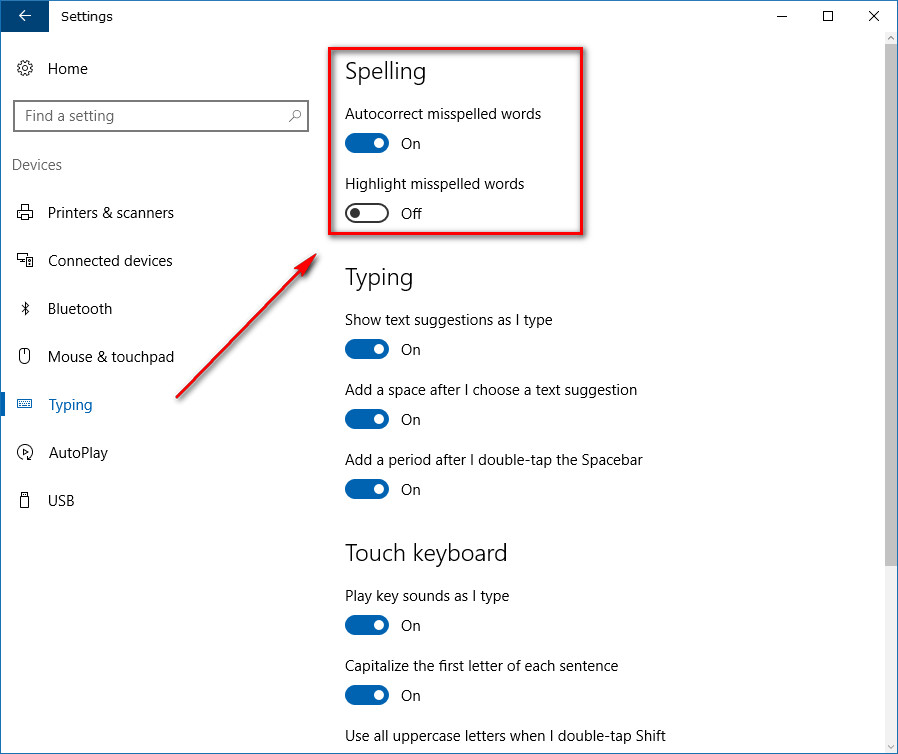
How To Turn On Or Off Spell Checking In Windows 10 Youtube Www vrogue co
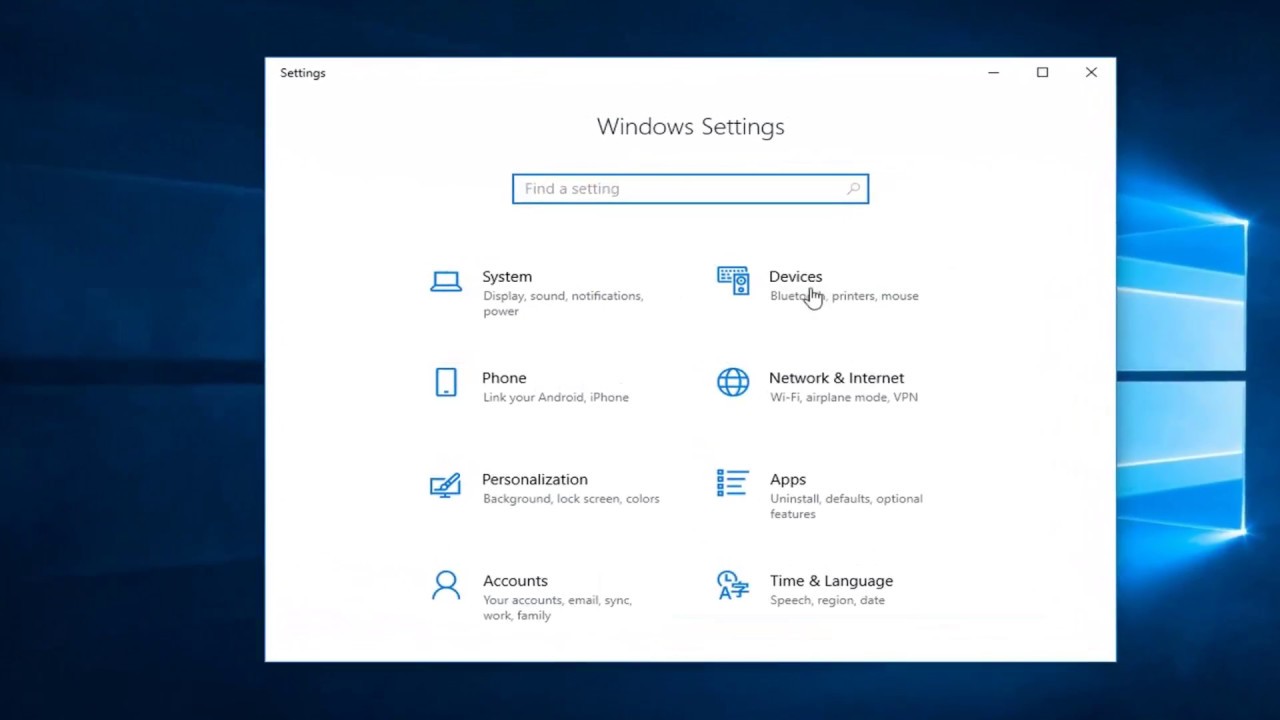
Spell Checking Turn On Or Off In Windows 10 YouTube
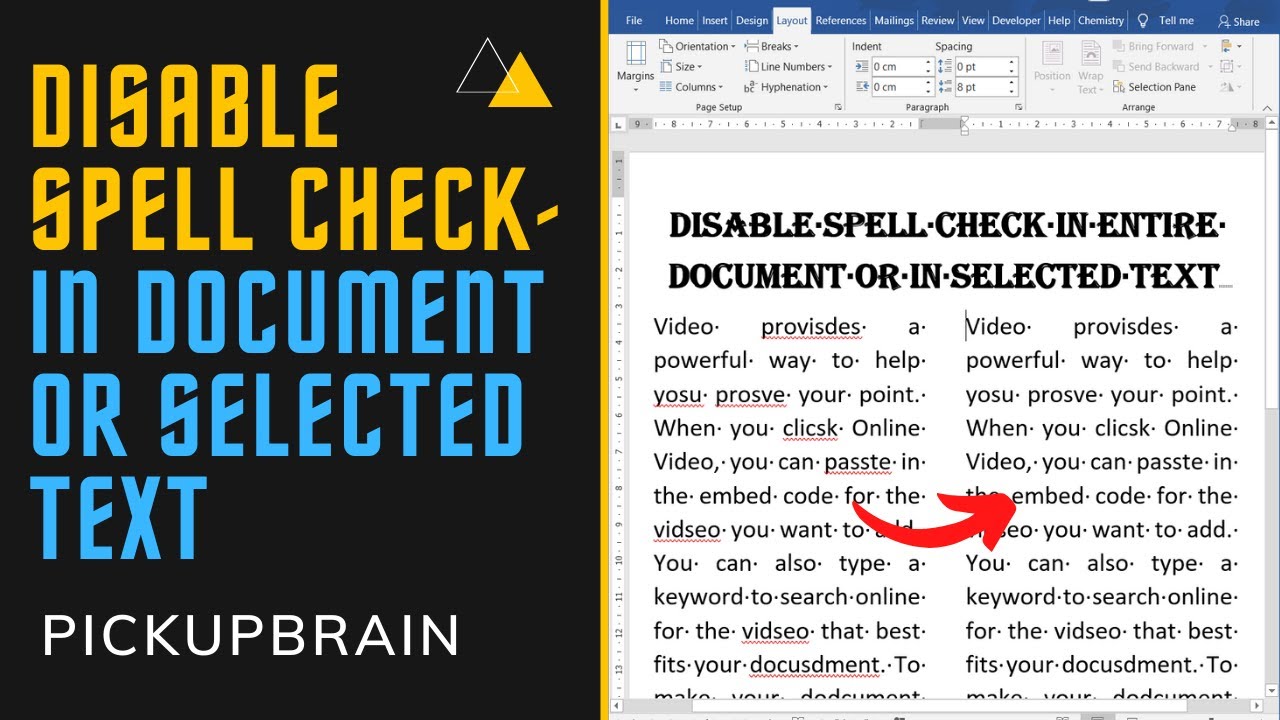
How To Turn Off Spell Check In Word For Complete Document Or Selected
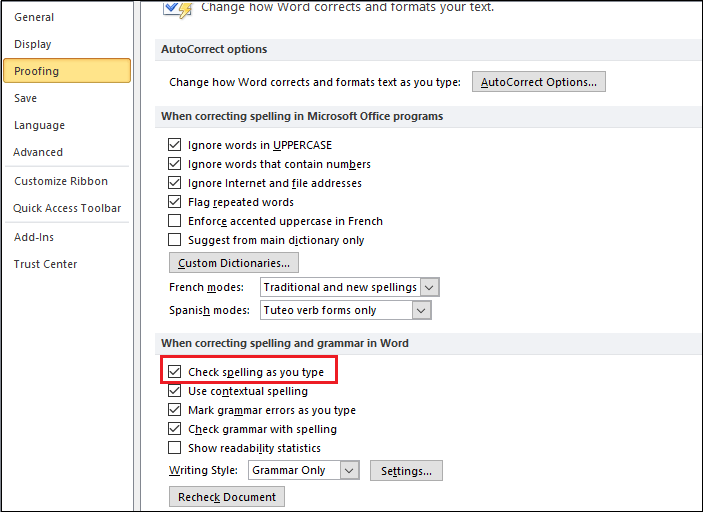
Enable Or Disable Check Spelling When Entering Text In Microsoft Edge
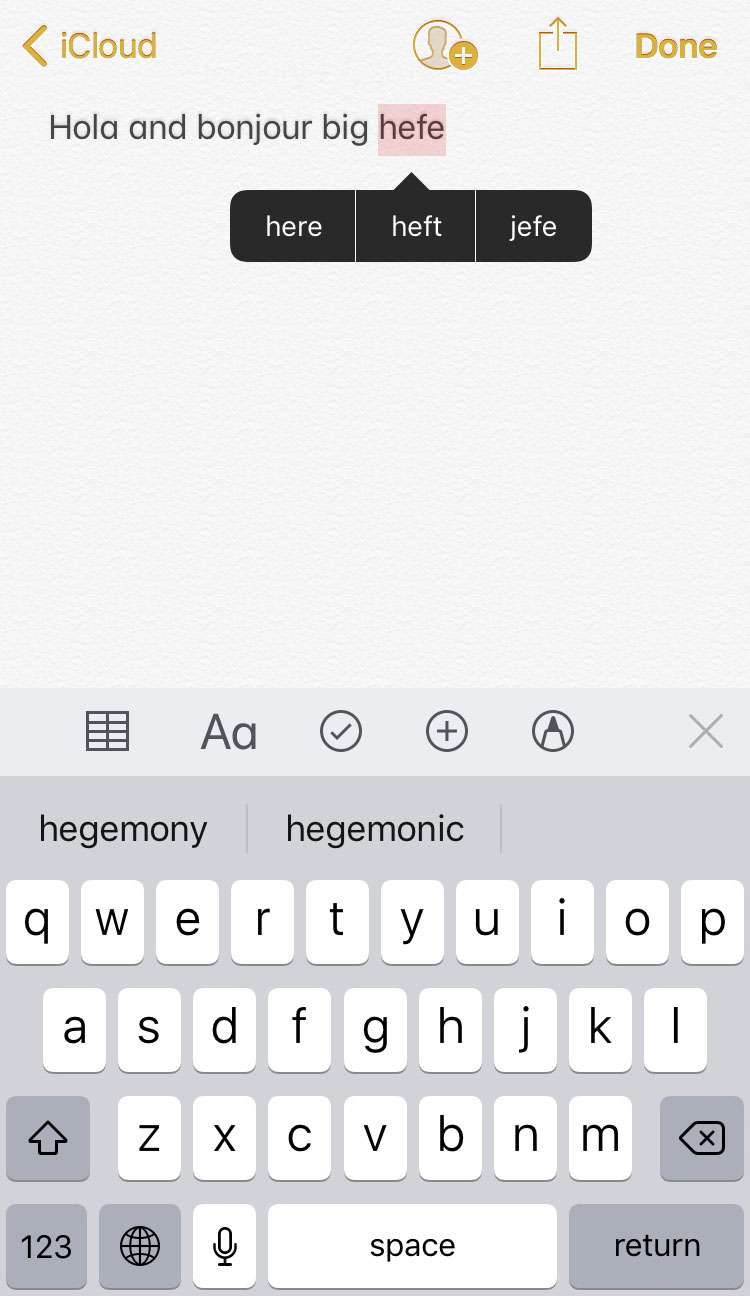
How To Spell Check In Another Language On IPhone The IPhone FAQ

How To Turn Off Spell Check On IPhone

Web Oct 4 2015 nbsp 0183 32 In every application that uses Apple s text entry the Edit menu has a Spelling and Grammar option Under that option you can set spell checking during typing or to require intervention from you before checking You can set it to change misspelled words automatically or just underline them

Web Jan 9 2020 nbsp 0183 32 Toggle the Check Spelling option off then back on in Settings Check for and install any available iOS updates Update your iPhone iPad or iPod touch Apple Support If this doesn t address your issue or you are speaking about Notes on a different platform don t hesitate to respond back

Web Sep 10 2016 nbsp 0183 32 Level 1 15 points how to permanently disable spell check in Notes How can I permanently disable spell check in Notes Here s my steps Using Notes in OS X 10 11 5 click Edit Spelling and Grammar and then clear the 2 options check spelling while typing and correct spelling automatically Close and then re open Notes What I
Web Nov 28 2023 nbsp 0183 32 To turn predictive text off or on Touch and hold the smile emoji or the globe icon Tap Keyboard Settings then turn Predictive on or off Or go to Settings gt General gt Keyboard and turn Predictive on or off See a full list of

Web Oct 26 2021 nbsp 0183 32 How to fix autocorrect on iPhone Image credit Tom s Guide Before we look at some remedies watch what happens when you type a word on an iPhone You ll see that just above the keyboard a
Web Jun 15 2020 nbsp 0183 32 1 year ago 576 1 how to ENABLE spell check in Notes I want to enable the option of check spelling while typing in MacOS Notes This is usually done in Notes gt Edit gt Spelling and Grammar gt Check spelling while typing But i cannot for some reason this just does not work for Notes for other applications it does Web Mar 28 2022 nbsp 0183 32 You can find the Auto Correction and Check Spelling options in the Settings app To turn off Auto Correction and or Check Spelling Open the Settings app on your iPhone Go to General gt Keyboard Under the All Keyboards section toggle off Auto Correction and or Check Spelling
Web Jun 28 2022 nbsp 0183 32 1 Click on Apple Logo at the top left corner of the screen and select System Preferences 2 Click on Keyboard 3 Under the Text tab uncheck Correct spelling automatically and you can also uncheck Capitalize words automatically if you don t even want to capitalize words automatically