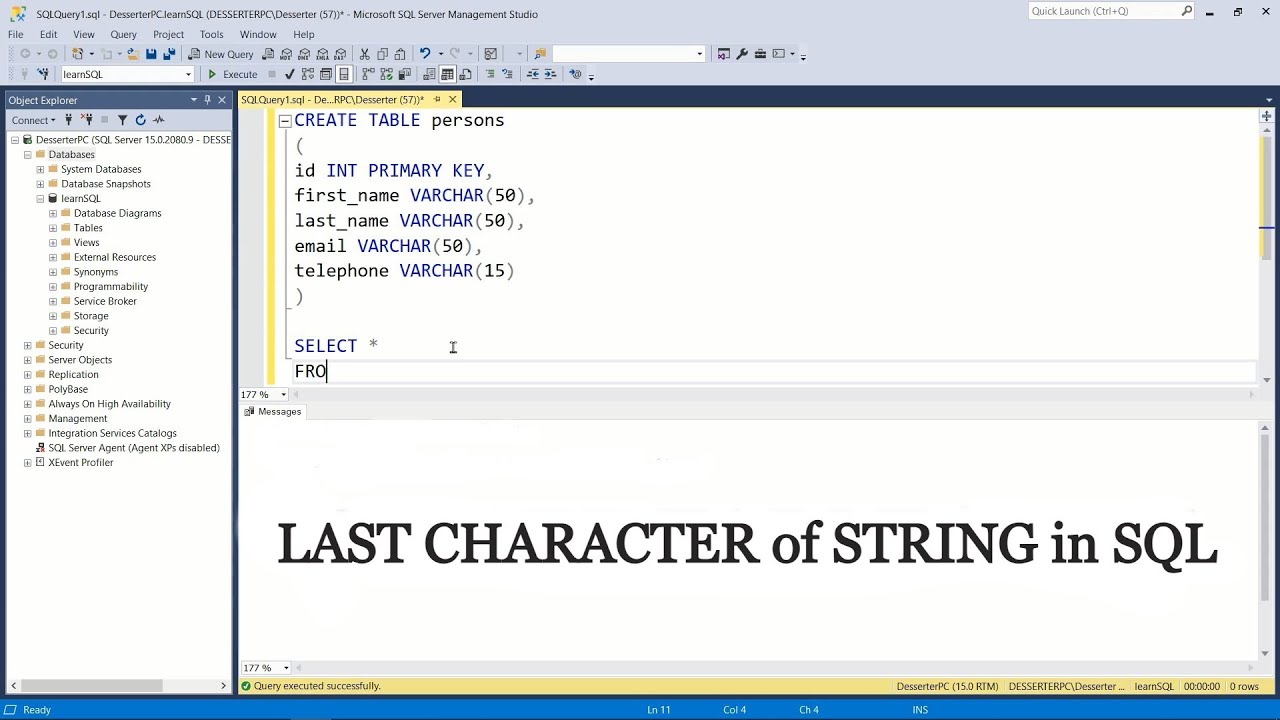
Trim Last Character Of String Javascript How To Get LAST CHARACTER Of STRING In SQL YouTube How To Remove Last Character From String In JavaScript 4 Ways To Remove Character From String In JavaScript TraceDynamics Get The Last Character Of A String In JavaScript Typedarray How To Check The First Character Of A String In JavaScript Spritely Example 1 Remove spaces with trim let text Hello World let result text trim Try it Yourself Remove spaces with replace using a regular expression let text Hello World let result text replace s s gm Try it Yourself Description The trim method removes whitespace from both sides of a string
You can use the slice method to remove the last character from a string passing it 0 and 1 as parameters const str JavaScript const result str slice 0 1 console log result JavaScrip The slice method extracts a part of a string between the start and end indexes specified as first and second parameters The slice method is a built in method in JavaScript that returns a portion of a string starting from the specified index To remove the last character from a string using slice we can specify a negative value for the end index jsx const str Welcome to the Blog const newStr str slice 0 1 console log newStr
How To Check The First Character Of A String In JavaScript Spritely Python How To Add Characters To A String Mobile Legends 11550 Hot Sex JavaScript Remove The First Last Character From A String Examples How To Remove A Character From String In JavaScript Scaler Topics Remove The Last Character From A String In JavaScript Scaler Topics Convert String To Character Array In JavaScript TUANTVK BLOG How To Remove Brackets From An Array In Javascript Spritely Java Replace All Chars In String 34 Javascript Position Of Character In String Javascript Overflow
Trim Last Character Of String Javascript
 Trim Last Character Of String Javascript
https://i.ytimg.com/vi/u3L9Pb-hl8I/maxresdefault.jpg
Use the substring function to remove the last character from a string in JavaScript This function returns the part of the string between the start and end indexes or to the end of the string Syntax ADVERTISEMENT 1 str substring 0 str length 1 Example ADVERTISEMENT 1 2 3 4 5 6 7 8 Initialize variable with string
Templates are pre-designed files or files that can be used for numerous functions. They can save effort and time by providing a ready-made format and design for creating various type of material. Templates can be utilized for personal or professional jobs, such as resumes, invites, flyers, newsletters, reports, discussions, and more.
Trim Last Character Of String Javascript
How To Remove The Last Character From A String In JavaScript
Python How To Add Characters To A String Mobile Legends 11550 Hot Sex
JavaScript Remove The First Last Character From A String Examples

How To Remove A Character From String In JavaScript Scaler Topics

Convert String To Character Array In JavaScript TUANTVK BLOG

How To Remove Brackets From An Array In Javascript Spritely
To remove the last character from a string in JavaScript you should use the slice method It takes two arguments the start index and the end index slice supports negative indexing which means that slice 0 1 is equivalent to slice 0 str length 1 let str Masteringjs ioF str slice 0 1 Masteringjs io Alternative Methods
This Byte will show you two ways to achieve this using the String substring method and conditionally removing the last N characters Using String substring to Trim Characters The String substring method returns a new string that starts from a specified index and ends before a second specified index

String prototype trim The trim method of String values removes whitespace from both ends of this string and returns a new string without modifying the original string To return a new string with whitespace trimmed from just one end use trimStart or trimEnd

Oct 6 2021 To trim leading and trailing whitespace from a string in JavaScript you should use the String prototype trim method The trim method removes leading and trailing whitespace characters including tabs and newlines t Hello World t n n trim Hello World

Approach 3 Using substring Method In this approach we will use substring method for removing last character of string The string substring is an inbuilt function in JavaScript that is used to return the part of the given string from the start index to the end index Indexing start from zero 0
The most common way to trim the last character is by using the JavaScript slice method This method can take up to two indexes as parameters and get the string between these two values To keep the whole string and remove the last character you can set the first parameter to 0 and pass the string length 1 as the second parameter The removeLastNchars function takes a string and n as parameters and removes the last N characters from the string Remove the last N Characters from a String using String substring Alternatively you can use the String substring method index js
In JavaScript there are several methods available to remove the last character from a string One common approach is to use the substring or slice methods Both methods allow you to extract a portion of a string based on the starting and ending indices