Track Changes In Excel 2019 How To Track Changes In Excel How To Track Changes In Excel How To Track Changes In Excel How To Track Changes In Microsoft Word And Excel How To Use Track Changes In Microsoft Excel WEB Jul 6 2024 nbsp 0183 32 5 easy steps to track changes in Excel Download the workbook modify data and find new results with formulas Hope this will help you
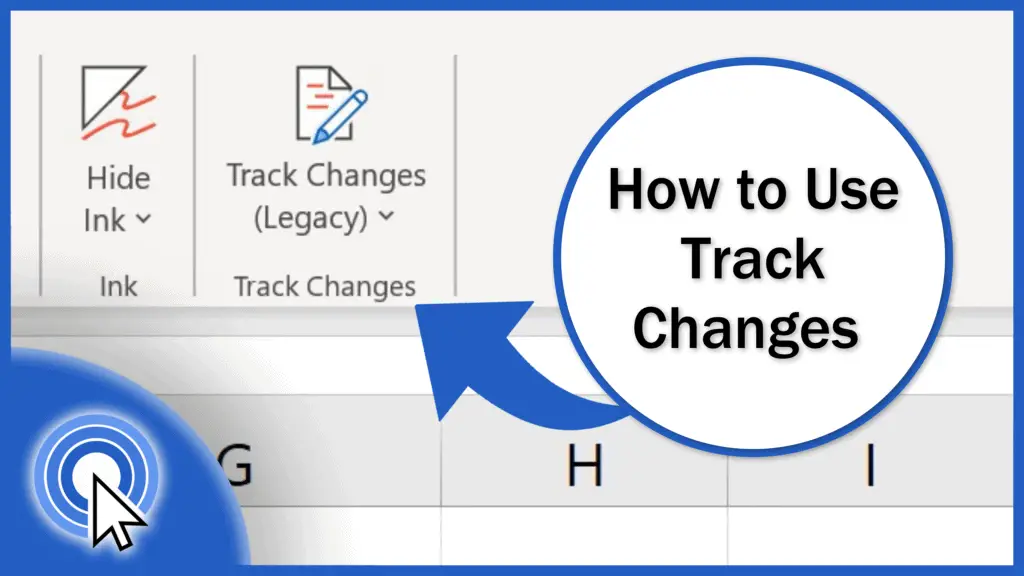
WEB Mar 13 2024 nbsp 0183 32 In this article you ll learn how to track changes in Google Sheets using various methods including notification rules version history conditional formatting and WEB Nov 26 2019 nbsp 0183 32 How to Use Track Changes in Excel Here we ll deal with a function or rather a command that normally can t be accessed in Excel That s why we ll first have a
How To Use Track Changes In Microsoft Excel How To Track Changes In Excel Step by Step Layer Blog How To Show Changes In Excel New Feature For Microsoft 365 How To Track Changes In Excel Step by Step Guide Earn Excel How To Fix Excel Track Changes Grayed Out Issue How To Track Changes In Excel Step by Step Layer Blog Excel Track Changes Missing Track Changes In Excel Enable Use And Disable Excel Unlocked Complete Excel Course Learn And Excel
Track Changes In Excel 2019
 Track Changes In Excel 2019
https://www.easyclickacademy.com/wp-content/uploads/2019/11/How-to-Use-Track-Changes-in-Excel-1024x576.png
WEB May 9 2021 nbsp 0183 32 Use the Track Changes feature in Excel to know who made changes to the workbook the changes they made and whether or not to accept them
Templates are pre-designed files or files that can be used for numerous purposes. They can conserve time and effort by providing a ready-made format and design for creating various sort of content. Templates can be used for individual or expert jobs, such as resumes, invitations, leaflets, newsletters, reports, presentations, and more.
Track Changes In Excel 2019

How To Track Changes In Excel Step by Step Layer Blog

How To Track Changes In Excel Step by Step Layer Blog
How To Show Changes In Excel New Feature For Microsoft 365

How To Track Changes In Excel Step by Step Guide Earn Excel

How To Track Changes In Excel Step by Step Layer Blog
Excel Track Changes Missing
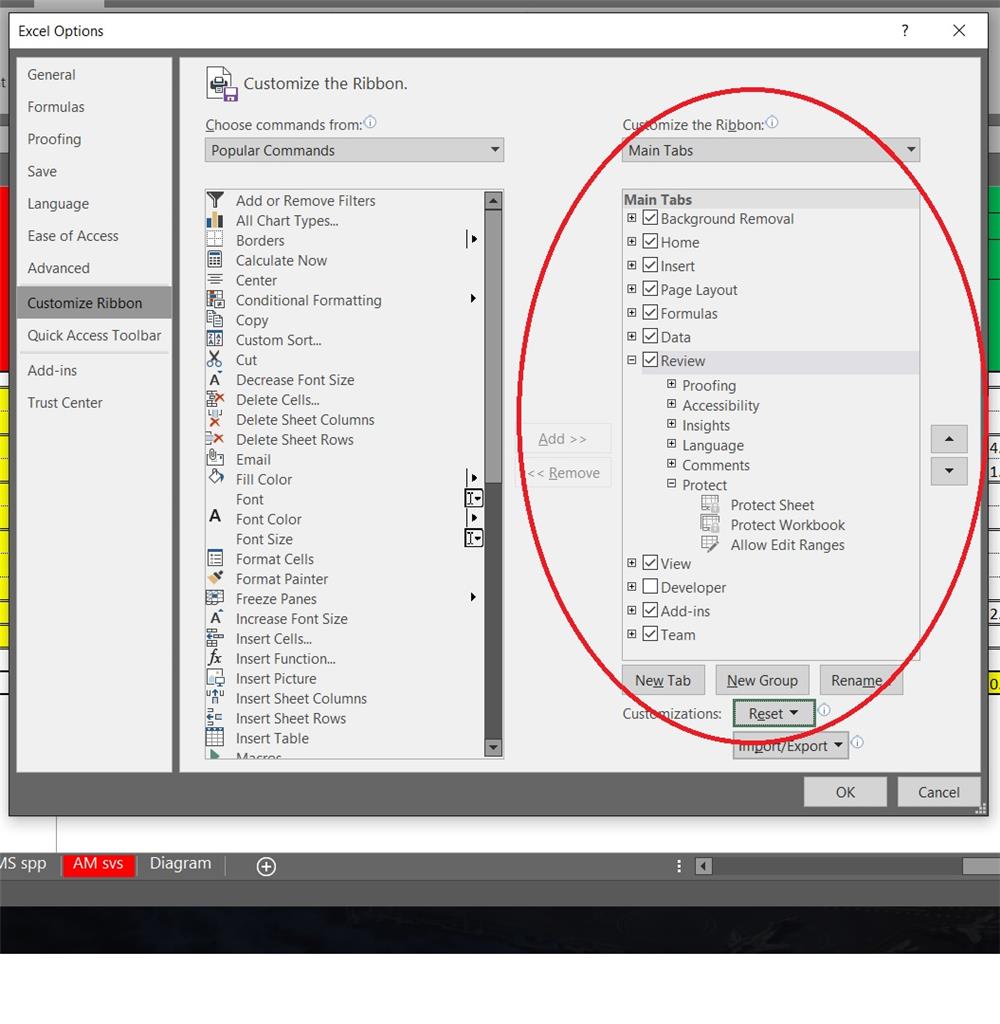
WEB Jun 4 2020 nbsp 0183 32 Can You Track Changes in Excel Enable Track Changes in Newer Versions of Excel Turn On Track Changes in Excel Share the
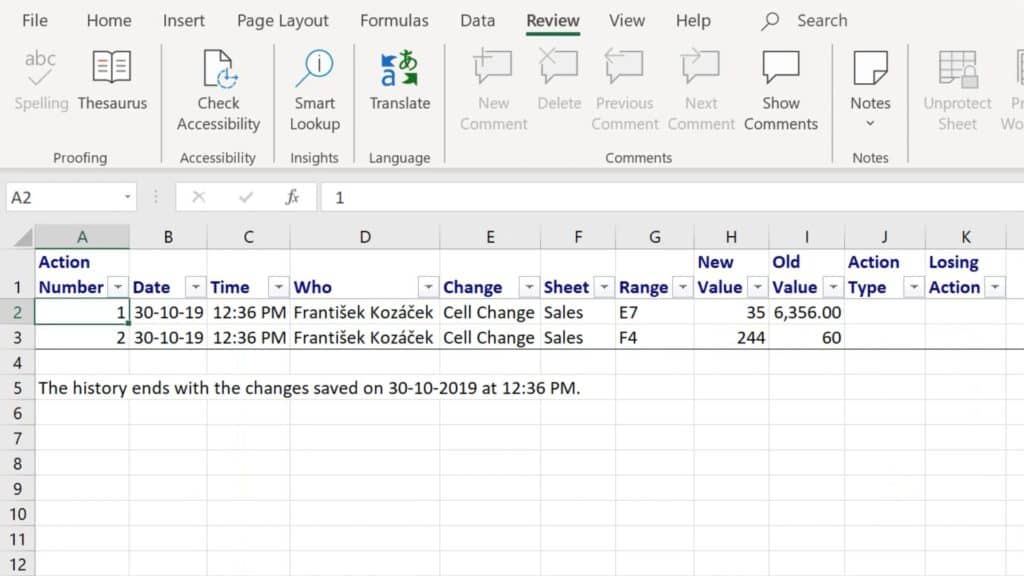
WEB The Track Changes feature in Excel 2019 enables users to keep track of changes made to a workbook by highlighting the modifications made to the cells allowing you to review
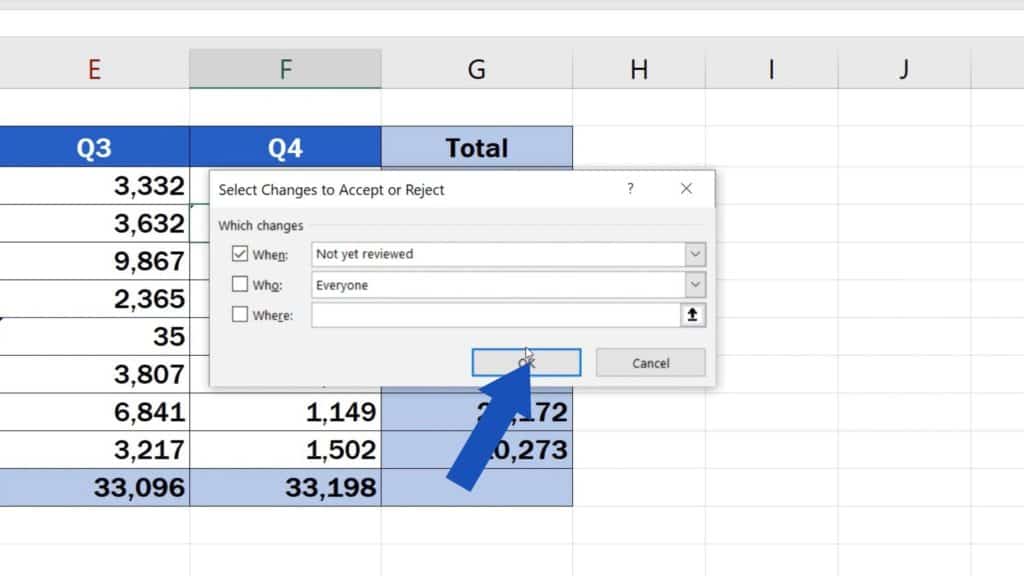
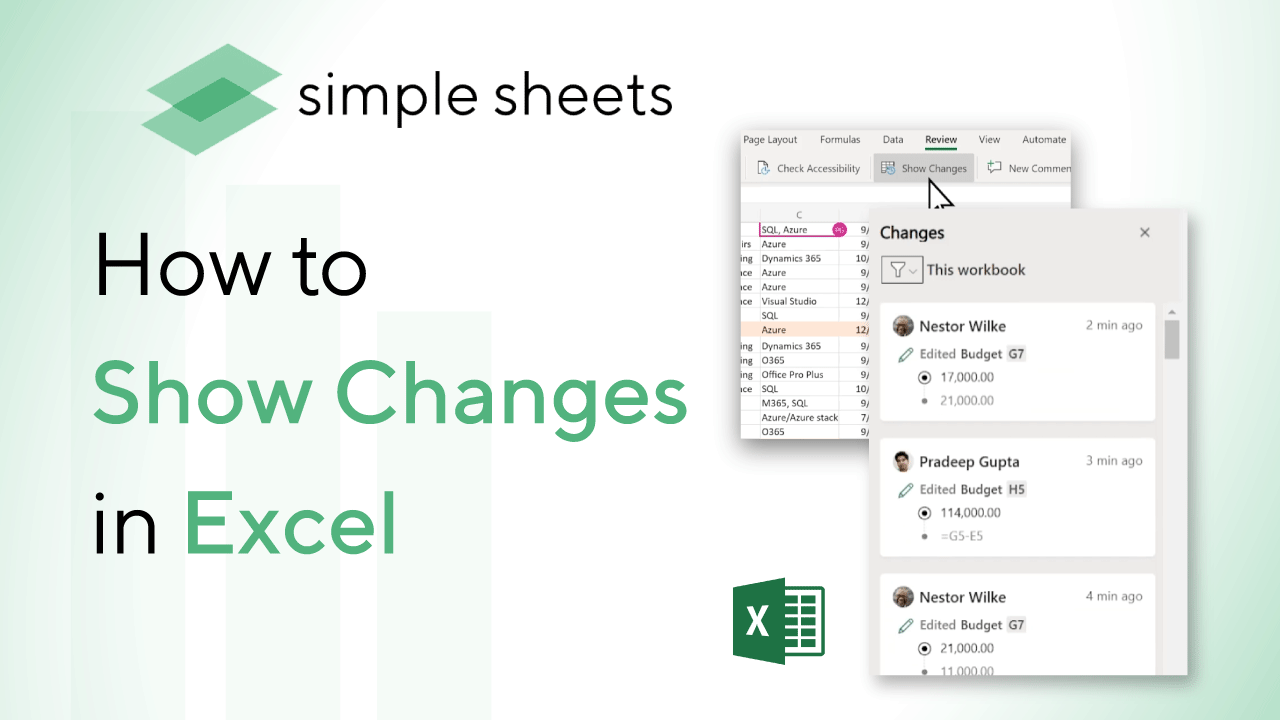
WEB Show Changes in Excel lets you see exactly what edits were made to your workbooks so you can confidently allow others to collaborate on your work You can see details of who

WEB Jul 27 2017 nbsp 0183 32 Here are the steps to enable track changes in Excel Go to the Review tab In the Changes group click on the Track Changes option and select Highlight
WEB Aug 2 2023 nbsp 0183 32 The tutorial explains the basics of Excel Track Changes and shows how to highlight changes on screen list changes in a separate sheet accept and reject changes as well as monitor the last changed cell
WEB Use Track Changes to track maintain and display information about the changes that are made to a shared workbook WEB Track changes in Excel highlight the changes made by a user in a shared workbook It marks the cells with data that has been edited in a different color In simple terms this
WEB In this tutorial learn how to use the Excel Track Changes feature Learn how to track list accept or reject changes easily