To Do List Template Google Sheets Imperio Inducir Riqueza Plantillas Drive Excel Polic a Tratamiento Correa Checklist Template In Google Sheets With Download Event Calendar Template Google Sheets Telamoneervam s Diary How To Create Google Sheets Template Tripmart Google Sheets Schedule Template Tutorial 2023 Coupler io Blog Web May 19 2023 nbsp 0183 32 Creating a to do list in Google Sheets is as simple as opening a new spreadsheet and creating a table with the columns you want to track From there you can add your tasks to the first column and fill in the corresponding information for each task in the other columns
Web Feb 11 2022 nbsp 0183 32 While Microsoft Excel has to do list templates I m partial to the ones provided by Google Sheets The built in checkboxes are hard for me to resist It s easy to format your list and Web Apr 28 2021 nbsp 0183 32 Learn how to create an interactive To Do list or a Task list in Google Sheets We ll create e template with various conditional formatting applied as well as automatic timestamps to mark when the
Google Sheets Schedule Template Tutorial 2023 Coupler io Blog Google Sheets Inventory Template Coupler io Blog Income Tracker Template Google Sheets Babever Google Sheets Project Timeline Template Damon Chung Free Google Docs And Spreadsheet Templates Smartsheet Robust Schedule Template For Google Sheets Monday Blog Daily To Do List Planner Template Download In Word Google Docs PDF Apple Pages Template Workout Plan Template Google Sheets Infoupdate
To Do List Template Google Sheets
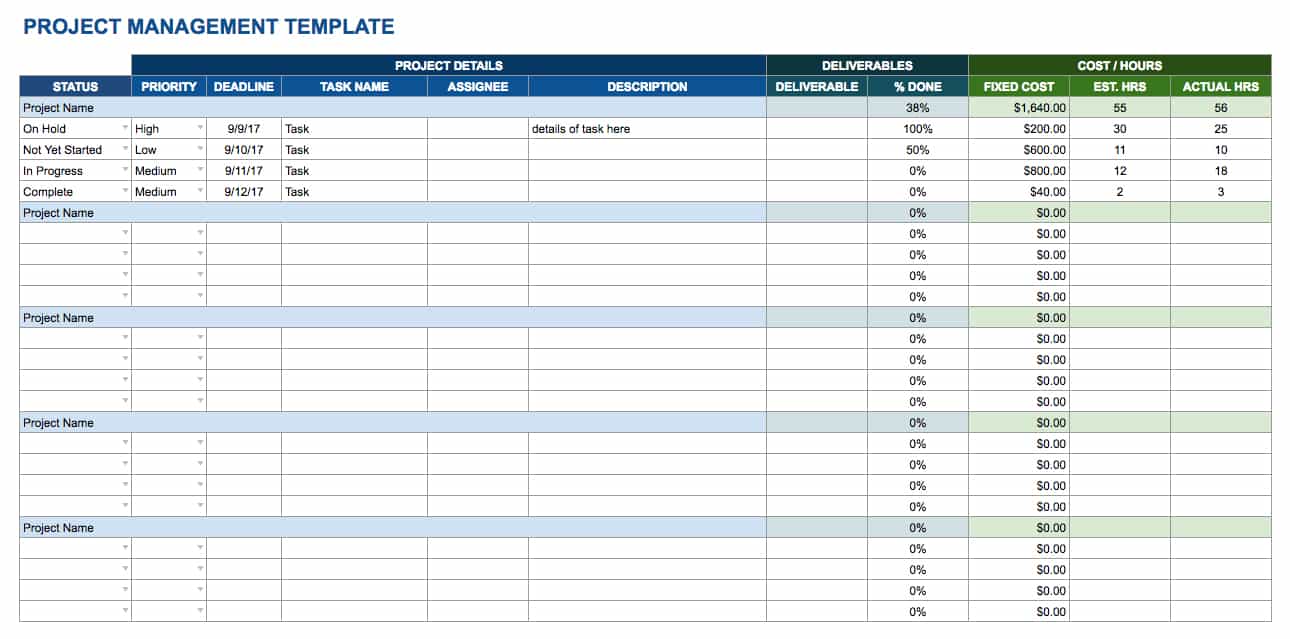 To Do List Template Google Sheets
https://www.smartsheet.com/sites/default/files/IC-Google-Spreadsheet-Project-Management-Template.jpg
Web Updated June 24 2022 You can use various tools to stay organized while working on different projects but one of the most common tools is the to do list which helps you easily keep track of tasks and their progress level Many software programs can help you keep track of your to do lists including Google Sheets an online spreadsheet system
Templates are pre-designed files or files that can be utilized for different purposes. They can save effort and time by offering a ready-made format and design for developing different kinds of material. Templates can be utilized for individual or expert tasks, such as resumes, invitations, flyers, newsletters, reports, discussions, and more.
To Do List Template Google Sheets
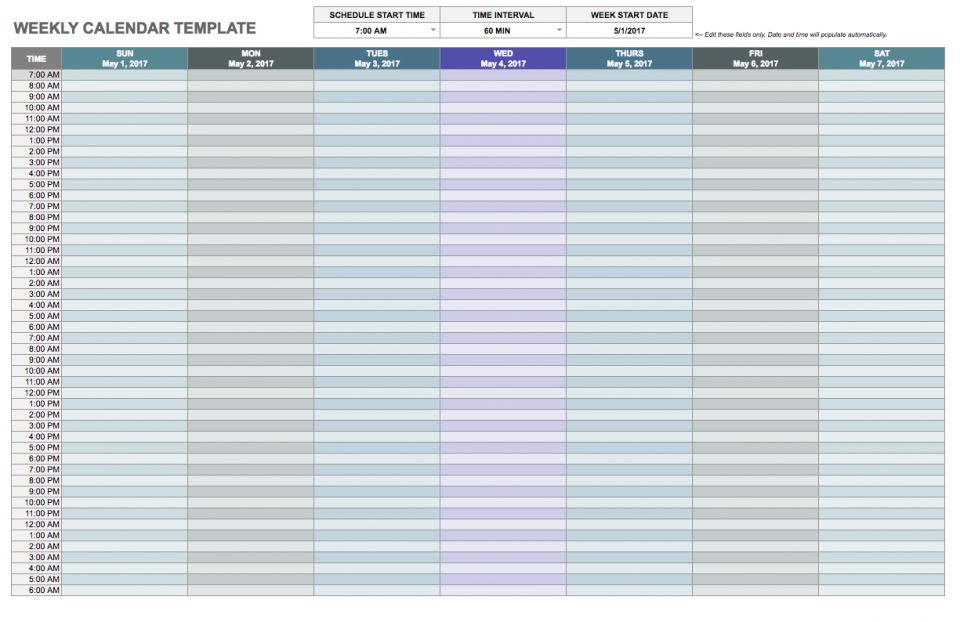
Schedule Template Google Docs Task List Templates

Google Sheets Inventory Template Coupler io Blog
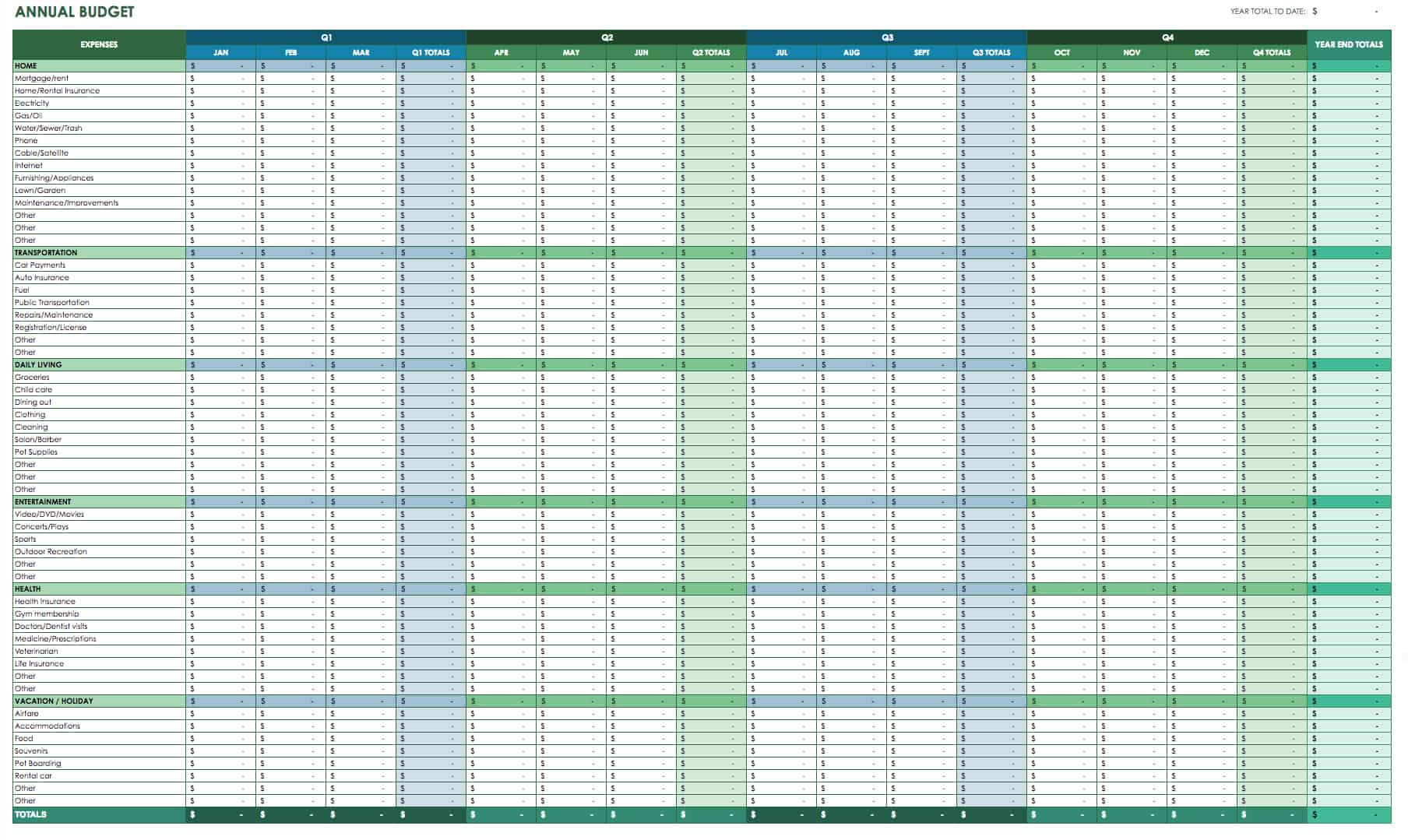
Income Tracker Template Google Sheets Babever
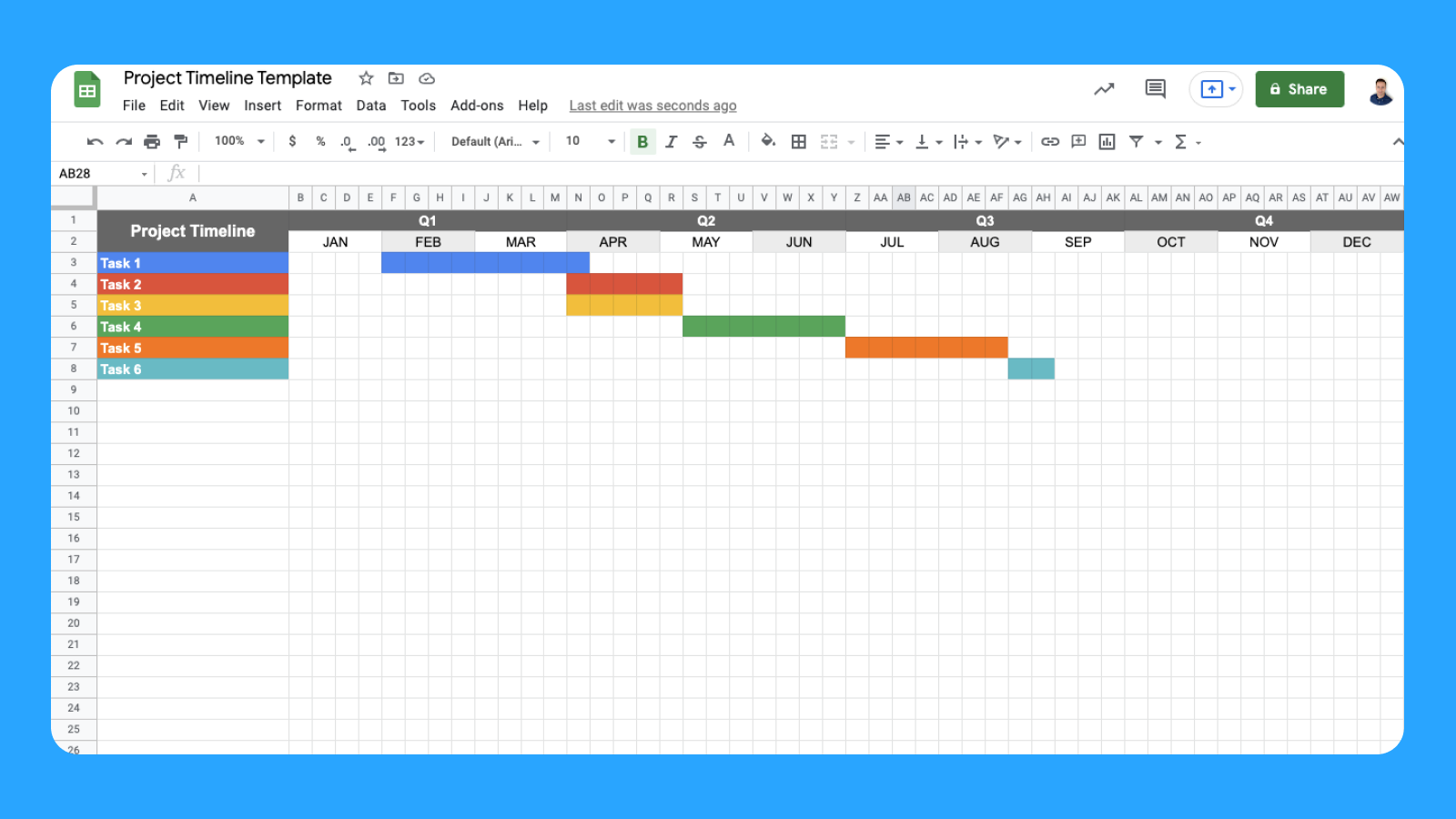
Google Sheets Project Timeline Template

Free Google Docs And Spreadsheet Templates Smartsheet
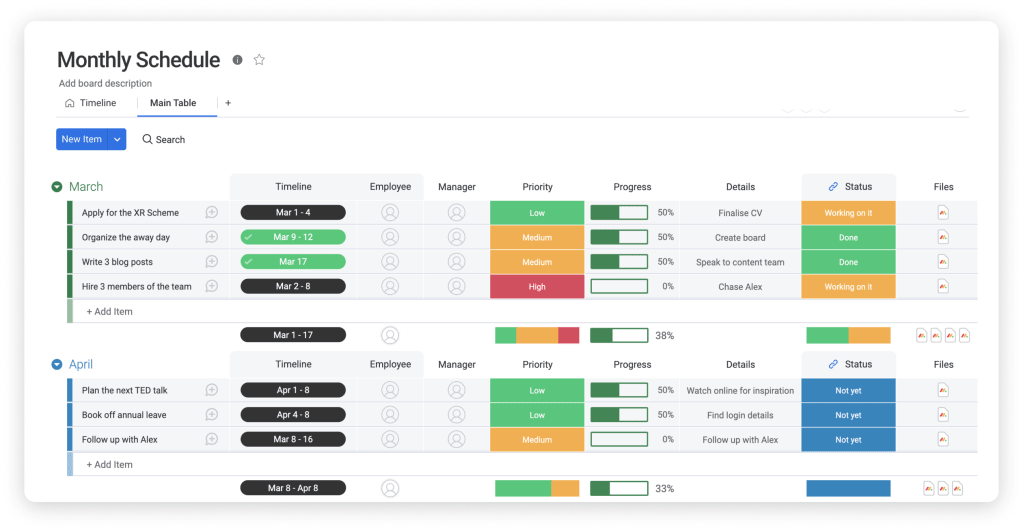
Robust Schedule Template For Google Sheets Monday Blog
Web Jan 7 2022 nbsp 0183 32 Here s how to use a spreadsheet as your to do list Google Sheets to do list template To use Google Sheets as your to do list make a copy of this template It s far from an advanced system and I have some notes in
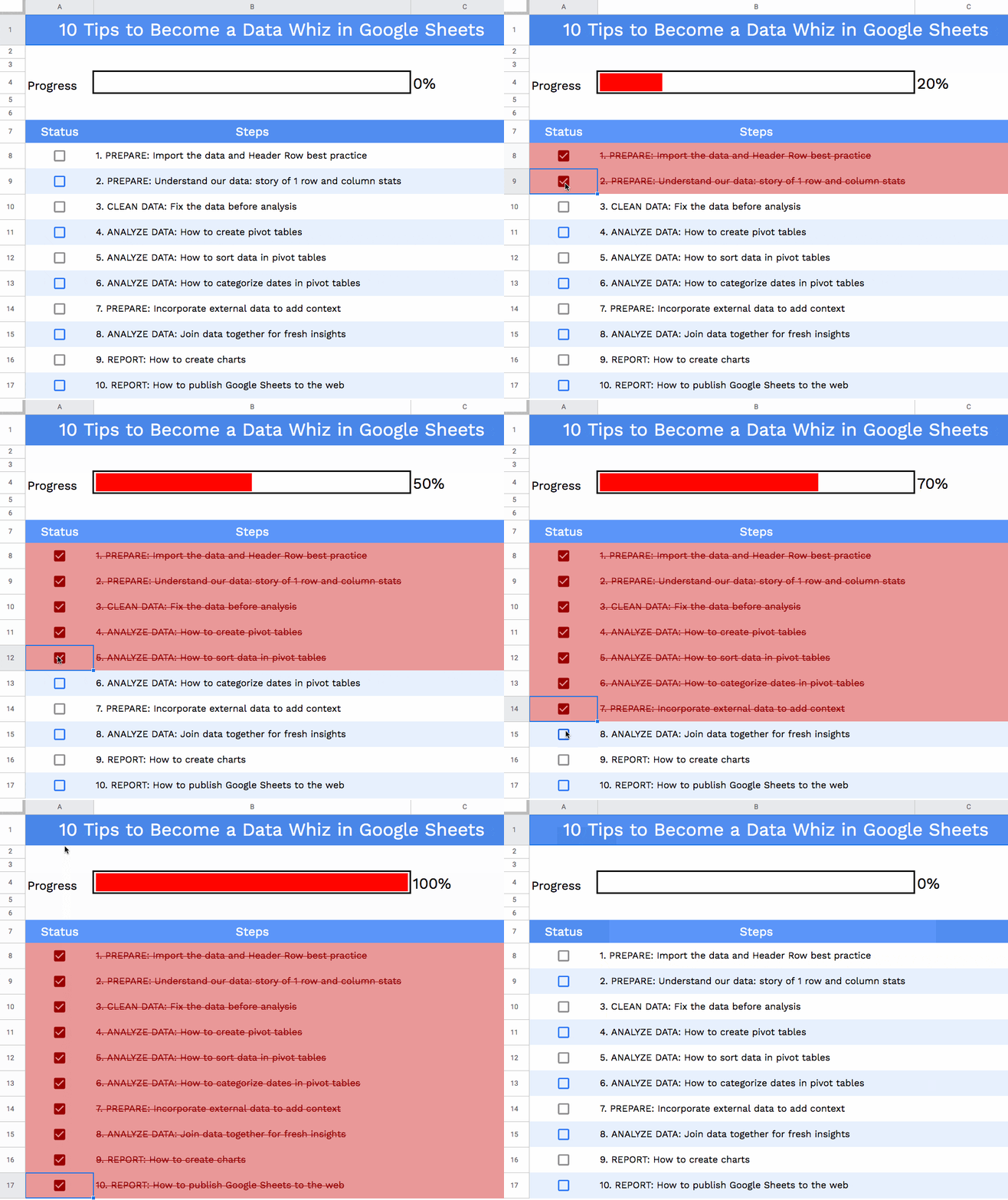
Web Access your to do list offline Step 1 Start by installing the Google Docs Offline extension Step 2 Visit docs google and click on the menu in the top left corner Then click on Settings Step 3 Turn quot Offline to on

Web Aug 18 2022 nbsp 0183 32 Creating a Status Drop Down List Select the first cell under the Status heading Go to the Data menu and then select Data validation Set Criteria to List of items In the text box next to it enter the list of items In this example we re going to add Not Started In Progress Complete Click

Web Get Free List Templates in Google Docs Google Sheets Google Slides Birthday Lists Christmas Lists Homework Lists Monthly Lists Wedding Lists See all Formats Lists Free Green To Do List Stay eco conscious while staying organized with

Web Sep 25 2023 nbsp 0183 32 Make Your Own To Do List From Scratch Open a new blank spreadsheet Merge calls A1 and A2 and give your to do list a title then center the text Highlight the cells you wish to have checkmarks in column A Add checkboxes by navigating to Data gt Data validation and selecting Checkbox from the
[desc-11] [desc-12]
[desc-13]