Title Fonts Google Docs Font Tricks For Every Teacher Virginia Is For Teachers How To Import Fonts To Google Docs Procedure To Add Custom Fonts To Vanitas Font Closest Match On Google Fonts Mediameva 55 Favorite Google Fonts Ladybug s Teacher Files Google Docs Fonts style Size Color YouTube The 40 Best Free Fonts Available on Google Fonts Last updated on January 5 2024 These are the 40 best free web fonts available on Google Fonts in my humble opinion They are all open source and 100 free for commercial use
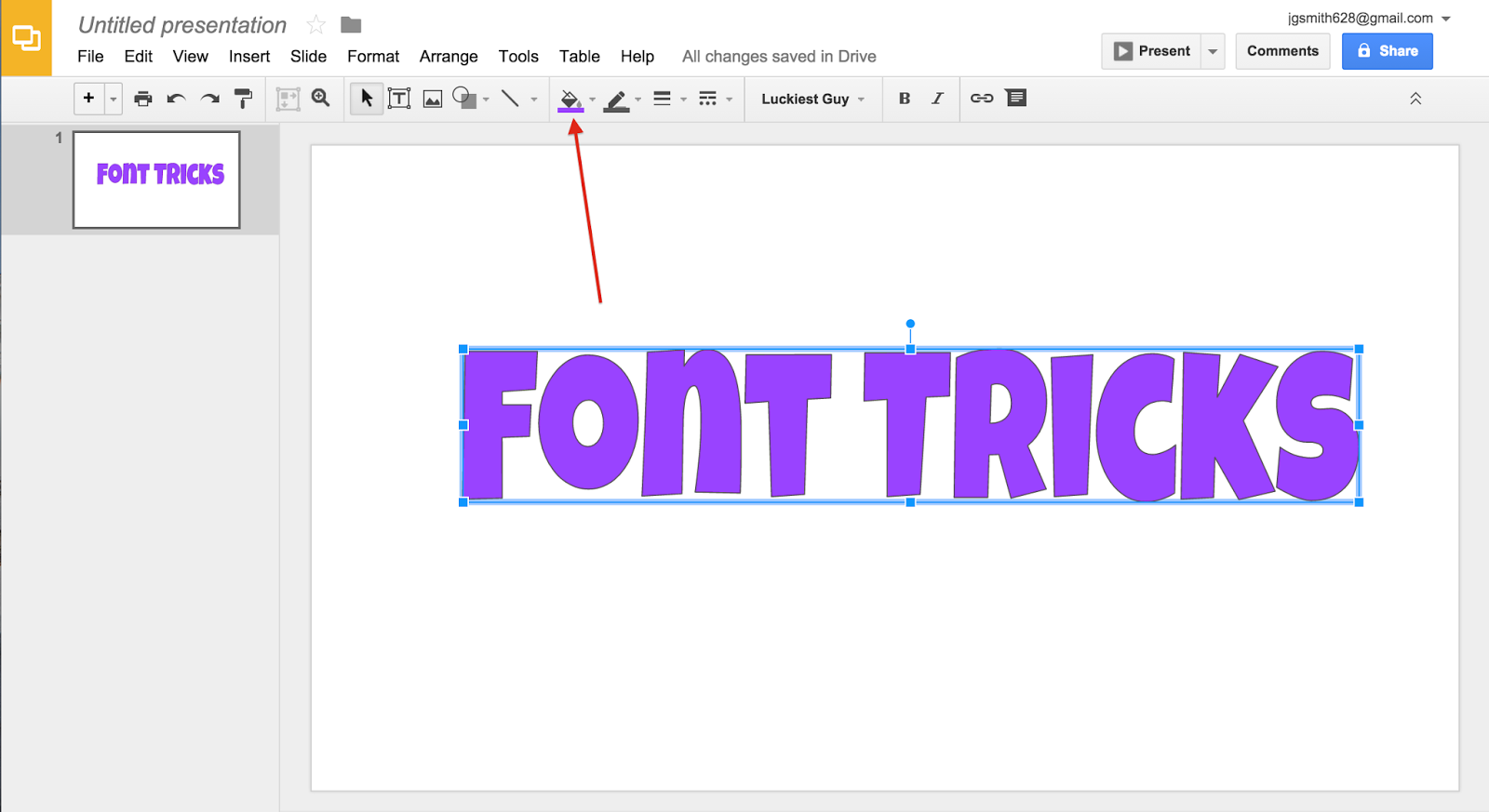
Make a title or heading Change the text style On your computer open a document in Google Docs Select the text you want to change Click Format Paragraph styles Click a text style Normal When you want to change the font style in Google Docs use the Font drop down box in the toolbar This is also the same spot where you can access the additional font styles Click the Font drop down and pick the More Fonts option You ll then see a pop up window where you can find add or remove the fonts in the drop down list
Google Docs Fonts style Size Color YouTube Aesthetic Fonts Download Google Docs This Video Will Show You How To Tracing Font Google Drive TracingLettersWorksheets How To Select A Newspaper Font In Google Docs FluidAble Aesthetic Fonts On Google Docs Aesthetic Fonts Google Docs Aesthetic Edit Foto Mata Aesthetic Fonts And Symbols IMAGESEE The Best Google Font Pairings More Design Tips For Teachers Hello Here Are My Favorite And Free Fonts For Blog Headers Retro Google Fonts For 80 s Designs 2023 Graphic Pie
Title Fonts Google Docs
 Title Fonts Google Docs
https://1.bp.blogspot.com/-ZCGgm7sh8T8/VghmjP5sghI/AAAAAAAAE2c/-k2nWLTU8Rk/s1600/Screen%2BShot%2B2015-09-27%2Bat%2B5.57.34%2BPM.png
Select all text Ctrl A or Command A on Mac or a certain text you d like to change and open the Font dropdown from the Google Docs toolbar The first fonts you ll see are your recent ones It s the last 6 fonts you ve used in your documents The font applied to your currently selected text will be marked with a tick
Pre-crafted templates offer a time-saving option for developing a varied variety of documents and files. These pre-designed formats and designs can be utilized for different personal and professional tasks, consisting of resumes, invitations, leaflets, newsletters, reports, presentations, and more, simplifying the content creation procedure.
Title Fonts Google Docs
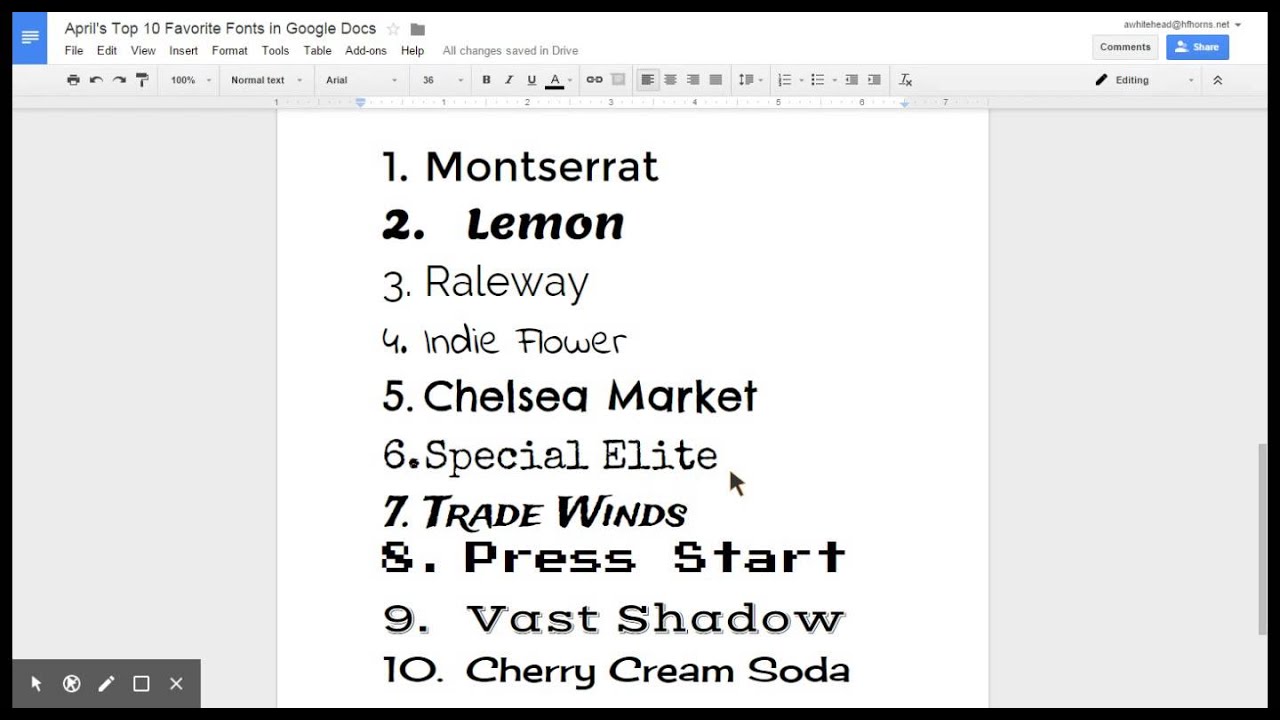
Aesthetic Fonts In Google Docs

Aesthetic Fonts Download Google Docs This Video Will Show You How To
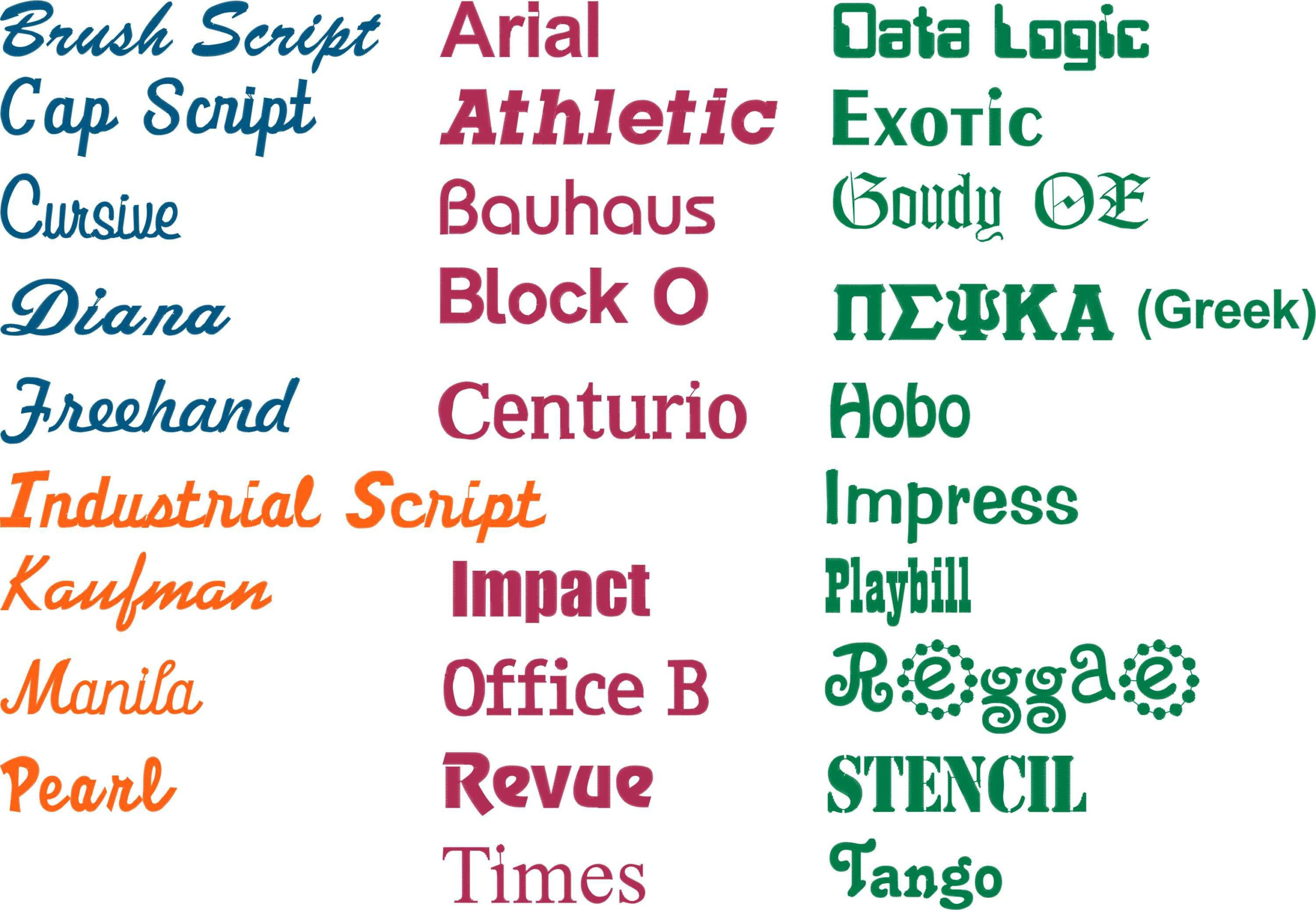
Tracing Font Google Drive TracingLettersWorksheets

How To Select A Newspaper Font In Google Docs FluidAble
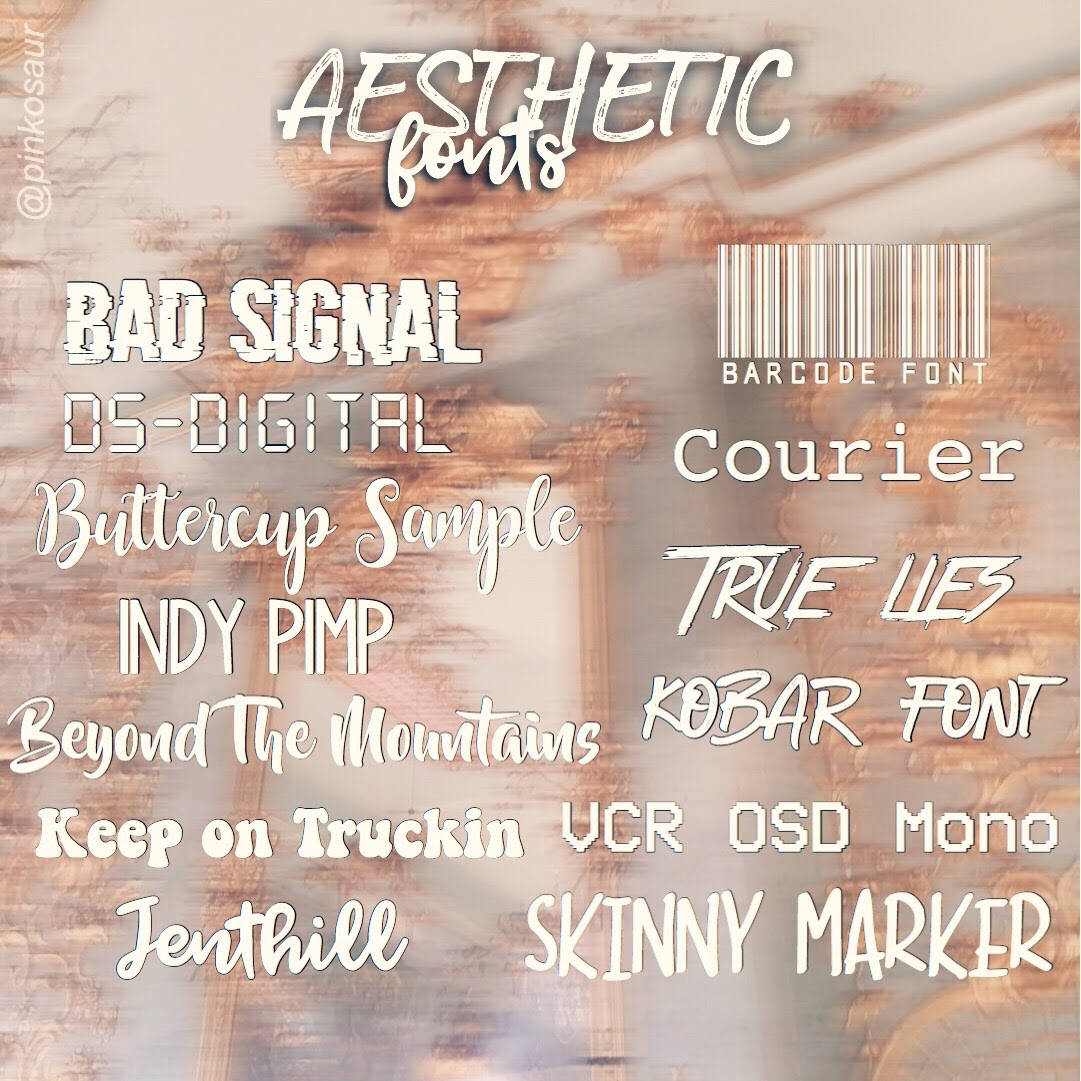
Edit Foto Mata Aesthetic Fonts And Symbols IMAGESEE
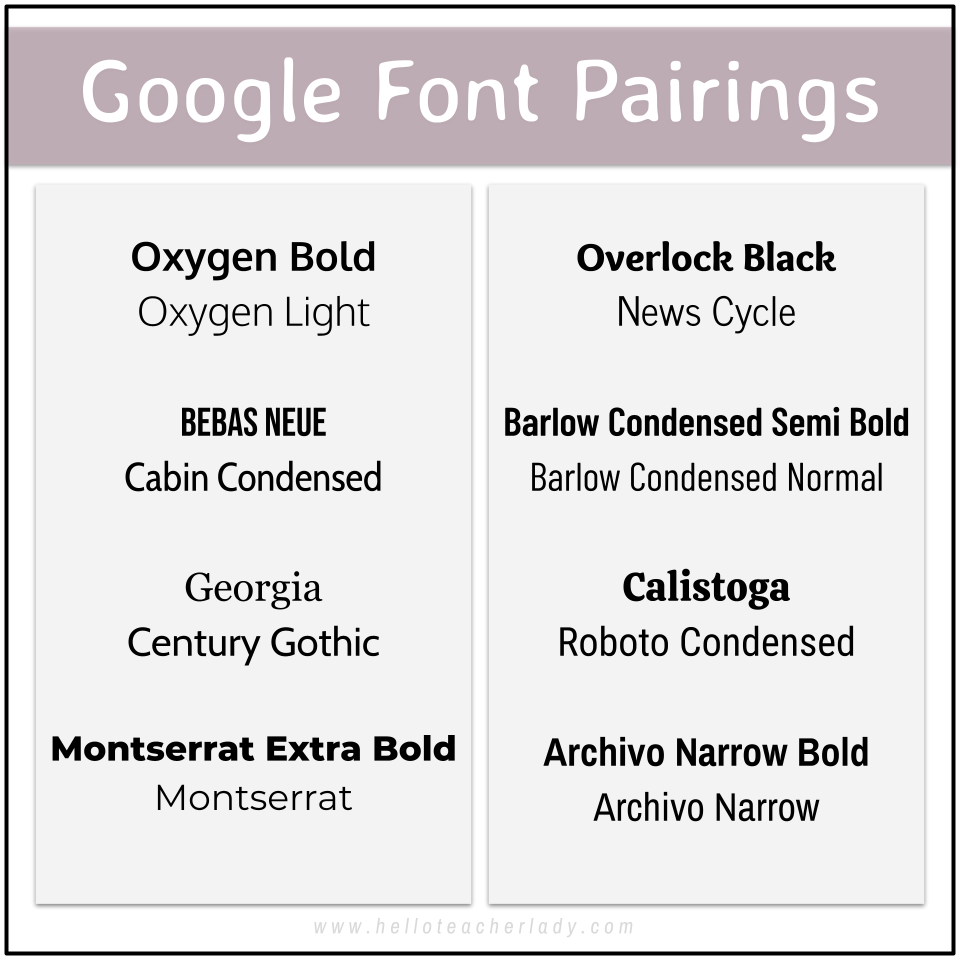
The Best Google Font Pairings More Design Tips For Teachers Hello
Making the web more beautiful fast and open through great typography

Our robust catalog of open source fonts and icons makes it easy to integrate expressive type and icons seamlessly no matter where you are in the world Google s Workspace apps such as
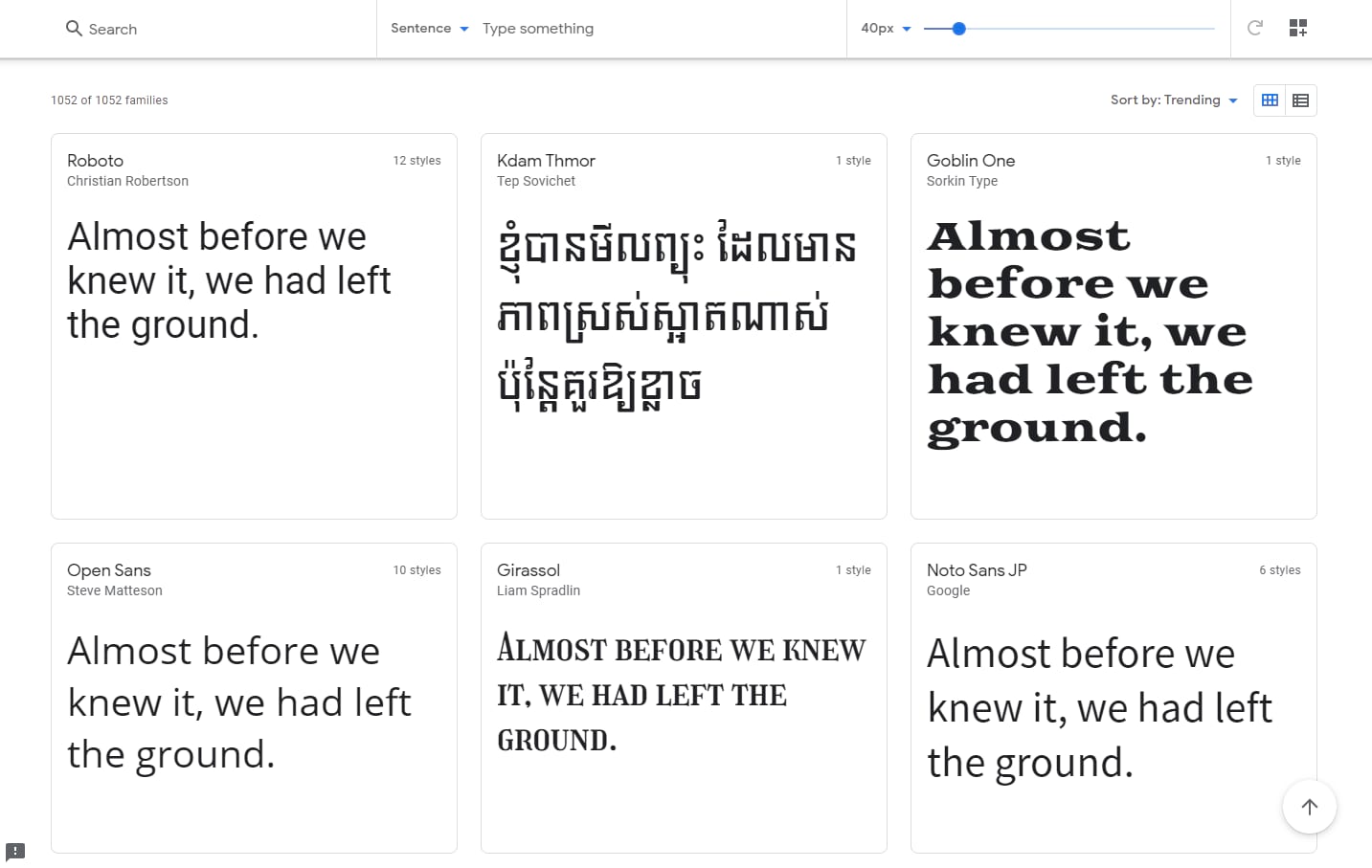
January 23 2022 Home Web Development 20 Best Google Fonts for Headings and Body Text In this article we ve rounded up an excellent collection of the best Google fonts for titles headings and body texts Each font has its unique design that makes it stand out from the rest

Step 1 Open your Google Docs document The very first step is to open the Google Docs document where you want to add new fonts To do this first go to the Google Docs homepage Type docs google in the search bar of your browser and press enter Make sure that you sign in to your Google account so that you can access the page

After the add on is installed open or create a document in Google Docs and go to Add ons Extensis Fonts Start The Extnesis Fonts font manager opens to the right of your document There you can sort and select the fonts you want to use in your document To use a font in the Extensis list you first need to type your text then select it
In this article we will present the 15 most elegant fonts available on Google Docs We have carefully evaluated all the fonts available in the Google Docs font library and used them in our documents We have also rigorously tested their suitability for titles headings and paragraphs Ultimately we have carefully selected 15 fonts that stand out for their elegance and versatility It evokes an old world charm for headings titles and other decorative purposes Get Bilbo Swash Caps from Google here 17 Mr Bedfort Mr Bedfort is another retro themed calligraphy font on Google Docs It has intricate letterforms and decorative swirls that add to its old school aesthetic
In this article we ve curated a list of the top Google Docs fonts that are sure to captivate your readers and keep their eyes glued to your content Whether you re writing a formal report a casual blog post or a personal letter these aesthetic fonts can add style elegance and a personal touch to your work Table of Contents 1 Josefin Sans 2