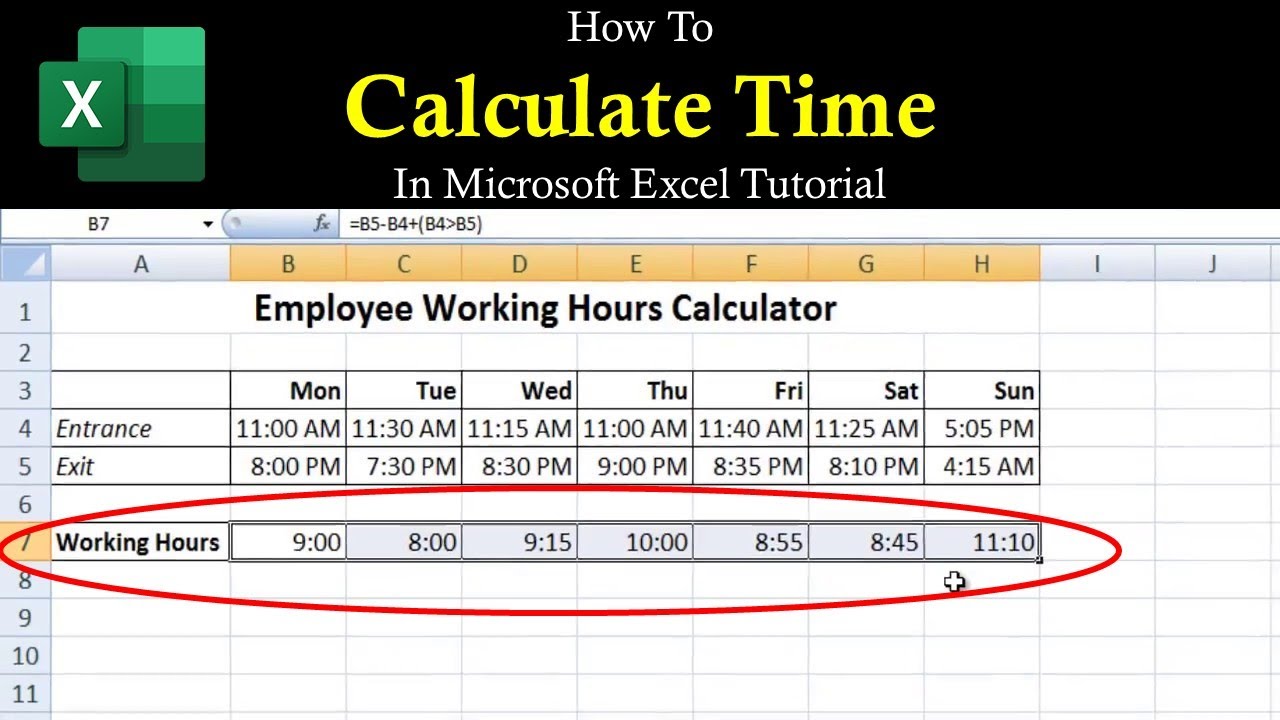
Time Formula In Excel Sheet EOMONTH Function In Excel Getting Last Day Of Month Excel Unlocked How To Use Fixed Formula In Excel Microsoft Excel Tutorial Excel Patterns Of Numbers With A Formula In Excel Pixelated Works Excel DB Function Formula To Calculate Depreciation Excel Unlocked DAYS360 Function In Excel Counting Number Of Days Excel Unlocked To do that follow the steps below First of all type of formula is below within cell E5 D5 E5 After that press the ENTER button to execute the subtraction formula Finally drag the Fill Handle icon to the end of the Work Hours column 2 Excel Timesheet Formula Using MOD Function
TIME is a time worksheet function in Excel that is used to make time from the arguments provided by the user The arguments are in the following format hours minutes and seconds The range for the input for hours can be from 0 23 and for minutes it is 0 59 and similar for seconds The method to use this function is as follows Time Hours Finally there will be another column for the total duration or updated completion time A TIME formula In the first cell of the total duration column enter the following formula and hit Enter to easily add time in Excel B2 TIME C2 D2 E2 Do change the cell references according to your own Excel worksheet A TIME formula
DAYS360 Function In Excel Counting Number Of Days Excel Unlocked How To Copy The Formula In Excel Sheet How To Calculate Time In Microsoft Excel 2016 Tutorial The Teacher COUNTIF Function In Excel Counting Cells With Condition How To Calculate Date Time Difference In Excel Haiper Get How To Calculate Time Formula In Excel Most Complete Formulas View How To Make A Formula Constant In Excel Most Complete Formulas How To Calculate Percentage Amount From Total Haiper 21 Microsoft Excel Formula Cheat Sheet Most Complete Formulas
Time Formula In Excel Sheet
 Time Formula In Excel Sheet
https://excelunlocked.com/wp-content/uploads/2021/08/Infographic-EOMONTH-Formula-Function-in-Excel-1536x1261.png
Now the value will return the total time and the format text will format the time in hour minute and second Now press ENTER and you will get the formatted total time 16 1 Using TEXT SUM to Calculate Total Day Time By using the TEXT function with the SUM function you can calculate the total day and time
Pre-crafted templates offer a time-saving option for developing a diverse series of files and files. These pre-designed formats and layouts can be made use of for different personal and expert jobs, consisting of resumes, invitations, flyers, newsletters, reports, discussions, and more, enhancing the material creation procedure.
Time Formula In Excel Sheet
14 Attendance Sheet In Excel With Formula Most Complete Formulas

How To Copy The Formula In Excel Sheet
How To Calculate Time In Microsoft Excel 2016 Tutorial The Teacher
COUNTIF Function In Excel Counting Cells With Condition
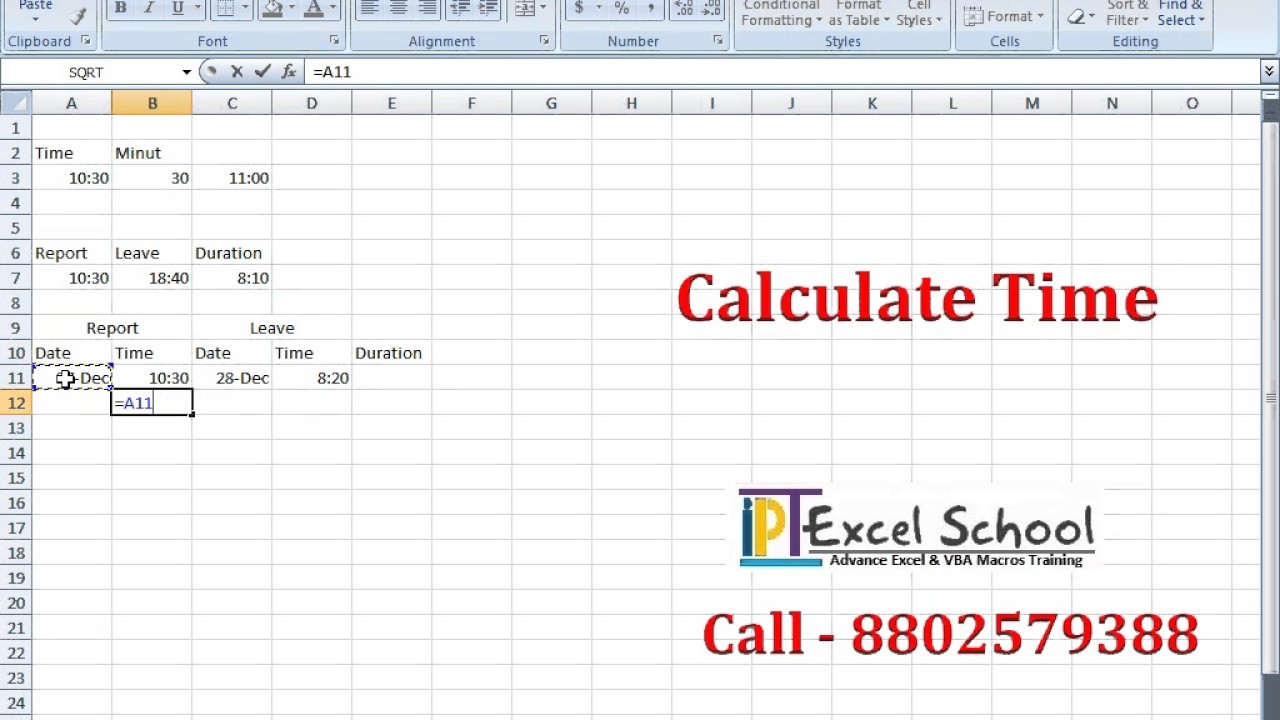
Get How To Calculate Time Formula In Excel Most Complete Formulas
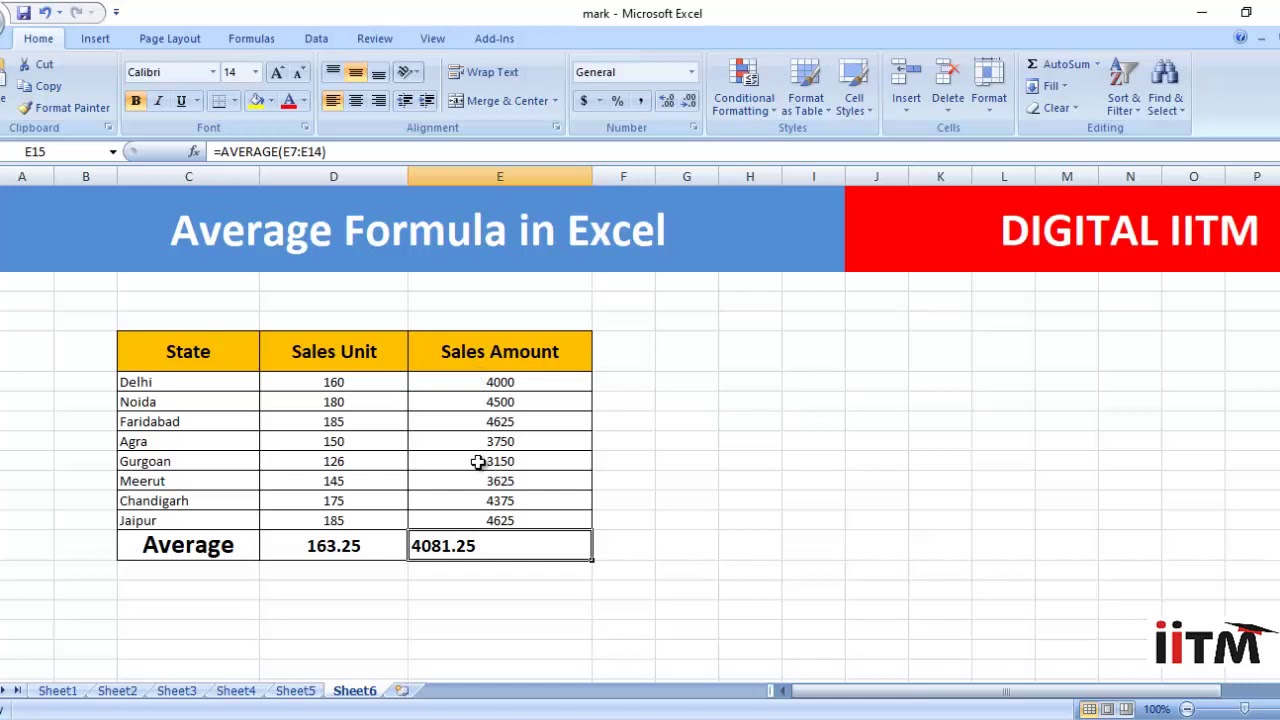
View How To Make A Formula Constant In Excel Most Complete Formulas
Select cell B4 and then on the Home tab choose AutoSum The formula will look like this SUM B2 B3 Press Enter to get the same result 16 hours and 15 minutes Well that was easy enough but there s an extra step if your hours add up to more than 24 You need to apply a special format to the formula result

Time values are a portion of a date value and represented by a decimal number for example 12 00 PM is represented as 0 5 because it is half of a day Example Copy the example data in the following table and paste it in cell A1 of a new Excel worksheet For formulas to show results select them press F2 and then press Enter

Below is the formula that will give you the time difference in hours B2 A2 24 The above formula will give you the total number of hours elapsed between the two time values Sometimes Excel tries to be helpful and will give you the result in time format as well as shown below
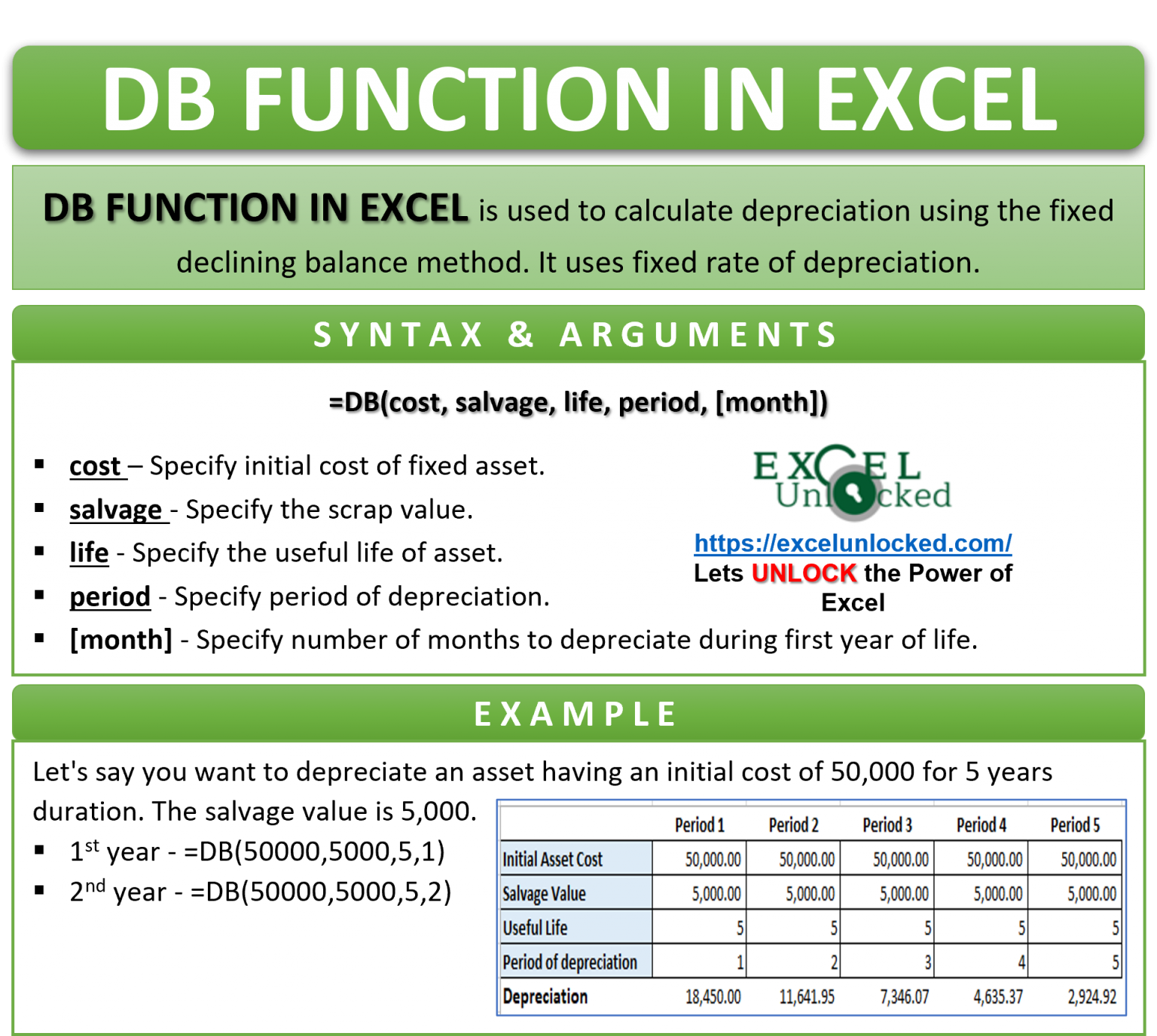
DATE function Returns the serial number of a particular date DATEDIF function Calculates the number of days months or years between two dates This function is useful in formulas where you need to calculate an age DATEVALUE function Converts a date in the form of text to a serial number DAY function
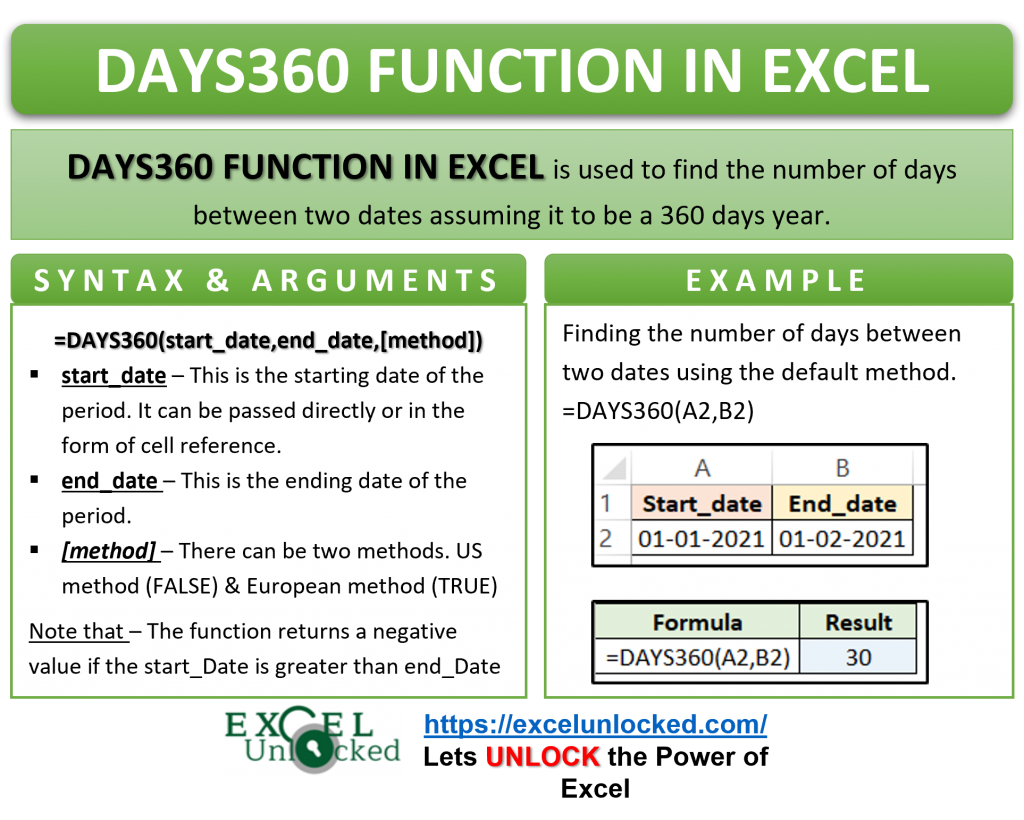
The TIME function creates a valid Excel time based with supplied values for hour minute and second Like all Excel time the result is a number that represents a fractional day The TIME function will only return time values up to one full day between 0 zero to 0 99999999 or 0 00 00 to 23 59 59 To see results formatted as time apply a
1 Enter the start date and time in cell A2 and hit Enter Don t forget to write AM or PM 2 Enter the end time in cell B2 and hit Enter 3 Enter the formula B2 A2 in cell C2 and hit Enter An example of subtracting time on the same day in Excel WARNING 1 Days Between Dates This Excel date formula will calculate the number of days between two dates DATEDIF A1 B1 d The formula takes two cells separated by commas and then uses a d to calculate the difference in days The DATEDIF formula takes two date cells and calculates the days between them
Excel calculates the total hours for the exemplary row to be 10 And yeah the math makes sense Drag and drop the same formula to the whole list Now as employees enter the relevant hours for each day Excel will automatically calculate the total hours for that day based on the formula above Done with totaling the hours for each