Tick Symbol In Word Code How To Insert Tick Mark In Word How To Check Mark In Word Open The Symbol Dialog Box Download Free Checkmark Alt Code How To Type Check Mark In Microsoft Word Images 3 Mani res De Ajouter Une Coche Votre Document Word Checkmark Symbol How To Insert In Excel Word Mac Option 1 Copy and paste from the below symbols To copy and paste a tick or cross simply highlight one of the ticks or crosses below then copy and paste it to your destination Highlight or double click on your preferred symbol below
How to Type Check Mark Checkbox Symbols in Word Alt Code A check mark or checkbox is a symbol used to indicate the concept of yes in the English language In this tutorial you will learn how to type the checkmark symbol in Microsoft Word using the keyboard or mouse Go to the Insert tab click on Symbol on the far right click More Symbols and change the font to Wingdings in the box that pops up Then scroll down to the bottom and choose the tick or cross symbol that you prefer Finally hit Insert Insert a tick or cross using the symbols menu in Microsoft Word
Checkmark Symbol How To Insert In Excel Word Mac How To Insert A Tick Or Cross Symbol In MS Word Proofed s Writing Tips Check Mark Tick Okay Free Vector Graphic On Pixabay Top 4 Ways To Insert A Tick Sign In Microsoft Office Check Mark Symbol ClipArt Best Kompetenz Geist Acht How To Tick A Box In Word Gurke Ansteckende 5 Ways To Insert Tick Or Cross Symbol In Word Excel How To Check Mark Tick Symbol Images And Photos Finder How To Insert A Check Mark In Excel 9 Steps with Pictures
Tick Symbol In Word Code
 Tick Symbol In Word Code
https://www.wikihow.com/images/thumb/b/bd/Add-a-Check-Mark-to-a-Word-Document-Step-4-Version-2.jpg/aid494538-v4-728px-Add-a-Check-Mark-to-a-Word-Document-Step-4-Version-2.jpg
1 Alt or Option Code Shortcuts Windows and Mac Below table is the list of alt code keyboard shortcuts for various check mark symbols in Windows and Mac You may see some symbols showing as square box or question mark in browser however you can see the proper symbol when using in your documents
Pre-crafted templates provide a time-saving option for producing a diverse range of files and files. These pre-designed formats and designs can be utilized for various personal and professional jobs, consisting of resumes, invites, leaflets, newsletters, reports, presentations, and more, streamlining the material creation procedure.
Tick Symbol In Word Code
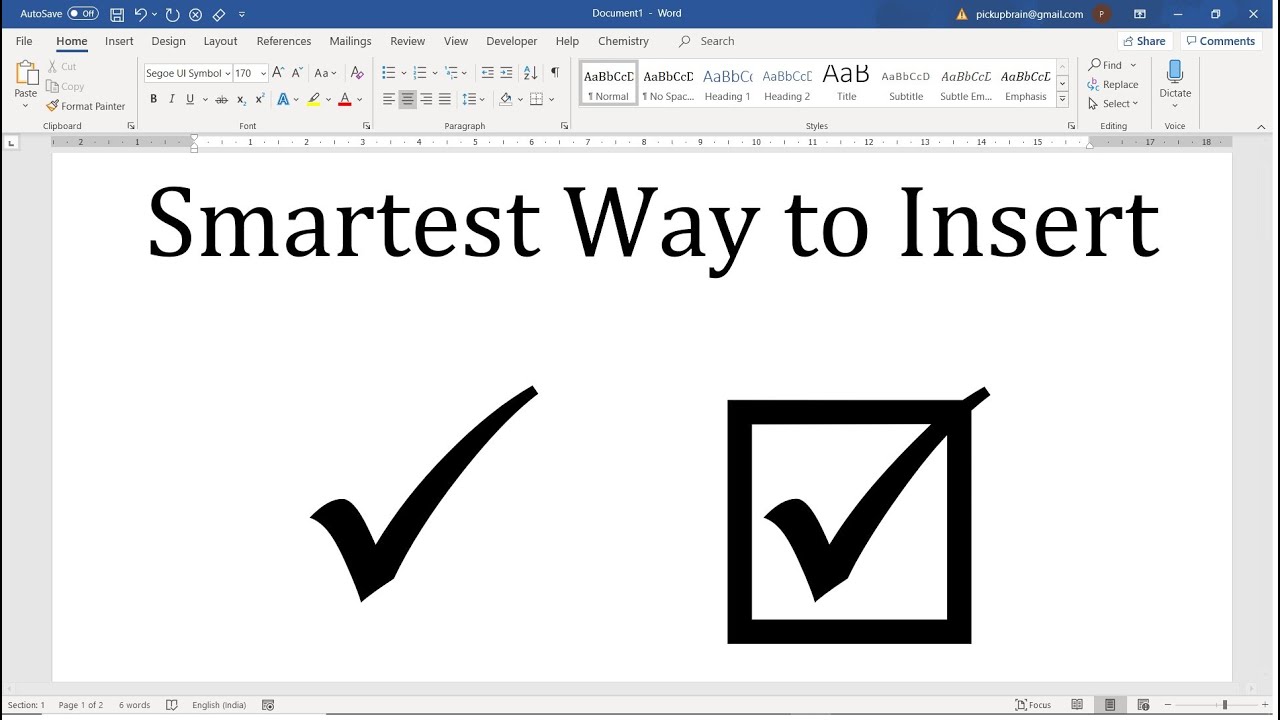
Copy And Paste Check Box Word Trackingopec
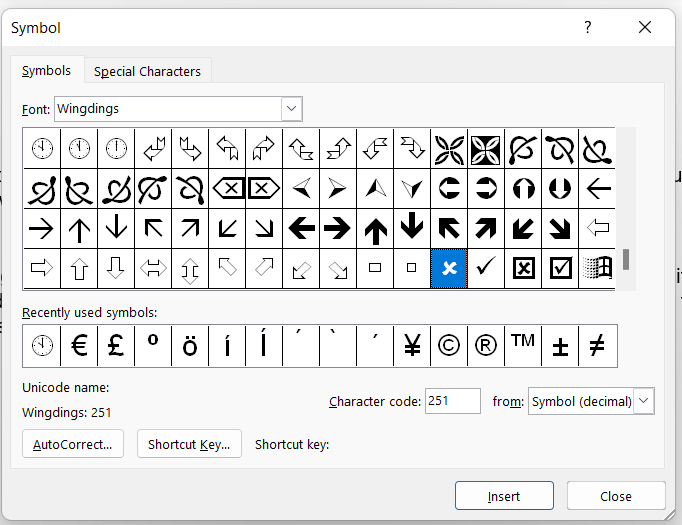
How To Insert A Tick Or Cross Symbol In MS Word Proofed s Writing Tips

Check Mark Tick Okay Free Vector Graphic On Pixabay

Top 4 Ways To Insert A Tick Sign In Microsoft Office

Kompetenz Geist Acht How To Tick A Box In Word Gurke Ansteckende
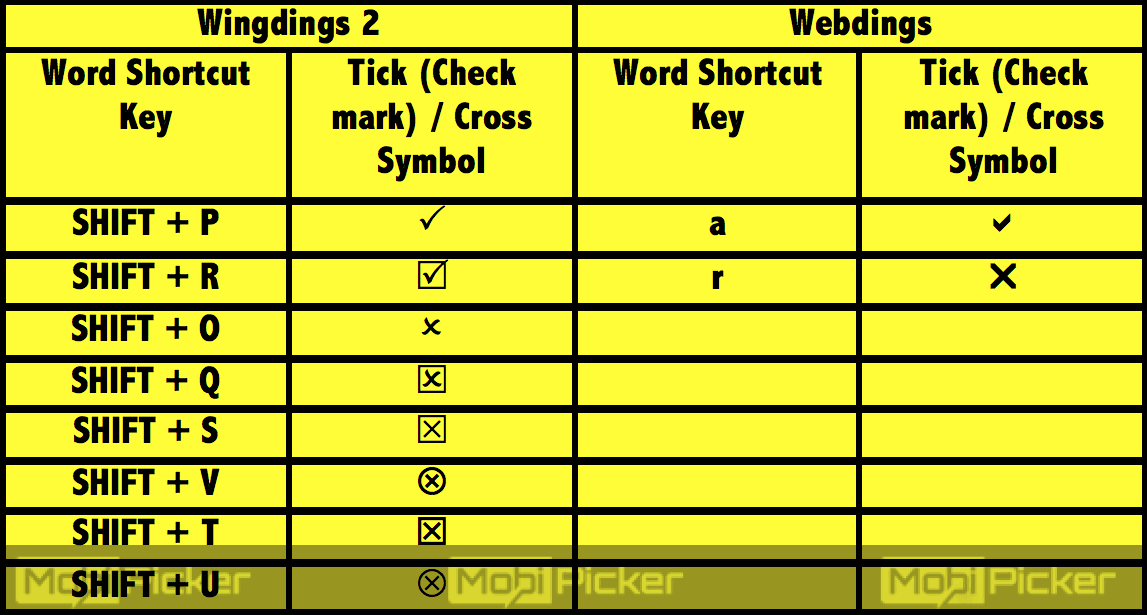
5 Ways To Insert Tick Or Cross Symbol In Word Excel How To

You can easily insert a check mark also known as a tick mark in Word Outlook Excel or PowerPoint These marks are static symbols If you re looking for an interactive check box that you can click to check or uncheck see Add a check box or option button Excel or Make a checklist in Word
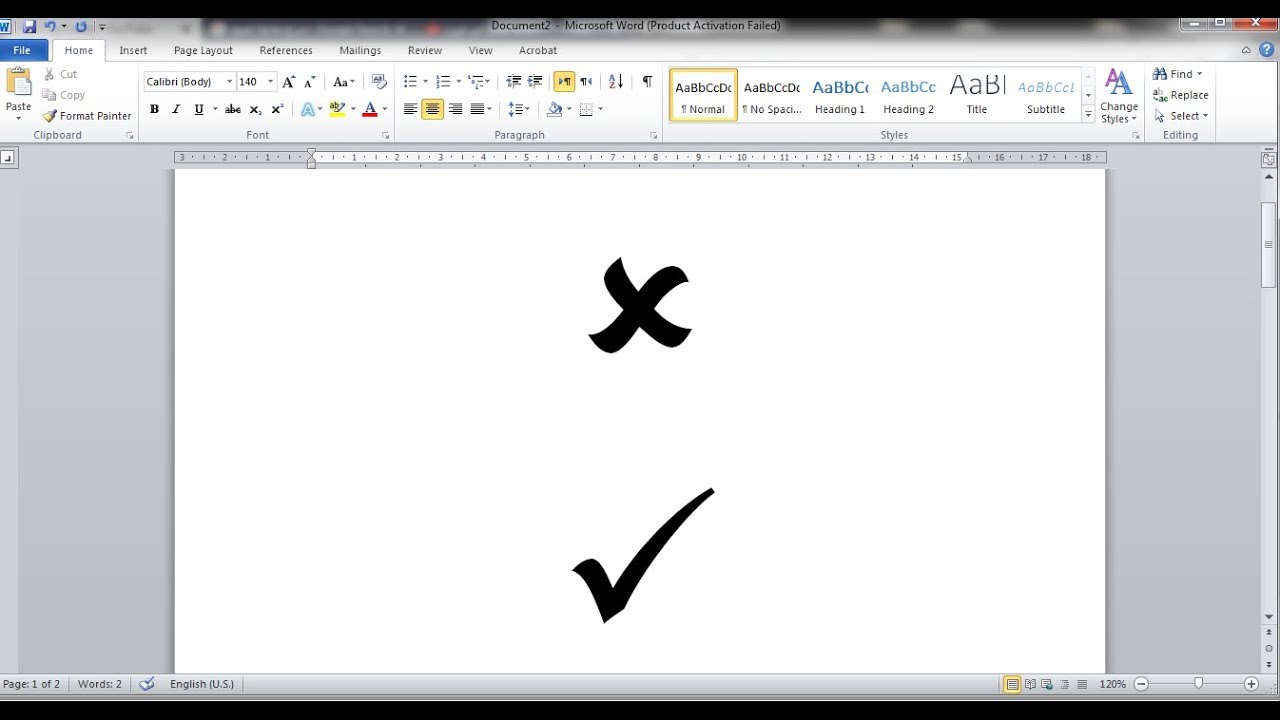
Method 4 Tick symbol character code 1 Change font to Wingdings 2 Using the numerical keypad not the horizontal line of numbers hold down Alt and enter any one of the following
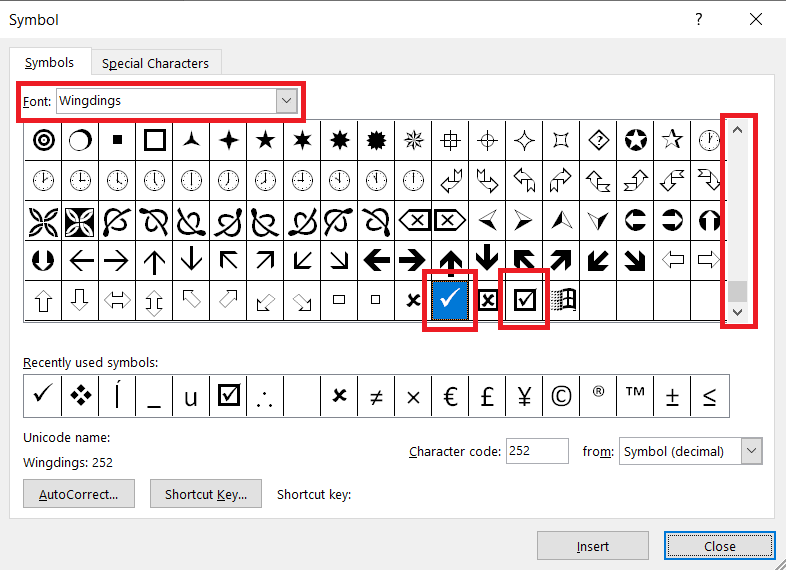
To add a checkmark in Word go to Insert Symbol More Symbols choose the tick mark icon and select Insert You can also use a keyboard shortcut by holding Alt and typing 0252 on your number pad Making a list and checking it twice

Go to Insert Symbol Select a checkmark symbol to insert or do the following Select More Symbols Scroll up or down to find the checkmark you want to insert Different font sets often have different symbols Use the Font

Insert or Type a Check Mark or Tick Mark Symbol in Microsoft Word with Shortcuts by Avantix Learning Team Updated April 30 2023 Applies to Microsoft Word 2013 2016 2019 2021 or 365 Windows You can insert or type a check mark or tick mark symbol in a Word document in several ways
[desc-11] [desc-12]
[desc-13]