Test Ftp Port Command Line Writing A Command Line Application In Elixir Dimitris Zorbas Command Prompt Tips And Tricks Windows 10 Command Line Tricks TechRadar Windows Terminal Preview V0 9 Release Windows Command Line How To Use FTP with Pictures WikiHow Active Directory Doorzoeken Vanaf De Command Line Blog What is the FTP PORT command FTP communications use two TCP port number values one for commands port 21 by default and one for data transfer This is where the PORT command comes into play The PORT command is sent by an FTP client to establish a secondary connection address and port for data to travel over
In Windows 11 File Explorer right click on This PC and choose Add a Network Location then follow the steps to add an FTP server You can also access FTP servers using the ftp command in Command Prompt or PowerShell using the open command followed by the server address and entering the username and password From the Command prompt type ftp XXX XXX XXX XXX where the x characters represent the IP address of the FTP server or File Server and then press Enter on the keyboard NOTE Make sure to include a space between the word ftp and the IP address A connection script will run and if successful a prompt for a user name will be displayed
Active Directory Doorzoeken Vanaf De Command Line Blog How To Use FTP From A Command Line ServerCake Command Line Tips And Tricks All Around Azure PHP Command Line Interface For Beginners Full Course My FTP Test HOW TO DO AN FTP TEST YouTube FTP Ports What Is FTP FTP Modes FTP Commands IpCisco The What Why How Of FTP Servers Windows Terminal Preview V0 8 Release Windows Command Line Using The Windows Command line FTP Client With Forefront Threat
Test Ftp Port Command Line
 Test Ftp Port Command Line
https://www.zorbash.com/images/posts/building_command_line_applications_with_elixir/terminal.jpeg
02 03 2023 10 contributors Feedback In this article Syntax Related links Applies to Windows Server 2022 Windows Server 2019 Windows Server 2016 Windows Server 2012 R2 Windows Server 2012 Connects to the specified ftp server Syntax open computer port Parameters Expand table Examples
Pre-crafted templates offer a time-saving option for developing a diverse variety of documents and files. These pre-designed formats and layouts can be used for various individual and professional tasks, consisting of resumes, invites, flyers, newsletters, reports, discussions, and more, enhancing the material creation procedure.
Test Ftp Port Command Line

FTP Illegal PORT Command 4 Solutions

How To Use FTP From A Command Line ServerCake

Command Line Tips And Tricks All Around Azure

PHP Command Line Interface For Beginners Full Course
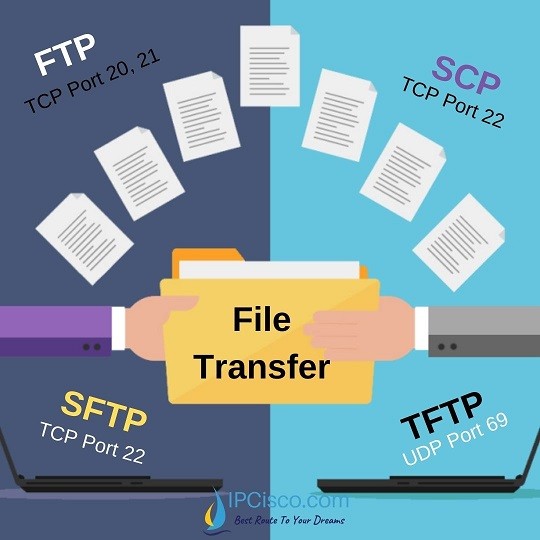
FTP Ports What Is FTP FTP Modes FTP Commands IpCisco
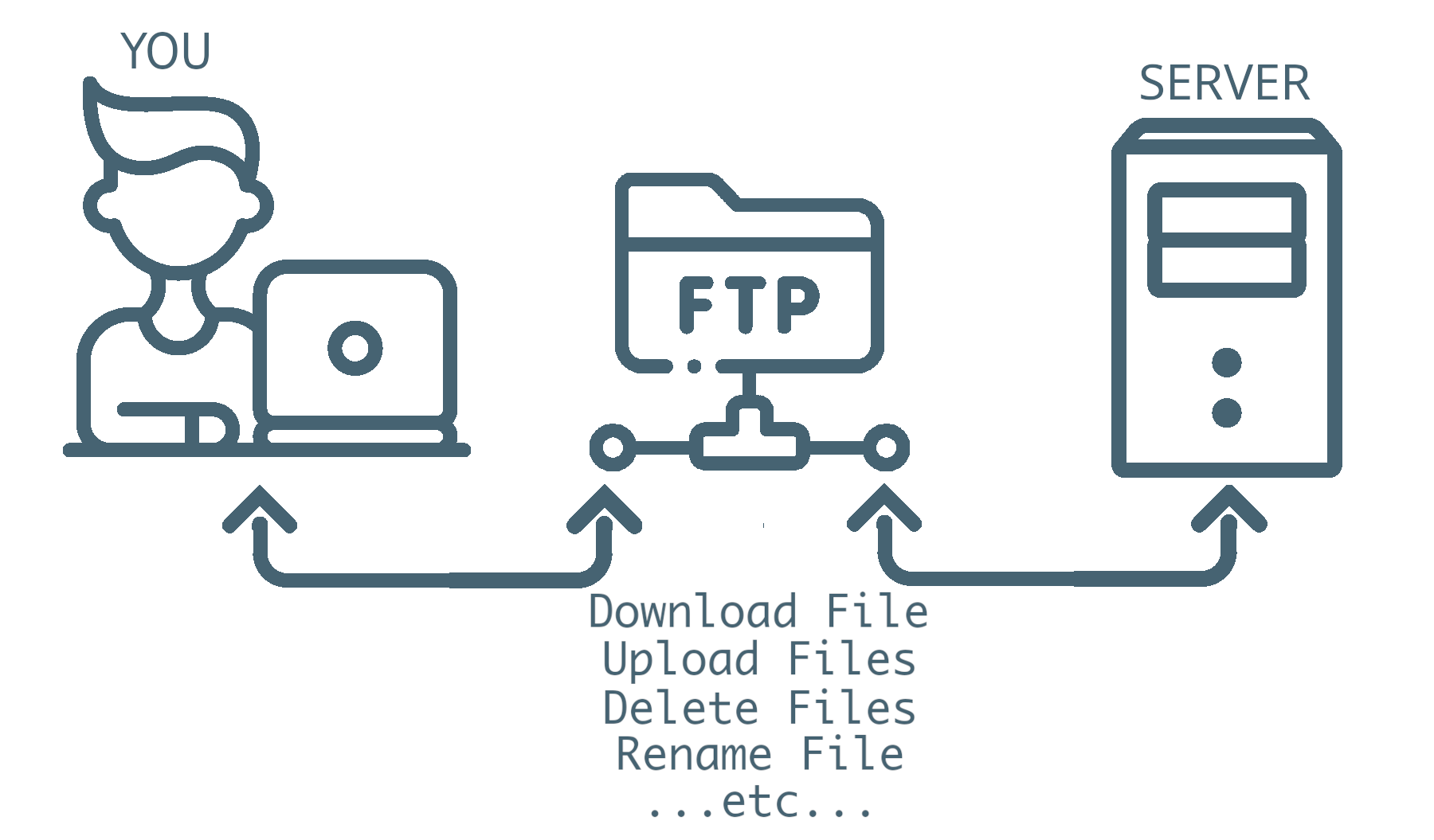
The What Why How Of FTP Servers

To connect to another computer using FTP at the MS DOS prompt command line or Linux shell type FTP and press Enter Once in FTP use the open command to connect to the FTP server as shown in the following example open ftp example
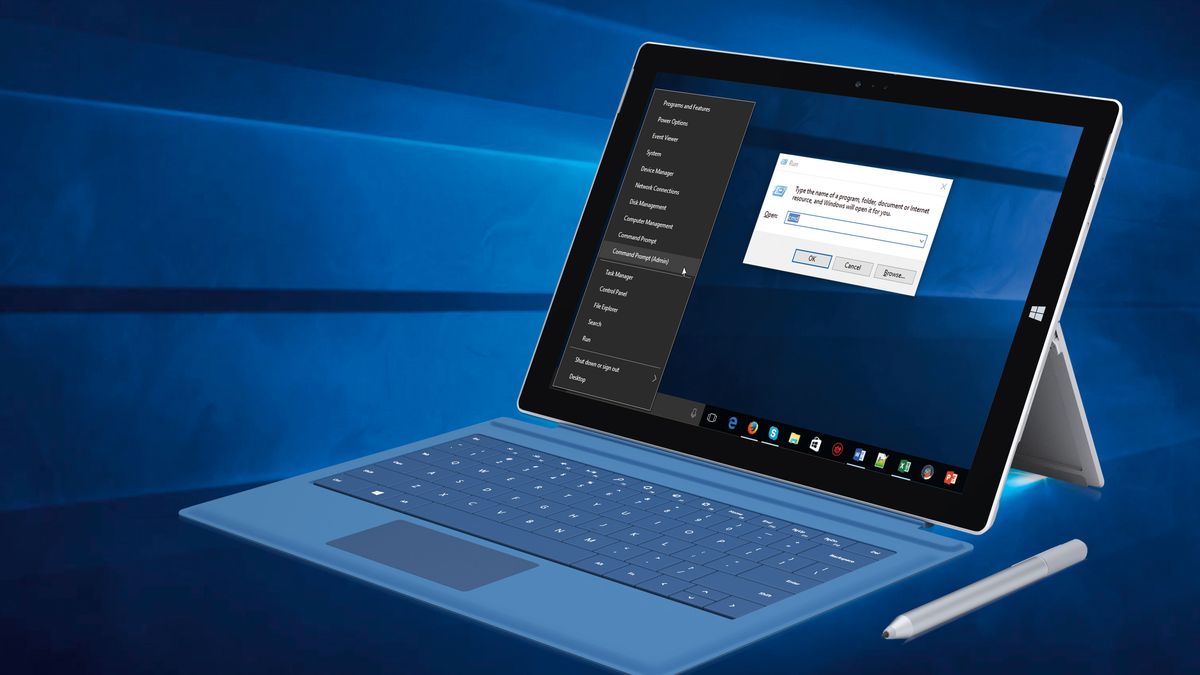
7 I have a PowerShell script that performs checks on some servers for example Test Connection for PING I wish to check one of the servers that has an FTP server by performing an FTP Open command I don t need to log in or upload download any files just need to know if the FTP server responds or not
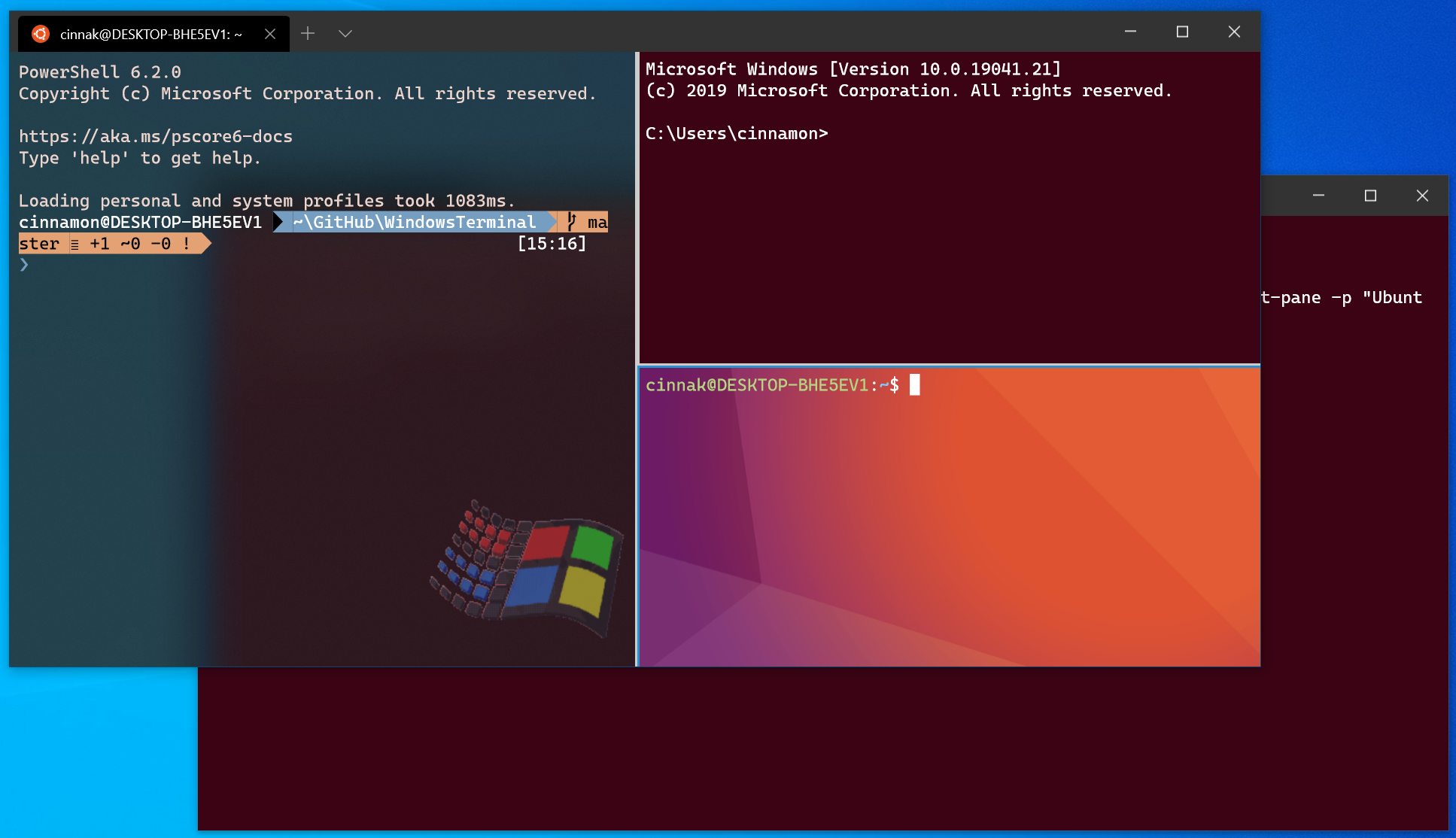
Command Line Syntax Key Reference Commands by Server Role append arp assoc at atmadm attrib auditpol autochk autoconv autofmt bcdboot bcdedit bdehdcfg bitsadmin bootcfg break cacls call cd certreq certutil change chcp chdir chglogon chgport chgusr chkdsk chkntfs choice cipher cleanmgr clip cls cmd cmdkey

13 I need to upload files via FTP from the command line I have this information a URL a username a password a port and the fact that I am supposed to use passive mode How do I upload a file given this information Note that I am having to do this from a script so I need to be able to enter this information automatically linux unix ftp

1 Press the Window R keys together then enter control to open up your Control Panel 2 Navigate to Programs Programs and Features On the left panel select Turn Windows features on or off 3 In the new dialog box check the Telnet Client box and click OK What Is FTP Port 21
To test your FTP connection using the command line follow these steps Open a command line interface In Windows click Start then Run In the Run dialog box type cmd and click OK In MacOSX open a Terminal window On the command line In Windows type dir file txt and hit the Enter key In MacOSX type ls file txt and hit the Enter key FTP Connection And Logging Into The Server To start using FTP on the command prompt launch a terminal screen and then type ftp After pressing the Return key you should see a prompt labeled ftp This means the system is ready to accept FTP commands Enter the following command
Run the command netstat ab in an elevated Command Prompt PowerShell or Terminal window to see a list of applications and their associated ports This works in Windows 11 too Checking open ports can be done using built in tools like Command Prompt or PowerShell which list active ports and the associated process names or identifiers