Terminal Output To File Linux How To Save The Output Of A Command In Linux Systran Box How To Save Linux Terminal Output To A File Step By Step YouTube How To Save The Terminal Output To A File In Linux Make Tech Easier Save Terminal Output To File Bash Bash Zsh Sh Etc Linux Save Terminal Output To File In Ubuntu Linux Oct 5 2020 nbsp 0183 32 I need a command to list all users as well as commands to add delete and modify users from terminal any commands that could help in administrating user accounts easily by
Jun 24 2015 nbsp 0183 32 I have Ubuntu on my machine and I am running awesome window manager on top of it How do I check which terminal I am running Is there a command for it Nov 28 2015 nbsp 0183 32 I can navigate down in directory using cd in the terminal How do I navigate back up if I go too far
Save Terminal Output To File In Ubuntu Linux How To Learn The Linux Terminal As A Beginner Tips And Examples How To Copy File In Kali Linux Using Terminal Printable Templates Allow Saving Current Terminal Output To File Issue 7960 Lensapp How To Set Default Terminal In Vs Code Vrogue Visual Studio Code Unwanted Output In The Terminal Of VScode Stack How To Create And Edit Text File In Linux By Using Terminal How To Save The Terminal Output To A File In Linux Make Tech Easier RMAN Troubleshooting With Logging
Terminal Output To File Linux
 Terminal Output To File Linux
https://syscdn.systranbox.com/save_terminal_output_to_file_linux.jpg
I am new to Linux and Ubuntu and have tried changing to folders directories with some difficulty Could someone explain why the following commands failed to change to the desired target
Templates are pre-designed documents or files that can be used for numerous functions. They can save effort and time by supplying a ready-made format and layout for developing different kinds of content. Templates can be utilized for personal or expert jobs, such as resumes, invitations, leaflets, newsletters, reports, presentations, and more.
Terminal Output To File Linux

How To Save The Terminal Output To A File In Linux Make Tech Easier
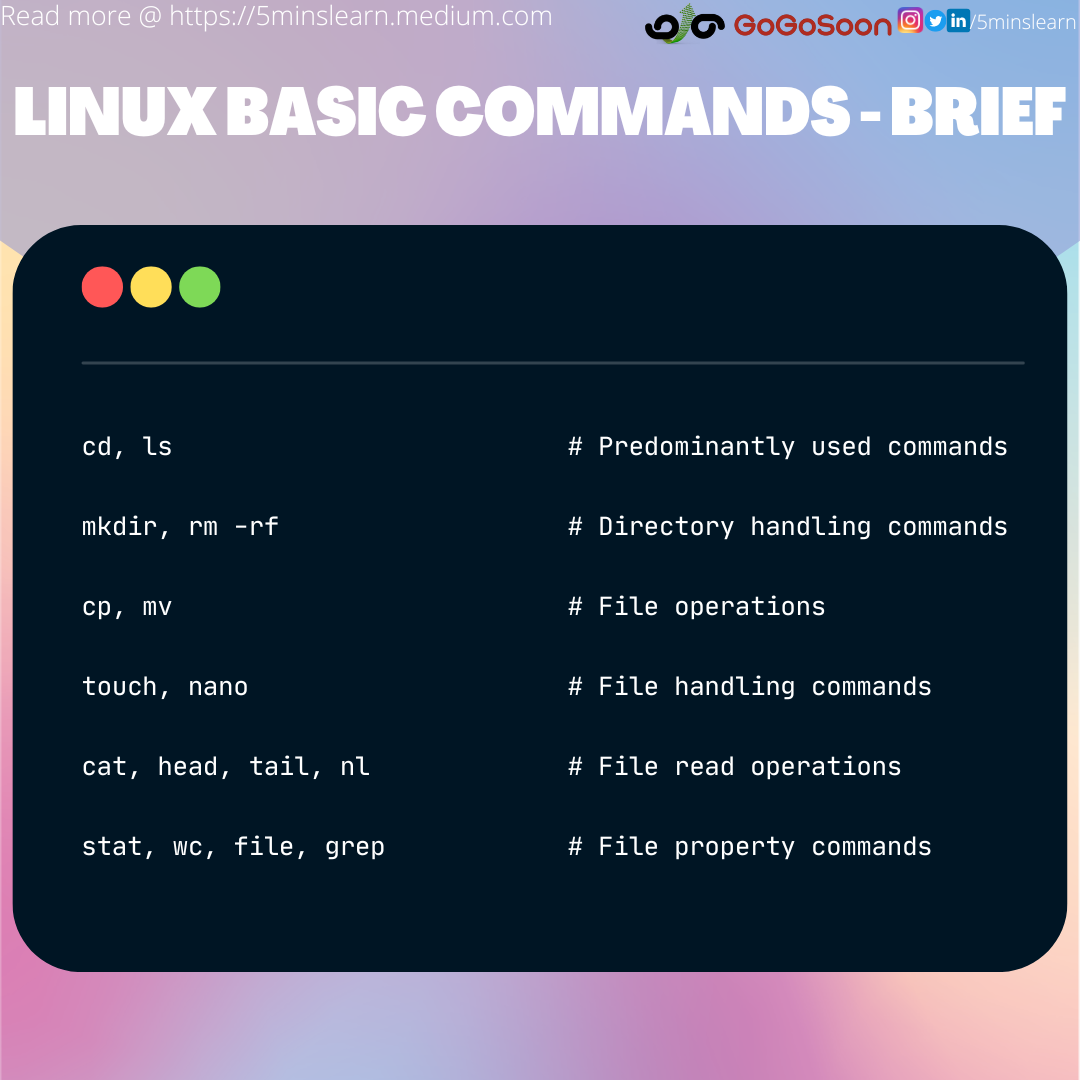
How To Learn The Linux Terminal As A Beginner Tips And Examples
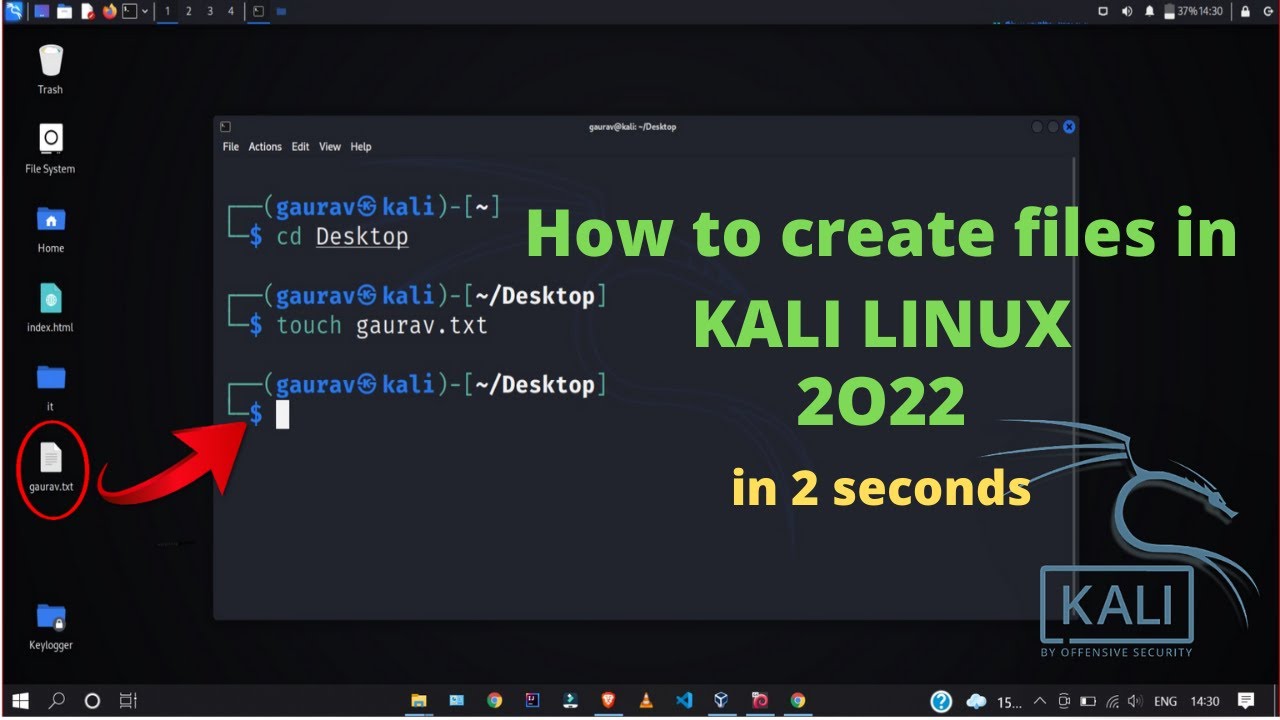
How To Copy File In Kali Linux Using Terminal Printable Templates

Allow Saving Current Terminal Output To File Issue 7960 Lensapp

Visual Studio Code Unwanted Output In The Terminal Of VScode Stack

How To Create And Edit Text File In Linux By Using Terminal

Aug 21 2018 nbsp 0183 32 When I make some changes to the shell bash behavior such as setting up an alias is there a quick command to reinitialize the terminal window instead of closing and

Run sudo H gnome terminal from the original non root graphical terminal Enter your password as prompted by sudo The graphical terminal will start Still in the non root terminal press Ctrl

Windows vs code terminal Windows terminal Windows terminal vs code

Dec 6 2012 nbsp 0183 32 6 A Terminal is your interface to the underlying operating system via a shell usually bash It is a command line Back in the day a Terminal was a screen keyboard that was
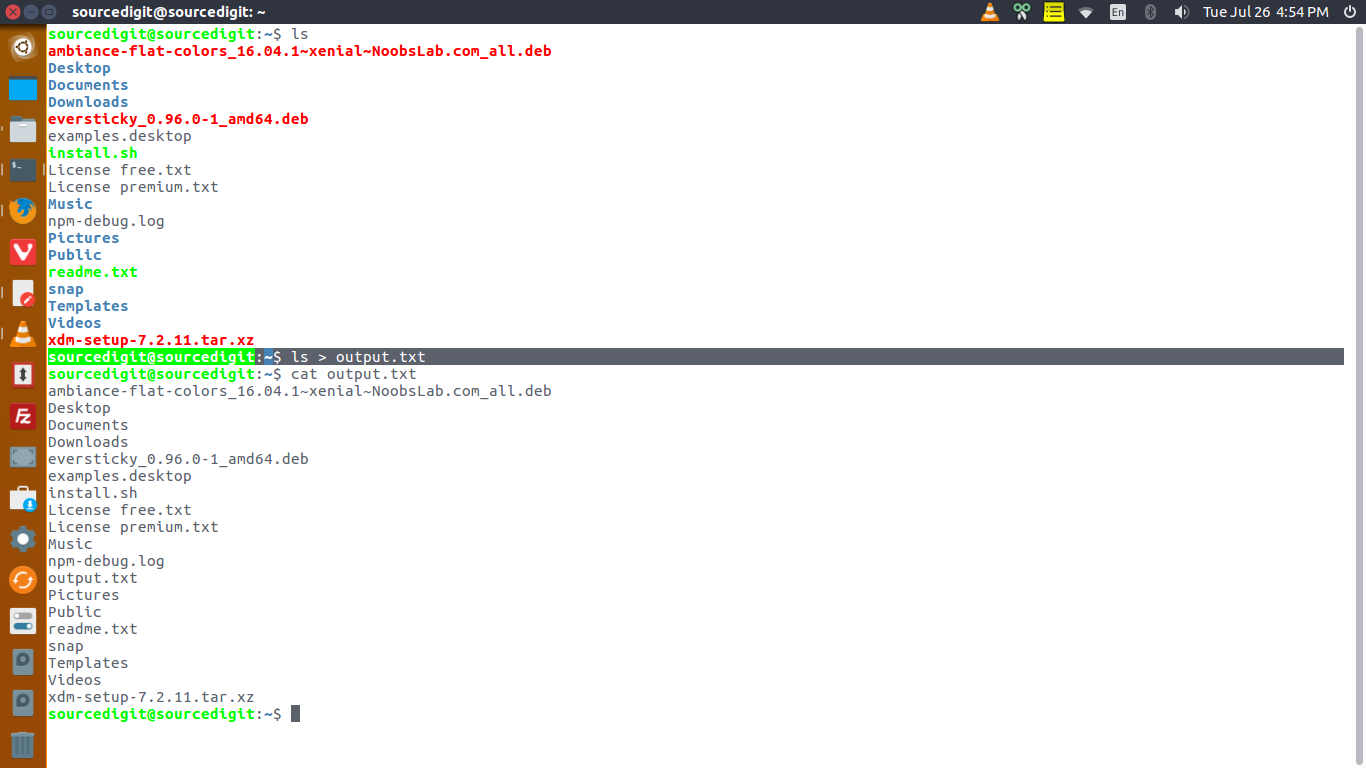
Is there a simple command to display the total aggregate size disk usage of all files in a directory folder I have tried these and they don t do what I want ls l which only displays the s
[desc-11] [desc-12]
[desc-13]