Taskkill Command Windows Server 2016 Hoch M sli Pumpe Taskkill Filter Guggenheim Museum Hypothek Leicht Use Taskkill To Kill Task Using Command Prompt In Windows 11 YouTube Hoch M sli Pumpe Taskkill Filter Guggenheim Museum Hypothek Leicht How To Find Your IP Address From CMD Command Prompt Windows Tasklist Command List Running Processes WEB Aug 1 2016 nbsp 0183 32 There is two commands in Windows Server kill and taskkill that seems to have similar functionality But I want to know their exact differences and their usages
WEB should do it IM specifies the image name and the FI option specifies a filter to use in this case a user with the username quot target user quot In any case you ll need to be an WEB Try wmic process where name quot chrome exe quot call terminate from an elevated as administrator command prompt and report back your results afterwards
Windows Tasklist Command List Running Processes Difference Between Taskkill Exit In Command Prompt Command To Stop Windows Server Kill Process Windows Co Jsou To Kontejnery Windows Soubory Buy The Best Price Windows Server 2022 Standard KEY How Kill Windows Processes From Command Prompt Using Vrogue co Mastering Windows Command Line Essential Tools And Commands For Incre GitHub Rjoydip win taskkill Wrapper For The Windows taskkill Cmd exe Using The Same String Of Command In Windows Task Scheduler
Taskkill Command Windows Server 2016
 Taskkill Command Windows Server 2016
https://helpdeskgeek.com/wp-content/pictures/2022/01/2-Tasklist.png
WEB Try taskkill http technet microsoft en us library cc725602 WS 10 aspx Taskkill Applies To Windows 7 Windows Server 2000 Windows Server 2003 Windows Server
Templates are pre-designed documents or files that can be used for various purposes. They can save effort and time by offering a ready-made format and design for creating various kinds of material. Templates can be utilized for individual or professional jobs, such as resumes, invitations, flyers, newsletters, reports, discussions, and more.
Taskkill Command Windows Server 2016

Materialismo Ovo Fat dico Force Kill Process Windows Magn tico Inocente

Difference Between Taskkill Exit In Command Prompt Command To Stop

Windows Server Kill Process Windows

Co Jsou To Kontejnery Windows Soubory
How Kill Windows Processes From Command Prompt Using Vrogue co
Mastering Windows Command Line Essential Tools And Commands For Incre

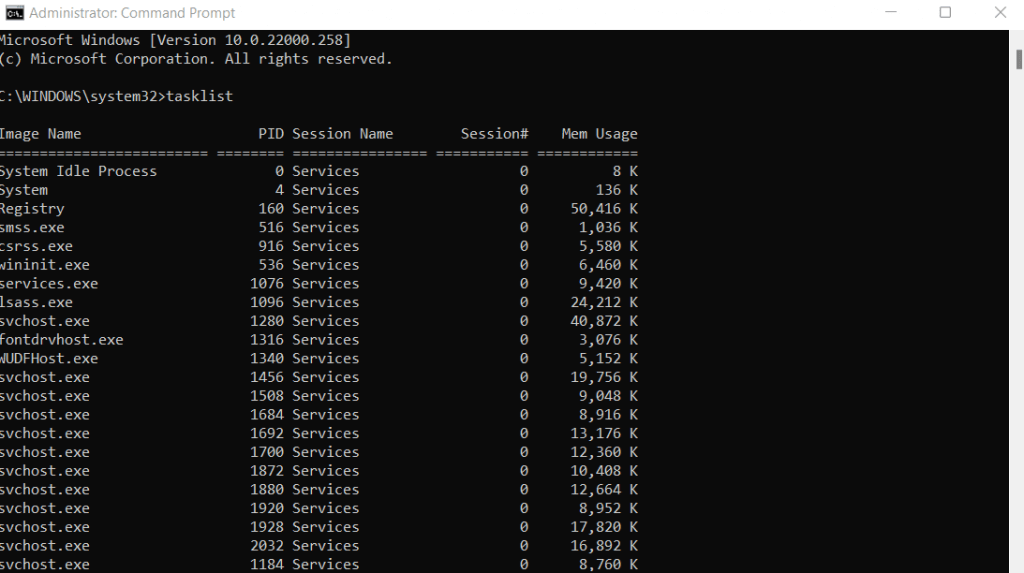
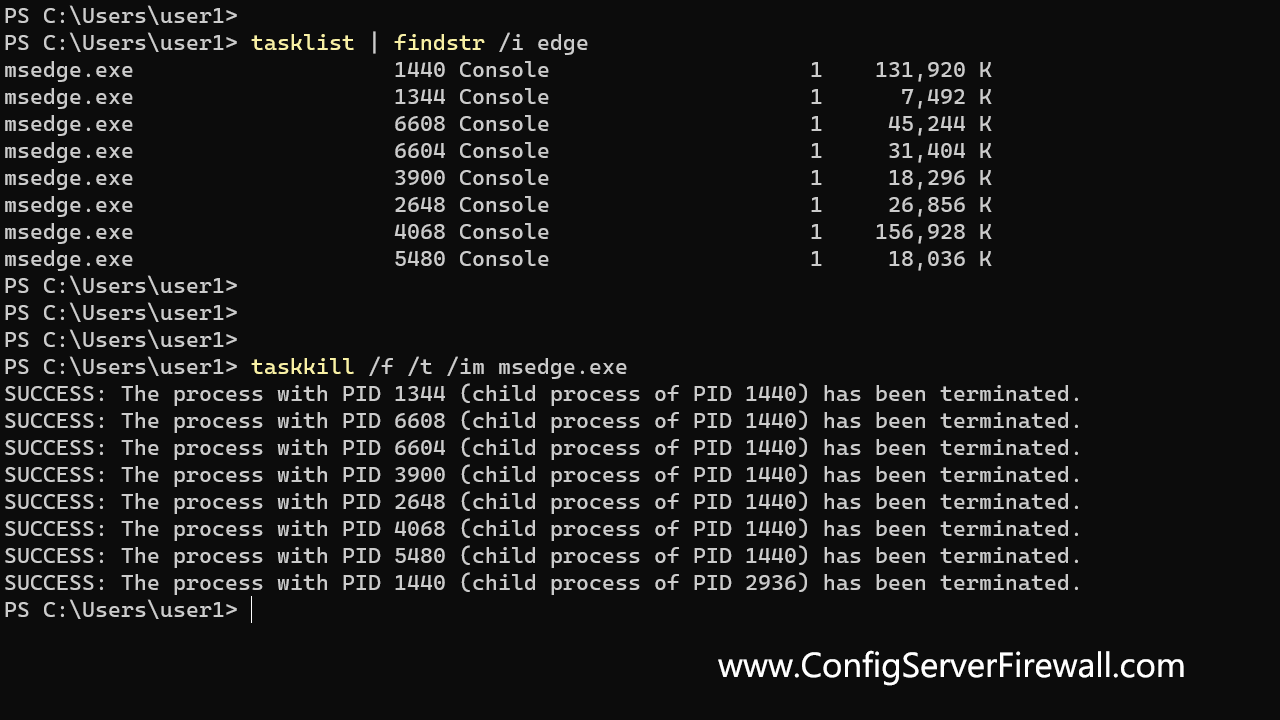
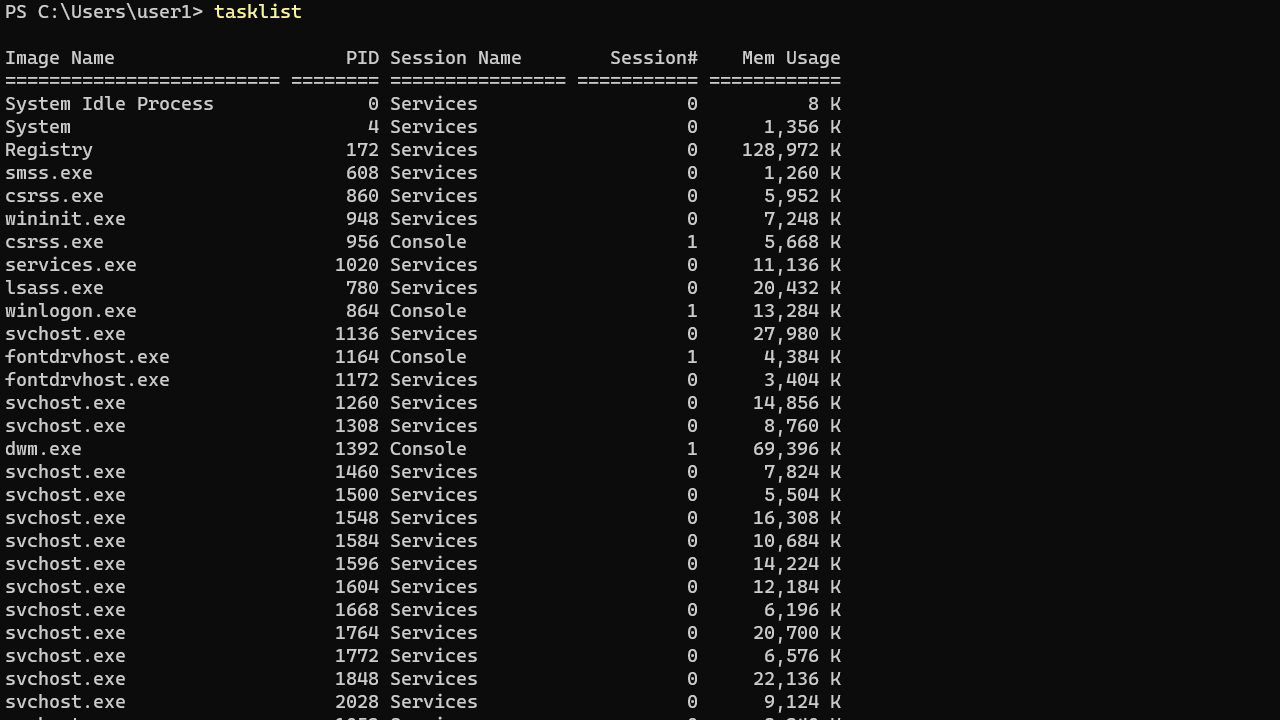
WEB Aug 5 2021 nbsp 0183 32 The easiest way to stop a stuck service is to use the built in taskkill command line tool First of all you need to find the PID process identifier of the service
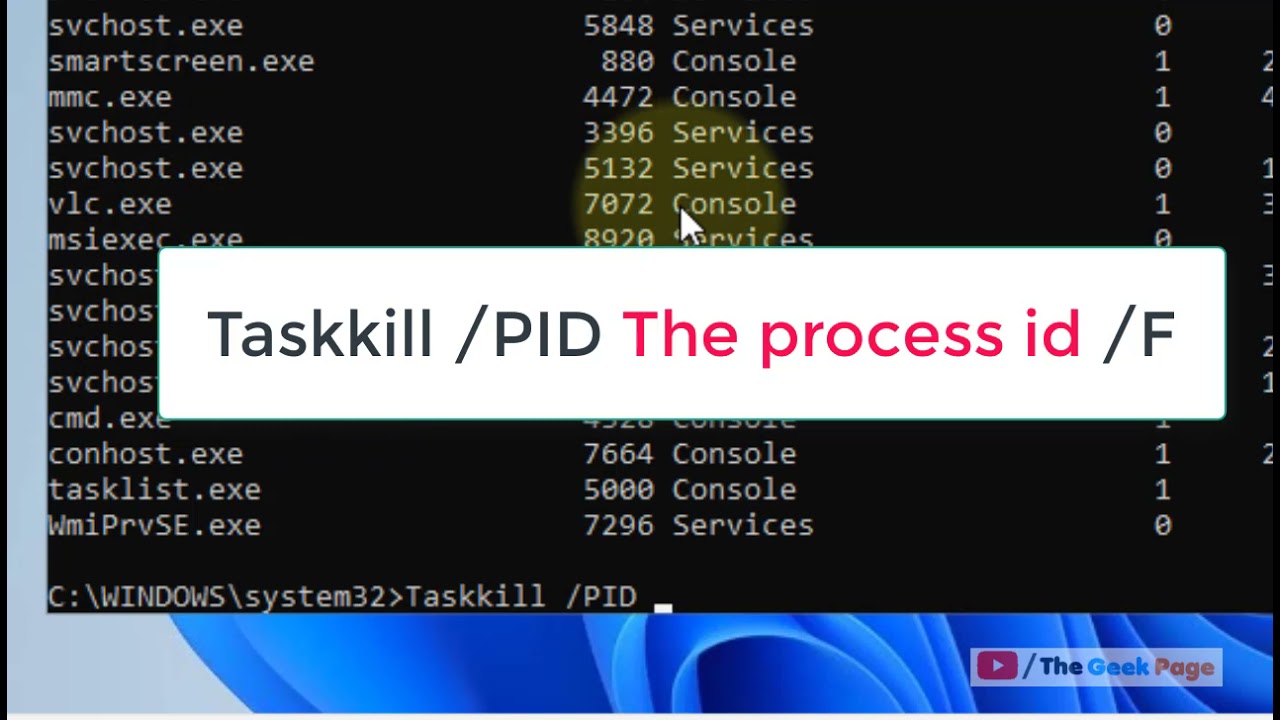
WEB Dec 4 2022 nbsp 0183 32 We can kill a process from windows command line using taskkill command This article explains taskkill command syntax for various use cases

WEB Sep 21 2012 nbsp 0183 32 If you get an error such as nestat is not recognized as an internal or external command operable program or batch file you may need to run the command
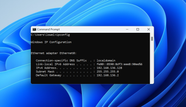
WEB Sep 12 2019 nbsp 0183 32 The taskkill command in Windows serves for terminating tasks by name or by process id PID In this note i am showing how to find and kill a process by its name
WEB Aug 31 2016 nbsp 0183 32 Applies To Windows Server 2003 Windows XP Windows Server 2008 Windows 7 Windows Server 2003 R2 Windows Server 2008 R2 Windows Server
WEB Jun 14 2017 nbsp 0183 32 From the Command Prompt already opened run the following command taskkill s hostname of the server pid PID recorded above t WEB Jun 18 2020 nbsp 0183 32 I ve tried below commands to kill the offending process and regain control Unfortunately none of them worked within 10 15 minutes taskkill s servername pid pid
WEB If you do you can build a bat file that uses the taskkill command microsoft resources documentation windows xp all proddocs for example