Task Tracker In Excel Task Spreadsheet For Task Spreadsheet Template 2018 Excel Template For Project Task Tracker Excel Template 2022 How Do I Create A Task List In Microsoft Teams Free Excel Task Tracker Template To Do List TeamGantt Task Tracker Excel Template Here are some tips on how to format the spreadsheet for maximum efficiency Introduction Excel is a powerful tool that can be used for a variety of tasks including task tracking In this tutorial we will walk you through the steps to create a task tracker in Excel allowing you to efficiently organize and manage your tasks
1 Download our free Excel task tracker template At TeamGantt we know how important it is to ensure projects get done on time and on budget That s why we created this Excel task list template to make tracking project progress a breeze Download our free Project Task Tracker Excel Template to help start a to do list a task list or to start managing a project It includes planned and actual columns to help measure project progress as you go Task tracking has never been simpler than when using this free Microsoft Excel template
Task Tracker Excel Template Negozio Di Moda Online Ricevi Offerte Esclusive Piattaforma Di Acquisto Free Task Tracker Template Of Multiple Project Task List Tracking Gangster Money Transfer Back Back Back part Free Action Tracker Resource Planning Excel Template For Multiple Projects Daily Task Tracker Excel Template 50 Free Multiple Project Tracking Templates Excel Word TemplateLab Employee Task List Template Excel SexiezPicz Web Porn Excel Student Progress Tracker Template Naareports
Task Tracker In Excel
 Task Tracker In Excel
https://newdocer.cache.wpscdn.com/photo/20191024/d45489872c41490c93ff47b745a23422.jpg
Create a Gantt chart to present your data schedule your project tasks or track your progress in Excel
Templates are pre-designed documents or files that can be used for different purposes. They can conserve time and effort by providing a ready-made format and design for developing different sort of material. Templates can be utilized for individual or professional tasks, such as resumes, invites, leaflets, newsletters, reports, presentations, and more.
Task Tracker In Excel
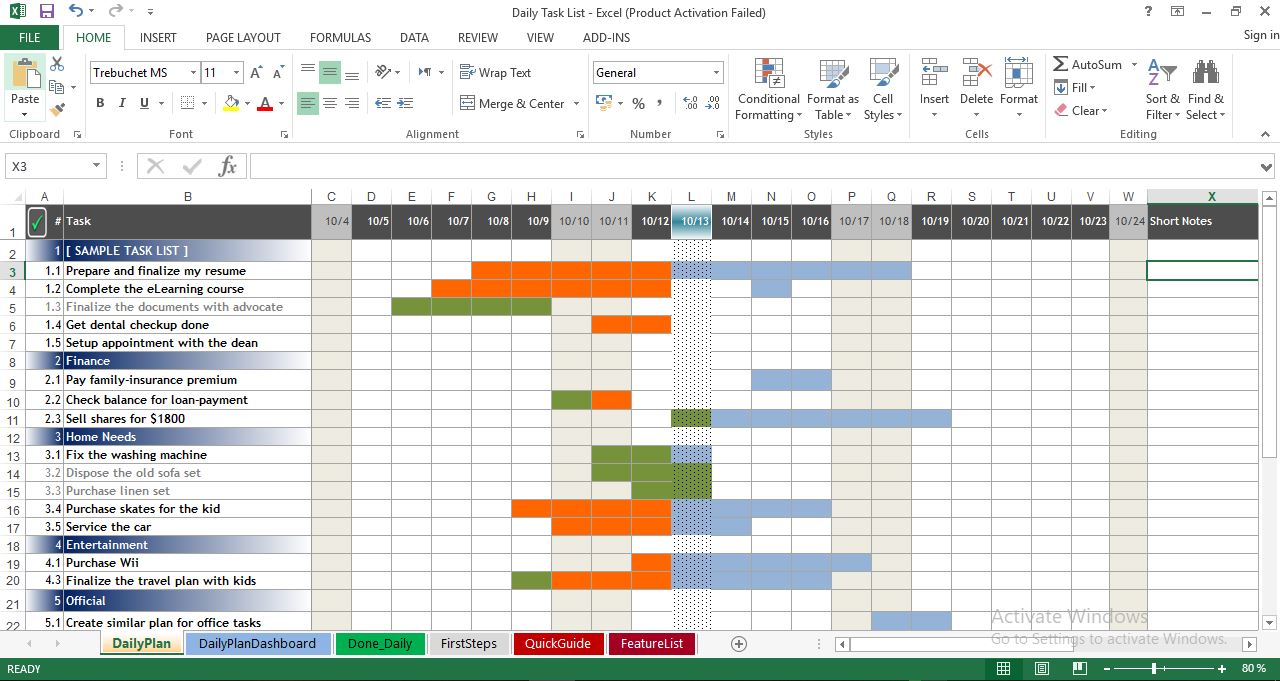
Task List Template Tim S Printables Vrogue
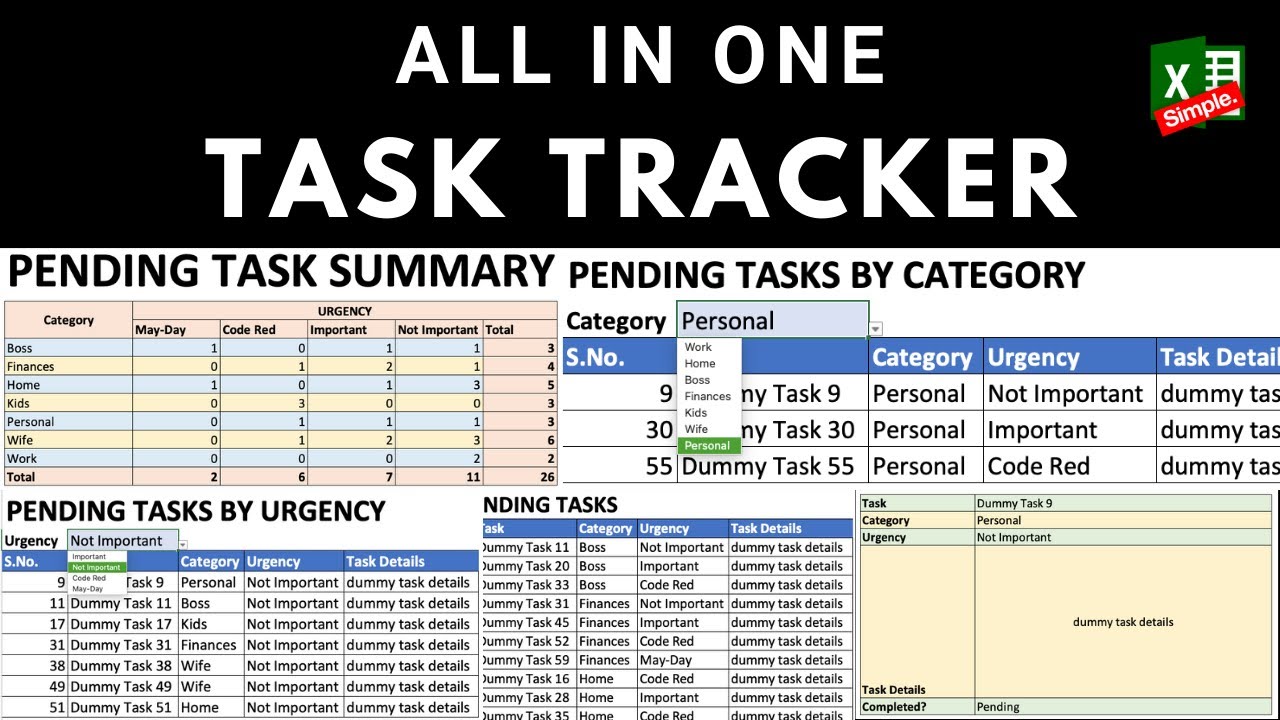
Negozio Di Moda Online Ricevi Offerte Esclusive Piattaforma Di Acquisto
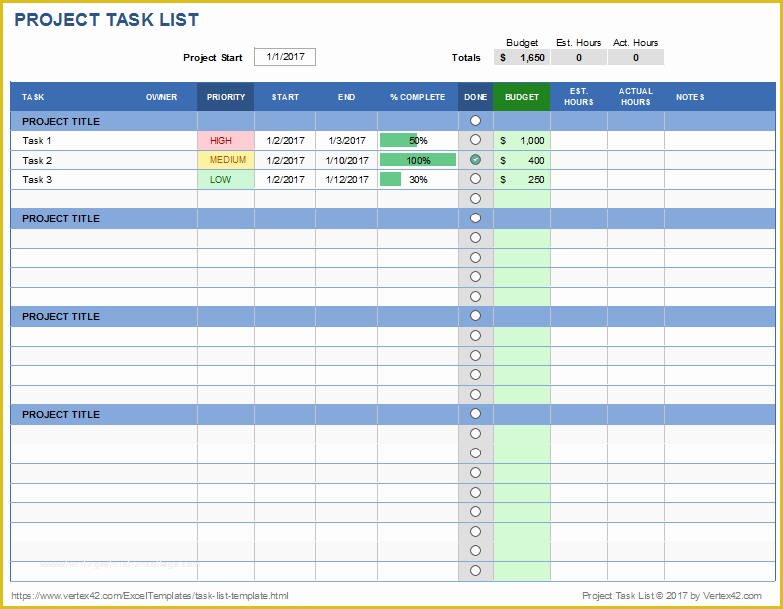
Free Task Tracker Template Of Multiple Project Task List Tracking
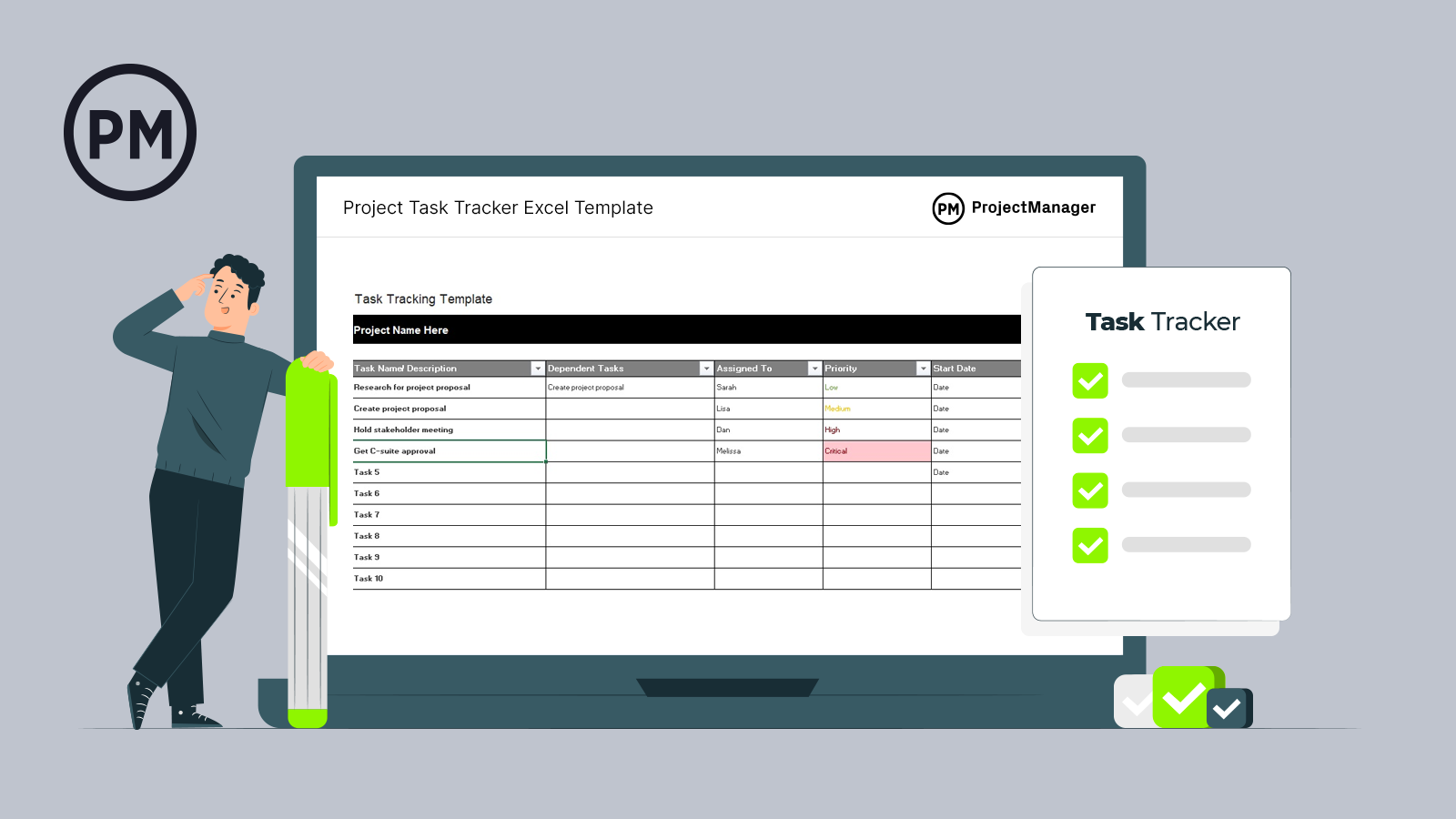
Gangster Money Transfer Back Back Back part Free Action Tracker

Daily Task Tracker Excel Template
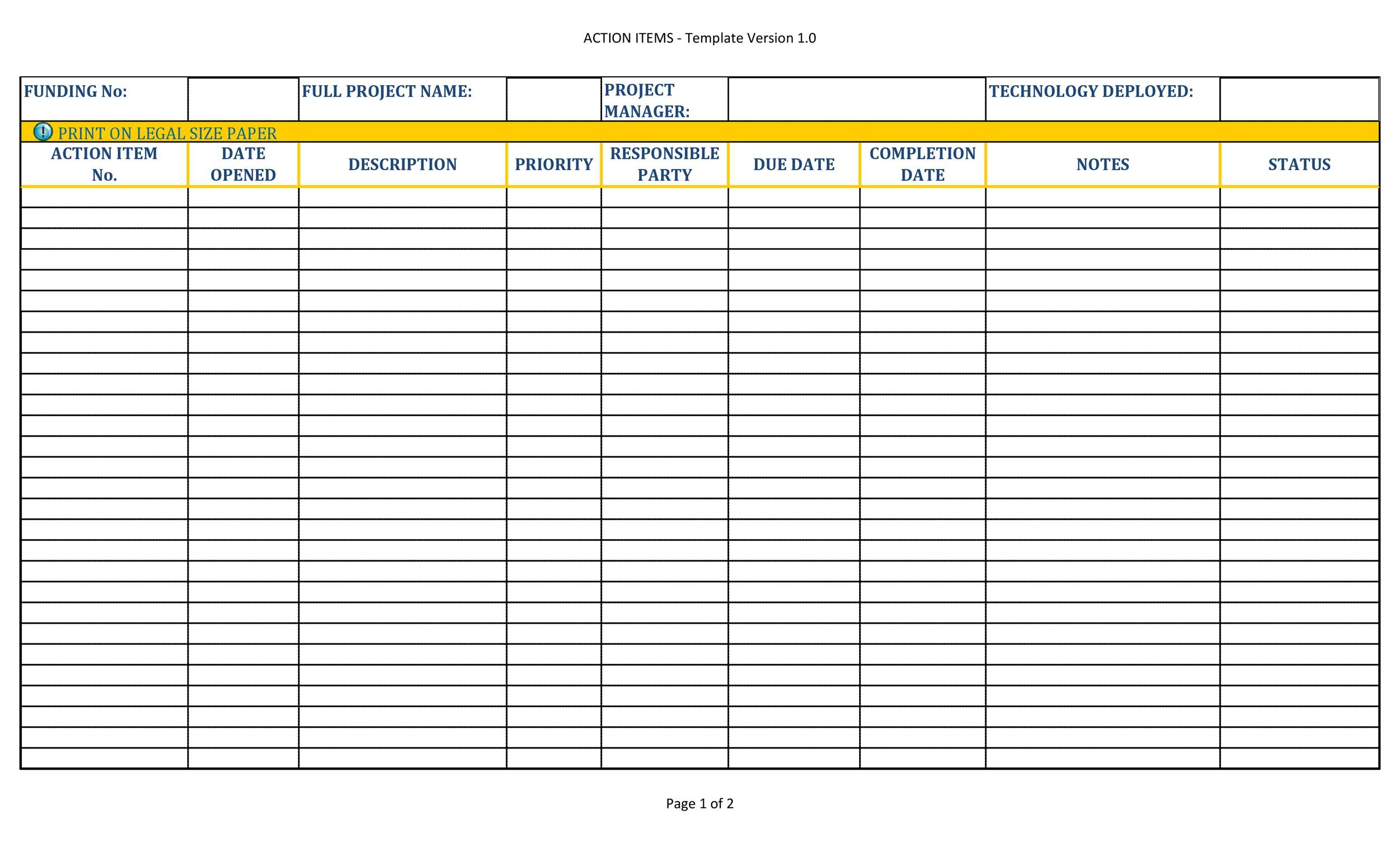
50 Free Multiple Project Tracking Templates Excel Word TemplateLab

Step 1 Making Dataset for Task Tracker in Excel At first we will be making a dataset that should be automatically updatable

Download Excel xlsx For Excel 2010 or later License Private Use not for distribution or resale Description This task tracker template demonstrates the use of custom icon sets via conditional formatting to show a priority rating of 1 4 with different color circles It uses a similar technique for the checkbox in the Done column
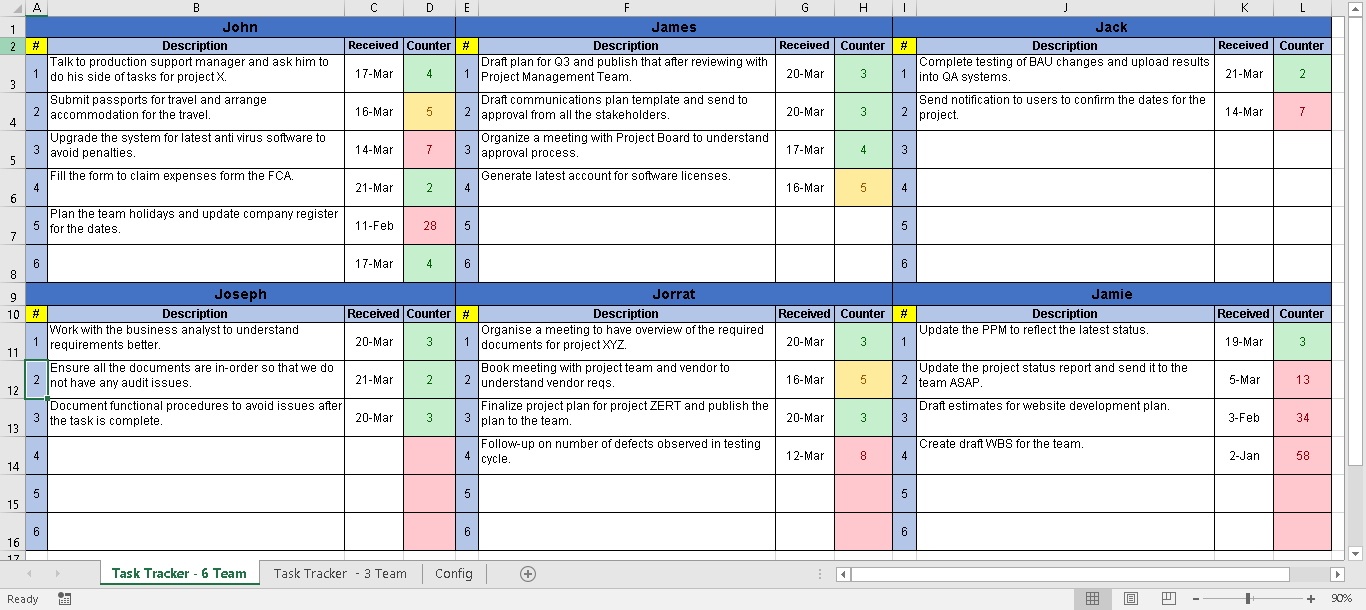
ProjectManager s free task tracker for Excel template can organize and keep track of your work It s similar to a to do list where you just need to add the work and manage it Having a task list is the first step to controlling your work This task tracker spreadsheet captures the details of your work

Follow the steps below to create a task tracker in Excel Put the tasks serially in range C5 C14 Select range D5 D14 go to the Data tab choose Data Validation from the Data Tools group Set the Data Validation dialog box as shown below Put this formula into the source bar Task Details B 5 B 8

How to use a task tracker in Excel Follow these five steps to create and use a trackable to do list in Excel 1 Open Excel and create column headers based on your requirements After opening Excel you can start creating new column headers with the name of the elements you want to track
1 Work Plan Timeline The Work Plan Timeline template is suitable for a basic project with multiple phases When you enter your data into the worksheet the roadmap will update automatically This template comes pre installed in Microsoft Excel 2016 and up 2 Date Tracking Gantt Chart Gantt charts are a staple in every project manager s toolset Making a tracker in Excel refers to creating a spreadsheet that helps you organize analyze and track data It typically involves creating columns and rows to input and manipulate data By creating a task list conditional formatting and sorting the data in a useful way you can easily create a task tracker for your daily tasks This
Task Tracker Template This task tracking template documents the progress of each item on your list so it s easy to assess the status of individual tasks or an entire project There is space to list start and end dates as well as to mark completed tasks