Systemctl Status List Failed Jenkins Job For Jenkins service Failed Because The Control Process Bug systemctl Status Failed After Upgrading Systemd To Version 250 Solved How To Debug A Failed Systemctl Service 9to5Answer Boot Failure Systemctl Status System fsck root service VConsultants Blog linux systemctl Status Network service And journalctl xe For Learn about our open source products services and company Get product support and knowledge from the open source experts Read developer tutorials and download Red Hat software for cloud application development Get training subscriptions certifications and more for partners to build sell and support customer solutions
Checking a Service s Status systemctl allows us to check on the status of individual services systemctl status mysql This will result in a message similar to the output below systemctl list units failed Working with Unit Files Each unit has a corresponding unit file These unit files are usually located in the following directories So what to check A quick and easy step check failed services systemctl failed type service systemctl failed type service Investigate these and determine if it s normal How do you know normal Check running services systemctl t service state active systemctl t service state active After perusing the info save it
linux systemctl Status Network service And journalctl xe For Postfix See systemctl Status Postfix service And journalctl xe Status Update linux systemctl Status Network service And journalctl xe For Job For Mongod service Failed Because The Control Process Exited With Job For Nfs server service Failed Because The Control Process Exited See systemctl Status Mysqld service And journalctl xe For Details Systemctl Status Output Explained Thomas Stringer Systemctl
Systemctl Status List Failed
 Systemctl Status List Failed
https://img2022.cnblogs.com/blog/1095477/202201/1095477-20220124144631629-1811129926.png
2 Answers Sorted by 11 Try sudo systemctl list units failed or sudo systemctl list units state failed Share Improve this answer Follow answered May 23 2019 at 7 51 Alexander Cherkendov 121 1 5
Templates are pre-designed files or files that can be used for various purposes. They can save time and effort by providing a ready-made format and layout for creating various type of material. Templates can be used for personal or professional jobs, such as resumes, invitations, flyers, newsletters, reports, presentations, and more.
Systemctl Status List Failed

Sudo Systemctl Restart Docker Failed Issue 1 NVIDIA cloud native

Postfix See systemctl Status Postfix service And journalctl xe

Status Update
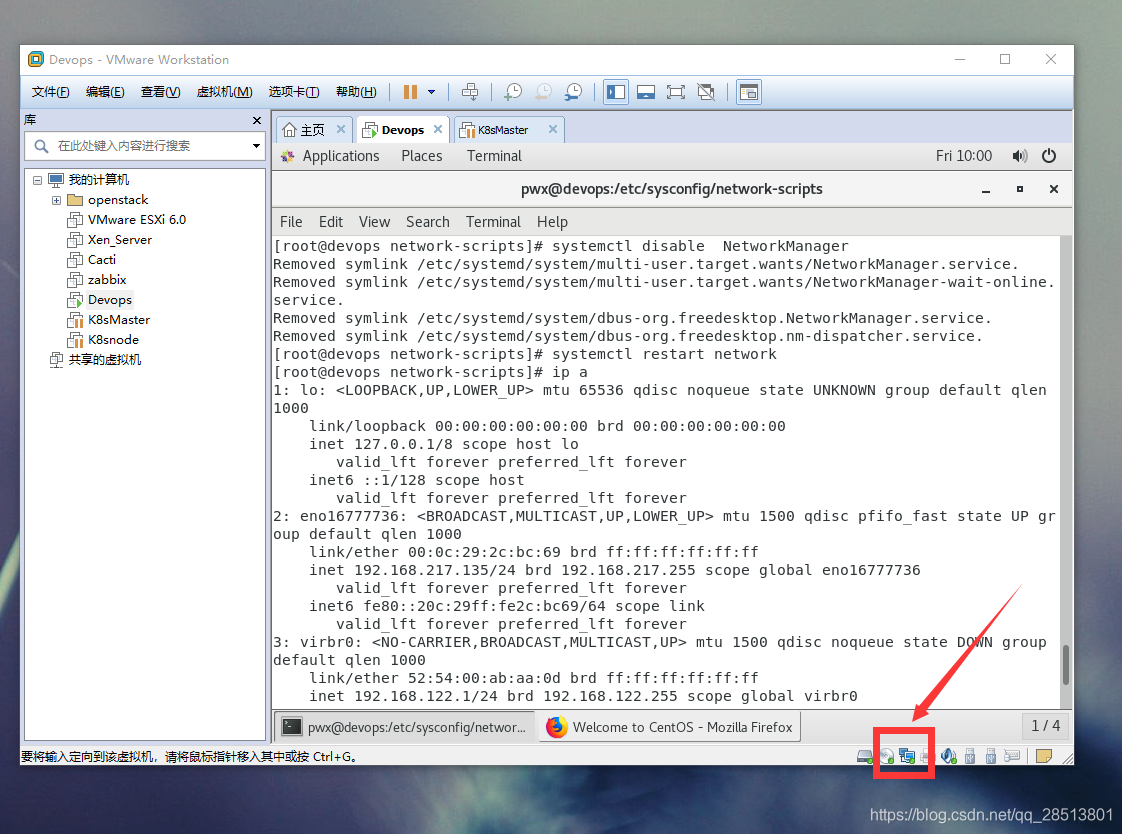
linux systemctl Status Network service And journalctl xe For
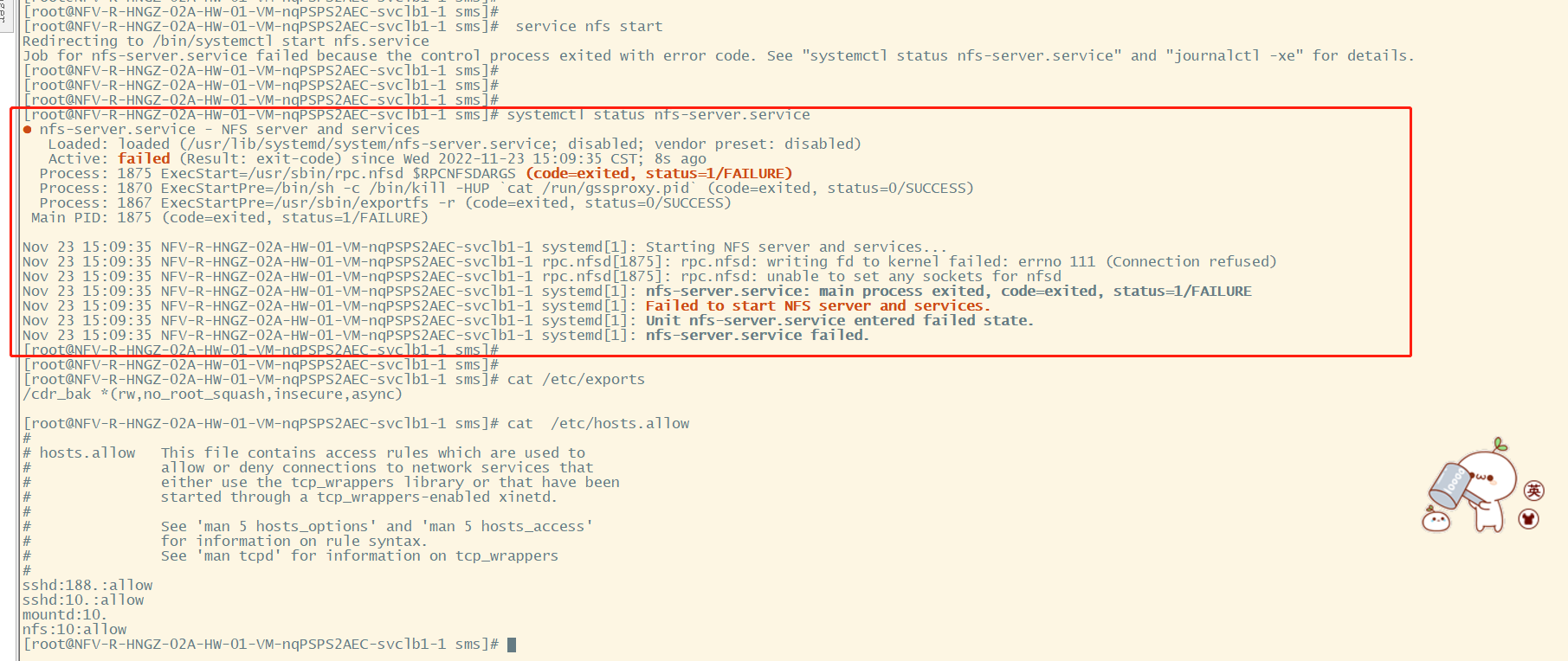
Job For Nfs server service Failed Because The Control Process Exited

See systemctl Status Mysqld service And journalctl xe For Details
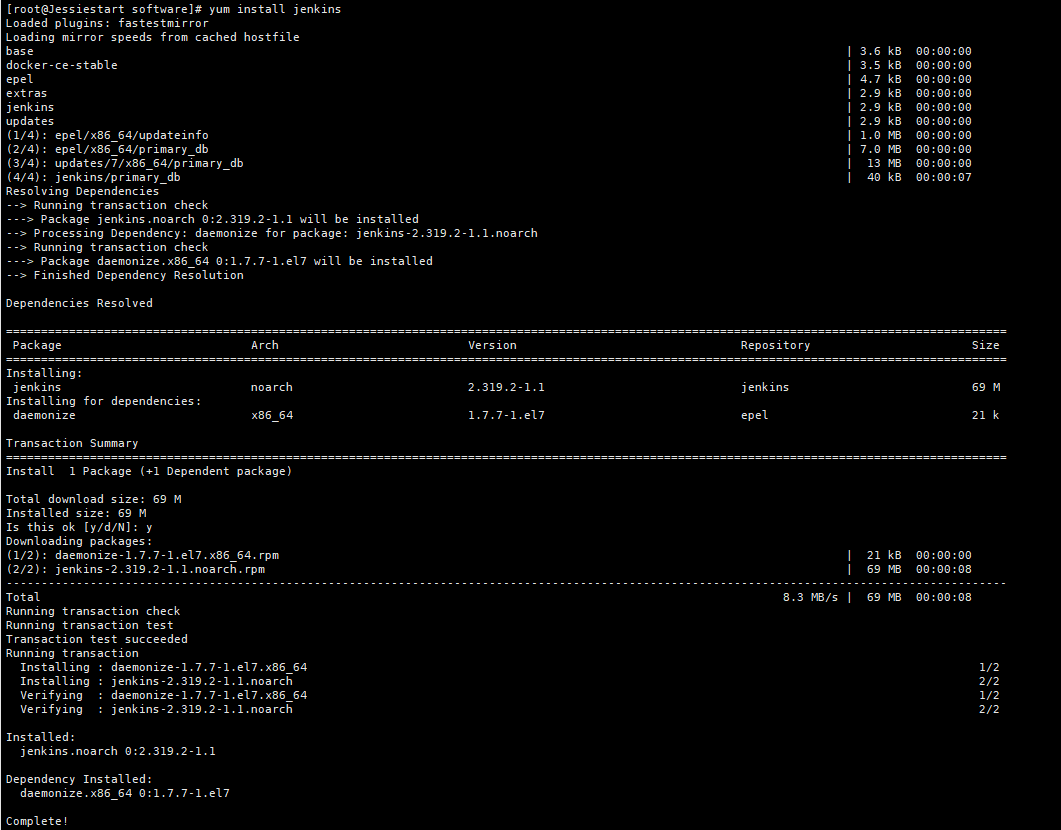
A failing unit might result in a failed state preventing a process from being activated or run Units often fail because of missing dependencies e g file or mount points misconfiguration missing configuration files incorrect permissions lack of system resources and corrupted files
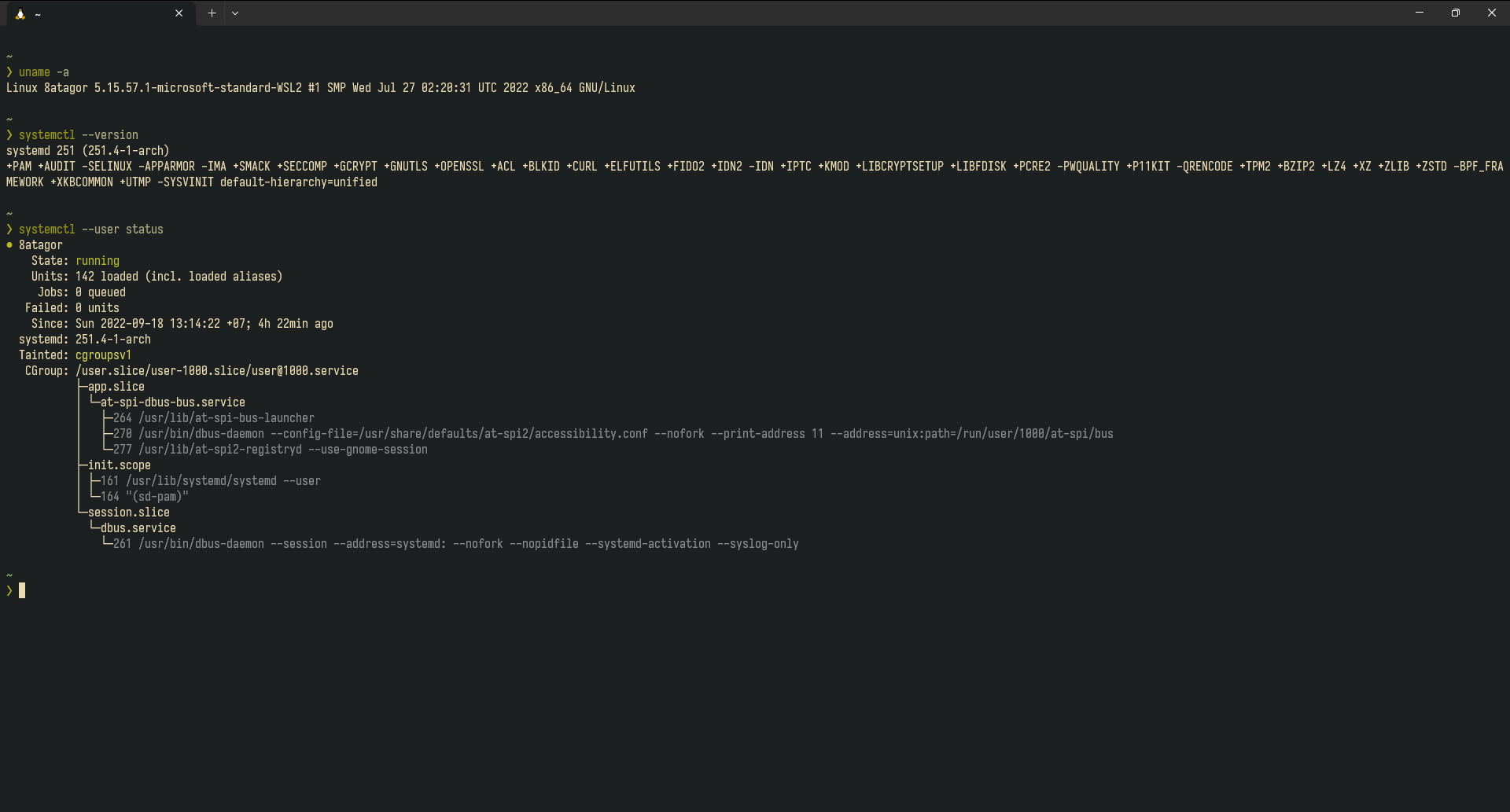
5 Answers Sorted by 202 That means some of your services failed to start You can see them if you run systemctl without the status argument They should show something like loaded failed failed Or you can just list the failed services with systemctl failed in my case it shows

You can use the systemctl command to inspect and control different aspects of the systemd system including services and daemons Because we re looking at systemd specific commands here the first thing you need to know is whether you re running a systemd based distribution or not
1 Answer Sorted by 90 Use systemctl to remove the failed status To reset all units with failed status systemctl reset failed or just your specific unit systemctl reset failed openvpn server intranert service Share Improve this answer Follow answered Jan 22 2018 at 8 52 sebasth 14 6k 4 50 68 3 Thanks That latter one saved my day

To check the status of a service on your system you can use the status command systemctl status application service This will provide you with the service state the cgroup hierarchy and the first few log lines For instance when checking the status of an Nginx server you may see output like this Output
1 Answer Sorted by 2 It can be done by clearing all the journal log sudo journalctl rotate sudo journalctl vacuum time 1s or sudo rm var log journal journal sudo systemctl restart systemd journald Share Either way systemctl can help To see the status of all services type the following systemctl list units type service 8 List services by status To list services by status type the following systemctl list units type service state active Possible values for state include running stopped enabled disabled and failed
To check the status of a service use the systemctl status command sudo systemctl status service name service Where service name is the name of the service unit you want to check For example to determine the current status of the nginx service you would run sudo systemctl status nginx service