Systemctl List Services Stop Systemctl List unit files Qiita How To List Services On Linux Junos Notes System Management Service And Process Mgt The Question Use Ubuntu CodePre How To List Services In Linux Using Systemctl Jan 24 2022 nbsp 0183 32 To stop a currently running service you can use the stop command instead sudo systemctl stop application service Copy Restarting and Reloading To restart a running service you can use the restart command
Feb 20 2024 nbsp 0183 32 At the heart of systemd s service management capabilities is the systemctl command This command line utility allows administrators to Start stop and restart services Enable or disable services at boot Check the status of Nov 16 2020 nbsp 0183 32 In this guide we explain how to use systemctl to list services and check on their status We will also cover some of the other uses for systemctl
How To List Services In Linux Using Systemctl How To List Start And Stop Services At Boot Time In Linux Ubuntu A Beginners Guide To Systemctl Stop Start And Restart Services List Running Services On Linux Ubuntu Debian CentOS Cloudzy Manage Systemd Services Using Systemctl With Examples Manage Systemd Services Using Systemctl With Examples Linux 101 System Security Disabling Unused Services Systemctl Manage Systemd Services Using Systemctl With Examples 10 Commands To List All Systemctl Services With Status GoLinuxCloud
Systemctl List Services Stop
 Systemctl List Services Stop
https://qiita-image-store.s3.ap-northeast-1.amazonaws.com/0/532987/18e64097-1b39-c416-cdc4-f62702c5141d.png
Apr 2 2024 nbsp 0183 32 Discover how to manage your Linux system services with ease using systemctl Our guide covers listing starting stopping and more
Pre-crafted templates provide a time-saving option for developing a varied variety of files and files. These pre-designed formats and designs can be made use of for different individual and expert projects, including resumes, invitations, leaflets, newsletters, reports, presentations, and more, streamlining the material production process.
Systemctl List Services Stop

Manage Systemd Services Using Systemctl With Examples
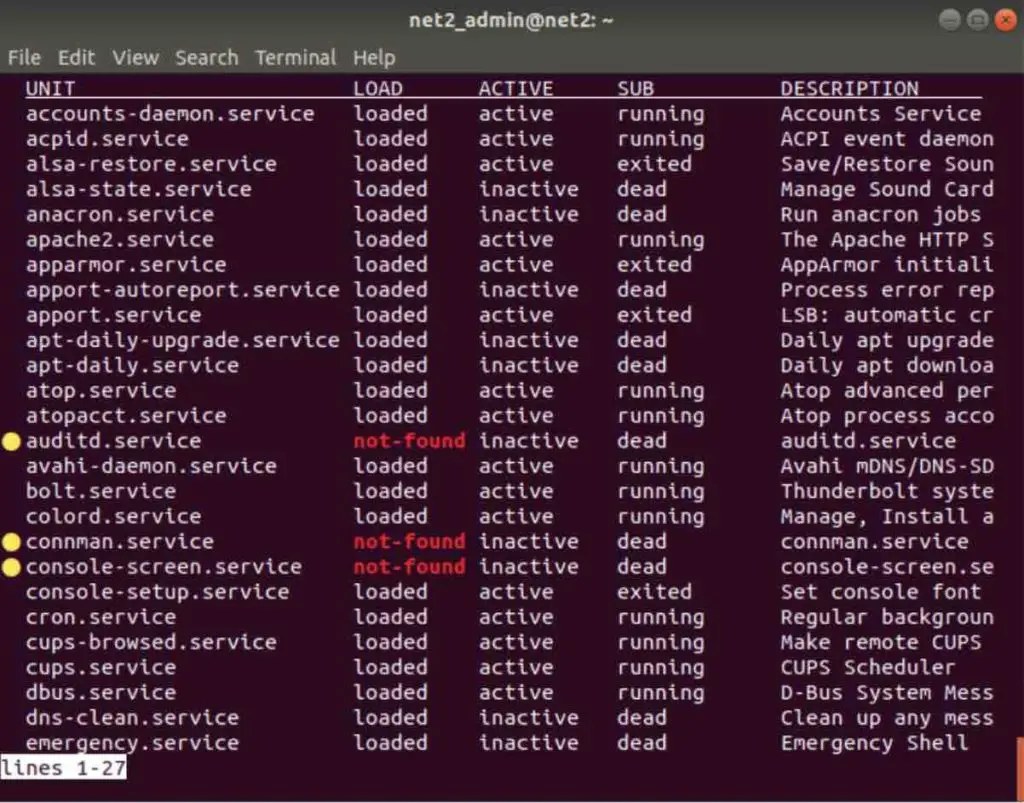
How To List Start And Stop Services At Boot Time In Linux Ubuntu
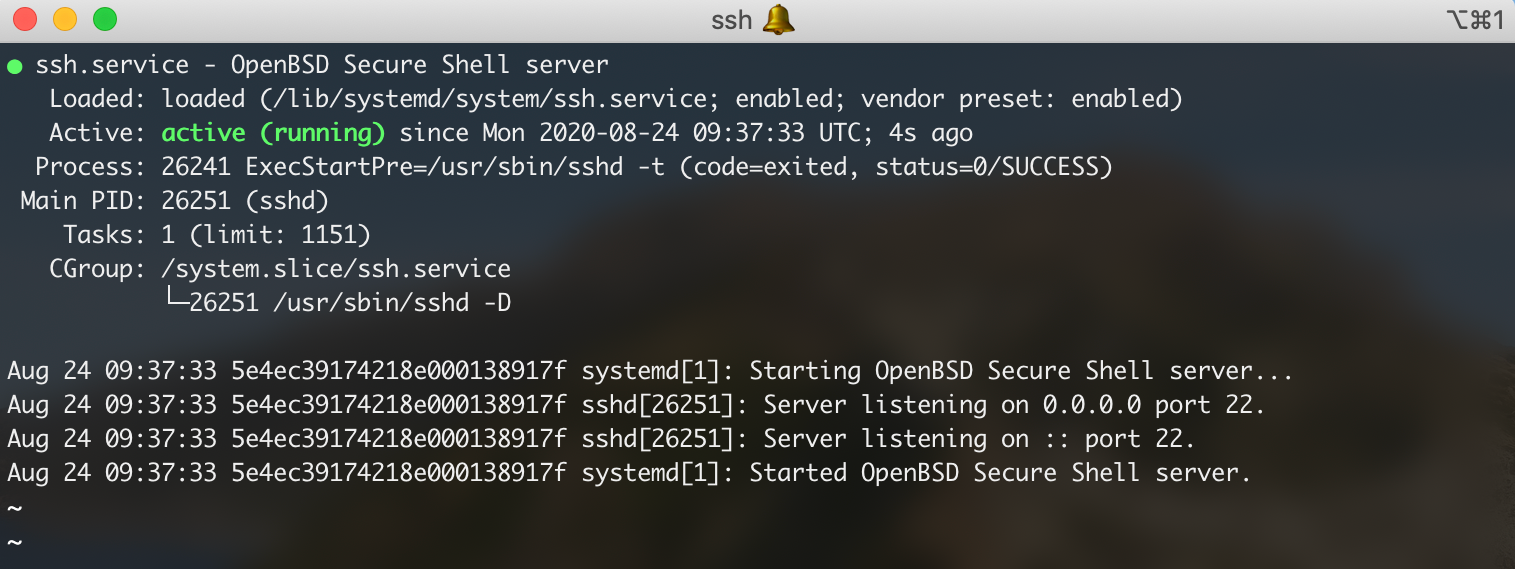
A Beginners Guide To Systemctl Stop Start And Restart Services
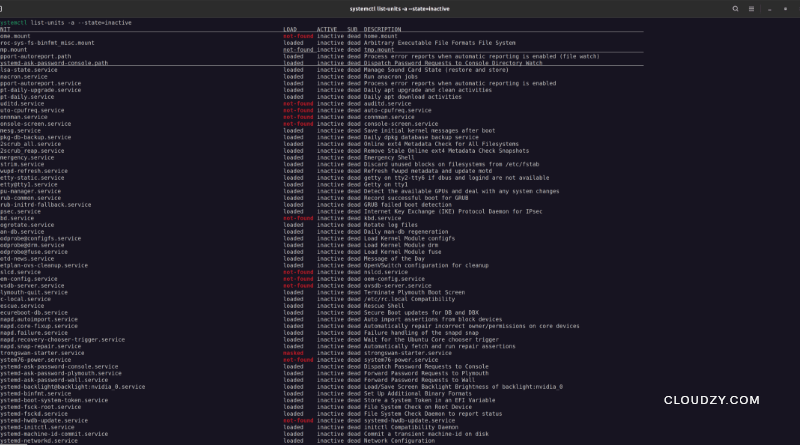
List Running Services On Linux Ubuntu Debian CentOS Cloudzy

Manage Systemd Services Using Systemctl With Examples

Linux 101 System Security Disabling Unused Services Systemctl

Jul 27 2024 nbsp 0183 32 In this tutorial I will share the commands which you can use to list systemctl services along with their state You can use these methods in scripts to add service status checks to make sure service is in running or failed state
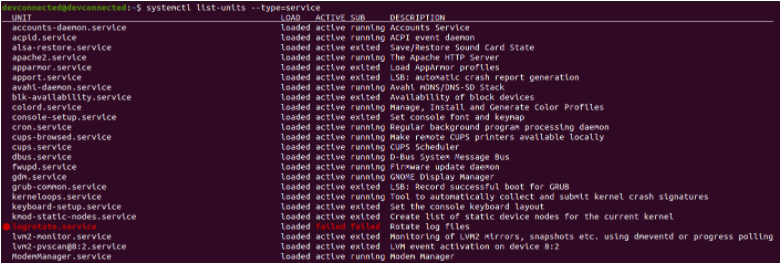
Aug 31 2018 nbsp 0183 32 To start a systemd service in the current session issue the start command sudo systemctl start apache2 service Conversely to stop a systemd service issue the stop command sudo systemctl stop apache2 service In the above example we started and then stopped the Apache service

May 17 2022 nbsp 0183 32 Learn how to start stop enable disable and mask a system service with the systemctl command

Jun 5 2024 nbsp 0183 32 Use systemctl status lt service name gt to see if the service is running active recently stopped or inactive never started This reveals important information like memory usage and active connections

Apr 26 2023 nbsp 0183 32 To stop a service that is running on your system run this command in the terminal sudo systemctl stop lt service name gt Replace lt service name gt with the name of the service unit file you want to stop This will stop the service in the background and return to the prompt
Jun 16 2024 nbsp 0183 32 To Linux list services using the systemctl command you can open your terminal and use the command systemctl list units type service to see a comprehensive overview Sep 9 2022 nbsp 0183 32 1 List All the Available Services Systemctl provides a wide range of information about all the available services on your Linux systems To list all available services use the all option Use the following command to list all active inactive failed running and stopped services systemctl type service all
Jan 17 2024 nbsp 0183 32 Stop service If you want to make any changes to the configuration file you are recommended to stop the service To stop the service you use the stop flag with the systemctl command as shown here sudo systemctl stop lt service name gt For your reference here I stopped the apache2 service which I started recently sudo systemctl stop apache2