Switch Wifi Command Line Linux Find Files In Linux Using The Command Line Linode How To Connect Wifi Through Command Line In Linux Pwgen Command Line Linux Econosilope Linux For Beginners Linux Command Line Linux Programming And Linux Linux Command List Devices On Network Linux World Bring the device up ifconfig wlan0 up List the wireless networks with iwlist wlan0 scan less and find the network you want to connect to Use wpa supplicant to associate and connect with the network a Create a config file for wpa supplicant containing encryption information about the network See man wpa supplicant conf for examples
Step 2 Edit the Netplan configuration file with the wifi interface details The Netplan configuration file resides in etc netplan directory If you check the contents of this directory you should see files like 01 network manager all yml or 50 cloud init yaml If it is Ubuntu server you should have cloud init file There are multiple ways to activate and deactivate wireless networks in Linux from commandline Here we are going to discuss about two commandline tools namely nmcli and nmtui Both comes pre installed in many modern Linux distributions 1 Connect and disconnect WiFi from commandline with Nmcli in Linux
Linux Command List Devices On Network Linux World Comment Trouver Le Code WiFi Du R seau Auquel Vous tes Connect Linux Command Line Cheat Sheet In A Well Formatted Image And Pdf File Linux Command Cheat Sheet GskLinux Linux Command Line 12 Linking Files And Directories YouTube Blog Archives Strongdownloadjp Commonly Used Linux Commands Higgins Frutas Motivo Configurar Red Linux Consola Embudo Pisoteando Ubuntu 18 04 Connect Wifi Command Line
Switch Wifi Command Line Linux
 Switch Wifi Command Line Linux
https://www.linode.com/docs/guides/find-files-in-linux-using-the-command-line/find-files-linux-command-line-title.jpg
Now install wpa supplicant on Ubuntu 22 04 20 04 from the default software repository sudo apt install wpasupplicant We need to create a file named wpa supplicant conf using the wpa passphrase utility wpa supplicant conf is the configuration file describing all networks that the user wants the computer to connect to
Pre-crafted templates provide a time-saving solution for creating a diverse range of documents and files. These pre-designed formats and layouts can be used for numerous individual and expert jobs, including resumes, invites, leaflets, newsletters, reports, discussions, and more, streamlining the material production procedure.
Switch Wifi Command Line Linux
Command Line Interface CLI Tab Where IOS Of A Switch Or Router Can Be
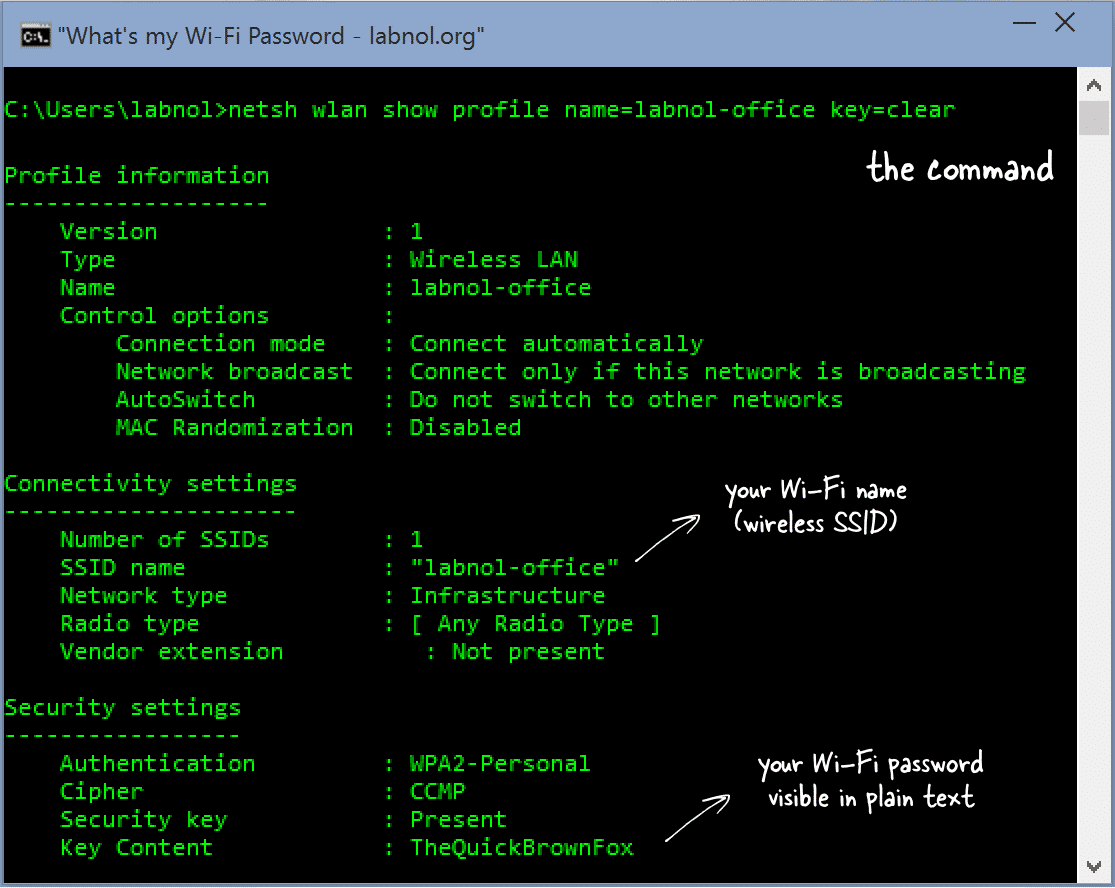
Comment Trouver Le Code WiFi Du R seau Auquel Vous tes Connect

Linux Command Line Cheat Sheet In A Well Formatted Image And Pdf File
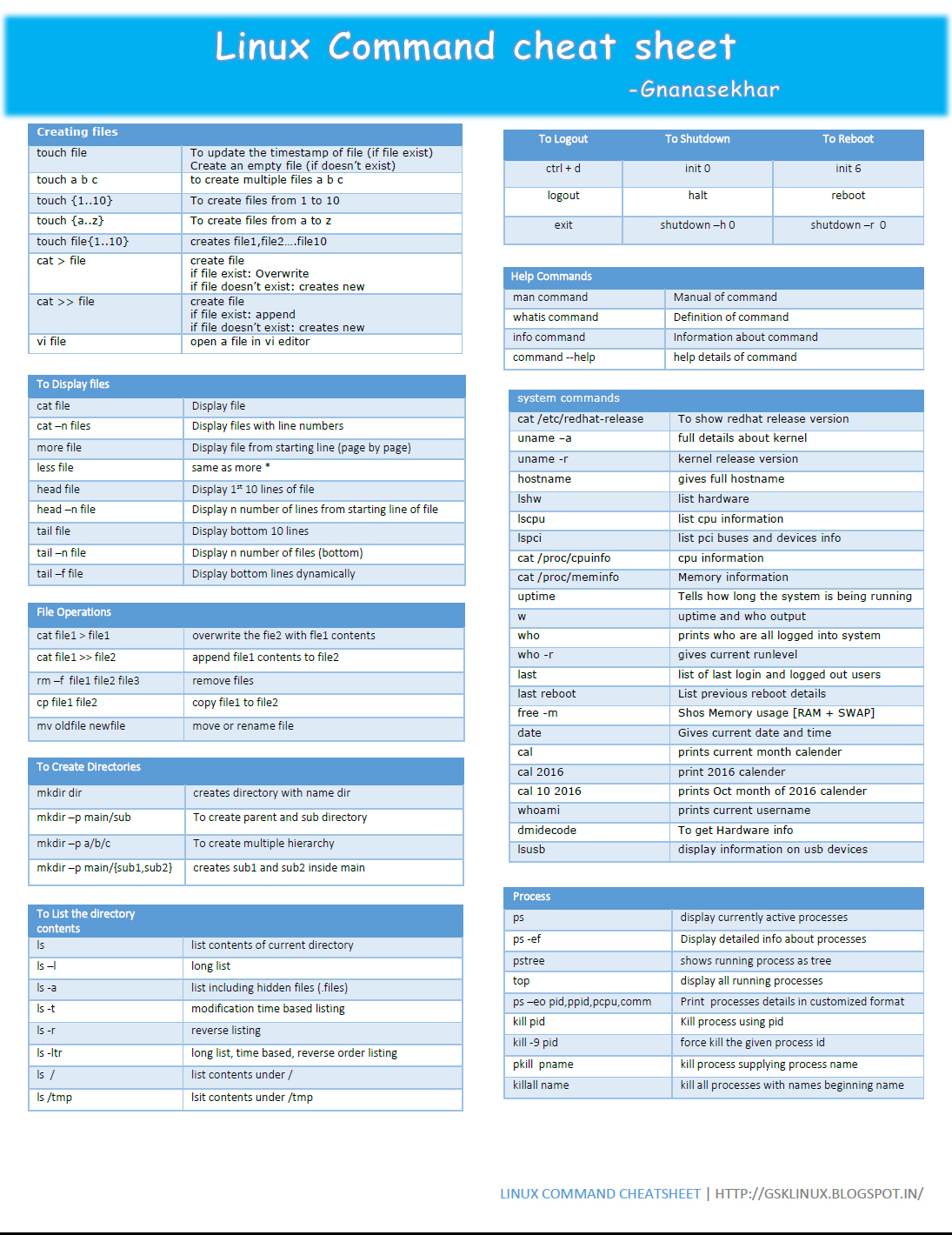
Linux Command Cheat Sheet GskLinux

Blog Archives Strongdownloadjp
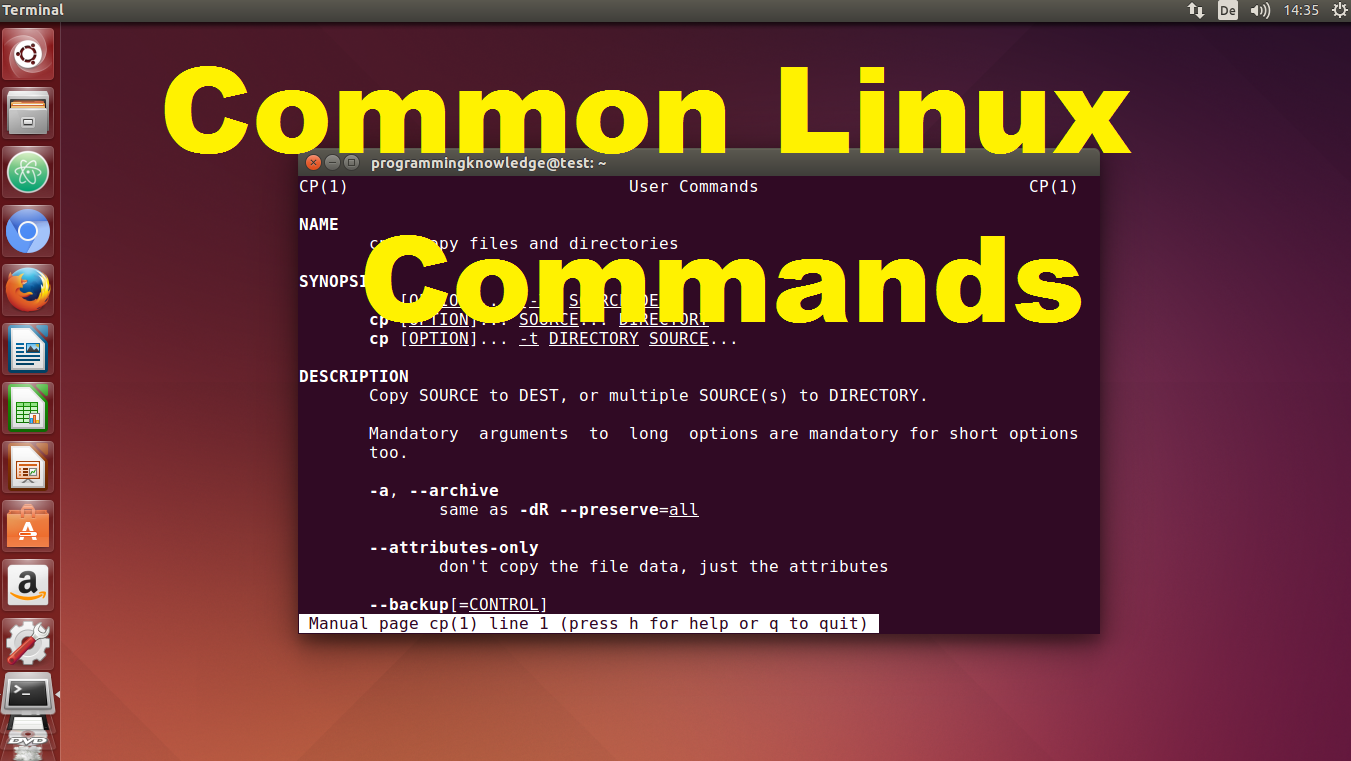
Commonly Used Linux Commands
In this tutorial we ll describe how to connect a system to a wireless network using the command line from Linux Even if they are command line utilities we ll not consider nmcli wpa cli or wifi menu from distributions like Arch Linux because they may not be available in all systems
Connecting to wifi network through command line Ask Question Asked 10 years 2 months ago Modified 4 years ago Viewed 720k times 103 I am trying to connect to my WEP network just using the command line Linux I run sudo iwconfig wlan0 mode Managed essid my network key xx xx hex key 26 digits Then I try to obtain an IP with

4 Answers Sorted by 259 I think you want to keep using managed interface by NetworkManager nmcli is a command line tool for controlling NetworkManager

Follow along with us below as we connect to a WiFi on command line via SSID and network key In this tutorial you will learn How to identify the name of your wireless network interface How to configure Netplan to connect to wireless network SSID Ubuntu Server 20 04 Connect to WiFi from command line Software Requirements and Conventions Used

Here s how to connect to Wi Fi in the Linux terminal using the nmcli command What Is nmcli nmcli is the command line interface for NetworkManager a common Linux application for identifying and configuring internet connections Many distributions have a graphical applet for using NetworkManager in a desktop environment but you might not have
How to connect to wifi from command line Ask Question Asked 7 years 6 months ago Modified 2 years 9 months ago Viewed 245k times 34 I m using latest version of Debian based Linux Kali Maybe it is an XY problem as the main problem is after I log in to the system I get a blank screen and mouse pointer There are two main reasons for this one your wireless adapter may not have the right driver loaded second if you are installing from the command line managing WiFi is scary I always tried to avoid dealing with WiFi over the command line But in the Linux world there is no place for fear
WiFi network from command line Required tools Following tools are required to connect to WiFi network in Linux from command line wpa supplicant iw ip ping Before we jump into technical jargons let s just quickly go over each item at a time Linux WPA WPA2 IEEE 802 1X Supplicant