Swiftui Table Row Height Python Matplotlib How To Set Table Row Height OneLinerHub Table SwiftUI Swift SwiftUI List row Height Contextmenu How To Apply A Context Menu To SwiftUI Table Row Stack Swift Best Way To Create A Table With Named Columns In The First Row SwiftUI iOS 16 Core Data Multi column tables have long been a feature of macOS SwiftUI added support for them in macOS 12 0 They came to iOS a year later in iOS 16 There are some caveats and sharp edges to be aware of if you re thinking of using them Multi column Tables
Similarly the tallest cell in a row sets the height of the entire row The cells in the first column of the grid above need only the height required for each string but the Color cells expand to equally share the total height available to the grid As a result the color cells determine the row heights Cell spacing and alignment The SwiftUI view is a LazyHGrid with a number of items based on a user s number of accounts The idea is to display the first 1 3 items if there are any and a More button which when tapped displays the rest of the items
Swift Best Way To Create A Table With Named Columns In The First Row Swiftui How To Make Every Item The Same Height In A LazyVGrid Table SwiftUI Swift IOS16 Grid Table CSS Table Row Height CSS Table Row Height Ios SwiftUI Force List Row To Adjust Height To Content Stack Overflow Table SwiftUI Swift Css How To Customize Table Row Height In Antd ITecNote
Swiftui Table Row Height
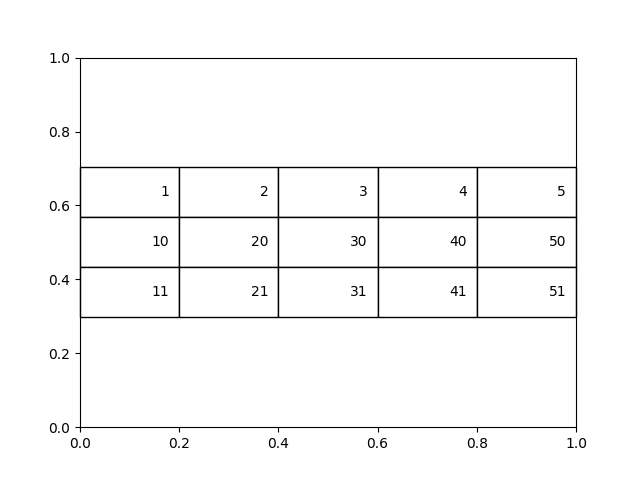 Swiftui Table Row Height
https://onelinerhub.com/python-matplotlib/how-to-set-table-row-height.png
2 619 2 22 38 Try adding listStyle grouped koen Sep 21 at 16 57 koen Thanks That does eliminate blank rows but it doesn t eliminate the space they occupy the table still takes up the excess space I m trying to eliminate Also it s iOS specific and I m looking for a solution that works for macOS as well Anton Sep 21 at 18 55
Templates are pre-designed documents or files that can be used for different functions. They can conserve time and effort by offering a ready-made format and layout for developing various sort of content. Templates can be utilized for individual or professional tasks, such as resumes, invites, leaflets, newsletters, reports, presentations, and more.
Swiftui Table Row Height

Xcode Create Multi column Table In SwiftUI Using Table Framework

Swiftui How To Make Every Item The Same Height In A LazyVGrid
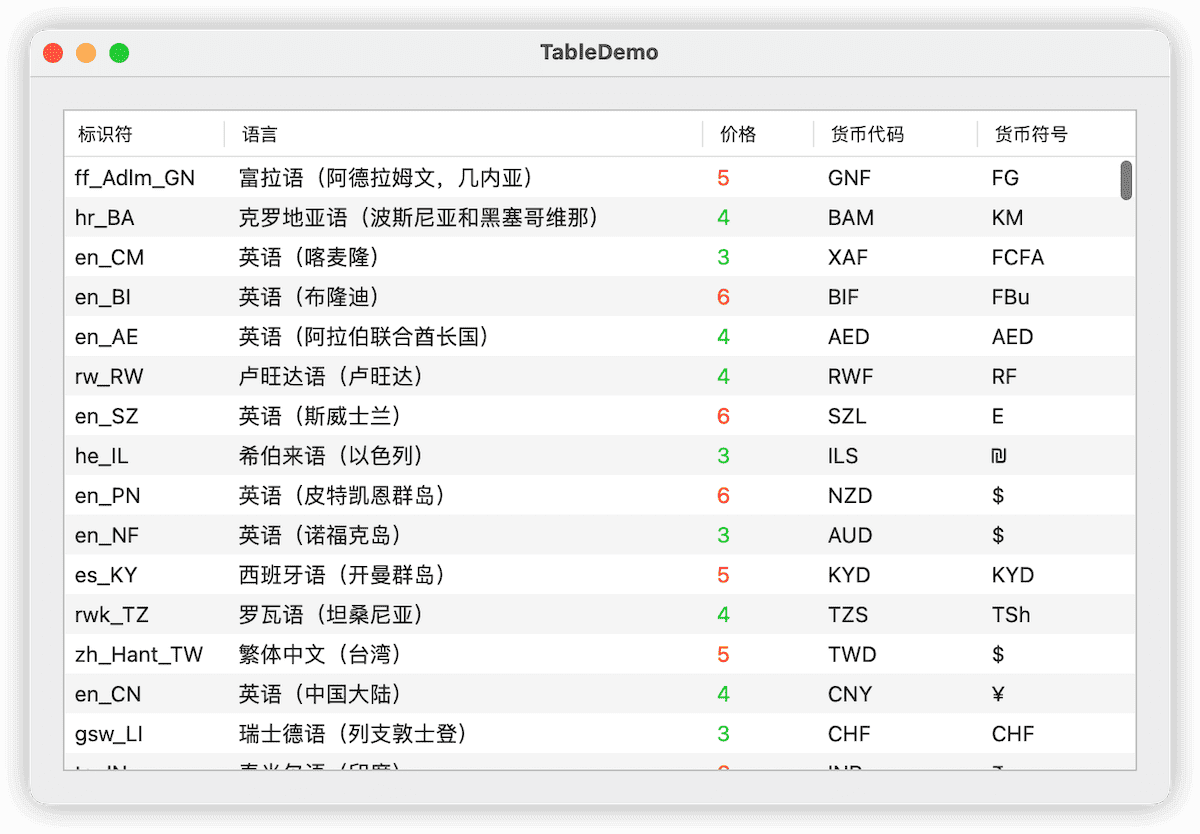
Table SwiftUI Swift

IOS16 Grid Table
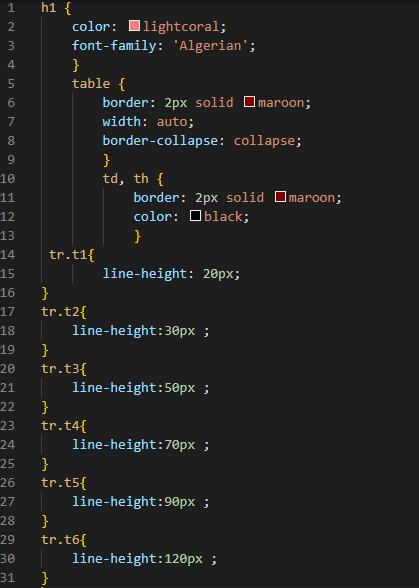
CSS Table Row Height

Ios SwiftUI Force List Row To Adjust Height To Content Stack Overflow
SwiftUI provides several table styles such as InsetTableStyle and on macOS BorderedTableStyle The default style is AutomaticTableStyle which is available on all platforms that support Table Using tables on different platforms You can define a single table for use on macOS iOS and iPadOS
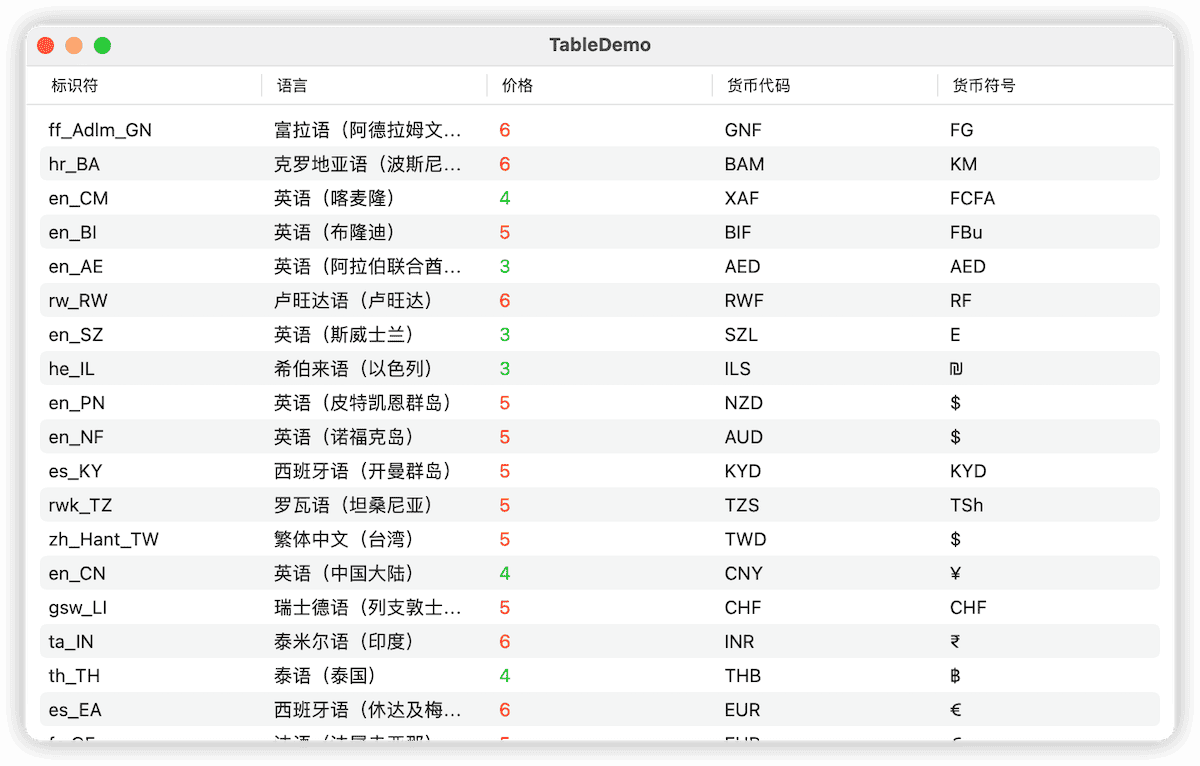
A type of table row content that generates table rows from an underlying collection of data struct TableRowBuilder A result builder that creates table row content from closures A row that represents a data value in a table

In the first beta version of SwiftUI 4 0 Xcode 14 0 beta 14A5228q Table performs poorly on iPad OS and has many bugs For example the title row overlaps with the data row the first row the first column of the title row is not displayed scrolling is not smooth and some behaviors row height are inconsistent with the macOS version

The default minimum height of a row in a list iOS 13 0 iPadOS 13 0 macOS 10 15 Mac Catalyst 13 0 tvOS 13 0 watchOS 6 0 visionOS 1 0 Beta var defaultMinListRowHeight CGFloat get set Configuring rows func listRowInsets EdgeInsets some View Applies an inset to the rows in a list func listRowHoverEffect HoverEffect some View

I have a question about List Row Dynamic in SwiftUI how reset height of row when EditMode of List changed For now ui element of Row has changed but height of row in the list not update to fit inactive editmode Multi column table with continuous verticle lines
Defines the entire row as a destination of a drag and drop operation that handles the dropped content with a closure that you specify func onHover perform Bool Void some TableRowContent Self TableRowValue Adds an action to perform when the pointer moves onto or away from the entire row So in iOS 5 the idea of a self sizing table view cell was introduced If you specify UITableView automaticDimension from tableView heightForRowAt UITableView will calculate the cell s height based on its autolayout constraints so you don t have to define the height yourself This is really useful for custom cell layouts and dynamic text
A Table in SwiftUI is a container that enables the creation and presentation of data collections in a tabular format values organized into columns and rows It is a valuable tool for displaying datasets that have a structured grid like layout When the number of rows exceeds the available vertical space the Table component will automatically enable vertical scrolling to ensure all data is