Swiftui List Spacing Between Rows Multiple Buttons In SwiftUI List Rows A Simple Static List SwiftUI Spacing Between List Items Stack Overflow SwiftUI Spacing Reorder List Rows Containing Text Fields In SwiftUI On MacOS This allows the list to directly know how to identify each data entry We can simplify the list of food items further You no longer have to specify the id key path This is also used for ForEach struct ContentView View let foods Food preview var body some View List foods food in Text food name
But you can apply changes only for current List using swiftui introspect with code above replacing UITableView appearance and UICollectionView appearance by tableView and collectionView introspectTableView tableView in code below introspectCollectionView collectionView in code below New in iOS 16 SwiftUI automatically adjusts list row insets so the separator is aligned to the leading edge of your text but it provides alignment guides called listRowSeparatorLeading and listRowSeparatorTrailing so you can customize this if you want For example you can set the separator s leading edge to be the leading edge of the
Reorder List Rows Containing Text Fields In SwiftUI On MacOS IOS SwiftUI LazyVGrid Spacing Inconsistent Not Filling Correctly Swift SwiftUI Remove Spacing From Top Of List In NavigationView SwiftUI List View A Deep Dive Into One Of The Most Important Grouped List In SwiftUI Swift UI Recipes How To Remove The SwiftUI List Row Separators Sarunw A List With Some Advanced SwiftUI Views SwiftUI List Item Can t Read EditMode Environment Variable Of Their Multiple Rows Selection In SwiftUI List Sarunw
Swiftui List Spacing Between Rows
 Swiftui List Spacing Between Rows
https://nilcoalescing.com/static/blog/MultipleButtonsInListRows/horizontal.vjF42A6Pj-vL77RdRkpns7xQH8_Hu1b355ykJFc2oZc.png
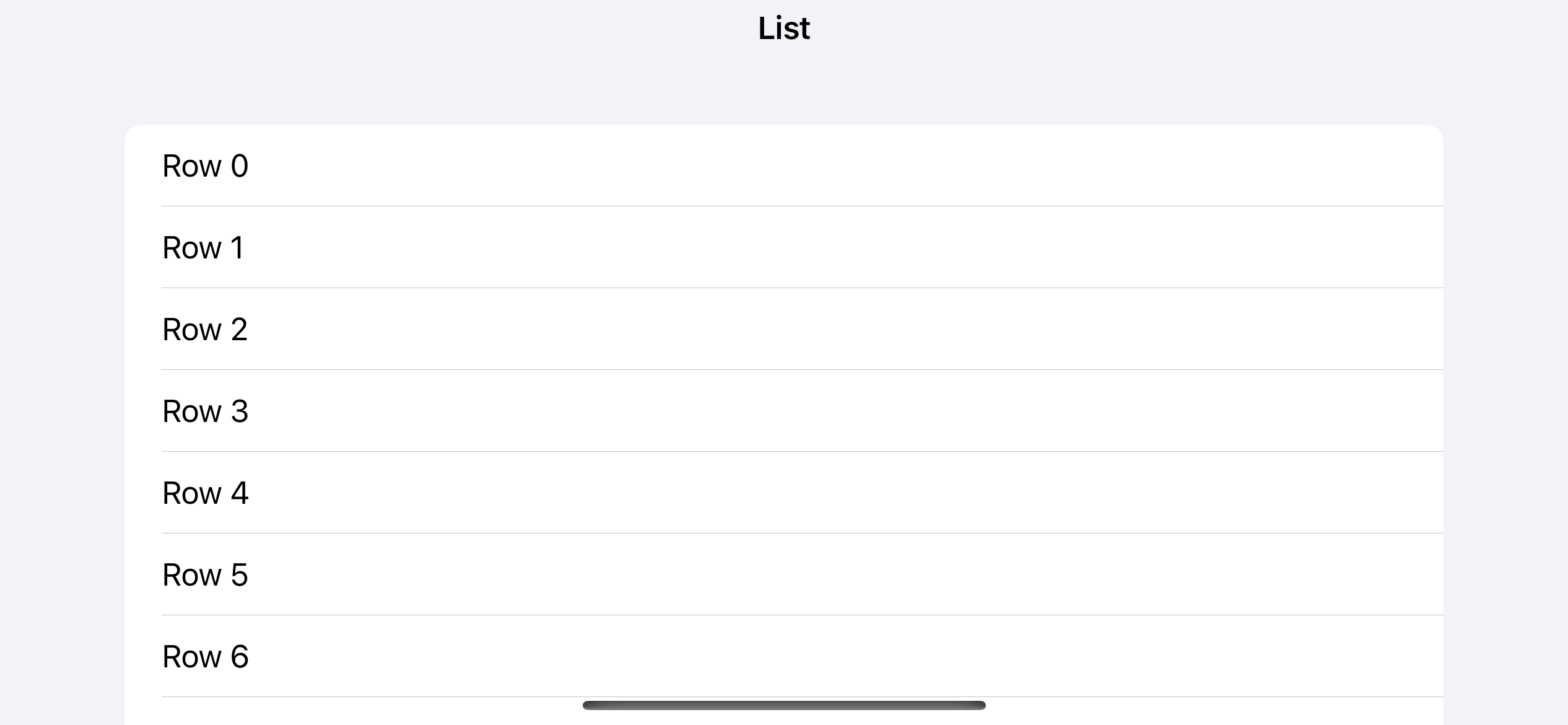
To adjust the color of the separator use listRowSeparatorTint like this List ForEach 1 100 index in Text Row index listRowSeparatorTint red Again you can attach that to individual list rows if you want more control SPONSORED Join a FREE crash course for mid senior iOS devs who want to achieve an expert level of
Templates are pre-designed documents or files that can be used for various functions. They can conserve time and effort by offering a ready-made format and design for developing various type of material. Templates can be used for individual or professional projects, such as resumes, invitations, flyers, newsletters, reports, discussions, and more.
Swiftui List Spacing Between Rows

Swift How To Prevent Spacing Between Content And Back Button In

IOS SwiftUI LazyVGrid Spacing Inconsistent Not Filling Correctly

Swift SwiftUI Remove Spacing From Top Of List In NavigationView

SwiftUI List View A Deep Dive Into One Of The Most Important
How To Remove The SwiftUI List Row Separators Sarunw

A List With Some Advanced SwiftUI Views
Sets the vertical spacing between two adjacent rows in a List Sets the vertical spacing between two adjacent rows in a List Skip Navigation Global Nav Open Menu Global Nav Close Menu Apple Developer Exploring SwiftUI Sample Apps To navigate the symbols press Up Arrow Down Arrow Left Arrow or Right Arrow 5 of 64 symbols inside root

In SwiftUI designing custom List rows is easy to get started just use a plain Text view to represent the current item but the possibilities are endless As any designer will be able to tell you the space between items is as important as the items themselves With SwiftUI 3 it is now possible to influence the style of row separators

The list is a complex container type that automatically provides scrolling when it grows too large for the current display You build a list by providing it with individual views for the rows in the list or by using a ForEach to enumerate a group of rows You can also mix these strategies blending any number of individual views and ForEach
The following example changes a list row separator insets of the Wifi row back to zero 1 We apply alignmentGuide listRowSeparatorLeading to a list row to override list row separator leading alignment listRowSeparatorLeading 2 The second argument of alignmentGuide is a closure that returns the offset value of the new alignment
Sets the vertical spacing between two adjacent rows in a List func listSectionSpacing CGFloat some View Sets the spacing to a custom value between adjacent sections in a List struct ListSectionSpacing The spacing options between two adjacent sections in a list Apple Developer Documentation
SwiftUI spacing between List elements No matter what I do there s always space between List elements any fixes O listRowInsets init top 0 leading 0 bottom 0 trailing 0 and it works Thanks for following up with the solution Perfect it works for me 2 The goal is to have the two sections in the list separate but closer together nearly touching about a 16px gap The design of the default list is what is wanted for the design I have tried using listRowInsets top leading bottom trailing but that just screws up view of the GoPremium button cutting off the image etc
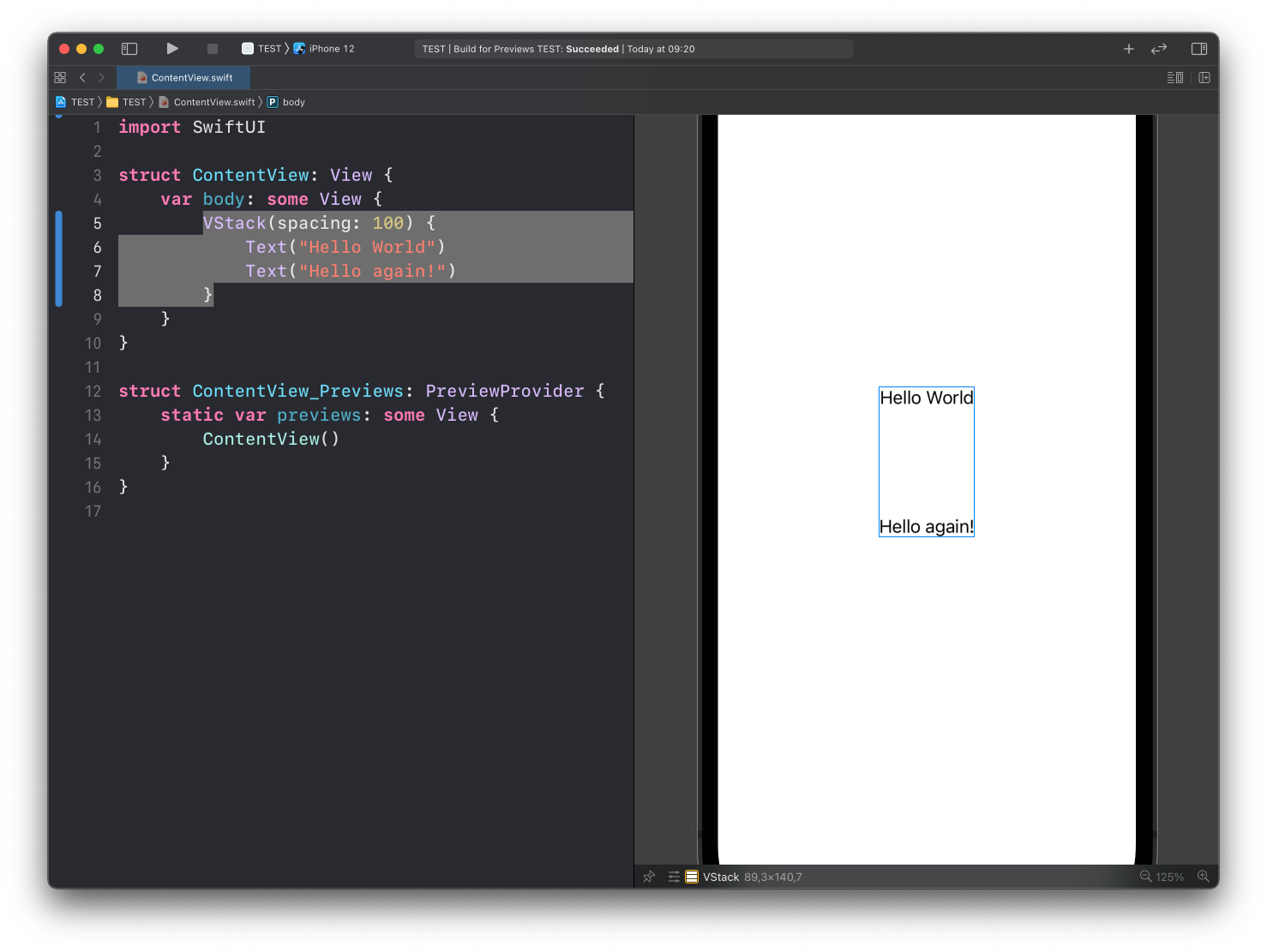
Customize a container s spacing The default spacing of an HStack isn t right for all layouts You can specify a constant spacing between a stack s subviews spacing that scales with Dynamic Type or no spacing at all Step 1 The spacing parameter of an HStack customizes the spacing between its views This value of 20 puts 20 points of