Svg Increase Stroke Width Excerpts For Living INCREASE THE NUMBERS Insulin Used To Be Affordable And Then Seemingly Out Of Nowhere It Increasing Icon 46437 Free Icons Library Html Why The Svg Path Become Strange When I Raise The Stroke width Adobe Illustrator How To Increase Width Of Stroke Of An Ai File In The vector effect property specifies the vector effect to use when drawing an object Vector effects are applied before any of the other compositing operations i e filters masks and clips Note As a presentation attribute vector effect can be used as a CSS property
You ve made the decision You re finally going to do it This year you are going to start using SVG in your web designs You create a fabulous header logo in Inkscape and you copy and paste the SVG code it spits out into your WordPress header file Utilities for styling the stroke width of SVG elements Basic usage Setting the stroke width Use the stroke width utilities to set the stroke width of an SVG svg class stroke 1 svg svg class stroke 2 svg This can be useful for styling icon sets like Heroicons Applying conditionally Hover focus and other states
Adobe Illustrator How To Increase Width Of Stroke Of An Ai File In Animated Illustration Of Speech Difficulty In F A S T Warning Signs Increase Project A Stroke Is No Joke Here s How To Recognize The Signs Animating Your SVG Logo Or Signature That Has Variable Stroke Width Html SVG Stroke Width Increasing Issue Stack Overflow Paint Brush Stroke Clipart Transparent PNG Hd Colorful Brush Stroke Increase Png 10 Free Cliparts Download Images On Clipground 2023 How To Change Stroke Width Of A Line In Inkscape YouTube
Svg Increase Stroke Width
 Svg Increase Stroke Width
http://2.bp.blogspot.com/-3AfOk6ysOK8/TwJTOfbIiPI/AAAAAAAAB58/ru2XU4wrxCs/s1600/pdb1ppedt_ppBLUE+copy.jpg
1 Answer Sorted by 1 You re setting the stroke width attribute for an image element that is embedding an inline PNG data image png base64 should be your hint Why would you expect this to change anything The inline png is a bitmap image just because you embed it in a SVG image element it doesn t magically convert it to a vector
Templates are pre-designed documents or files that can be used for different functions. They can save time and effort by providing a ready-made format and layout for producing various sort of content. Templates can be used for personal or expert jobs, such as resumes, invites, leaflets, newsletters, reports, presentations, and more.
Svg Increase Stroke Width

Stroke By TUNICH On Dribbble
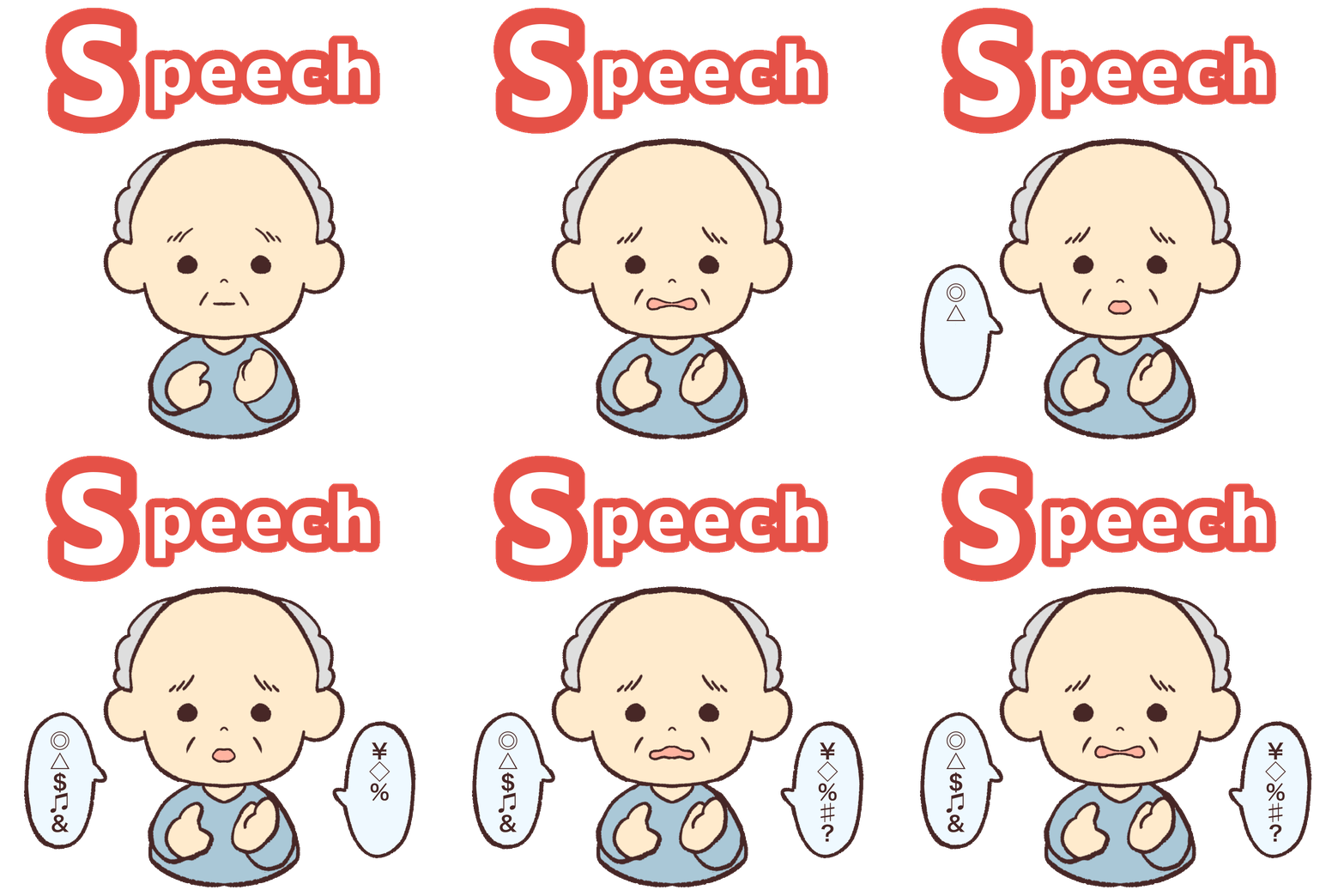
Animated Illustration Of Speech Difficulty In F A S T Warning Signs

Increase Project

A Stroke Is No Joke Here s How To Recognize The Signs

Html SVG Stroke Width Increasing Issue Stack Overflow

Paint Brush Stroke Clipart Transparent PNG Hd Colorful Brush Stroke
Svg Share Improve this question Follow edited Dec 29 2022 at 2 37 starball 30 5k 13 78 451 asked Jun 7 2016 at 19 08 Mojtaba 4 932 5 22 38 Add a comment 3 Answers Sorted by 103 You can add a stroke with stroke black stroke width 10 and then adjust your viewBox accordingly

The stroke width property defines the width of this stroke Strokes are drawn centered around the path In the example above the path is shown in pink and the stroke in black The second attribute affecting strokes is the stroke linecap property demonstrated above This controls the shape of the ends of lines

SVG Stroke Attributes The stroke attribute sets the color of the line drawn around an element Here we will look at the six stroke attributes stroke sets the color of the line around an element stroke opacity sets the opacity of the line around an element stroke width sets the width of the line around an element

The stroke width property in CSS is for setting the width of a border on SVG shapes module stroke width 2 Remember This will override a presentation attribute path stroke width 2 This will not override an inline style e g path style stroke width 2 Values

Sketch doesn t have strokes To make a line icon in Sketch you need to make a smaller version of a path shape and change the fill color To fix the problem I had to ungroup the paths remove the fill color add a border and increase the thickness here s an engineer s approach Open the SVG file in a text editor say Notepad and look for
Resize SVG Images for Social Media Print More Adjust the size of your SVG file so it ll be suitable for websites social media platforms or print Pixelied s free image editor has hundreds of dimension templates you can use to make sure that your design will fit in banners ads album covers thumbnails and more The stroke width attribute is an attribute defining the width of the stroke applied to the shape Syntax stroke width length Attribute Values length Length at which we want to set the stroke width attribute percentage Percentage at which we want to set the stroke width attribute
For svg width defines the horizontal length for the rendering area of the SVG viewport Note In an HTML document if both the viewBox and width attributes are omitted the svg element will be rendered with a width of 300px Value auto length percentage Default value