Surface Pro 7 Keyboard Not Working Surface Pro 7 Keyboard Key Removal YouTube How To Turn Off Keyboard Sound On Laptop Milkstart Windows Surface Pro Keyboard Doesnt Connect Accessholden Buy 7 Color Backlit Surface Pro 7 Keyboard Kingtime Rechargeable Bluetooth 5 0 Keyboard Type Surface Pro 7 Keyboard Not Working Anime Obsessed [desc-7]
Pair and Unpair Bluetooth Find the connected Surface keyboard and click on the three dots button on the side Select Remove Device [desc-8]
Surface Pro 7 Keyboard Not Working Anime Obsessed Cover For Microsoft Surface Pro 7 12 3 Inch 2019 Matte Case Protective Case Tablet Pu Leather Windows 7 Installation Keyboard And Mouse Not Working Solution YouTube Earto Surface Pro 7 Keyboard Surface Pro Type Cover With 7 Colors Backlight Smart Trackpad Keyboard Not Working Windows 7 YouTube How To Fix Surface Pro 3 4 5 6 7 Or 7 Keyboard Not Working YouTube Fix Pixel 7 Pro Keyboard Not Working Pixel Phone Keyboard Not Working Problem YouTube How To Fix Laptop Keyboard Not Working Acer Aspire 7 Windows 10 11 YouTube Apple Watch 7 Full Keyboard Not Available In WatchOS 8
Surface Pro 7 Keyboard Not Working
 Surface Pro 7 Keyboard Not Working
https://i.ytimg.com/vi/O1llKSVtoG4/maxresdefault.jpg
[desc-9]
Templates are pre-designed files or files that can be used for various functions. They can conserve effort and time by supplying a ready-made format and layout for developing various type of material. Templates can be used for individual or expert projects, such as resumes, invitations, flyers, newsletters, reports, presentations, and more.
Surface Pro 7 Keyboard Not Working

Surface Pro 7 Keyboard Not Working Anime Obsessed
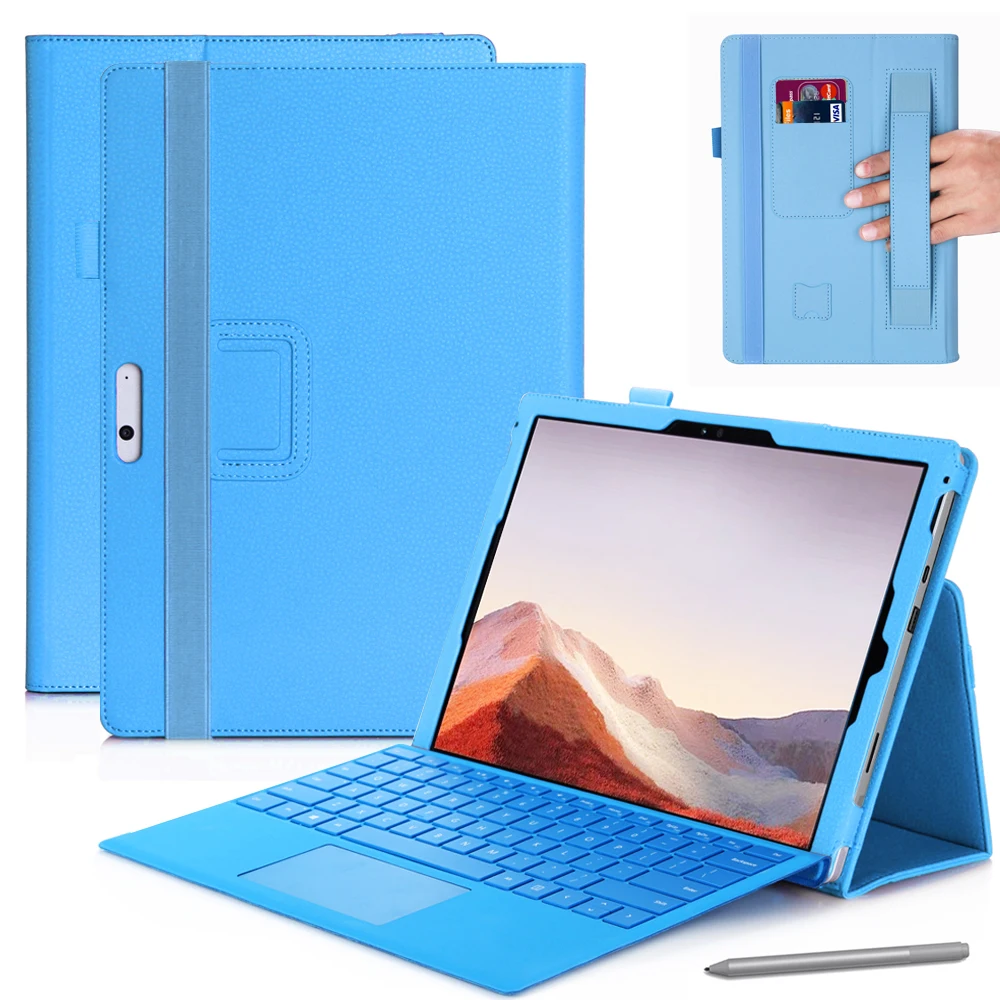
Cover For Microsoft Surface Pro 7 12 3 Inch 2019 Matte Case Protective Case Tablet Pu Leather

Windows 7 Installation Keyboard And Mouse Not Working Solution YouTube

Earto Surface Pro 7 Keyboard Surface Pro Type Cover With 7 Colors Backlight Smart Trackpad
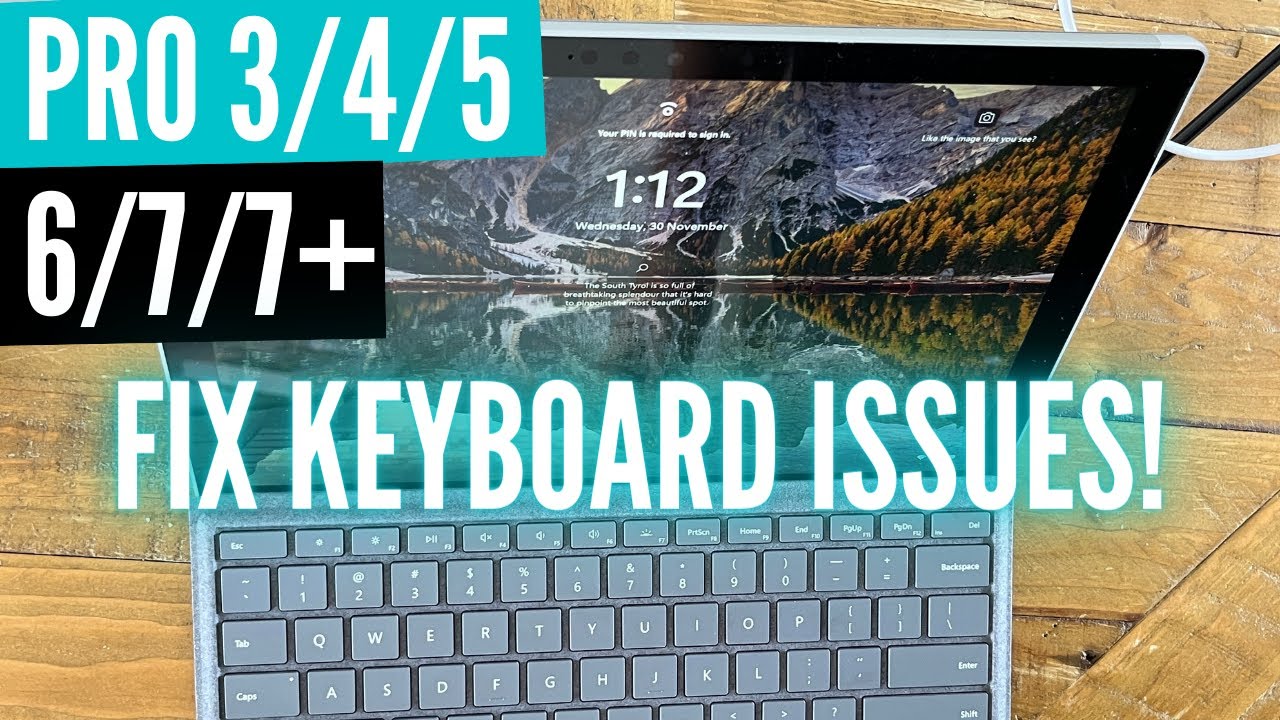
How To Fix Surface Pro 3 4 5 6 7 Or 7 Keyboard Not Working YouTube

Fix Pixel 7 Pro Keyboard Not Working Pixel Phone Keyboard Not Working Problem YouTube

Run the Bluetooth troubleshooter From Settings select Update Security Troubleshoot Additional troubleshooters Bluetooth Run the troubleshooter to scan for keyboard related errors and fix them It s a good idea to also run the Keyboard troubleshooter Update the keyboard drivers

1 Run Surface Diagnostic Toolkit and check Windows Update 2 Update drivers and firmware Check what is the current OS Build of your Windows version by going to Settings System About Go to Download driver and firmware for Surface choose Surface Pro 7 then click Download on the next page

My brother just bought the surface pro 7 and initially the keyboard works but after closing the type cover once he returns the keyboard does not work anymore the driver cannot even be found We tried all fixes nothing except factory reset worked
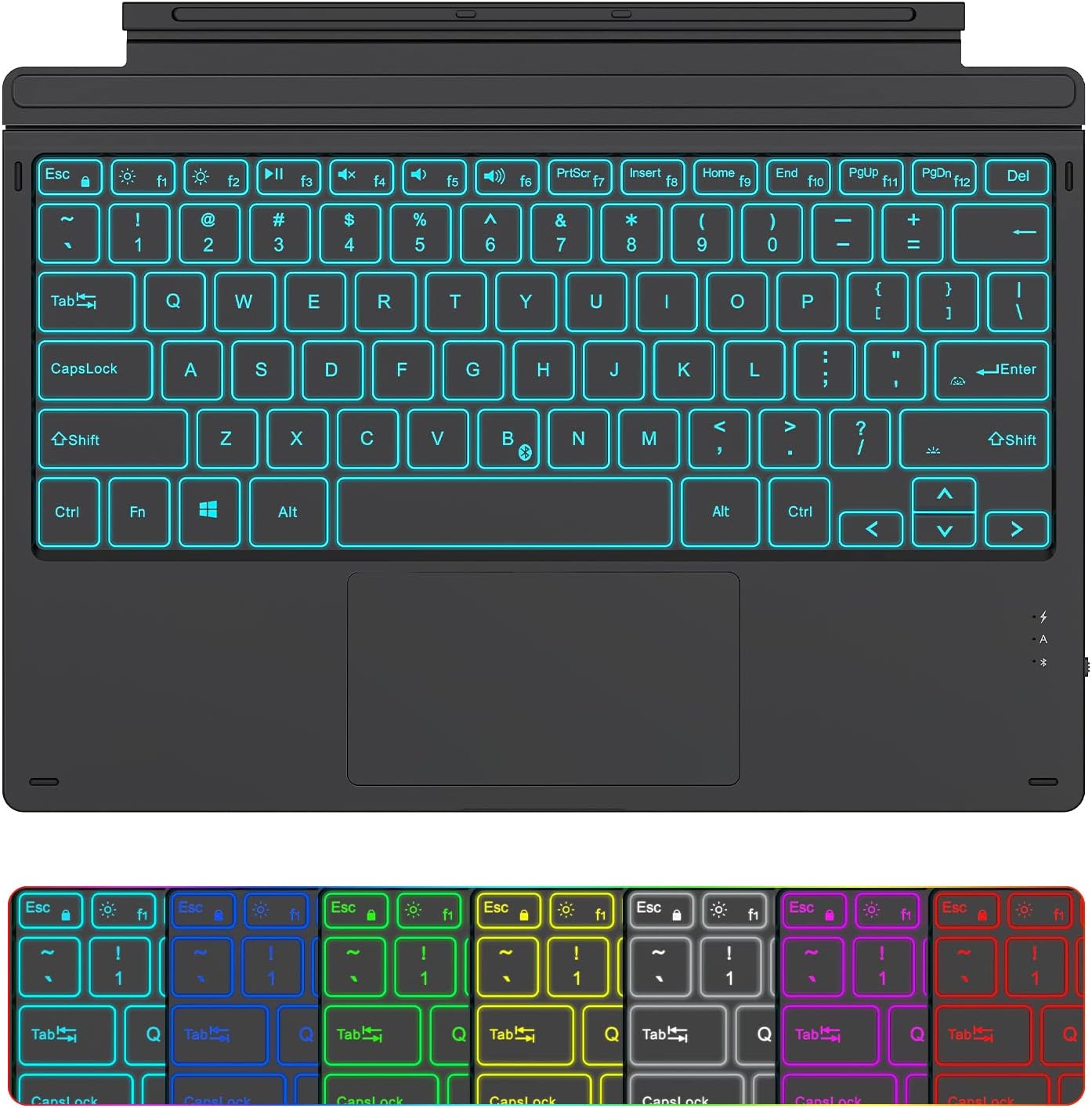
Follow along using the transcript I show you two solutions on how to fix the keyboard on a Microsoft Surface Pro 7 that is unresponsive Hope this helps Microsoft Surface Pro 7

Hi I opened up my Surface Pro 7 today and the keyboard was not working I ve tried all the basics detach reattach clean the connect ports etc and even tried to uninstall an update that came through last night The keyboard was working last night but is unresponsive today
[desc-11] [desc-12]
[desc-13]