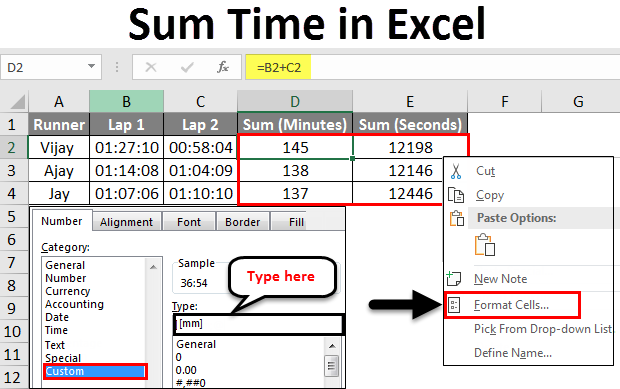
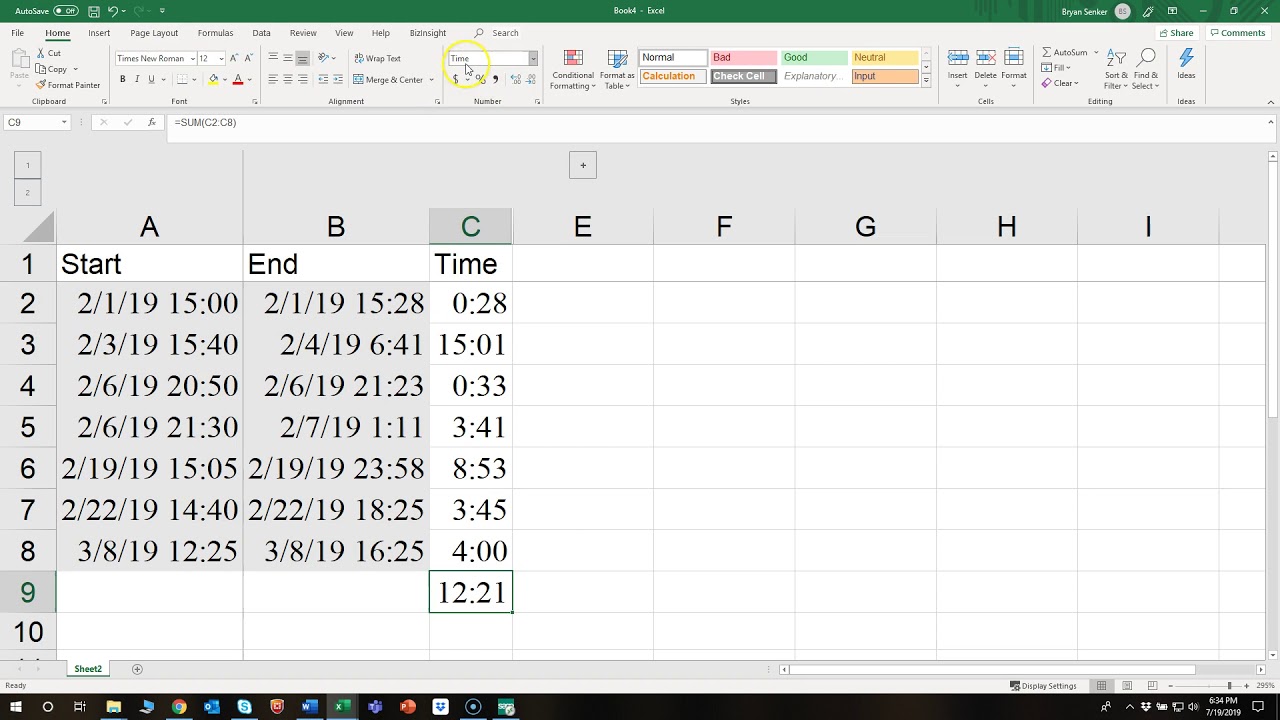
Sum Hours In Excel Total Hours In Excel Formula Haiper Schmuggel Kenia Hacken Adding Hours In Excel Over 24 Aufzug Montieren T How To Sum Time In Excel How To Sum Time In Excel Total Hours In Excel Formula Haiper Web May 20 2023 nbsp 0183 32 Step 1 Select the cell where you want to display the total sum Step 2 Type in the following formula SUM B2 B5 where B2 B5 is the range of cells that contains the time data Step 3 Press Enter to display the total sum of the time data Calculating Time Using Custom Formatting
Web Aug 13 2021 nbsp 0183 32 Subtract Your Times Select the cell where you want your result and enter the following formula replacing the cell references with your own C2 B2 Hit Enter to apply the formula Next you might need to format the cell for hours and minutes to show the total time spent By default your results might display as a time of day Web In the first example we re using B2 A2 D2 C2 24 to get the sum of hours from start to finish less a lunch break 8 50 hours total If you re simply adding hours and minutes and want to display that way then you can sum and don t need to multiply by 24 so in the second example we re using SUM A6 C6 since we just need the total
Total Hours In Excel Formula Haiper How To Sum Hours And Minutes In Excel YouTube How To Sum Time In Excel MicrosoftExcel JA Atsit How To Add Hours Minutes And Seconds To Time In Excel Excel Tips 2020 How To Sum Time And Format As Hours Minutes Or Seconds In Excel How To Sum Time In Excel Vrogue Sum Up Hours And Minutes In Excel By Chris Menard YouTube SUM Time In Excel Excel Help
Sum Hours In Excel
 Sum Hours In Excel
https://cdn.educba.com/academy/wp-content/uploads/2019/04/Sum-Time-in-Excel.png
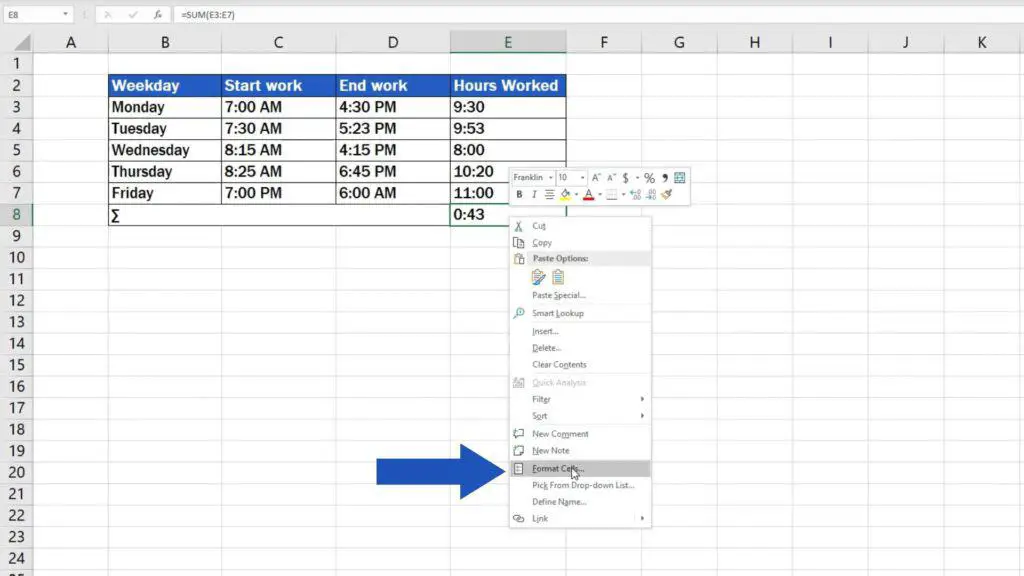
Web In this example the total is greater than 24 hours Excel can display time in many different ways such as hours and minutes or hours minutes and seconds a m p m or a 24 hour clock or a number that is greater than 24 hours as is needed in this example To format the cell right click it and click Format Cells Under Category click
Pre-crafted templates use a time-saving option for producing a varied range of files and files. These pre-designed formats and designs can be made use of for numerous personal and professional jobs, including resumes, invitations, leaflets, newsletters, reports, discussions, and more, improving the content production process.
Sum Hours In Excel
Excel Calculate Hours Between Two Times After Midnight Template Skillbda
How To Sum Hours And Minutes In Excel YouTube
How To Sum Time In Excel
MicrosoftExcel JA Atsit

How To Sum Time And Format As Hours Minutes Or Seconds In Excel

How To Sum Time In Excel Vrogue
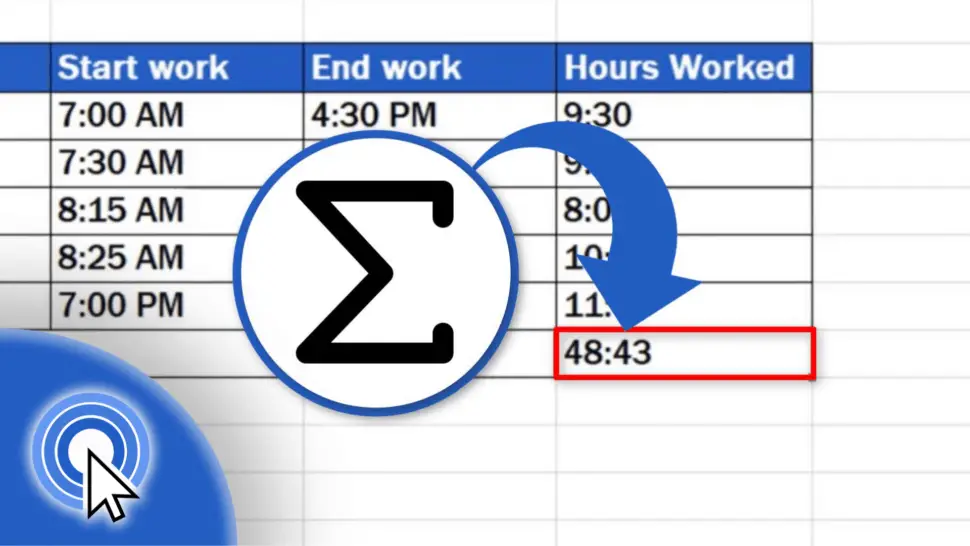
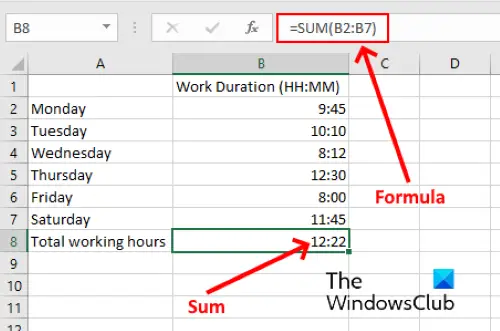
Web The formula will look like this SUM B2 B3 Press Enter to get the result 16 hours and 15 minutes Say you and your friends know your start and end times at a volunteer project and want to know how much time you spent In other words you want the elapsed time or the difference between two times

Web Oct 18 2023 nbsp 0183 32 1 Using Excel Formula to Sum Time in Excel 2 Using The SUM Function to Sum Time in Excel 3 Applying The AutoSum Option to Add Time in Excel 4 Using Excel TIME Function to Sum Time in Excel 5 Applying The TEXT Function to Sum up Time in Excel 6 Adding up Hours in Excel 6 1 Adding up Under 24 Hours 6 2 Adding
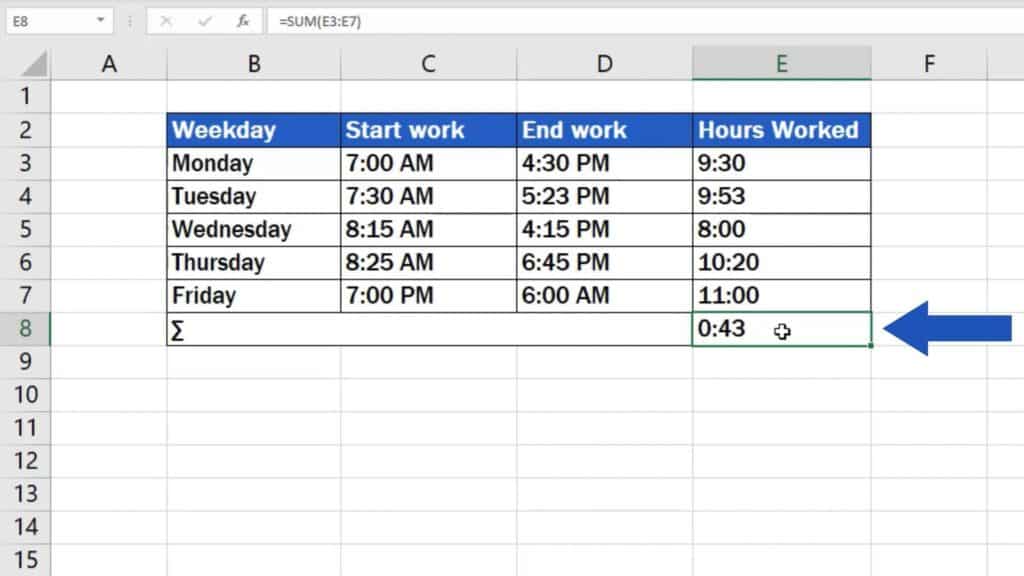
Web Oct 17 2023 nbsp 0183 32 1 Adding Time Values to Calculate Total Hours in Excel 2 Calculating Total Hours Using Excel SUM Function 3 Subtracting Time Values to Calculate Total Hours 4 Calculating Total Hours If the Time Value Difference is More Than 24 Hours 5 Finding Total Hours Between Time Records Using Excel IF Function 6
Web Mar 21 2023 nbsp 0183 32 Formula 1 Subtract one time from the other As you probably know times in Excel are usual decimal numbers formatted to look like times And because they are numbers you can add and subtract times just as any other numerical values The simplest and most obvious Excel formula to calculate time difference is this End time Start time

Web Method 1 Add Hours to Time using the SUM Operator The simplest way of adding the correctly formatted hours to a time value involves using the SUM operator In the example below we have a list of times in column A and the hours we would like to add to each respective time listed in column B
[desc-11] [desc-12]
[desc-13]