Sudo Yum List Installed Grep Php How To Use Grep With Files In Arbitrary Encoding Without Locale Formas De Listar Todos Los Paquetes Instalados En Rhel Centos Y Hot Unable To Locate Files configs Logs Here s A Quick Fix To Locate CentOS8 Docker yum List Installed Grep CSDN Linux clickhouse Use this sudo apt update Fetches the list of available updates sudo apt upgrade Installs some updates does not remove packages sudo apt full upgrade Installs updates may also remove
May 26 2014 nbsp 0183 32 Why do we use sudo to perform a terminal command as an administrative Why isn t it admin or something else Is there a reason for sudo I want to login as root but when I enter sudo s and enter password this message is shown quot you are not in sudoers file quot and when I enter su and enter password this is shown quot authentication
Linux clickhouse The Yum Command In Linux A Complete Reference LinuxForDevices Yum Install Cyrus sasl devel 2 1 26 23 el7 x86 64 Was Supposed To Be CentOS Redis CentOS8 Docker yum List Installed Grep CSDN Yum jdk CSDN Linux docker 2 Nginx yum Install y Openssl devel CSDN Linux root ssh linux root ssh CSDN
Sudo Yum List Installed Grep Php
 Sudo Yum List Installed Grep Php
https://i.ytimg.com/vi/Y0vPZUuv3nA/maxresdefault.jpg
Nov 21 2019 nbsp 0183 32 As far as I remember I always run sudo apt update or sudo apt get update before installing a new package When should I run both update and upgrade like this sudo apt
Templates are pre-designed files or files that can be utilized for various purposes. They can conserve effort and time by offering a ready-made format and design for producing various sort of material. Templates can be utilized for individual or professional jobs, such as resumes, invites, leaflets, newsletters, reports, discussions, and more.
Sudo Yum List Installed Grep Php
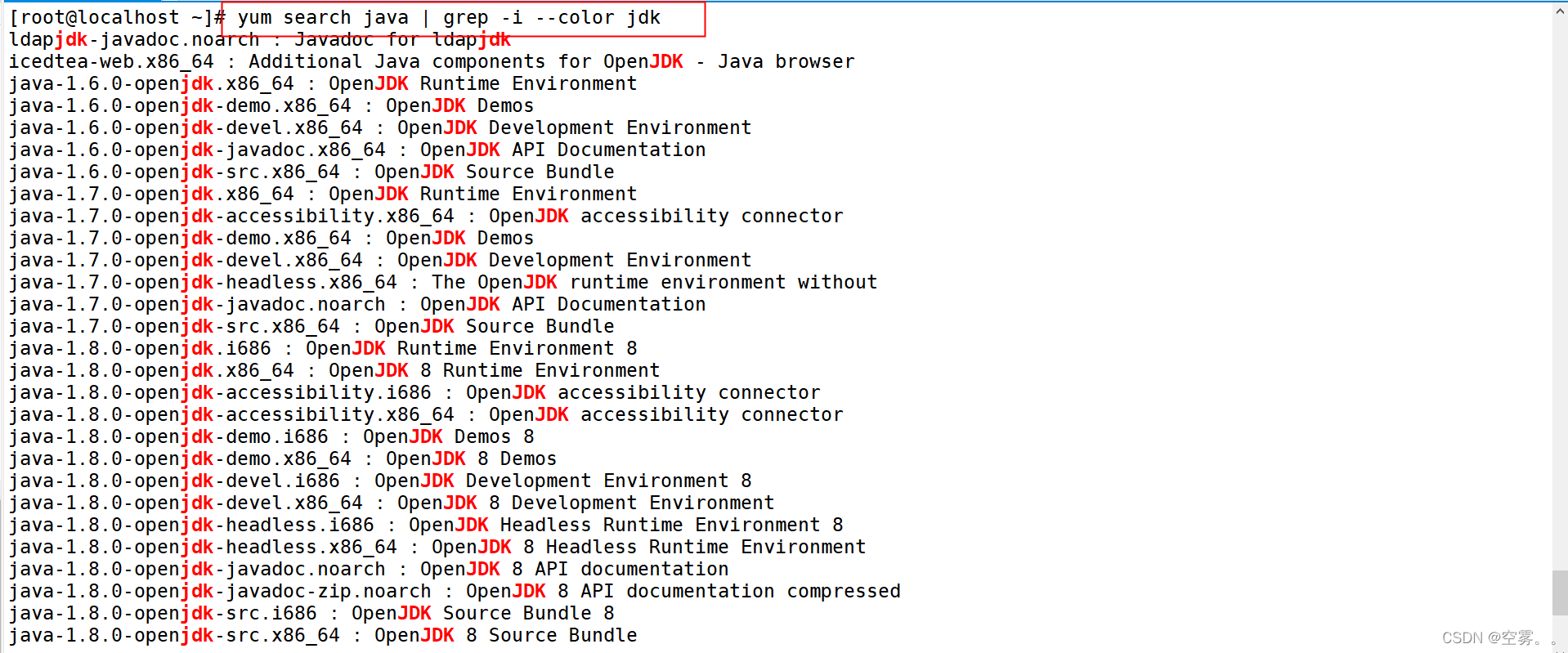
Yum jdk CSDN
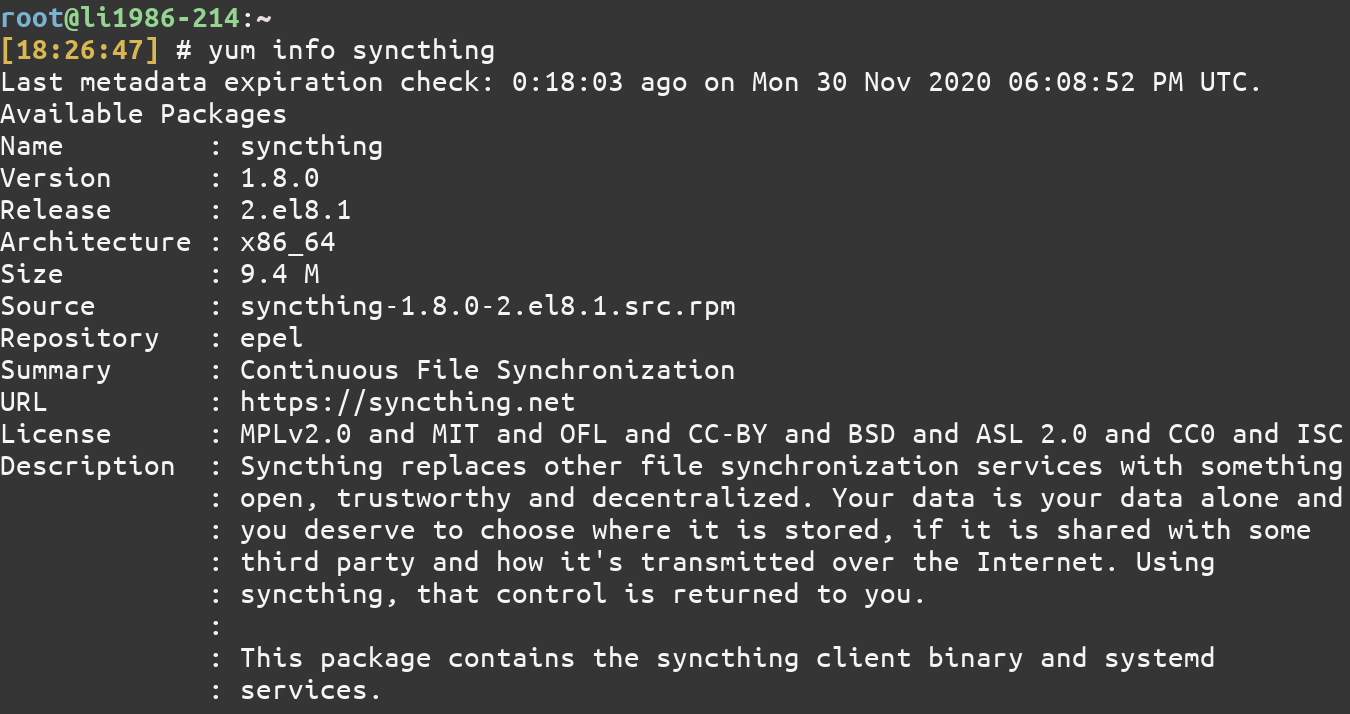
The Yum Command In Linux A Complete Reference LinuxForDevices

Yum Install Cyrus sasl devel 2 1 26 23 el7 x86 64 Was Supposed To Be

CentOS Redis
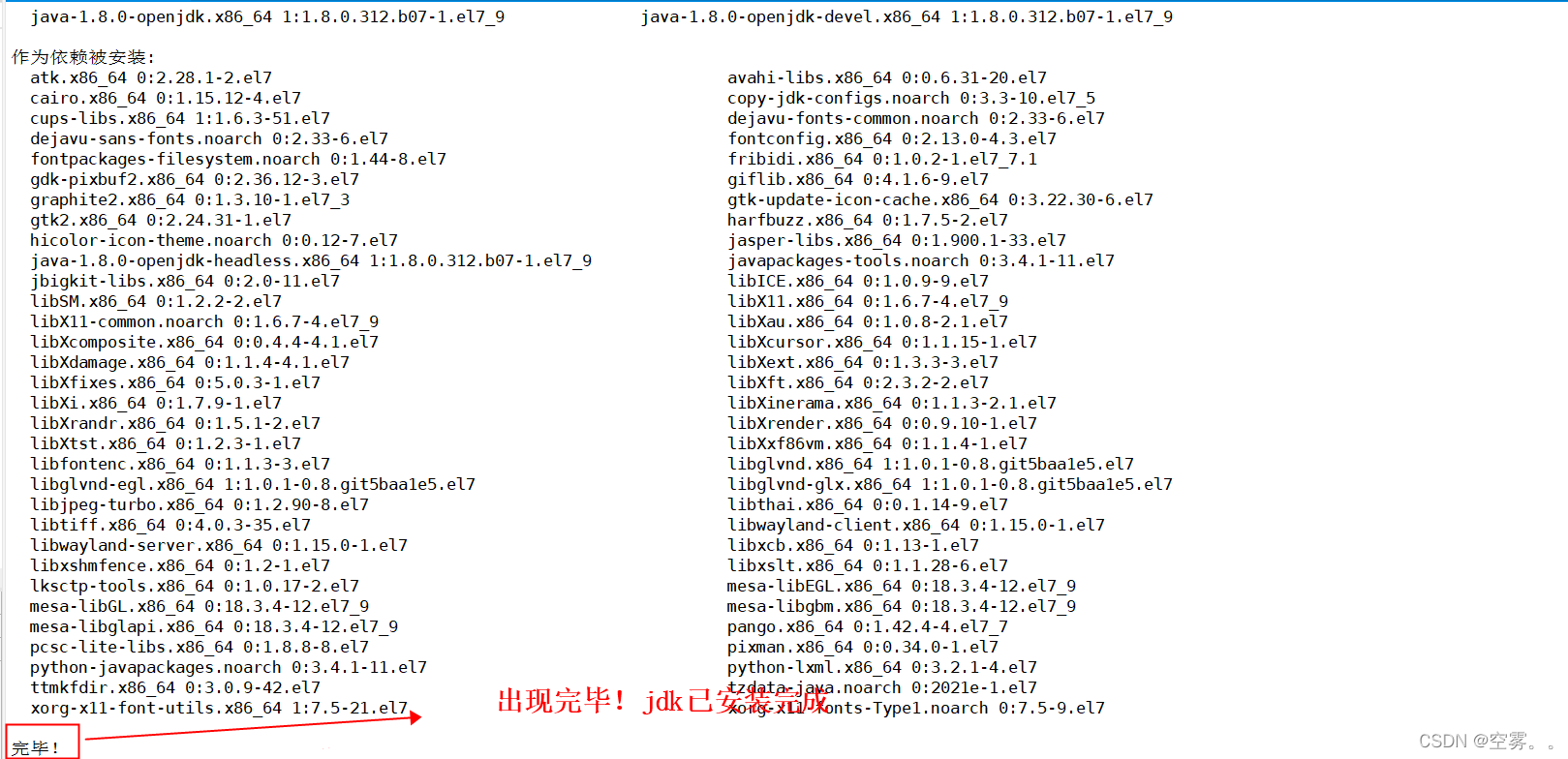
Yum jdk CSDN
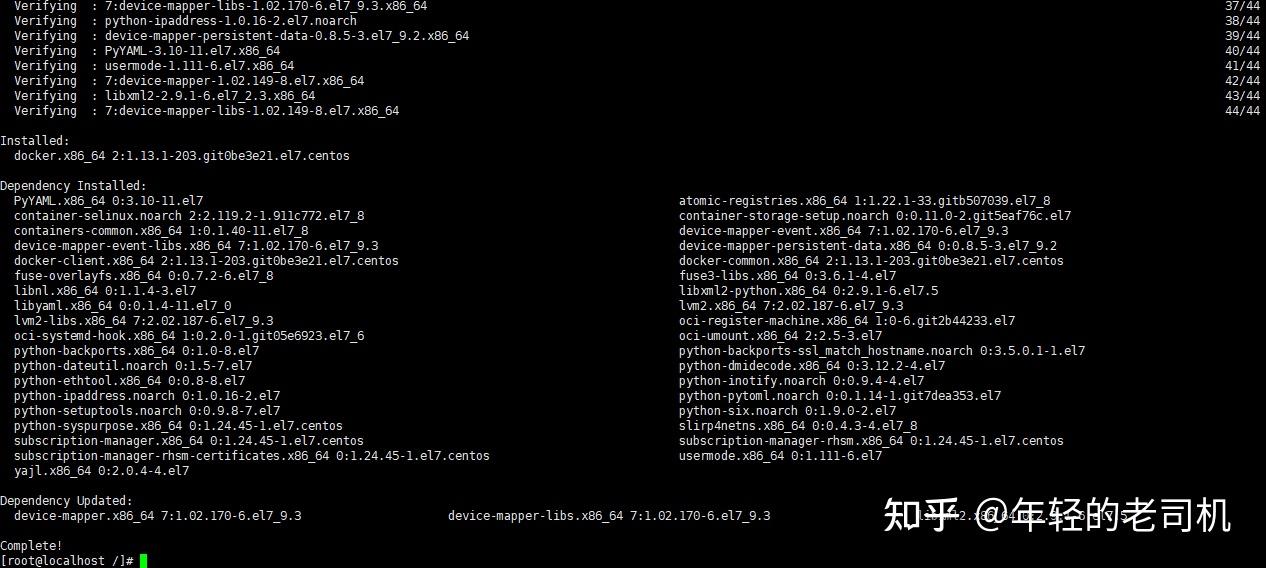
Linux docker

sudo redhat centos wheel Ubuntu Debian sudo sudo su root
After I add a user using adduser I can t see it via System gt Administration gt Users and Groups unless I log out and then log in again Is that normal Also can I set a newly added user as a

Nov 13 2013 nbsp 0183 32 In the various tutorials and instructions I have used on the Internet I see sudo su sudo su sudo i and sudo bin bash being used to open a root session but I m not clear on

Apr 17 2019 nbsp 0183 32 1 sudo sudo apt get root apt get

Aug 19 2013 nbsp 0183 32 It seems is a good practice to create the wheel group for non password sudo authentication instead of altering sudo group itself sudo groupadd wheel then in file
[desc-11] [desc-12]
[desc-13]