Sudo Yum Install Nodejs No Package Nodejs Available 5 Impeccable Reasons Node js Is Great For Startups Node Js Backend Aigner Software Three Ways To Share Node js Modules Across Multiple Projects ReverentGeek CentOS yum Node js Node js Installation And Application Setup In CPanel Using Softaculous linux ubuntu matlab sudo install install usr local MATLAB R2021b Failed
Sudo sudo ubuntu Oct 28 2022 nbsp 0183 32 sudo zsh command not found sudo Last login Fri Oct 28 23 46 22 on ttys000 eval 90 command not found di 3
Node js Installation And Application Setup In CPanel Using Softaculous Node js Ph n 1 Gi i Thi u V Node js DAMMIO How To Install The Latest Node js NPM And Yarn Get Node Js Version Xaserada Belajar Node Js Wallpaper Books 3 Cara Melakukan Instalasi Nodejs Di Ubuntu 22 04 LTS Belajar Linux ID Welcome Discover FortressJS A Fast Secure And Easy I O Framework Compile And Install Nodejs And Yum In Centos8 The Best Node js Hosting Platforms In 2023
Sudo Yum Install Nodejs No Package Nodejs Available
 Sudo Yum Install Nodejs No Package Nodejs Available
https://modernweb.com/wp-content/uploads/2016/06/nodejs.png
sudoer exe sudo su root wsl WSL root
Pre-crafted templates use a time-saving option for developing a diverse series of documents and files. These pre-designed formats and designs can be utilized for numerous individual and expert jobs, including resumes, invites, flyers, newsletters, reports, discussions, and more, enhancing the material development procedure.
Sudo Yum Install Nodejs No Package Nodejs Available

Jenkins Apifox apifox cli CSDN

Node js Ph n 1 Gi i Thi u V Node js DAMMIO

How To Install The Latest Node js NPM And Yarn
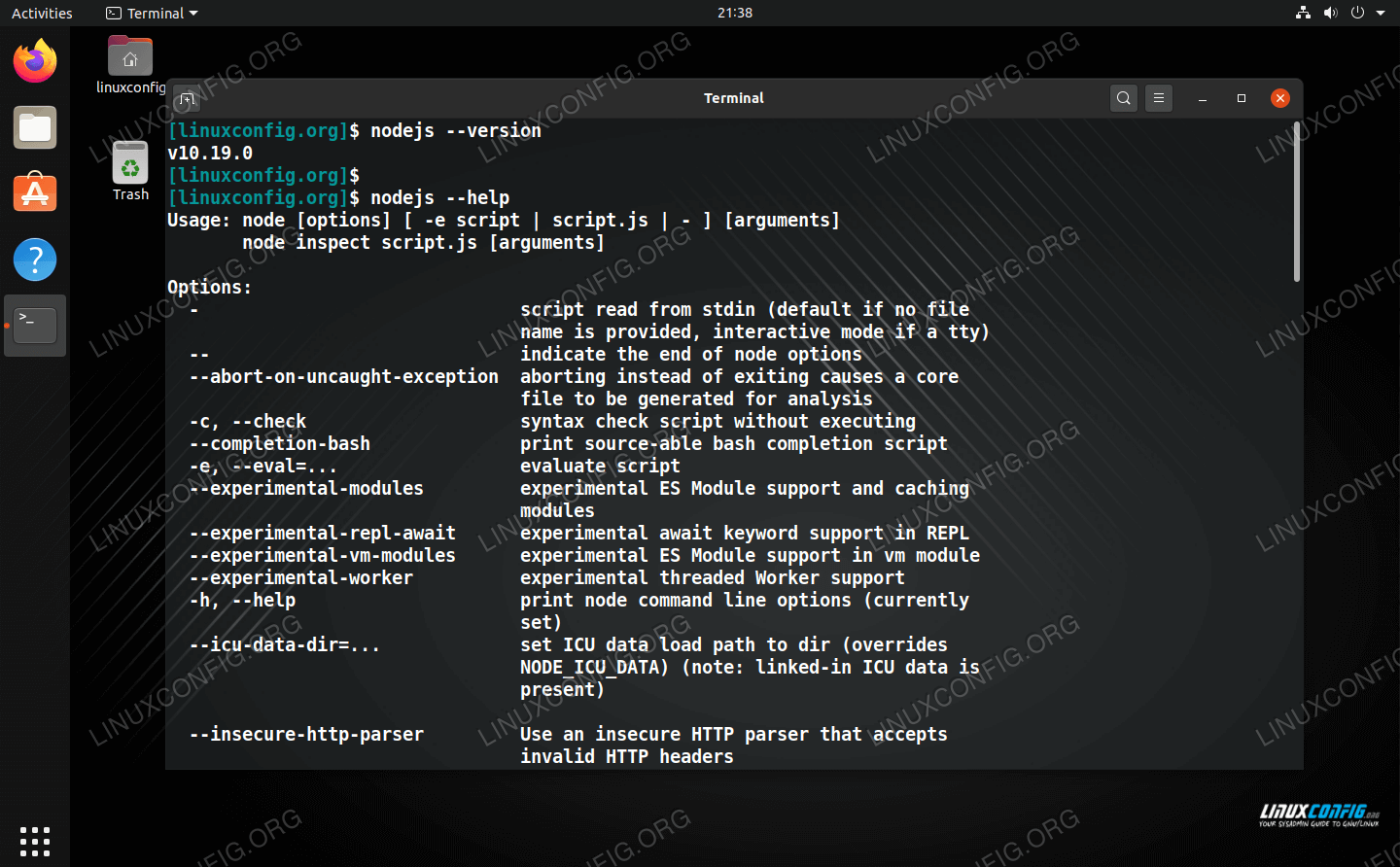
Get Node Js Version Xaserada

3 Cara Melakukan Instalasi Nodejs Di Ubuntu 22 04 LTS Belajar Linux ID

Welcome Discover FortressJS A Fast Secure And Easy I O Framework

Apr 29 2020 nbsp 0183 32 sudo allows a permitted user to execute a command as the superuser or another user as specified by the security policy The invoking user s real not effective user ID is used

VPN Wi Fi Wi Fi VPN
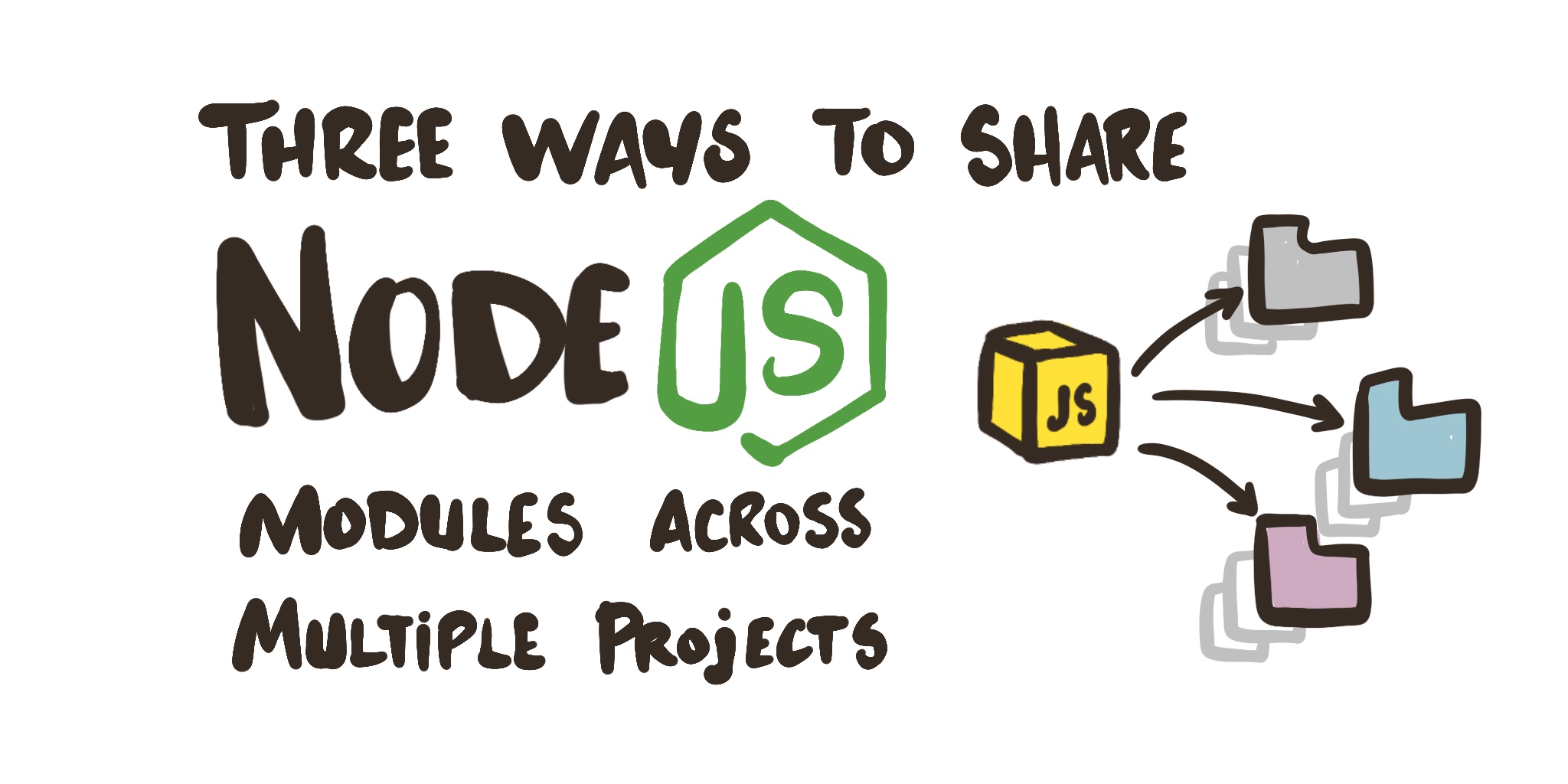
Docker Unix Socket TCP Unix socket root root 1 sudo docker 2 docker
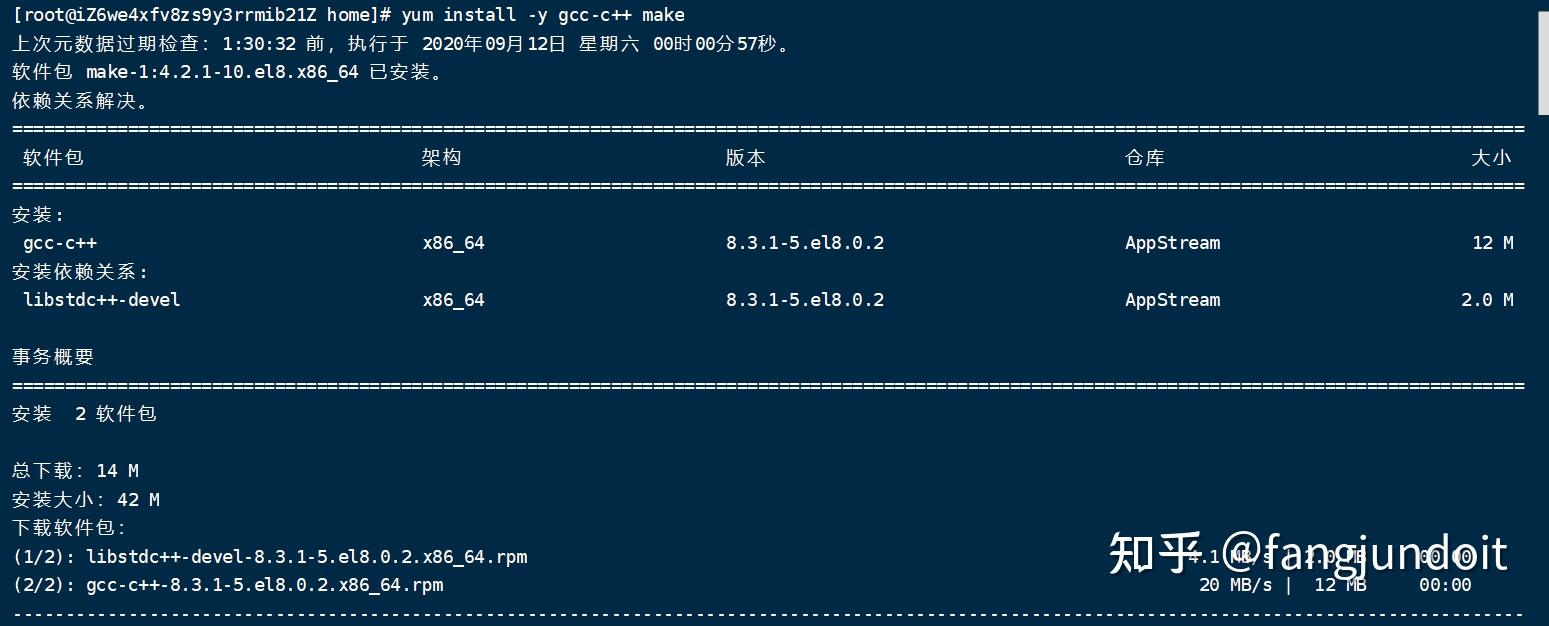
Apr 17 2019 nbsp 0183 32 1 sudo sudo apt get root apt get

Crontab bash sudo crontab 0 1 root clear img sh gt gt clear img log clear img sh sud 8
[desc-11] [desc-12]
[desc-13]