Sudo Snap Install Core Cannot Communicate With Server Resolvendo O Problema error Cannot Communicate With Server Do Snapd Install Tuxtyping On Linux Snap Store Install Telegram desktop Snap On Raspberry Pi Sergei Fedorov Install HTTPie On Linux Snap Store Snap d Error Cannot Communicate With Server Connection Refused Snapd linux ubuntu matlab sudo install install usr local MATLAB R2021b Failed
Sudo sudo ubuntu Oct 28 2022 nbsp 0183 32 sudo zsh command not found sudo Last login Fri Oct 28 23 46 22 on ttys000 eval 90 command not found di 3
Snap d Error Cannot Communicate With Server Connection Refused Snapd Install Counter On Linux Snap Store Solved Cannot Communicate With Server Post 9to5Answer Arch Linux Snap Linux Install Pioneers On Linux Snap Store Can Not Import And Use Tab Component Within React Server Component On Install Ptkei2ng On Linux Snap Store Install LPub3D On Linux Snap Store Ubuntu on WSL2 snap
Sudo Snap Install Core Cannot Communicate With Server
 Sudo Snap Install Core Cannot Communicate With Server
https://i.ytimg.com/vi/WmSA61VFRUU/maxresdefault.jpg
sudoer exe sudo su root wsl WSL root
Pre-crafted templates provide a time-saving solution for producing a diverse range of documents and files. These pre-designed formats and designs can be utilized for different personal and professional tasks, consisting of resumes, invites, leaflets, newsletters, reports, discussions, and more, improving the material development process.
Sudo Snap Install Core Cannot Communicate With Server

Solved Jabber Cannot Communicate With Server After Authentication

Install Counter On Linux Snap Store

Solved Cannot Communicate With Server Post 9to5Answer
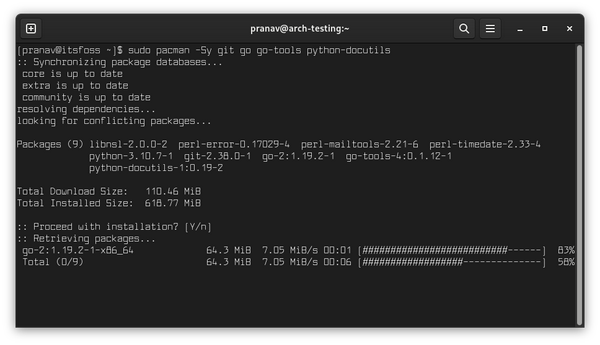
Arch Linux Snap Linux

Can Not Import And Use Tab Component Within React Server Component On
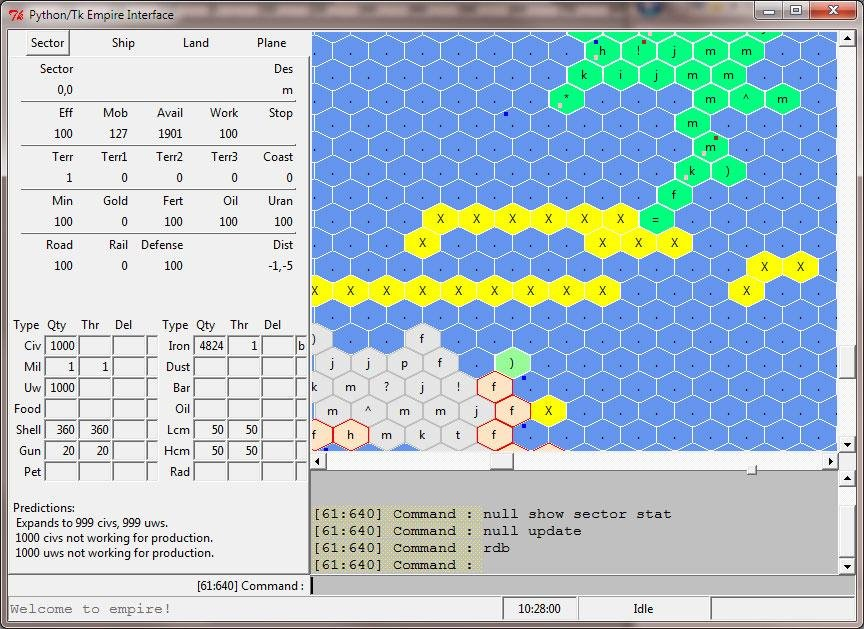
Install Ptkei2ng On Linux Snap Store

Apr 29 2020 nbsp 0183 32 sudo allows a permitted user to execute a command as the superuser or another user as specified by the security policy The invoking user s real not effective user ID is used

VPN Wi Fi Wi Fi VPN
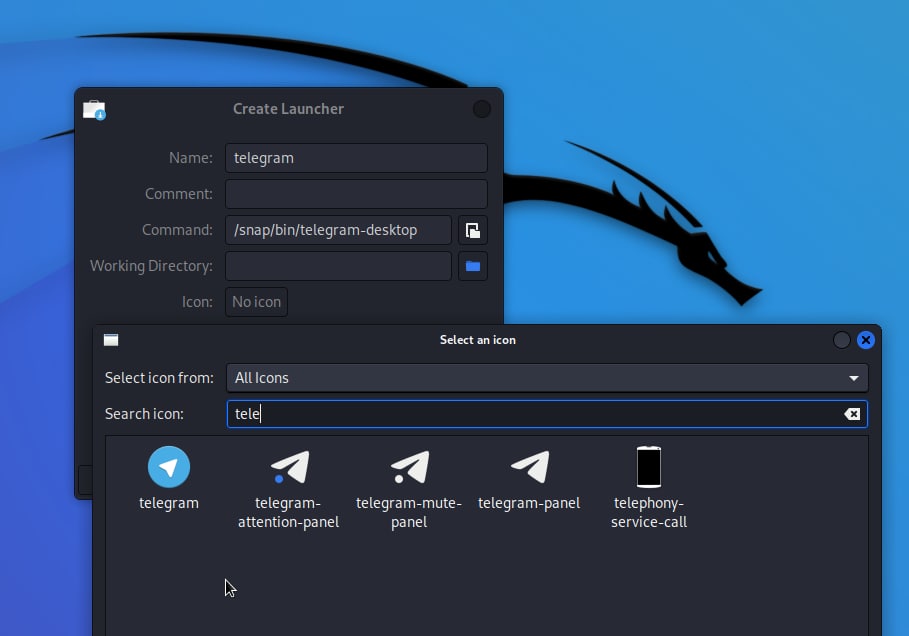
Docker Unix Socket TCP Unix socket root root 1 sudo docker 2 docker
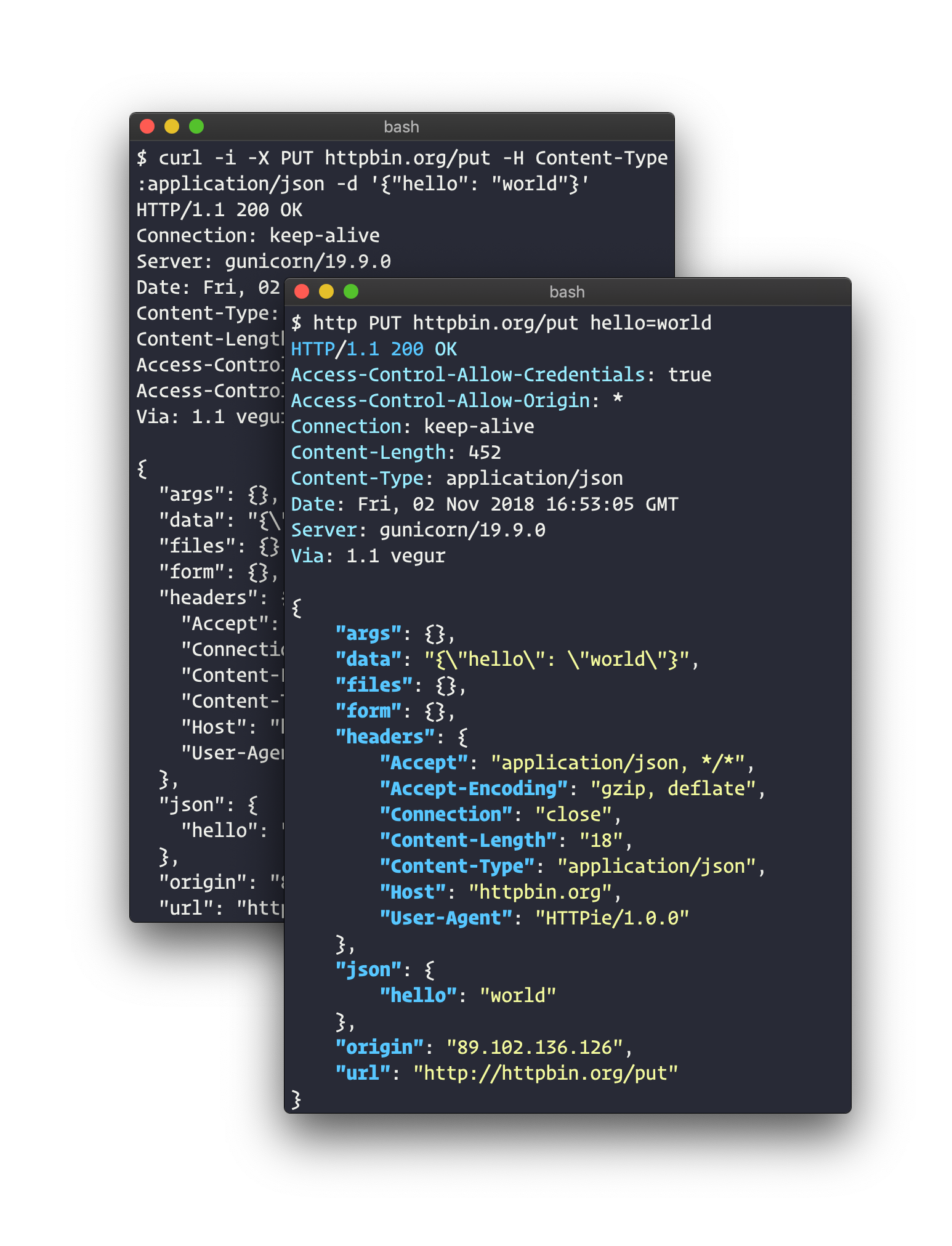
Apr 17 2019 nbsp 0183 32 1 sudo sudo apt get root apt get

Crontab bash sudo crontab 0 1 root clear img sh gt gt clear img log clear img sh sud 8
[desc-11] [desc-12]
[desc-13]