Sudo Apt Install Google Chrome Stable Current Amd64 Deb How To Install Google Chrome On Ubuntu 16 04 YouTube Linux Ubuntu22 04 Chrome 221014 ubuntu22 04 chrome CSDN Qu Dice Tu Cuenta De Google Sobre Ti Flu Project Ubuntu Google Chrome Golang Web Nov 26 2023 nbsp 0183 32 1 Press Ctrl Alt T to open a terminal window 1 2 Update the package index To make sure your system is up to date run these two commands 2 Type sudo apt update and press the Enter key 3 Type sudo apt upgrade and press the Enter key 3 Install wget if you don t already have it
Web Apr 24 2020 nbsp 0183 32 sudo apt install google chrome stable current amd64 deb When prompted enter your user password and the installation will start At this point you have Chrome installed on your Ubuntu system Starting Google Chrome In the Activities search bar type Google Chrome and click on the icon to launch the application Web Aug 10 2023 nbsp 0183 32 cd Downloads Install the package using the following command sudo dpkg i google chrome stable current amd64 deb In the event you encounter any dependency issues resolve them using sudo apt get install f Installing Google Chrome Step 3 Launch Google Chrome
Ubuntu Google Chrome Golang Ubuntu 20 04 Google Chrome How To Install Google Chrome Chromium In Ubuntu With Cli In 4 Steps Getting Started With Dpkg On Debian Based Linux Distros LaptrinhX C mo Instalar Chrome En Ubuntu 22 10 Solvetic C mo Instalar Chrome En Ubuntu 22 10 Solvetic How To Install Google Chrome On Ubuntu 20 04 New Method In 2021 C mo Instalar Chrome En Ubuntu 22 10 Solvetic How To Open Google Chrome From The Terminal In Ubuntu
Sudo Apt Install Google Chrome Stable Current Amd64 Deb
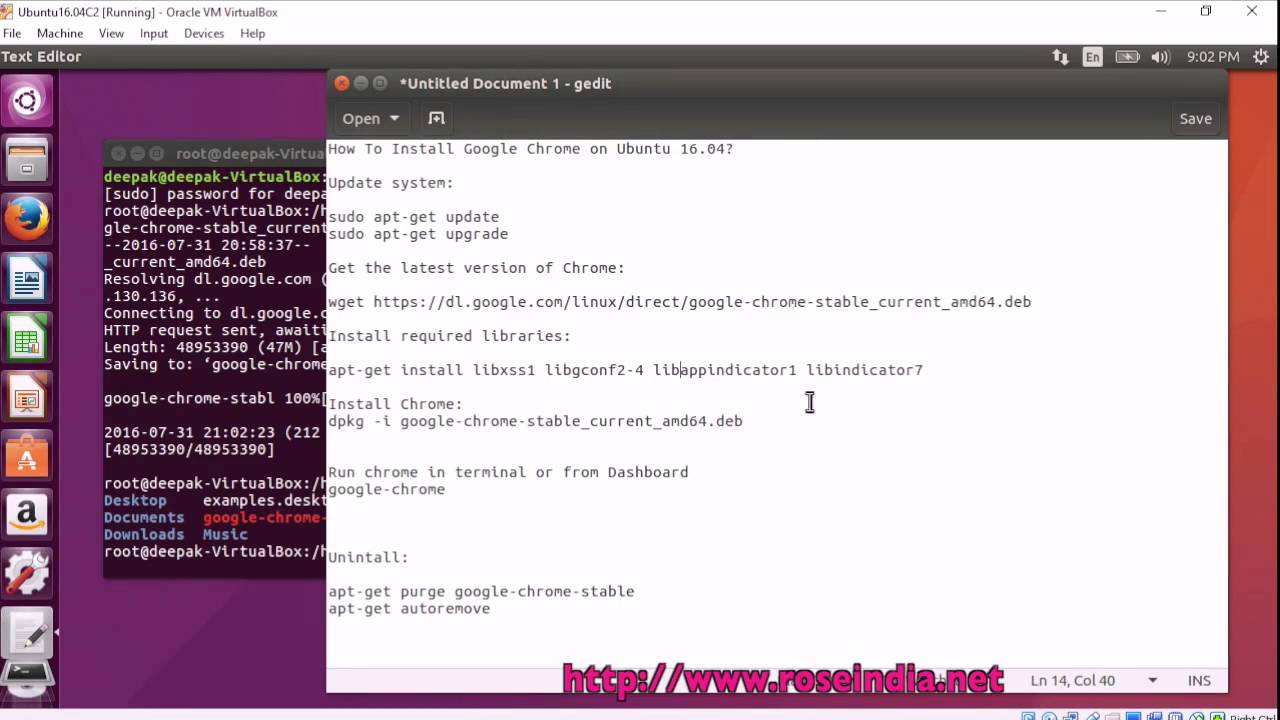 Sudo Apt Install Google Chrome Stable Current Amd64 Deb
https://i.ytimg.com/vi/MpM2KKyG5OI/maxresdefault.jpg
Web Nov 30 2023 nbsp 0183 32 Open a terminal window Run the following command to add the Google Chrome repository to your system sudo sh c echo quot deb arch amd64 http dl google linux chrome deb stable main quot gt gt etc apt sources list d google chrome list This command will add the Google Chrome repository to the list of
Pre-crafted templates provide a time-saving solution for creating a diverse variety of documents and files. These pre-designed formats and layouts can be made use of for numerous individual and expert jobs, consisting of resumes, invites, leaflets, newsletters, reports, presentations, and more, improving the material creation process.
Sudo Apt Install Google Chrome Stable Current Amd64 Deb
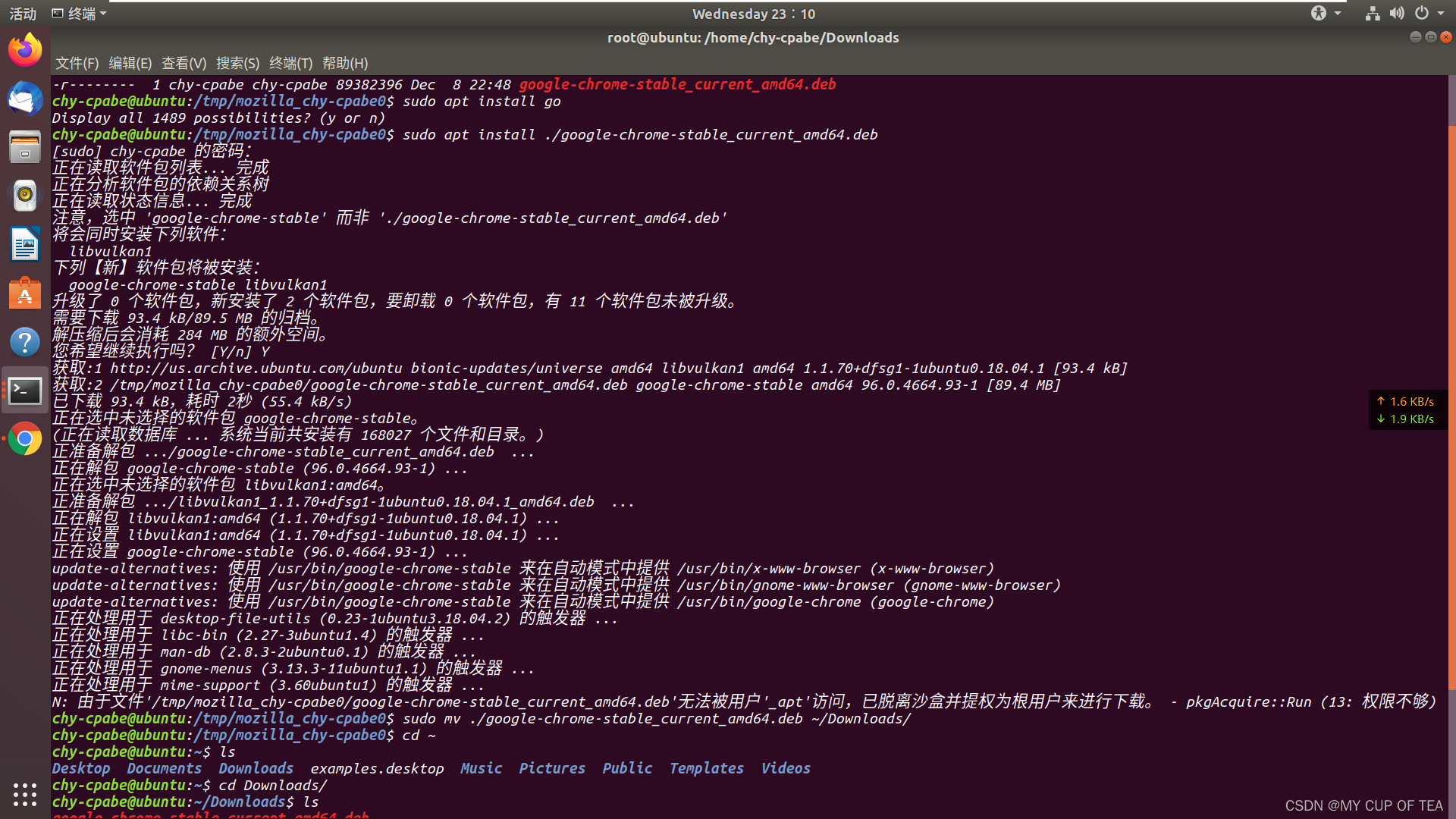
Ubuntu Google ubuntu google CSDN
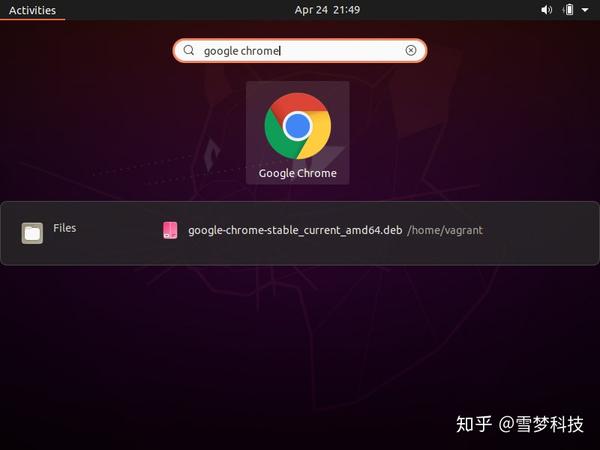
Ubuntu 20 04 Google Chrome

How To Install Google Chrome Chromium In Ubuntu With Cli In 4 Steps

Getting Started With Dpkg On Debian Based Linux Distros LaptrinhX
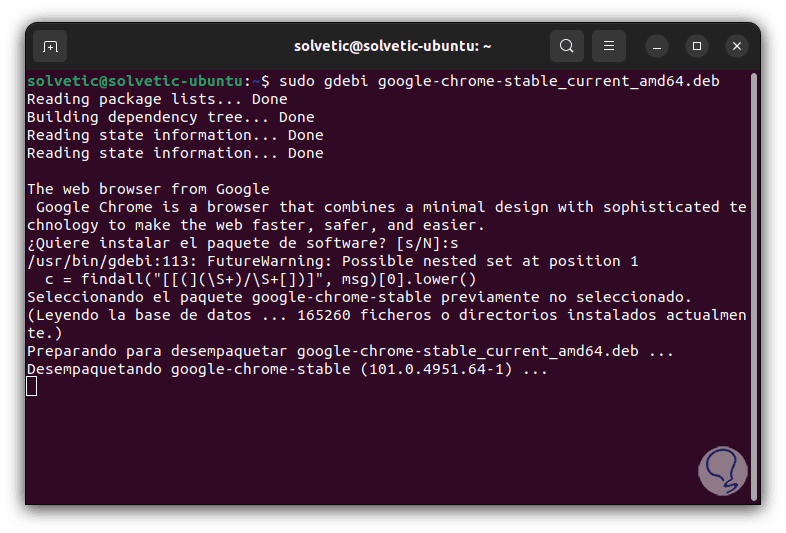
C mo Instalar Chrome En Ubuntu 22 10 Solvetic

How To Install Google Chrome On Ubuntu 20 04 New Method In 2021

Web Dec 7 2023 nbsp 0183 32 Open a terminal and use the following commands to install Google Chrome on Debian based Linux distributions such as Ubuntu Debian Kali and Linux Mint wget https dl google linux direct google chrome stable current amd64 deb sudo apt install google chrome stable current amd64 deb
Web Jan 30 2017 nbsp 0183 32 cd tmp wget https dl google linux direct google chrome stable current amd64 deb sudo dpkg i google chrome stable current amd64 deb The 32 bit version is no longer available If you encounter any errors simply use sudo apt get f install To run it from terminal use google chrome or hit the super key and search
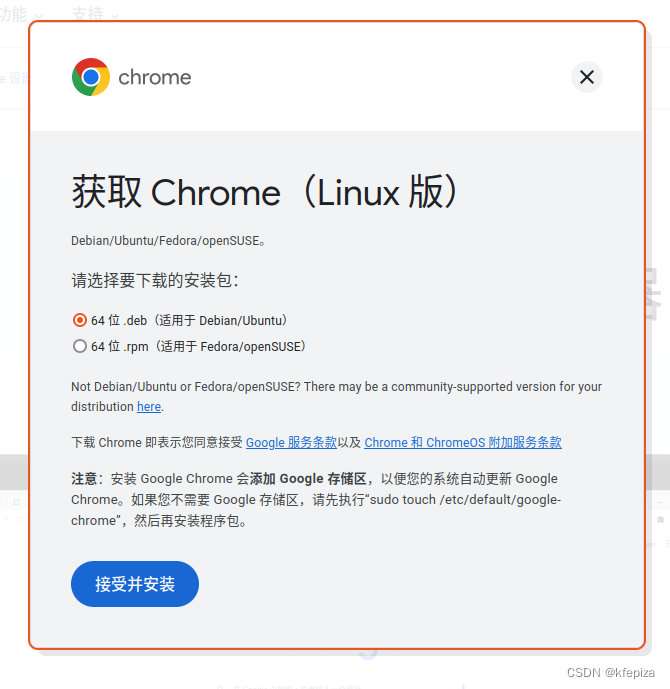
Web Jun 9 2021 nbsp 0183 32 to download the quot deb quot file wget https dl google linux direct google chrome stable current amd64 deb You ll see a text based progress bar and percentage counter as the download progresses When the download has completed use the dpkg command to install Google Chrome from the quot deb quot file

Web Aug 4 2023 nbsp 0183 32 sudo apt install wget After installation let s use the wget command to download the latest package version of Chrome wget https dl google linux direct google chrome stable current amd64 deb We can then use the dpkg Linux tool to install Chrome from the downloaded package

Web To install Google Chrome run the following sudo apt get install libxss1 libappindicator1 libindicator7 wget https dl google linux direct google chrome stable current amd64 deb sudo apt install google chrome deb Installed this way the package has the name google chrome stable
Web Oct 28 2022 nbsp 0183 32 sudo apt update Also install wget sudo apt install wget 2 Download the Google Chrome Deb 64 bit package As we already have discussed that the package Chrome deb is not available to install using the default system repository of Linux Therefore we have to download it manually either by visiting its Chrome official website Web May 27 2021 nbsp 0183 32 1 Start by opening a terminal and downloading Google Chrome with the following wget command wget https dl google linux direct google chrome stable current amd64 deb 2 Once the installer finishes downloading install Google Chrome using the command below sudo apt install google chrome
Web May 23 2008 nbsp 0183 32 sudo apt get install google chrome stable I get Reading package lists Done Building dependency tree Reading state information Done Some packages could not be installed This may mean that you have requested an impossible situation or if you are using the unstable distribution that some required packages have not yet been created