Sudo Apt Get Uninstall Qtcreator Apt Remove Uninstall Apt Packages In Ubuntu Apt Get Uninstall Ubuntu Debian Mint Kali yiteyi C Ubuntu Linux Apt Remove Vs Apt Purge What s The Difference Apt Get Uninstall Unused Packages Full Version Free Software Download 1 1k Log in to reply B biaspoint 22 Jan 2020 17 01 Did a fresh re install of 18 04 and then installed Qt with sudo apt get install build essential sudo apt get install qtcreator sudo apt get install qt5 default now when I launch it closes within seconds and when launched from the terminal
To install QtCreator on your Ubuntu system using the apt package manager begin by updating the Ubuntu repository and then execute the following command sudo apt install qtcreator To launch QtCreator on your Ubuntu system enter the following command in the terminal qtcreator You can also open qtCreator from the Application menu as well 2 1 qt ubuntu opt sudo MaintenanceTool remove all qt 2 sudo apt get remove qt 5 default qtcreator win10 Linux Qt
Apt Get Uninstall Unused Packages Full Version Free Software Download Enabling Global Menu In Qt Creator In Unity Ubuntu 14 04 Some How To Get Rid Of QtCreator s New Ugly Icons Qt Forum Sudo Apt get Uninstall Package Linux Qt5 Apt get Deepin Qt sudo Apt get Install Qt5 default Linux Delete And Uninstall Software Command NixCraft Ubuntu Linux Qt5 Apt get Deepin Qt sudo Apt get Install Qt5 default Sudo Apt get Uninstall Package
Sudo Apt Get Uninstall Qtcreator
 Sudo Apt Get Uninstall Qtcreator
https://itsfoss.com/content/images/wordpress/2022/11/uninstall-apt-packages-in-ubuntu.png
2 Download and run the Qt installer If you have previously installed Qt Creator you must first uninstall that one before re installing the latest To uninstall find the Qt Maintenance Tool application and run it On the first panel select Uninstall only to proceed with uninstall Now continue below to download and install the latest Qt
Templates are pre-designed documents or files that can be used for different purposes. They can save effort and time by offering a ready-made format and layout for creating various sort of material. Templates can be utilized for personal or professional projects, such as resumes, invites, leaflets, newsletters, reports, discussions, and more.
Sudo Apt Get Uninstall Qtcreator

Ubuntu linux Ubuntu Pro
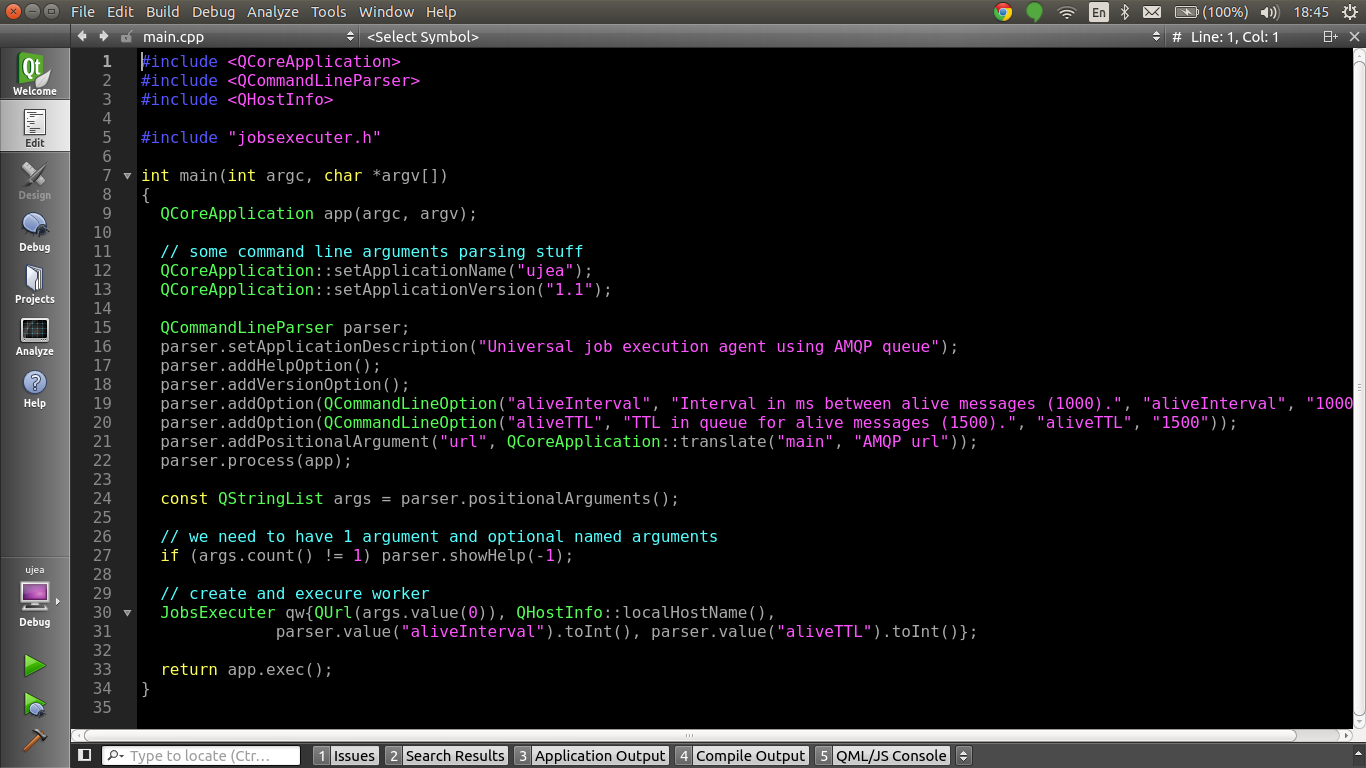
Enabling Global Menu In Qt Creator In Unity Ubuntu 14 04 Some
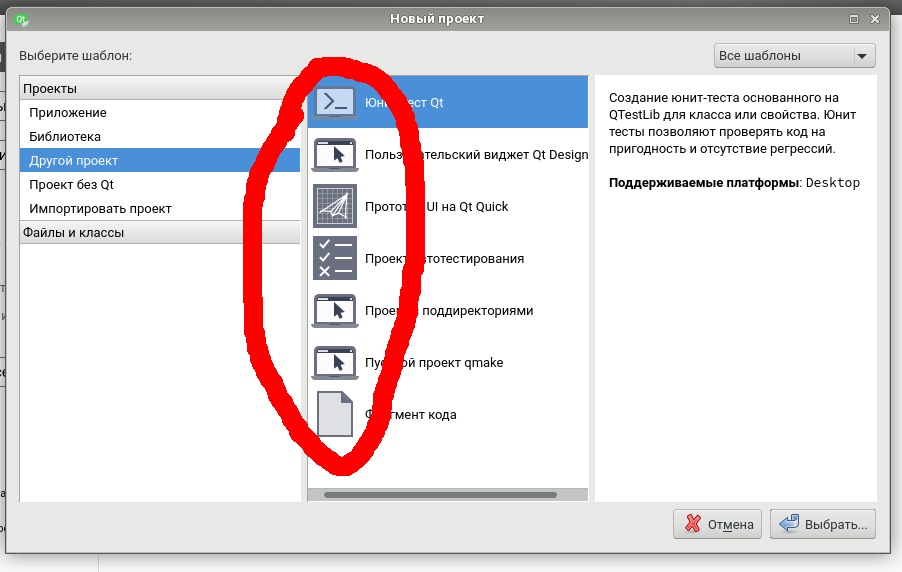
How To Get Rid Of QtCreator s New Ugly Icons Qt Forum

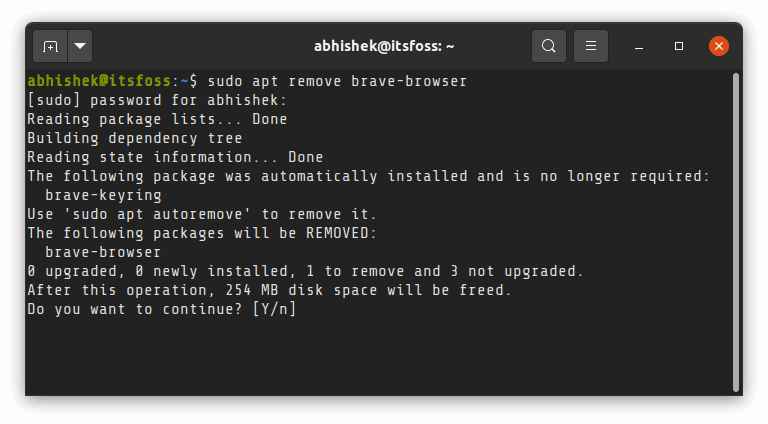
Sudo Apt get Uninstall Package

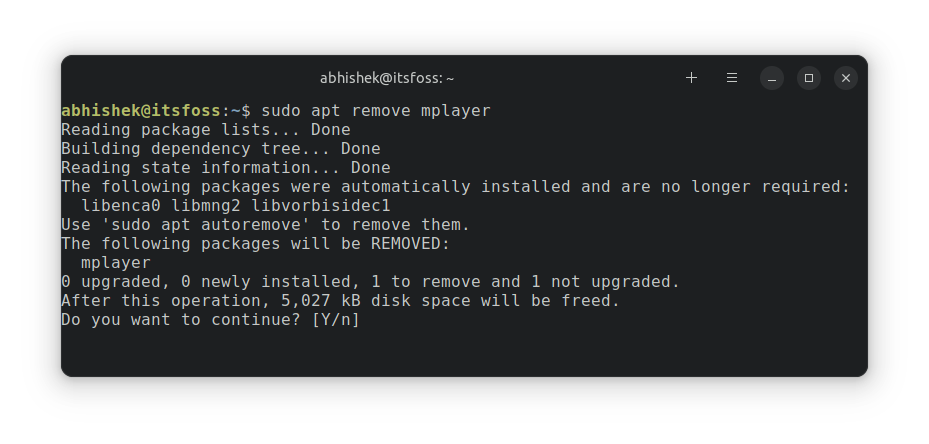
Linux Delete And Uninstall Software Command NixCraft

Ubuntu
1 I wanted to uninstall Qt and I ran this command sudo apt get remove auto remove qt5 default and I got this answer Reading package lists Done Building dependency tree Reading state information Done Package qt5 default is not installed so not removed 0 upgraded 0 newly installed 0 to remove and 36 not upgraded

sudo apt get remove qtcreator Uninstall qtcreator including dependent package If you would like to remove qtcreator and it s dependent packages which are no longer needed from Ubuntu
Here is the output of qtchooser list versions How do I remove Qt5 How to build a role playing video game in 24 hours Sites can now request to enable a banner to warn about their policy on Temporary policy Generative AI e g ChatGPT is banned Upgrade QT 5 4 or Qt 5 5 Install and run Ubuntu 14 and 15
Stack Exchange Network Stack Exchange network consists of 183 Q A communities including Stack Overflow the largest most trusted online community for developers to learn share their knowledge and build their careers Visit Stack Exchange

This is the first time that i m trying to use a library other than standard Thus i had lots of difficulty I tried to install qt and qt creator with the command
Qt is the most popular application development framework that consists of a bundle of libraries to make graphical user interfaces GUI Qt is an object oriented based cross platform working environment that is used to develop small applications or programs using GUI 1 Dash 2 Qt Creator linux opengl opengl sudo apt get install freeglut3 dev
30 To get the Qt5 2 examples available in Qt Creator Ubuntu SDK you basically need two extra packages open a Terminal with Ctrl Alt t an type sudo apt get install qtbase5 examples qtbase5 doc html Restart Qt Creator to get Share Improve this answer Follow