Sudo Apt Get Uninstall Mysql Server Linux Delete And Uninstall Software Command NixCraft Replica Goodbye Pinion Uninstall Mysql Workbench Wrong Established How To Uninstall MySQL Server From Ubuntu 22 04 DEV Community Uninstall Completely Remove MySQL Server From Ubuntu ByteXD How To Install Abs guide On Ubuntu GeeksforGeeks Oct 18 2019 nbsp 0183 32 Executing sudo apt update ended with Reading package lists Done Building dependency tree Reading state information Done 2 packages can be upgraded Run apt list
Apr 11 2013 nbsp 0183 32 0 sudo is a command that give you root privilege But sh is an interpreter When you use sudo command you running the command as root privilege But when you use sudo May 26 2014 nbsp 0183 32 Why do we use sudo to perform a terminal command as an administrative Why isn t it admin or something else Is there a reason for sudo
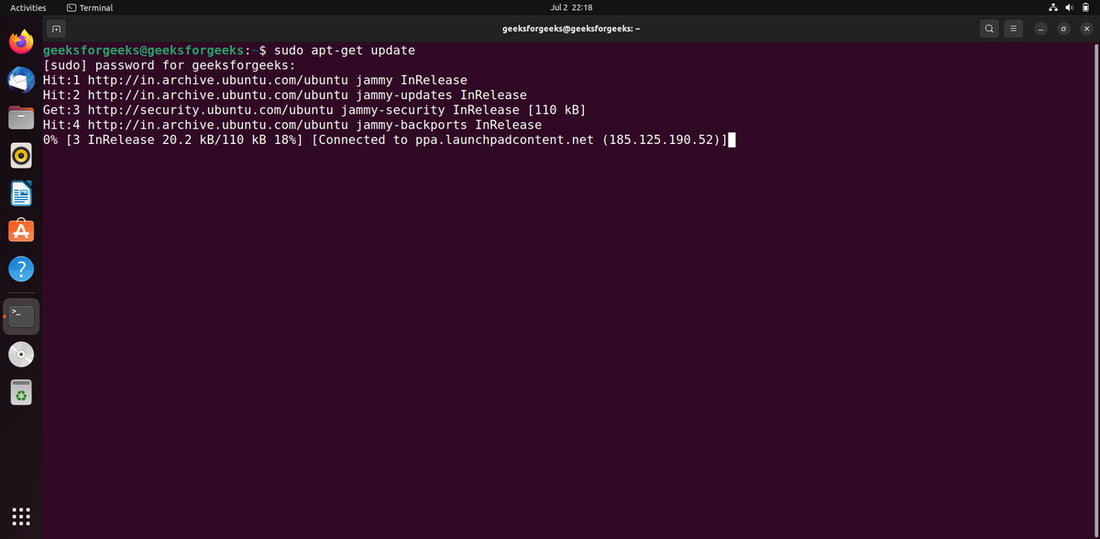
How To Install Abs guide On Ubuntu GeeksforGeeks Apt get Update Apt get Upgrade Sudo Apt get Uninstall Qt5 default Kresnaevib Apt Install Vs Apt Get Install Comedylawpc Install NodeJs Di Ubuntu Linux Mint Nixpoin Nixpoin Many Times We Face Issues While Starting The MYSQL Server Or On Sudo Apt get Uninstall Qt5 default Kresnaevib How To Uninstall MySQL On Ubuntu 20 04 Even After Uninstalling Mysql I Still Have It In My UBUNTU 20 04
Sudo Apt Get Uninstall Mysql Server
 Sudo Apt Get Uninstall Mysql Server
https://www.cyberciti.biz/media/new/faq/2008/04/Debian-Ubuntu-Linux-Delete-and-Uninstall-Software-Command-Using-APT-GET.png
Dec 9 2017 nbsp 0183 32 Will it be logical by means of Debian oriented logic to unite the three commands apt get clean and apt get autoclean and apt get autoremove into one single command that
Pre-crafted templates offer a time-saving option for developing a varied series of documents and files. These pre-designed formats and layouts can be utilized for different personal and professional tasks, consisting of resumes, invitations, leaflets, newsletters, reports, discussions, and more, improving the material creation process.
Sudo Apt Get Uninstall Mysql Server

Uninstalling Packages With Apt Package Manager LinuxForDevices

Apt get Update Apt get Upgrade
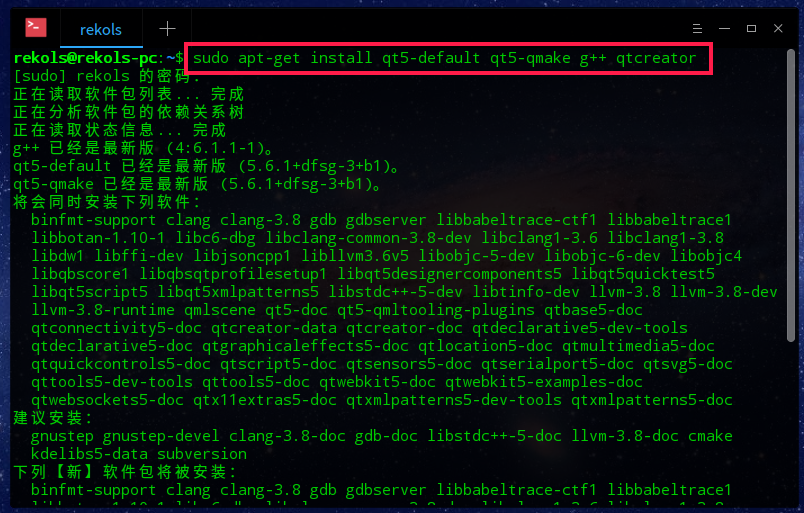
Sudo Apt get Uninstall Qt5 default Kresnaevib

Apt Install Vs Apt Get Install Comedylawpc

Many Times We Face Issues While Starting The MYSQL Server Or On
Sudo Apt get Uninstall Qt5 default Kresnaevib

If you do not want to give the user account full root access you need to edit the etc sudoer file with visudo it makes sure that you do not have any syntax errors in the file and lose sudo
Aug 19 2013 nbsp 0183 32 It seems is a good practice to create the wheel group for non password sudo authentication instead of altering sudo group itself sudo groupadd wheel then in file

In that case use sudo su to execute a login shell as root after auhenticating sudo and that shell will not need sudo to run admin commands To return to the normal user shell insert the
I am trying to install chrome browser via command line I tried this apt cache search chrome browser The results show that the proper term is quot chrome browser quot so I tried that sudo apt get
Oct 13 2017 nbsp 0183 32 sudo unzip path filename zip d another path or same path if we does not use option d the file will be extracted to present working directory And if the zip file is password
[desc-11] [desc-12]
[desc-13]