Sudo Apt Get No Prompt VMware Ubuntu Linux ubuntu nlohmann Learning Basic Python Amlan Talukder Ppt Download Pybullet ompl Dec 10 2017 nbsp 0183 32 Will it be logical by means of Debian oriented logic to unite the three commands apt get clean and apt get autoclean and apt get autoremove into one single command that
Terminology In this answer normaluser is a normal user who is not an administrator and cannot run commands as root with sudo admin is an administrator who can run commands as root I am running Ubuntu 14 04 LTS When I go to use a sudo command it asks for my password When I go to type my password it doesn t let me type a password If anyone could possibly
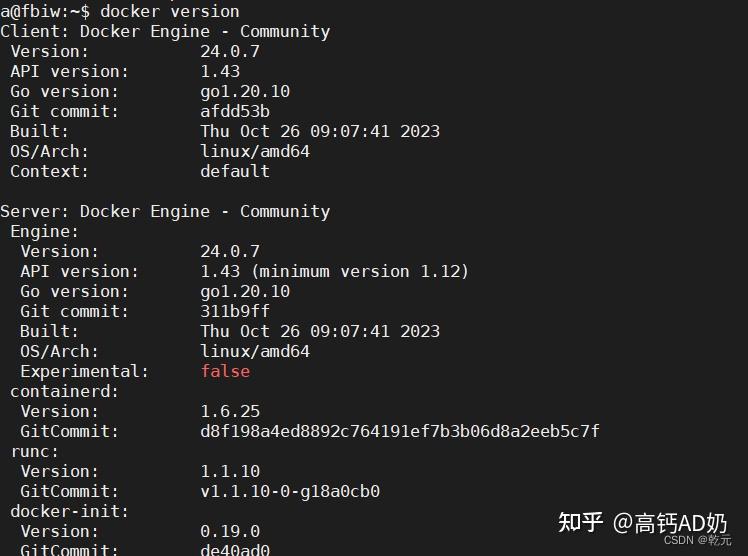
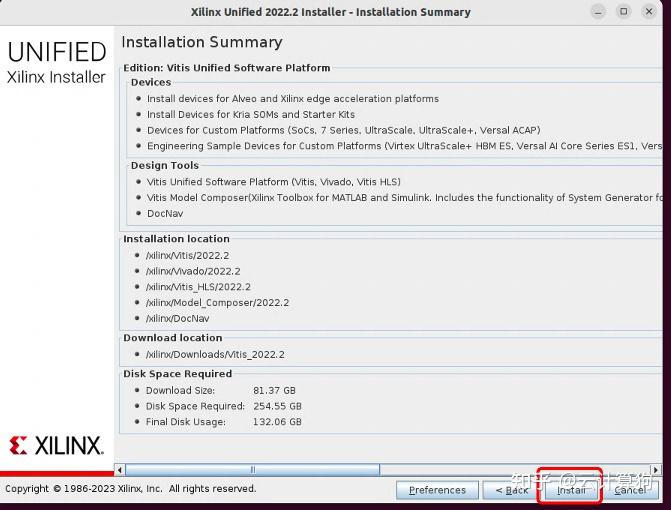
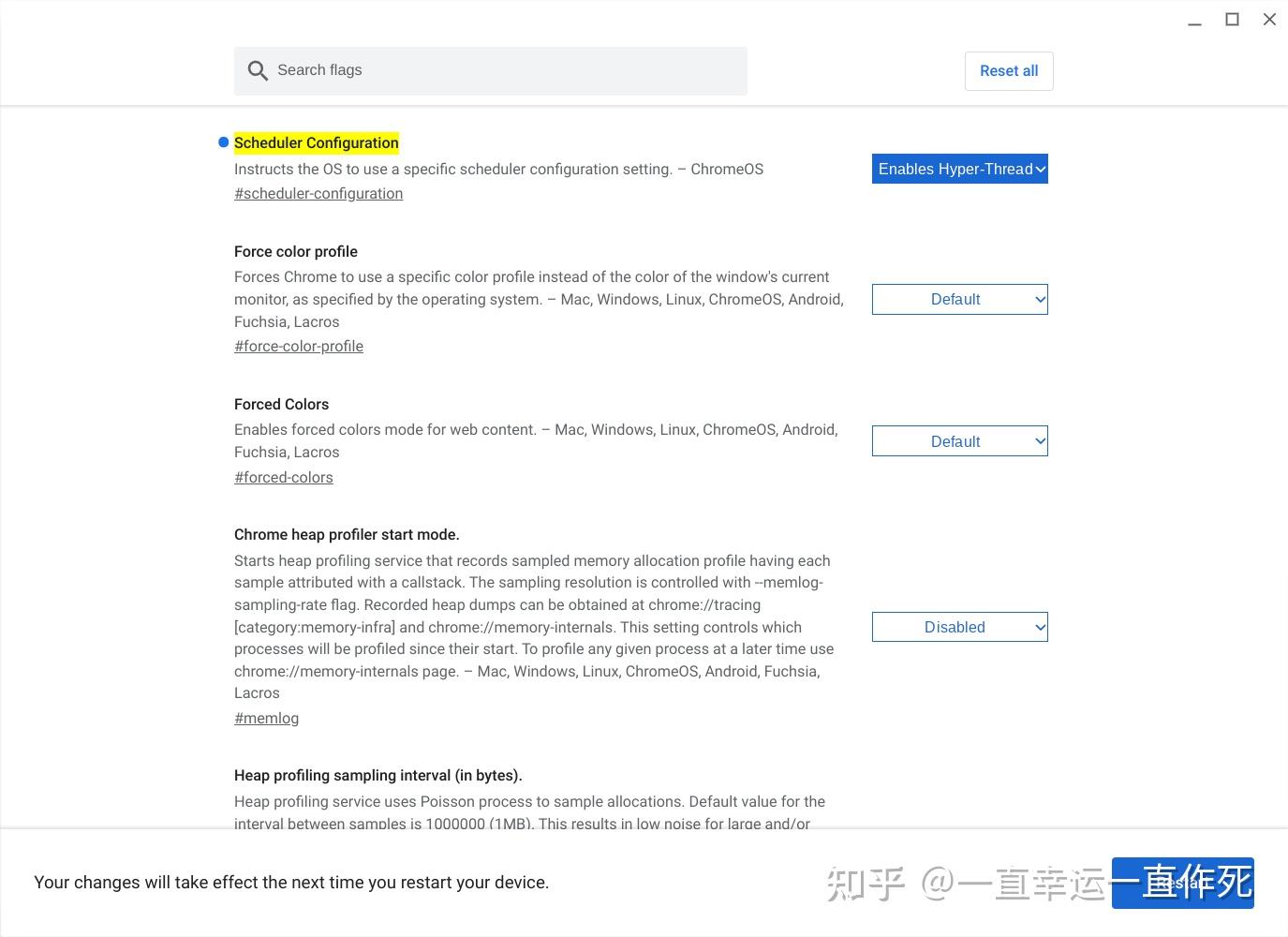
Pybullet ompl UBUNTU22 04 DOCKER web Portainer Vitis Vivado ChromeOS Lenovo Chromebook Duet5 Raspbian GUI GloomyGhost Blog Ubuntu 20 apt get Ubuntu 20 apt get COCO Annotator
Sudo Apt Get No Prompt
 Sudo Apt Get No Prompt
https://pic2.zhimg.com/v2-c55a38a34f3932d324ce97aa92d03ddd_r.jpg
1 Linux fcitx ibus xim 2 1 fcitx 2 ibus
Pre-crafted templates offer a time-saving solution for developing a varied series of documents and files. These pre-designed formats and designs can be used for numerous personal and professional jobs, including resumes, invitations, flyers, newsletters, reports, discussions, and more, improving the content production procedure.
Sudo Apt Get No Prompt

Unable To Do sudo Apt get Update Issue 9069 Microsoft WSL GitHub
UBUNTU22 04 DOCKER web Portainer
Vitis Vivado
ChromeOS Lenovo Chromebook Duet5
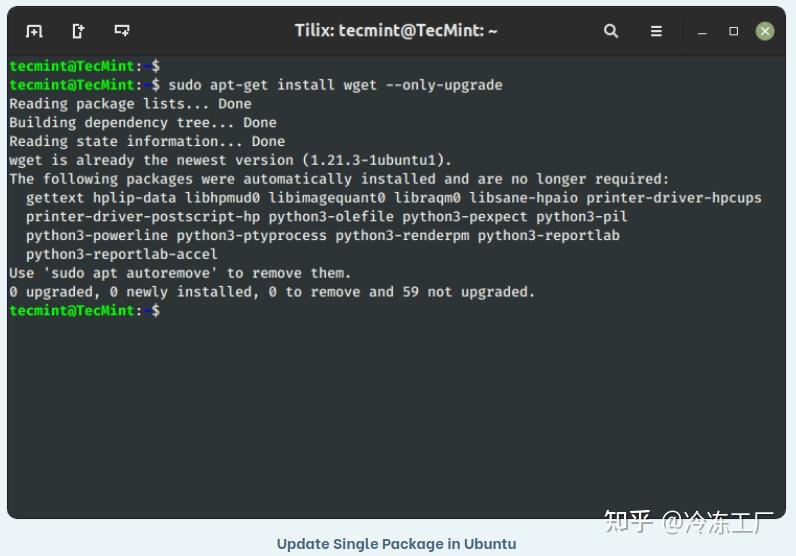
Ubuntu 20 apt get
Sep 1 2022 nbsp 0183 32 Peviously after I ran sudo apt fix broken install when failed to install docker deb file it didn t mention the docker ce is needed And found out that docker ce is needed later
Just add the user to the sudo group sudo adduser lt username gt sudo The change will take effect the next time the user logs in This works because etc sudoers is pre configured to grant

Aug 19 2013 nbsp 0183 32 Preface This is a fairly complex question related to the sudoers file and the sudo command in general NOTE I have made these changes on a dedicated machine running
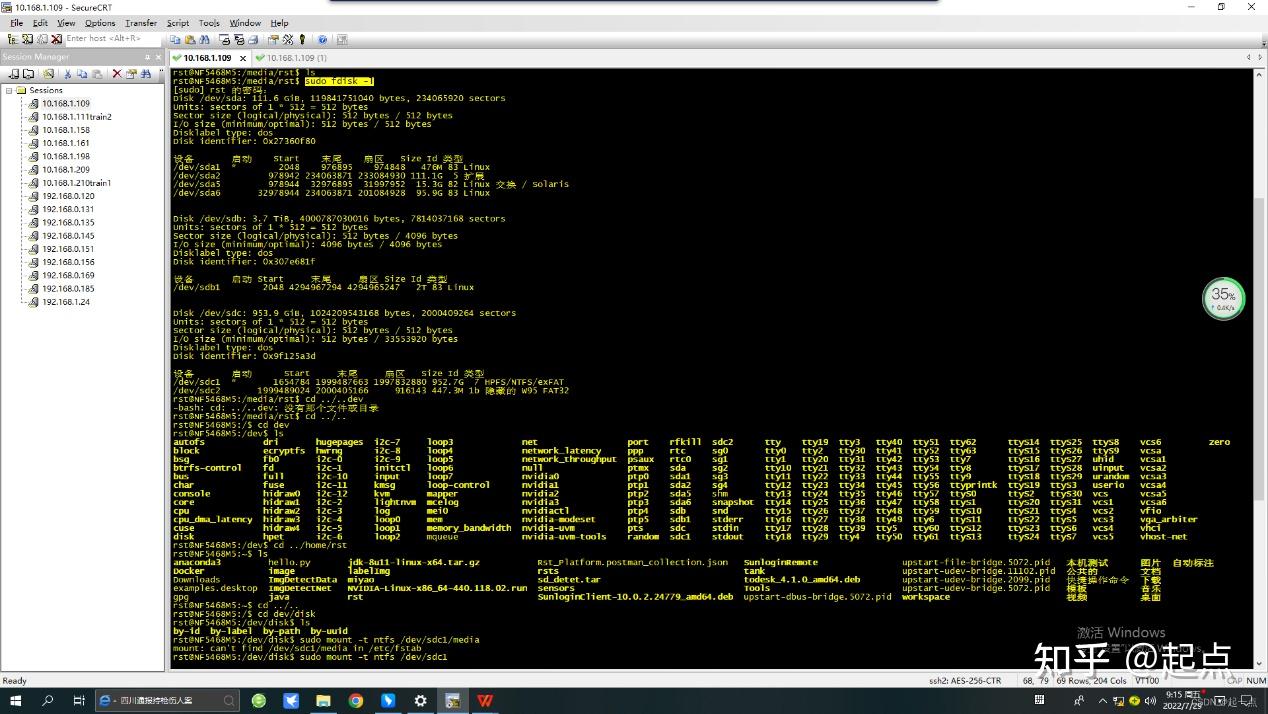
In that case use sudo su to execute a login shell as root after auhenticating sudo and that shell will not need sudo to run admin commands To return to the normal user shell insert the
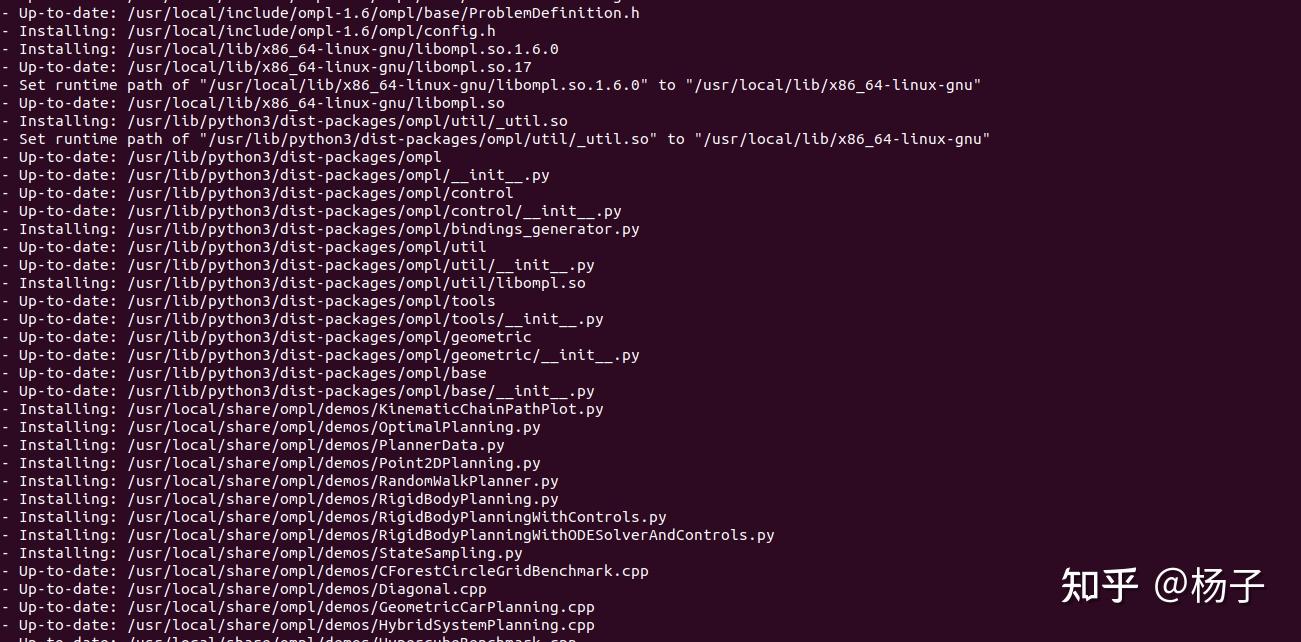
Oct 18 2019 nbsp 0183 32 Executing sudo apt update ended with Reading package lists Done Building dependency tree Reading state information Done 2 packages can be upgraded Run apt list
[desc-11] [desc-12]
[desc-13]