Sudo Apt Get List Packages Sudo Apt get Update Vs Upgrade What Is The Difference List Upgradable Packages With Apt Command In Ubuntu Apt get Update Apt get Upgrade How To List The Installed Software Packages On Ubuntu ImagineLinux Sudo Apt Get Install The Supported Packages Network Simulation Tools Get a List of Installed Packages on Ubuntu To output a list of packages that are currently installed are upgradeable or available on Ubuntu you can use the list method of the APT command To only print packages installed on your system specify the installed flag with the command sudo apt list installed Output
sudo apt list installed less Example 3 Use the grep command to filter out a specific package name and see if it s installed sudo apt list installed grep package name List Upgradable Packages Example 1 List the packages that are due for an update with the following command First you should update the repository cache The APT package index is basically a database that holds records of available packages from the repositories enabled in your system To update the package index run the command below This will pull the latest changes from the APT repositories sudo apt update Always update the package index before upgrading or installing new packages
Sudo Apt Get Install The Supported Packages Network Simulation Tools What Does Sudo Apt get Update Command Do Linux Commands List Sudo Apt Install Net tools Installation Popup Menu Os Installation sudo Apt Upgrade Command Explained For Beginners Embedded Inventor Archives For Www cyberciti biz Ghostarchive Apt get Update Apt get Upgrade Apt get Dist upgrade Solved Sudo Apt get Remove Does Not Remove Config Files 9to5Answer Apt Command In Linux Linuxize Sudo Apt get Install Sl Is Fun
Sudo Apt Get List Packages
 Sudo Apt Get List Packages
https://www.freecodecamp.org/news/content/images/size/w2000/2022/04/gabriel-heinzer-4Mw7nkQDByk-unsplash.jpg
The apt get is a set of command line tools that allow you to install remove and update deb packages installed via the APT Advanced Package Tool in Debian and Ubuntu This makes managing packages easier on Debian based distros I guess you already know that Ubuntu is derived from Debian Linux Debian uses the dpkg packaging system
Templates are pre-designed documents or files that can be utilized for different purposes. They can save effort and time by offering a ready-made format and layout for creating various kinds of content. Templates can be used for individual or professional jobs, such as resumes, invites, leaflets, newsletters, reports, discussions, and more.
Sudo Apt Get List Packages
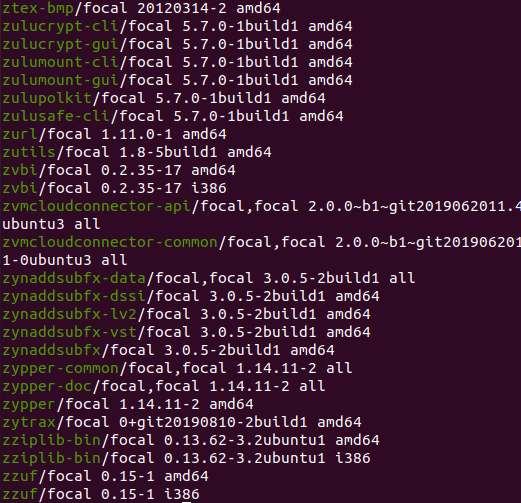
Apt List Installed Packages
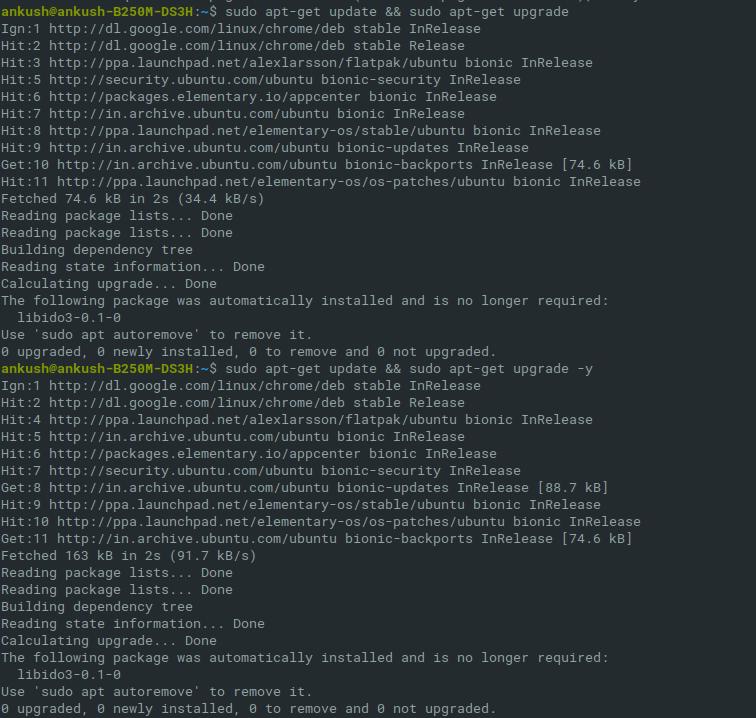
What Does Sudo Apt get Update Command Do Linux Commands List

Sudo Apt Install Net tools Installation Popup Menu Os Installation

sudo Apt Upgrade Command Explained For Beginners Embedded Inventor
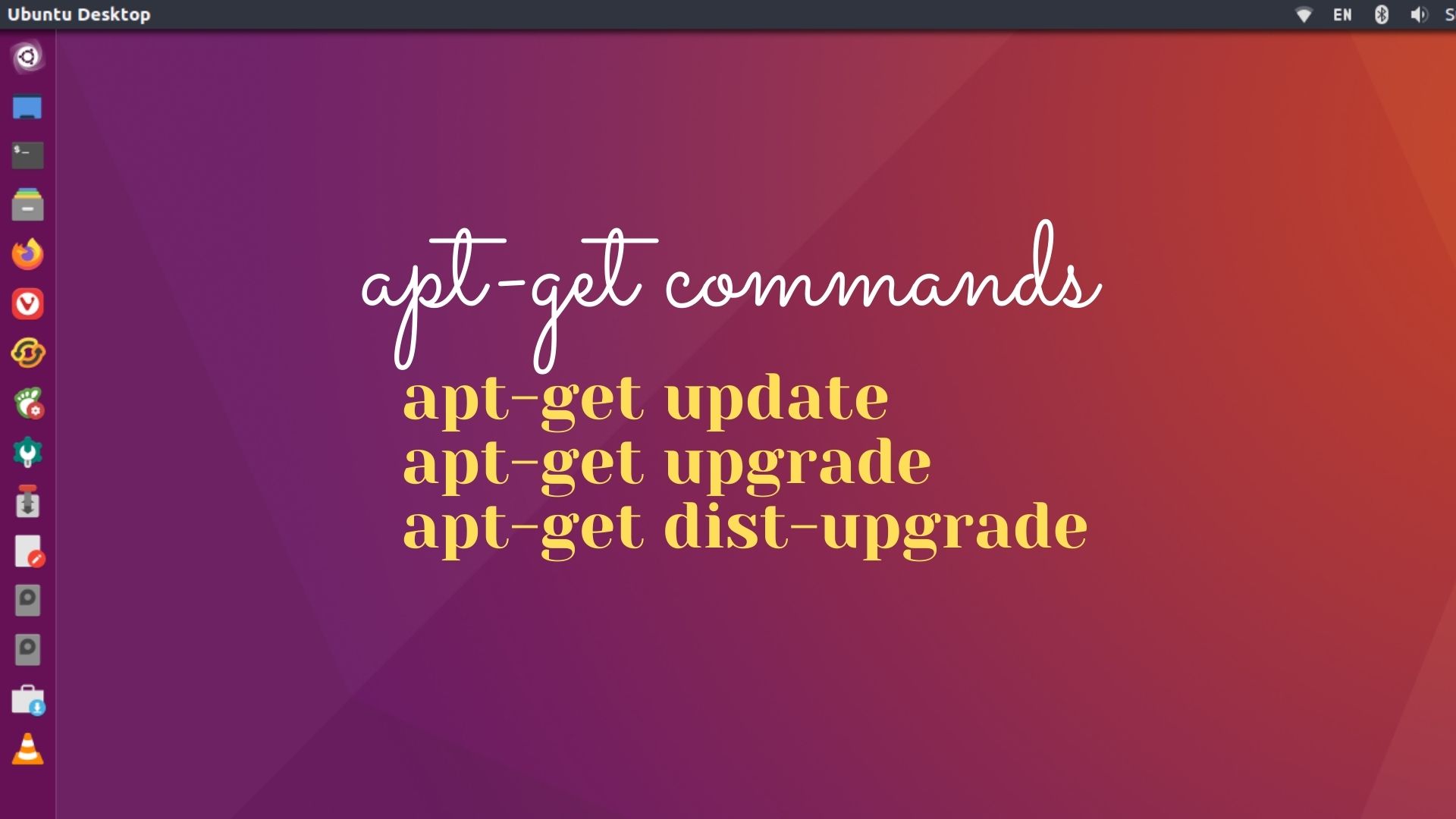
Apt get Update Apt get Upgrade Apt get Dist upgrade

Solved Sudo Apt get Remove Does Not Remove Config Files 9to5Answer

List all installed packages by executing the following command This will also show version numbers and architecture for each installed package as well as what repositories they belong to apt list installed Since each package consumes a line within the output a massive amount of lines can be returned
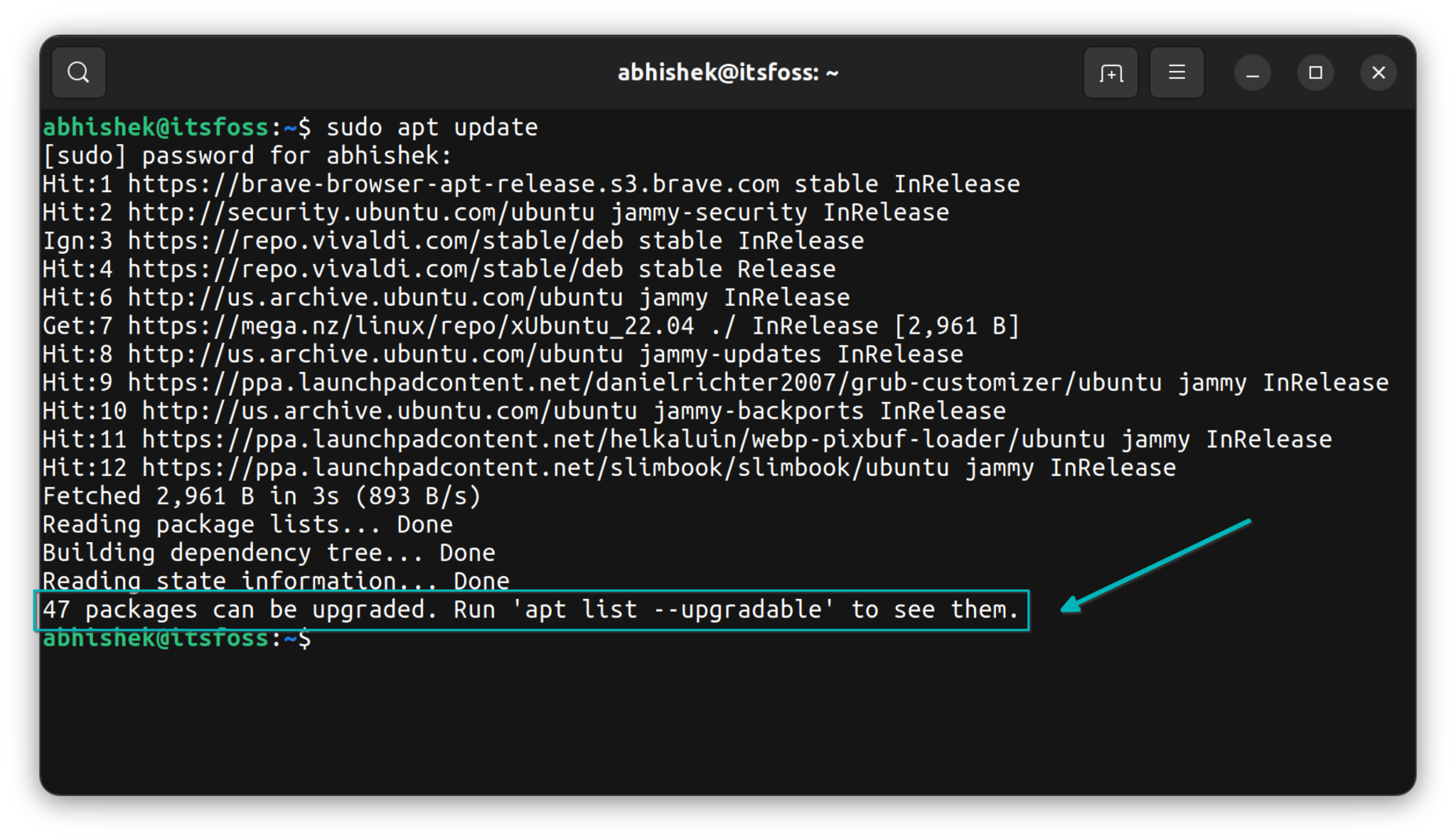
To list the installed packages on your Ubuntu system use the following command sudo apt list installed As you can see from the output above the command prints a list of all installed packages including information about the packages versions and architecture

List Specific Packages There are three different ways to list a specific package 1 Add the package name to the apt list command to fetch a specific package from the list apt list package name installed Omit the installed tag to fetch a package regardless of installation 2
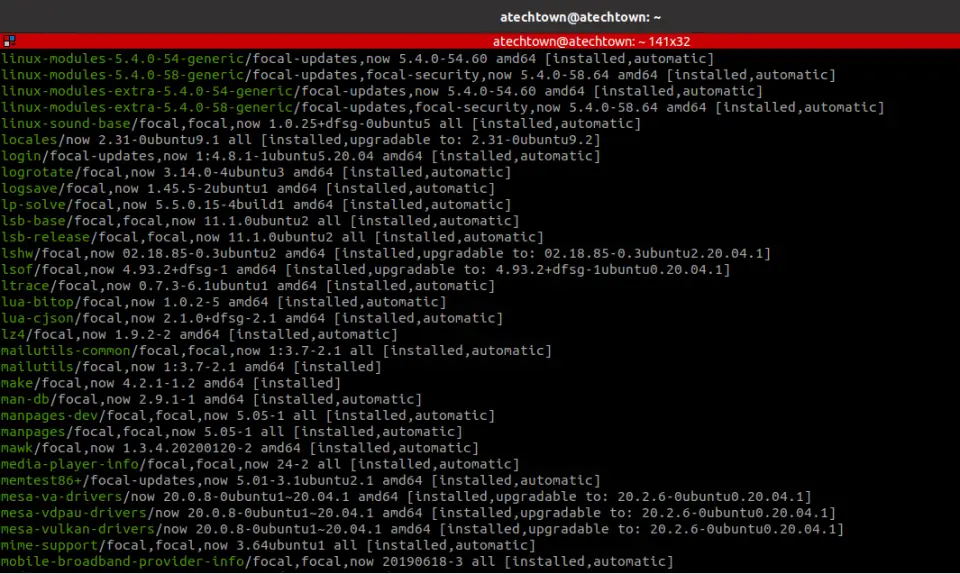
Key Takeaways To list installed packages on Ubuntu or any Debian distro run apt list installed in the Terminal Run dnf list installed to list installed packages on Fedora With thousands of free Linux applications it s easy to lose track of what you once installed but no longer use Here s how to list the installed applications on the
So bottom line What s the right way to get the list of installed packages matching a pattern Note Bonus points if it can be a proper regexp rather than just a shell glob Having to parse the text seems like a less than ideal solution if that s what you suggest please argue why there isn t a better way apt package management dpkg Share Follow
First of all connect to your Linux server via SSH To list the installed software packages on your machine you can use the following command sudo apt list installed The output of the command will be very similar to the following one depending on which packages are currently installed How to list manually installed packages Ask Question Asked 13 years 4 months ago Modified 21 days ago Viewed 246k times 324 I d like to get a list of packages installed manually by apt or aptitude and be able to find out whether a foobar package was installed manually or automatically How can we do that from the command line apt
427 Is there a way I can see all the versions that are in the archives that I have configured in sources list I can see the last version of each archive with apt get policy but how can I see them all Is there any way that this can also include PPA and anything in sources list d package management apt archive Share Improve this question Follow