Sudo Apt Get Install Chromium Browser Not Working How To Install Chromium Browser In Windows YouTube Error On Linux Ubuntu 20 04 Sudo Apt Update Browser Support Brave Chromium browser Ubuntu 10 04 LTS Desktop sudo Apt get I Flickr Top 10 Best Browsers For Ubuntu Linux How To Install Chromium OS The sudo command is a powerful tool in Linux systems that allows users to perform tasks requiring elevated privileges It stands for quot superuser do quot and provides a way to execute
Nov 21 2017 nbsp 0183 32 The sudo command allows a permitted user to run a command as the superuser root or another user as set by the security policy of the system All security policies are May 19 2025 nbsp 0183 32 Learn how to use sudo in your command line to run elevated commands as an administrator directly from an unelevated console session on Windows
How To Install Chromium OS Solved Used Apt get To Install Chromium But How To 9to5Answer Ubuntu 22 04 Chromium Browser Installation Linux Tutorials Learn How To Install Chromium Browser Make It Working On Your Windows YouTube Chromium And Ungoogled Chromium Web Browsers Are Now Available On How To Install And Run Chromium Web Browser On Debian VITUX Raspberry Pi How To Install Chromium Browser On Ubuntu 20 04 Install Chromium On How To Install Go On Linux Golang Docs
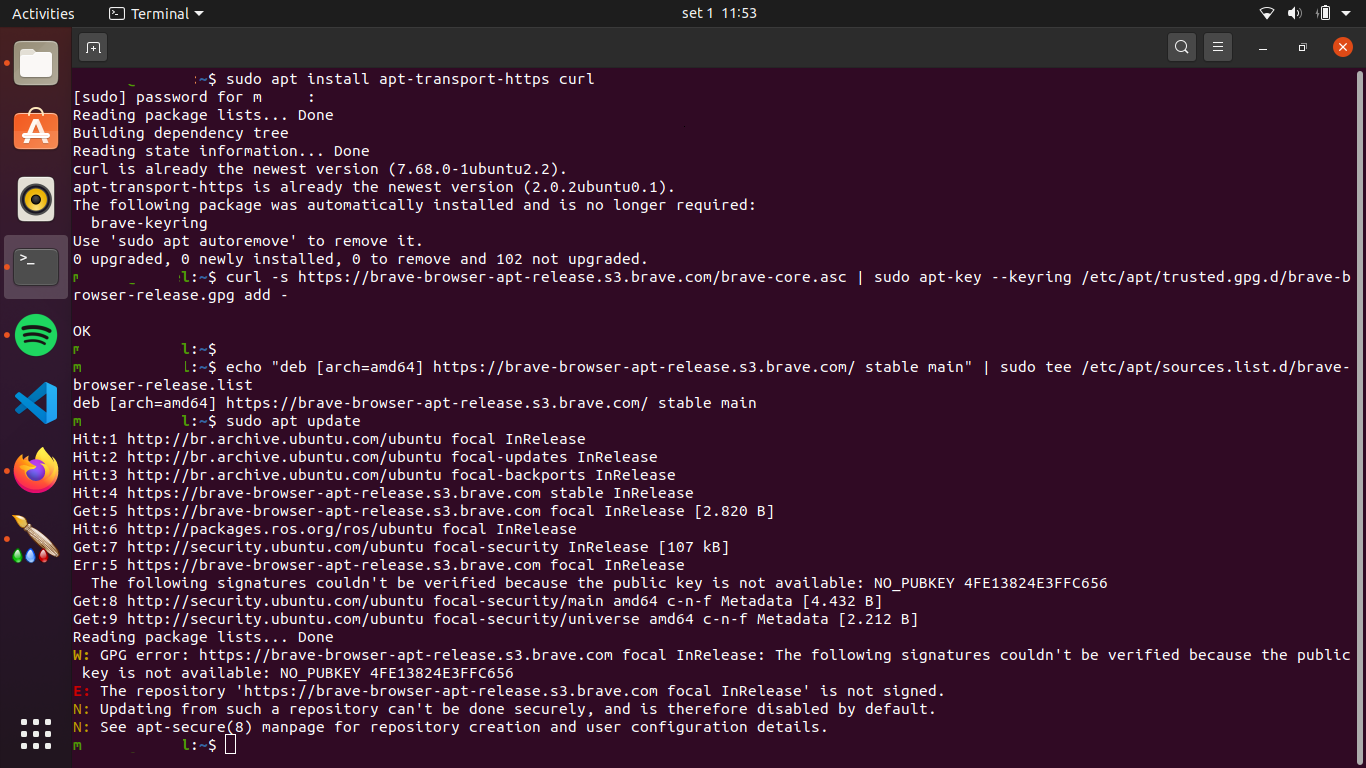
Sudo Apt Get Install Chromium Browser Not Working
 Sudo Apt Get Install Chromium Browser Not Working
https://i.ytimg.com/vi/0pCmq3SqLqs/maxresdefault.jpg
Jan 28 2019 nbsp 0183 32 sudo is a Linux command which provides functionality similiar to su but with two key differences sudo provides finer grained control over what operations a user may perform
Templates are pre-designed files or files that can be utilized for various functions. They can conserve time and effort by offering a ready-made format and design for producing various type of content. Templates can be used for personal or professional projects, such as resumes, invites, leaflets, newsletters, reports, discussions, and more.
Sudo Apt Get Install Chromium Browser Not Working

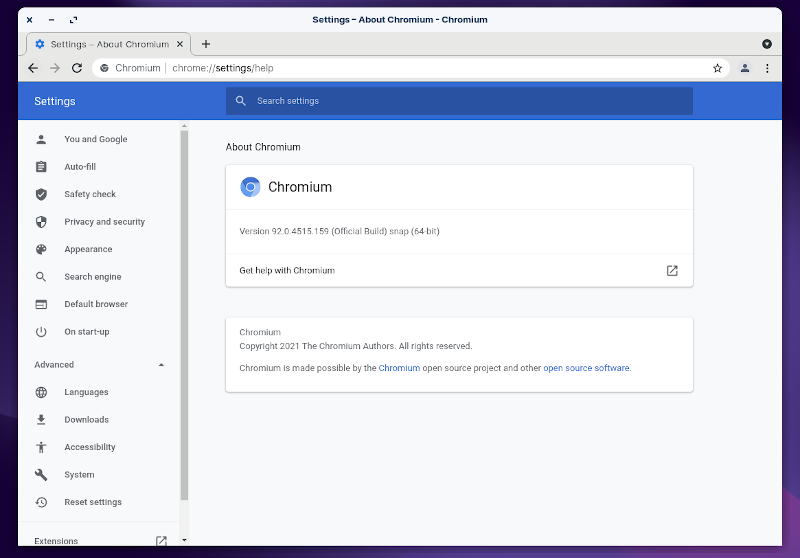
How To Install Chromium OS 14 Steps with Pictures WikiHow

Solved Used Apt get To Install Chromium But How To 9to5Answer

Ubuntu 22 04 Chromium Browser Installation Linux Tutorials Learn

How To Install Chromium Browser Make It Working On Your Windows YouTube

How To Install And Run Chromium Web Browser On Debian VITUX

Raspberry Pi

Sudo su do allows a system administrator to delegate authority to give certain users or groups of users the ability to run some or all commands as root or another user while providing an
Nov 10 2022 nbsp 0183 32 The Sudo command in Ubuntu is used whenever you need administrative privileges to perform an operation or run another command Sudo stands for Super User Do

Sudo z ang super user do program stosowany w systemach operacyjnych GNU Linux Unix i podobnych w celu umo liwienia u ytkownikom uruchomienia aplikacji jako inny u ytkownik
The sudo command identifies an authorized user by referencing etc sudoers that the system administrator configures Remember not to edit etc sudoers file directly instead use quot visudo quot

Apr 28 2022 nbsp 0183 32 If you are new to Linux and want to add and use Sudo Command in Linux then here is a complete guide
[desc-11] [desc-12]
[desc-13]