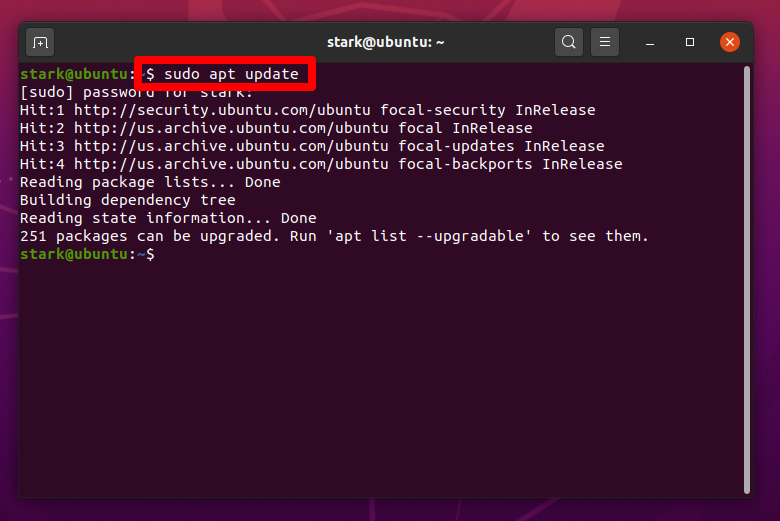
Sudo Apt Get Check Packages Command To Check Version Of Installed Packages In Ubuntu Apt sudo Apt get Update Command Explained For Beginners Embedded Inventor sudo Apt get Upgrade Command Explained For Beginners Sudo Apt get Update And Upgrade sudo Apt get Upgrade Command Explained For Beginners Embedded Inventor Installation Removing Packages Upgrading Software Cleaning Checking What s Installed Easter Egg Ubuntu has a lot of GUI based methods for installing applications but they take some time to search and find Since the keyboard is usually faster than the mouse managing your software via the command line can be a real time saver APT
Apt get is a command line tool for interacting with the Advanced Package Tool APT library a package management system for Linux distributions It allows you to search for install manage update and remove software The tool does not build software from the source code 299 I m working on a Ubuntu system and currently this is what I m doing if which command dev null then echo e Command not found Install y n c read if REPLY y then sudo apt get install command fi fi Is this what most people would do Or is there a more elegant solution bash apt get Share edited Mar 2 2022 at 1 51
sudo Apt get Upgrade Command Explained For Beginners Embedded Inventor sudo Apt get Upgrade Command Explained For Beginners Apt Command Linux Bash Shell Scripting Tutorial Wiki Command To Check Version Of Installed Packages In Ubuntu Apt How To Use The APT Command On Ubuntu Debian Linux Systems Sudo Apt Get Update Zoom Dhiansury Linux Sudo Command How To Use With Examples Sudo Apt get Install Python matplotlib Apt get Hold Back Packages On Ubuntu Debian Linux NixCraft
Sudo Apt Get Check Packages
 Sudo Apt Get Check Packages
https://sourcedigit.com/wp-content/uploads/2020/08/package-ubuntu1.jpg
Installing packages is as simple as running the following command sudo apt install package name If you want to install multiple packages with one command specify them as a space separated list sudo apt install package1 package2 To install local deb files provide the full path to file
Pre-crafted templates use a time-saving option for creating a varied range of documents and files. These pre-designed formats and designs can be utilized for different personal and professional projects, consisting of resumes, invitations, flyers, newsletters, reports, presentations, and more, enhancing the material development procedure.
Sudo Apt Get Check Packages
Sudo Apt get Install Python matplotlib
sudo Apt get Upgrade Command Explained For Beginners

Apt Command Linux Bash Shell Scripting Tutorial Wiki
Command To Check Version Of Installed Packages In Ubuntu Apt
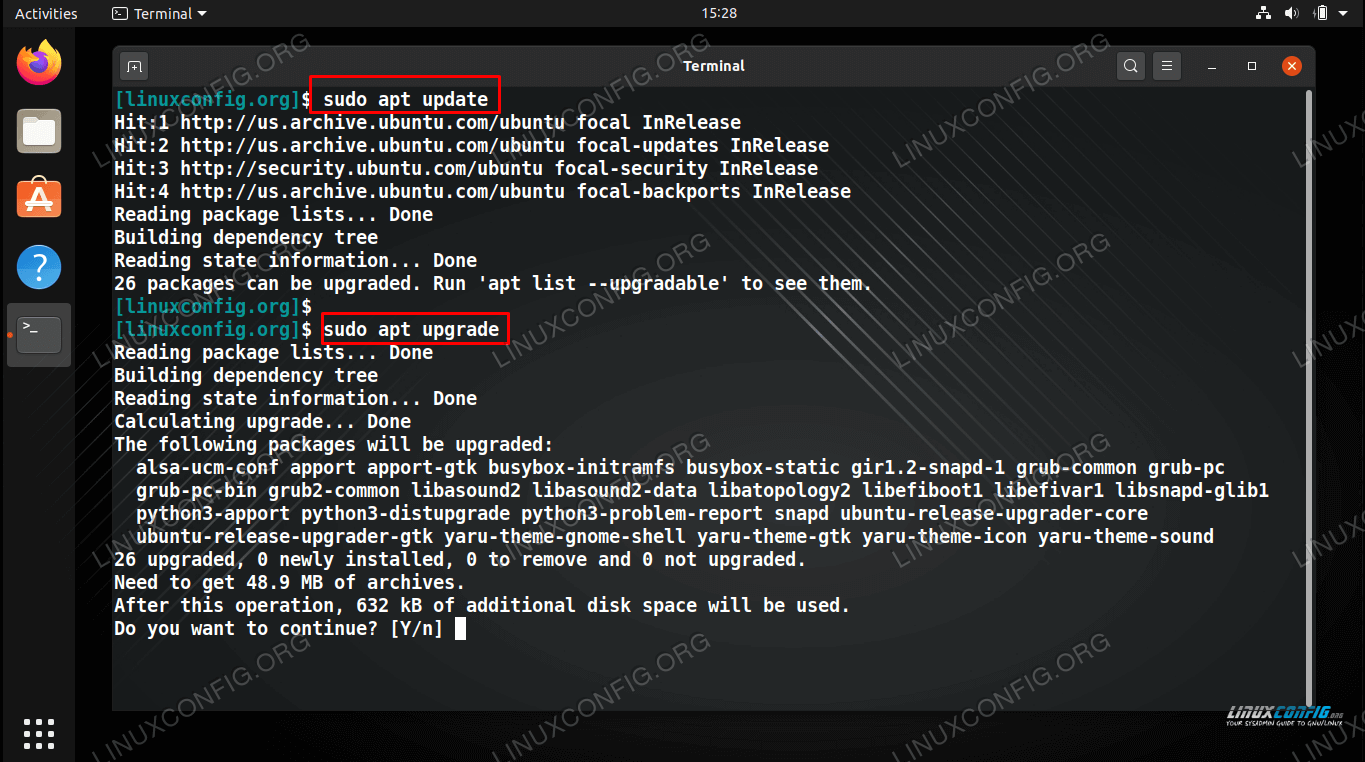
Sudo Apt Get Update Zoom Dhiansury
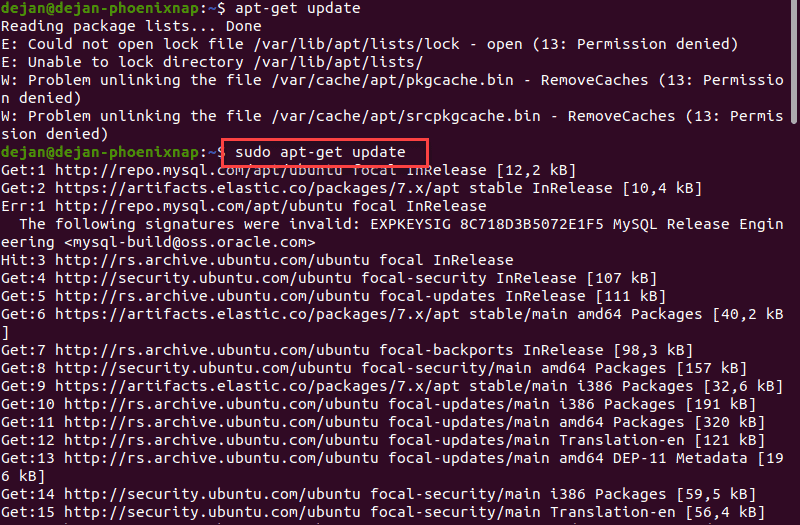
Linux Sudo Command How To Use With Examples

The apt get is a set of command line tools that allow you to install remove and update deb packages installed via the APT Advanced Package Tool in Debian and Ubuntu This makes managing packages easier on Debian based distros I guess you already know that Ubuntu is derived from Debian Linux Debian uses the dpkg packaging system

Aptitude can be used from the command line in a similar way to apt get Enter man aptitude for more information APT and aptitude will accept multiple package names as a space delimited list For example apt get install package1 name package2 name package3 name Use the s flag to simulate an action

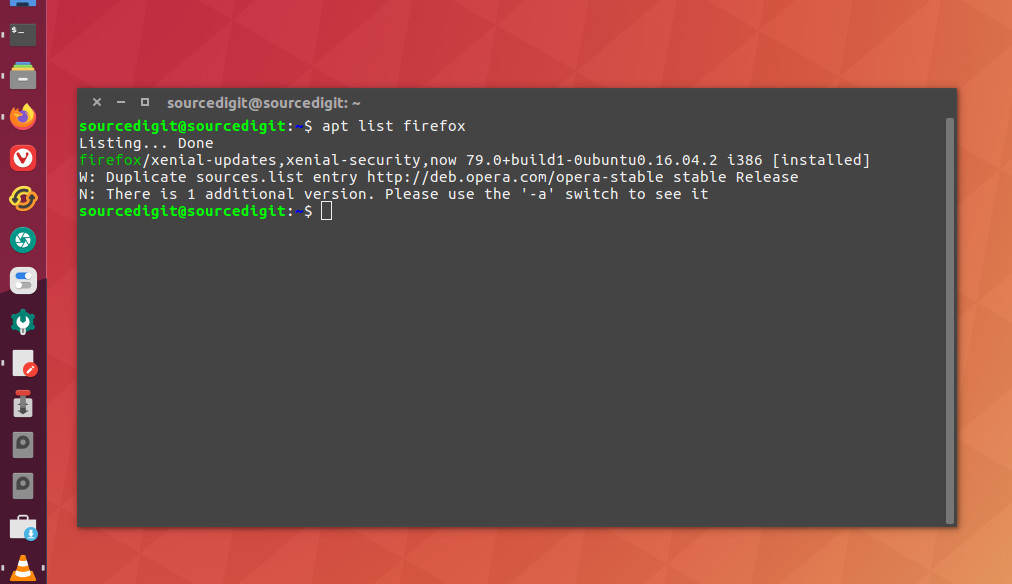
List all installed packages by executing the following command This will also show version numbers and architecture for each installed package as well as what repositories they belong to apt list installed Since each package consumes a line within the output a massive amount of lines can be returned

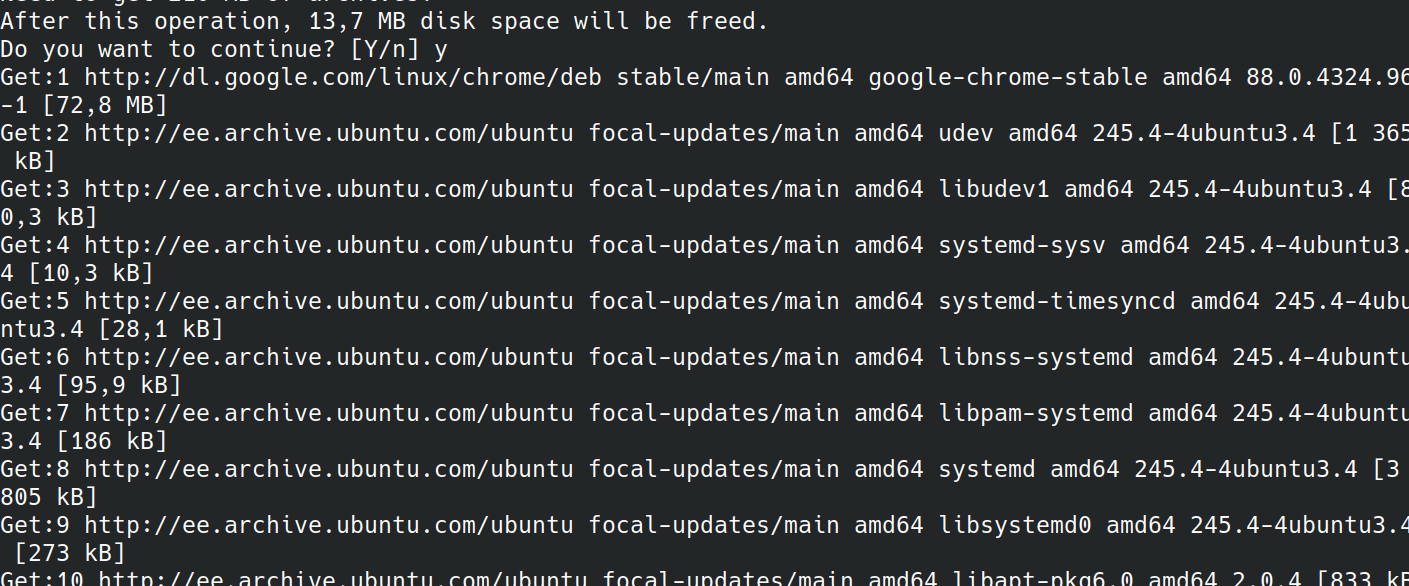
You can run a simulation to see what would happen if you upgrade install a package apt get s install package To see all possible upgrades run an upgrade in verbose mode and to be safe with simulation press n to cancel apt get V s upgrade apt cache

How do I check if a package is installed on my server Ask Question Asked 9 years 10 months ago Modified 1 year 4 months ago Viewed 661k times 322 I recently installed Ubuntu Server edition 13 10 Saucy Salamander But I have run into a bit of problem
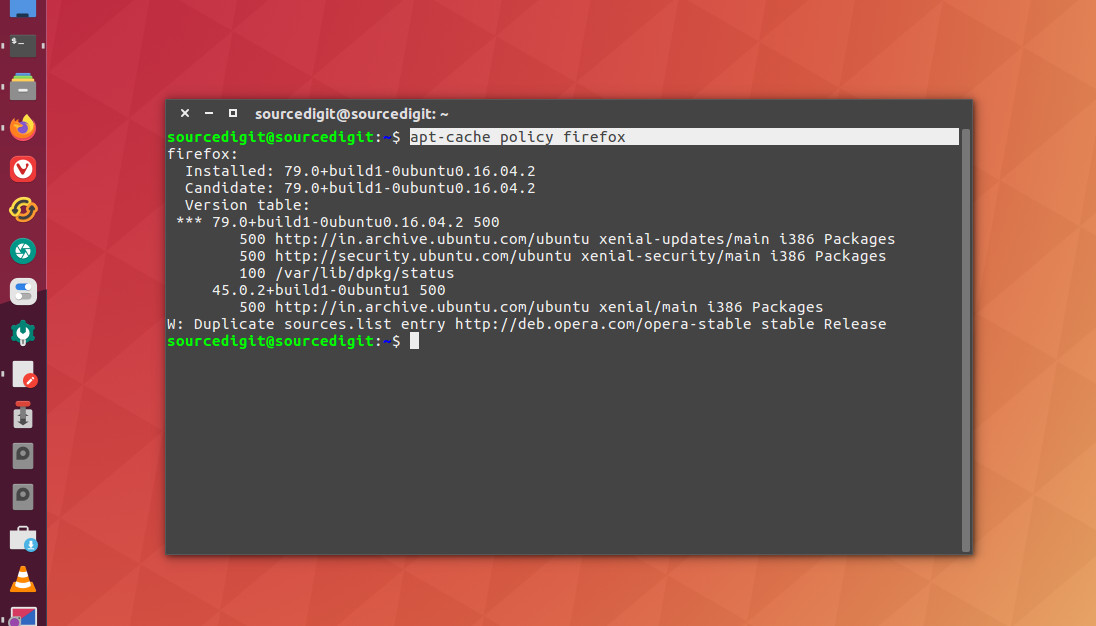
Additional benefits Will also list versions of packages for other versions of Ubuntu Eg if you want to know about the version of the package in Raring 13 04 but your system still has Precise 12 04 then this will provide a way to find it out Using apt search and apt show Commands to Search and Find Details of Packages in Ubuntu Using apt search and apt show commands you can get details of the available versions dependencies repositories and other important information about packages in Ubuntu Abhishek Prakash 04 Sep 2023 4 min read
The procedure to list what packages are installed on Ubuntu Open the terminal application or log in to the remote server using ssh e g ssh user sever name Run command apt list installed to list all installed packages on Ubuntu