Substance Painter Brick Material ArtStation Medieval Brick Wall Substance Designer How To Create Tiling Textures In Substance Painter Stylized Brick Step By Step Approach To Material Production Material Brick Wall ArtStation Substance Designer Old Brick Wall Texturing In Substance Painter Tiling Brick Floor Part 3 YouTube In this tutorial I ll show you how to create a Brick Material in Substance Painter Features Covered Use and apply fill colors Use and apply generators
Substance Painter Category Texturing Tags brick material tutorial Help Watch the 3D Tutorial called How to Create a Brick Material in Substance Painter created by ninashaw Learn from 3D designers with CGTrader tutorials It looks like you re using ArtStation from Canada Thank you Resources Free Substance Painter 20 X Brick Walls Smart Materials USD 0 00 Free Substance Painter 20 X Brick Walls Smart Materials20 X SPSM Smart Materials ready to use All materials are seamless All
Texturing In Substance Painter Tiling Brick Floor Part 3 YouTube ArtStation Free Substance Painter 20 X Brick Walls Smart Materials Free Substance Painter 20 X Brick And Walls Smart Materials Free 3D Free Brick Wall Material Brick Texture Free Textures Brick Material ArtStation Free Substance Painter 20 X Brick Walls Smart Materials How To Make A Stylized Material In Substance Painter V rios Materiais ArtStation Free Substance Painter 20 X Brick Walls Smart Materials ArtStation Free Substance Painter 20 X Brick Walls Smart Materials How To Create Brick Material In Substance Painter YouTube
Substance Painter Brick Material
 Substance Painter Brick Material
https://cdna.artstation.com/p/assets/images/images/004/050/466/large/karl-tabone-walla.jpg?1479839667
In Game Assets based on 2 ratings 1 review USD 3 00 USD 2 40 Resources Smart brick wall substance material USD 3 00 Smart brick wall procedural tileable substance materialFor substance designer substance painter and substance playerThousands variation from oneYou can
Pre-crafted templates offer a time-saving solution for developing a varied variety of files and files. These pre-designed formats and designs can be made use of for numerous individual and professional projects, including resumes, invites, leaflets, newsletters, reports, presentations, and more, enhancing the material development procedure.
Substance Painter Brick Material

ArtStation Free Substance Painter 20 X Brick Walls Smart Materials
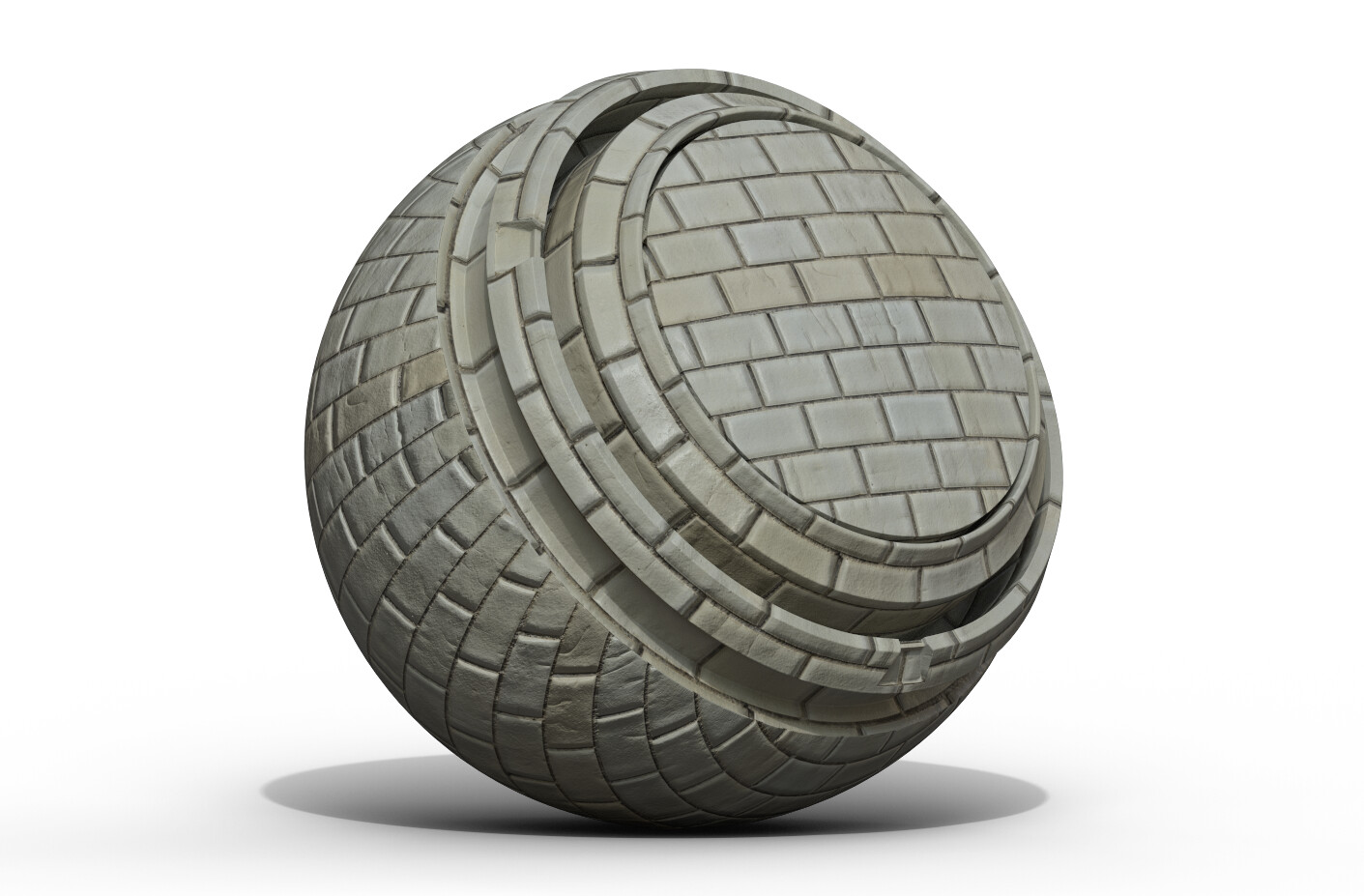
ArtStation Free Substance Painter 20 X Brick Walls Smart Materials

Free Substance Painter 20 X Brick And Walls Smart Materials Free 3D

Free Brick Wall Material Brick Texture Free Textures Brick Material

How To Make A Stylized Material In Substance Painter V rios Materiais
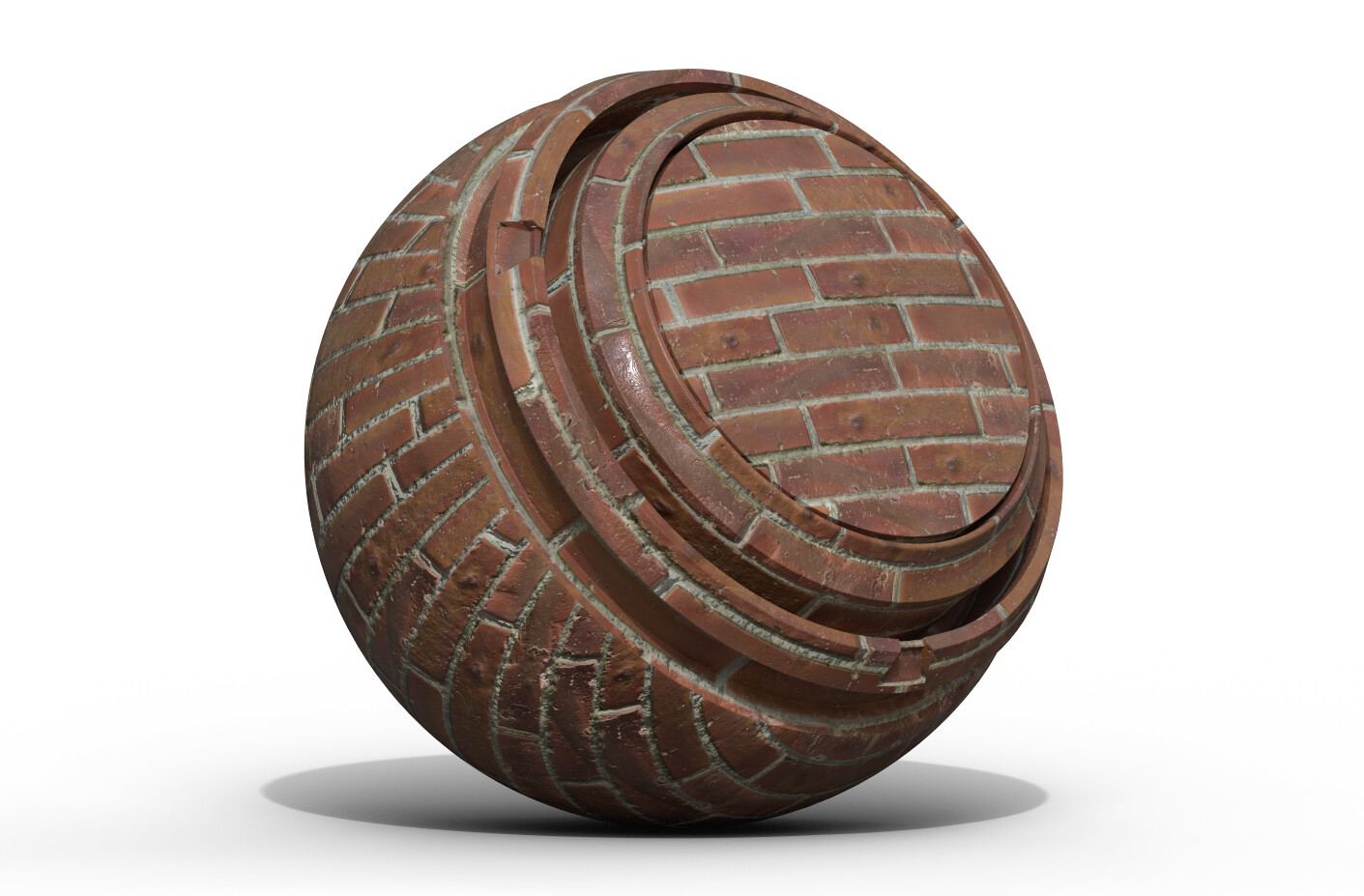
ArtStation Free Substance Painter 20 X Brick Walls Smart Materials

Plaster Plastic Roofs Stone Tiles Wood Smart Materials Asphalt Bricks Concrete Fabric Leather Food Glass Landscape Marble Metal Natural Grounds Organic Paper Paint Plaster Plastic Roofs Stone Tiles

Subscribed 2 5K 117K views 5 years ago Substance Designer In this tutorial we create our own brick material from scratch We cover using the brick generator node to make the base pattern

Ben Hand The most professional Free tutorial Substance Painter How Create Brick texture in Substance PainterIn this tutorial I ve shown how you can create brick text

Brick Substance Material on Substance 3D Community Assets Adobe Brickwall

A brick material
In this video we re using Substance 3D Sampler to create a beautiful terracotta brick wall material in minutes You can download the result files here https substance3d adobe tutoria Brickwall Substance 3D Sampler Last updated on Brickwall In Generators DescriptionThe Brickwall filter generates a brick pattern based on the layers below it This is useful for creating brick walls as the name suggests but also floors or anywhere else bricks are used
Create Materials To create a Material right click anywhere in an empty area of the Material s properties and click Create Material Preset This method lets you create simple materials If you want to create advanced Materials either try a Smart Material to stay within Painter or create a Substance Archive SBSAR with Substance 3D Designer