Sublime Text Launch Command Sublime Text Windows Command Line Lulikeen How To Launch Sublime Text On Windows From Git Bash Sublime Text Yoolk Digital Ninja Launch Sublime From The Command Line DEV Community Sublime Text 2 A Fast Fancy Text Editor OMG Ubuntu WEB Open Sublime Text from Windows Command Line CMD and Power Shell November 10 2019 Tech Monk This tutorial will help you set Sublime Text 3 on Windows Systems up to launch Sublime text 3 from
WEB Command Line All files passed on the command line will be opened If Sublime Text is already running then the files will be opened by the existing instance rather than a new WEB May 11 2020 nbsp 0183 32 To call Sublime Text from a terminal assuming you are running in an X environment you can use the subl command which is a small shell script that executes
Sublime Text 2 A Fast Fancy Text Editor OMG Ubuntu Sublime Text 3 Othree Flickr Sublime Text Conhe a Um Dos Melhores Editores De C digo Alura How To Install Sublime Text 3 On Ubuntu YouTube Sublime Text 3 3101 Bareusa Sublime Text 3 Vs Bbedit 12 Wheelslasopa Introducing Launch For Sublime Text James Kiefer Sublime B8 Powders Sublime Text 3 Syntax Highlighting Data36
Sublime Text Launch Command
 Sublime Text Launch Command
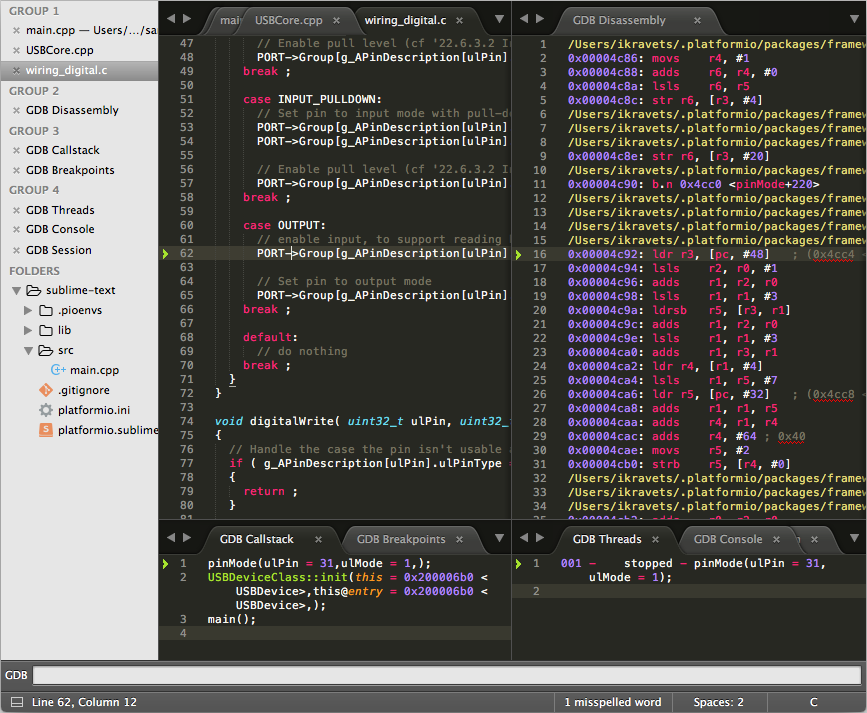
https://docs.platformio.org/en/stable/_images/ide-sublimetext-demo.png
WEB Sep 28 2021 nbsp 0183 32 Windows 11 has a new context menu in explorer which means users have to have an extra click to Show More Options in order to get the old Sublime Text shell
Templates are pre-designed files or files that can be used for various functions. They can save effort and time by supplying a ready-made format and design for producing various type of content. Templates can be used for personal or professional projects, such as resumes, invitations, flyers, newsletters, reports, presentations, and more.
Sublime Text Launch Command

Alternatives To Sublime Text Windows Nudetide

Sublime Text 3 Othree Flickr
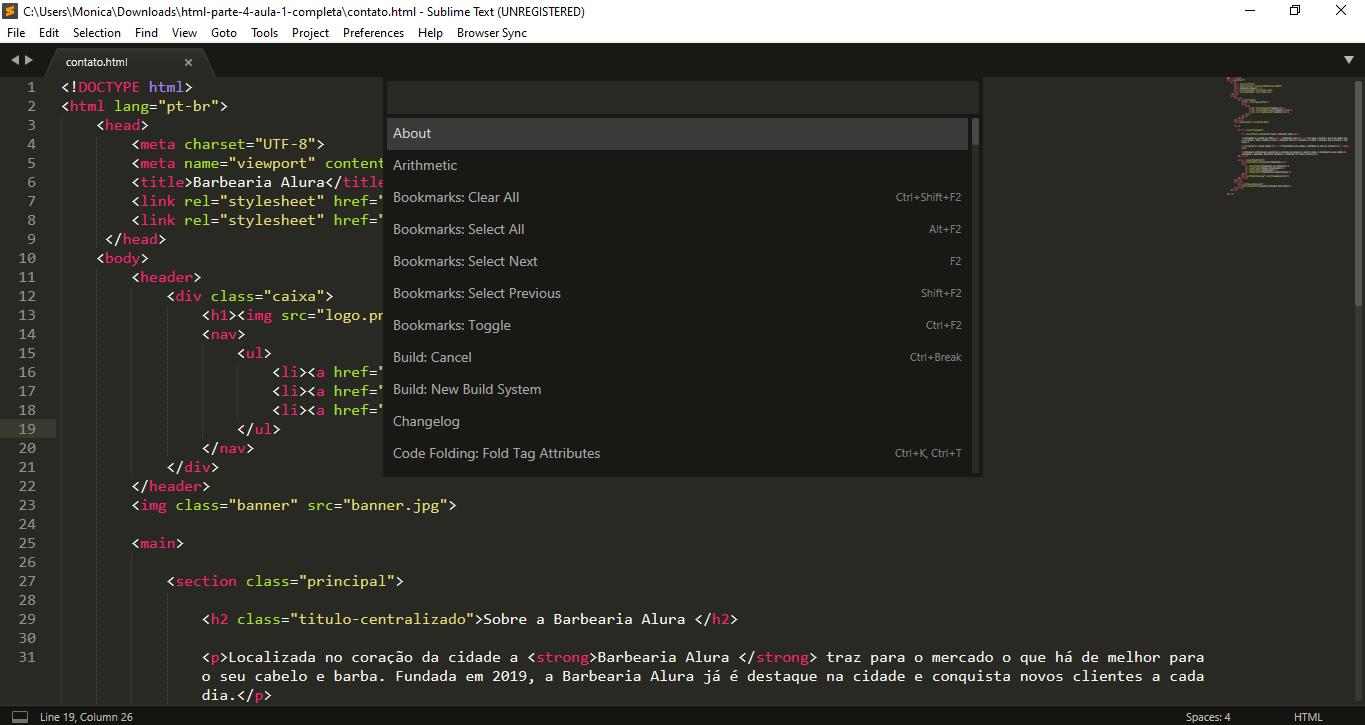
Sublime Text Conhe a Um Dos Melhores Editores De C digo Alura

How To Install Sublime Text 3 On Ubuntu YouTube
Sublime Text 3 Vs Bbedit 12 Wheelslasopa

Introducing Launch For Sublime Text James Kiefer

WEB Jan 7 2017 nbsp 0183 32 Just go to directory where sublime is installed and rename sublime text to sublime Open command prompt and type sublime

WEB May 13 2024 nbsp 0183 32 To use the command line in Sublime Text on Windows 10 Install the Terminus package via Package Control Adjust Terminus settings accordingly replacing bash with cmd exe Use the designated key

WEB A Step by step tutorial to add a terminal in Sublime Text Editor with examples of PowerShell and command line in Windows The terminal is supported natively out of the

WEB Sep 8 2020 nbsp 0183 32 How to Launch Sublime Text on Windows from Git Bash Sule Balogun Olanrewaju If you have been trying to figure out how to open the Sublime Text editor from your Git bash then you re in luck This

WEB If your command is run by a menu item browse the default menu file at Packages Default Main sublime menu You will find them quick enough once you take
WEB Jun 22 2017 nbsp 0183 32 For recent versions of Ubuntu and Sublime Text 3 I m adding a symlink like this sudo ln s opt sublime text sublime text usr local bin subl Then I can execute it WEB Jan 27 2020 nbsp 0183 32 For those who don t know Sublime Text has a shortcut a command line tool named subl which allows you to summon sublime text through your terminal Once
WEB Oct 16 2014 nbsp 0183 32 I m trying to open a directory in sublime Text 3 I can launch sublime from the command line using the subl command The help text show the following