Sublime Text Compare Two Files Using Sublime Text As Your IDE Sublime Text 4 Build 4142 News Sublime HQ Sublime Text Compare Two Files Side By Side How To Compare Two CSS Files Side by Side In Sublime Text What Is GitHub Seanpm2001 Learn SublimeText A Repository For Showcasing My Web Sep 1 2023 nbsp 0183 32 What are the best diff plugins for Sublime Text 5 Options Considered 149 User Recs Sep 1 2023 Last Updated Ad The Best 1 of 5 Options Why See Full List 93 The Best Sublimerge My Rec ommendation for Sublimerge My Recommendation for Sublimerge Add Video or Image All 12 Experiences 2 Pros 5 Cons 5 Top Pro
Web Jan 12 2018 nbsp 0183 32 I am not able to compare two files in sublime text 3 I have selected the two files I want to compare however there is no Diff File option when searching for option through right click Stack Overflow Web Jun 23 2018 nbsp 0183 32 Last updated on Feb 10 2022 In this post How to compare files with sublime natively using plugin Compare Side By Side Add permanent highlighting for file types Search with regular expressions in Sublime Text editor
GitHub Seanpm2001 Learn SublimeText A Repository For Showcasing My Sublime Text 4 Dev Build 4127 Mac Cracked Apps And Games Sublime Text Compare Two Files Side By Side Sublime Text Compare Two Files Side By Side Sublime Text Viewing Diff Files What Is Mark Down Sublime Text Software Reviews Demo Pricing 2024 Sublime Text Compare Two Files Side By Side Sublime Text Compare Two Files Side By Side How To Compare Two Text Files In Sublime Text Kehaan s Blog
Sublime Text Compare Two Files
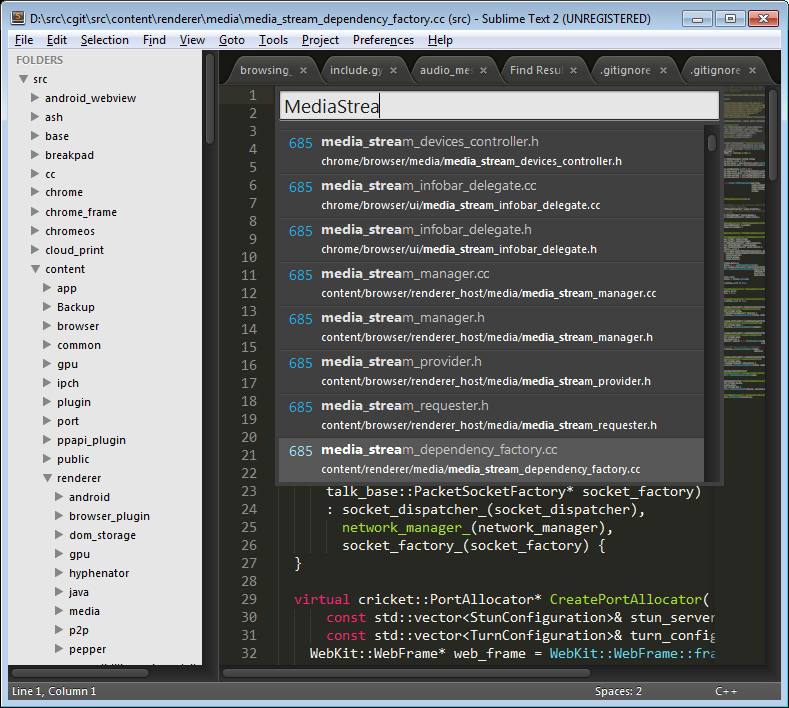 Sublime Text Compare Two Files
https://www.chromium.org/developers/sublime-text/SublimeExample.png
Web 1 Make a folder with the 2 text files you need to compare I add old to the old config and let the game generate a new one that i have also added to the folder 2 Now Open Sublime Text and press files then open folder and select the folder you created Now it should look similiar to this 3
Pre-crafted templates provide a time-saving option for creating a varied variety of documents and files. These pre-designed formats and designs can be made use of for numerous personal and expert tasks, including resumes, invitations, leaflets, newsletters, reports, presentations, and more, simplifying the content production process.
Sublime Text Compare Two Files
Sublime Text 3 Supported File Formats
Sublime Text 4 Dev Build 4127 Mac Cracked Apps And Games

Sublime Text Compare Two Files Side By Side
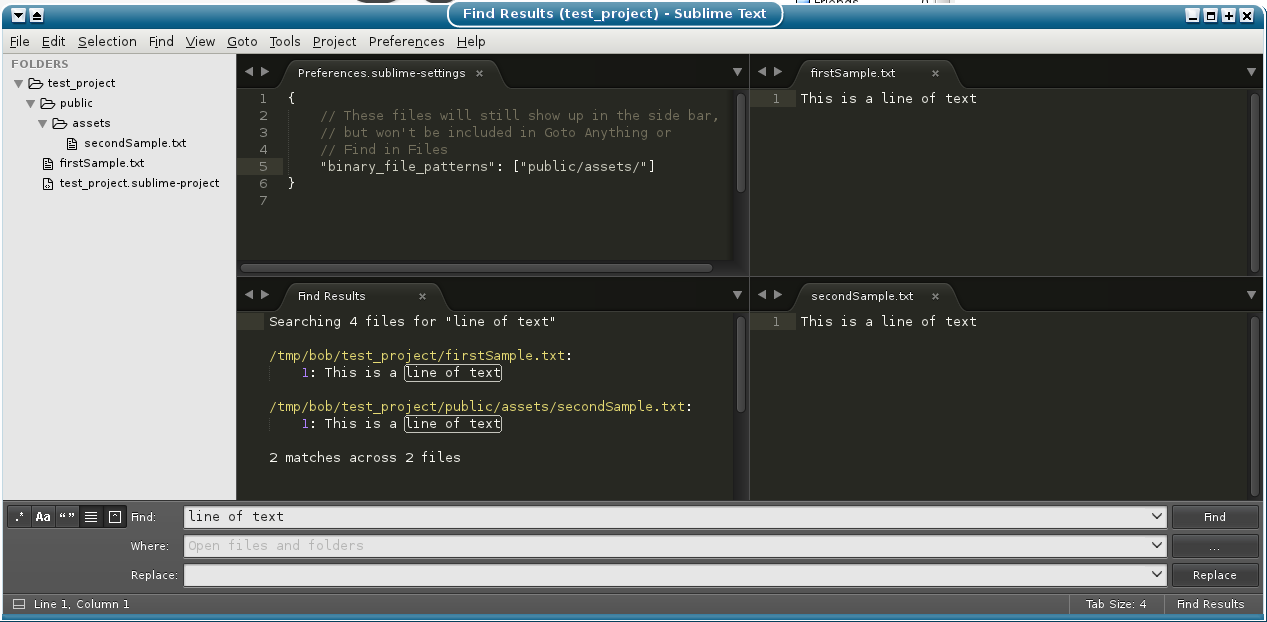
Sublime Text Compare Two Files Side By Side
Sublime Text Software Reviews Demo Pricing 2024

Sublime Text Compare Two Files Side By Side
Web Jun 29 2021 nbsp 0183 32 Installation for Windows and Linux Press CTRL SHIFT P Type Package Control Install Package Press ENTER Type Compare Side Select package named Compare Side By Side
Web Jun 18 2020 nbsp 0183 32 Sublime Text How to Compare Two Files Native File Comparison Sublime Text 3 actually has a diff function built right into it To use it open your project Compare Side By Side Package If you are looking for side by side file comparisons you can install the Compare Conclusion Now have the

Web How to Compare text content files in a sublime text editor Open Sublime text editor 2 or 3 versions Open the folder that contains files to compare using File Menu gt Open Folder option Pro Tools Tutorial How To Use Edi Files are shown in the sidebar view Select the files that you want to

Web Jul 24 2021 nbsp 0183 32 Steps Open Sublime Text and Open Command Palatte to install the package Type Install Package to open Package Control and look for Compare Side By Side and get it installed Compare Open both the files in Sublime Text Now Open Command Palatte again and type Compare with Now both the files
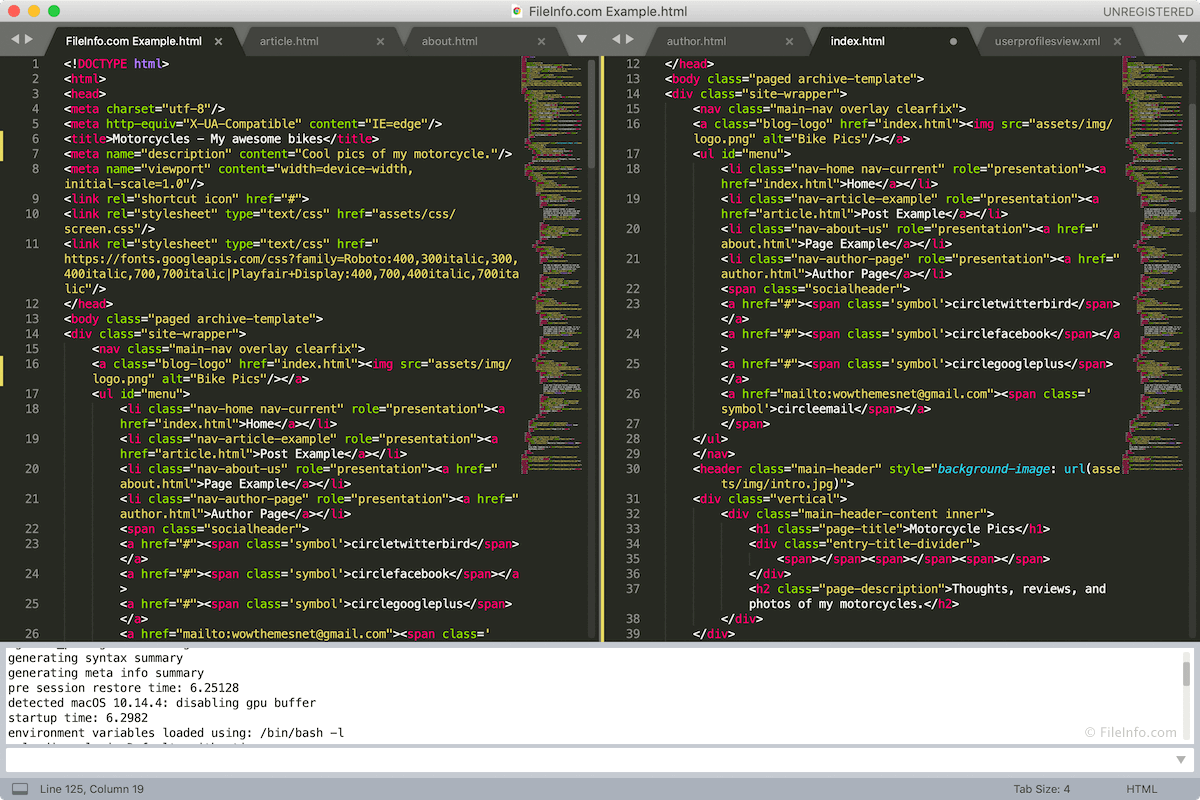
Web Jul 15 2023 nbsp 0183 32 Split Editing Sublime Text 4 offers a split editing feature that allows you to work on multiple files or different parts of the same file side by side This makes it easier to compare code reference multiple documents or even write code while simultaneously viewing its output
Web You can actually compare files natively right in Sublime Text Navigate to the folder containing them through Open Folder or in a project Select the two files ie by holding Ctrl on Windows or on macOS you want to compare in the sidebar Right click and select the Diff files option Web Jul 10 2020 nbsp 0183 32 Solution 1 You can actually compare files natively right in Sublime Text Navigate to the folder containing them through Open Folder or in a project Select the two files ie by holding Ctrl on Windows or on macOS you want to compare in the sidebar Right click and select the Diff files option Solution 2
Web I want to see differences among two files one is from repository and another is external file is there any way to see difference using sublime I can see that it provide a method in windows mentioned here https stackoverflow questions 25874018 comparing the contents of two files in sublime text