Stop Windows Defender Service Command Line How To Start Stop Windows Service Via Command Line TecAdmin Windows Defender Download Windows 11 Kolflix Microsoft 365 Defender Images And Photos Finder Attackers Can Use Microsoft Defender To Download Viruses And Malware C mo Habilitar deshabilitar El Servicio Antivirus De Windows Defender Press start and click on Control Panel from the menu Search for Windows Defender and double click on it If the real time protection is on click on Tool located on the Menu Bar on top of the window Click on Options Navigate to the Administrator section and uncheck the box that says Use this Program and click on save
Method 1 Turn off the Microsoft Defender service completely March 2022 Update Method 1 doesn t seem to work in the latest Windows 10 build 10 19044 1586 21H2 despite running the script as TrustedInstaller It throws up error 2 which means The user did not have the necessary access I ll do more testing and see if a workaround is available You may need to open PowerShell in administrator mode Right click the item in the Start menu click Run as administrator and click Yes at the permissions prompt To open online help for any of the cmdlets type the following Get Help cmdlet Online Omit the online parameter to get locally cached help Tip
C mo Habilitar deshabilitar El Servicio Antivirus De Windows Defender How To Clear Windows Defender Protection History Manually In Windows 10 Free Download Windows Defender Natase Microsoft Praises Windows Defender Shows You Don t Need Third Party How To Stop Windows Defender Service In Windows 7 YouTube Windows Defender Link Windows 11 Tronkda Fix Defender Threat Service Has Stopped Error In Windows 11 Technoresult How To Run Windows Defender From Command Line In Windows How To Turn Off Windows Defender In Windows 10 Permanently Tech Untouch
Stop Windows Defender Service Command Line
 Stop Windows Defender Service Command Line
https://tecadmin.net/wp-content/uploads/2022/03/restart-windows-service-command-line.jpg
To disable it in an elevated CMD use sc config WinDefend start disabled sc stop WinDefend To re enable it use sc config WinDefend start auto sc start WinDefend 7 Using a free tool Defender
Pre-crafted templates provide a time-saving option for producing a varied series of files and files. These pre-designed formats and layouts can be utilized for different individual and expert projects, including resumes, invitations, flyers, newsletters, reports, discussions, and more, enhancing the material creation process.
Stop Windows Defender Service Command Line
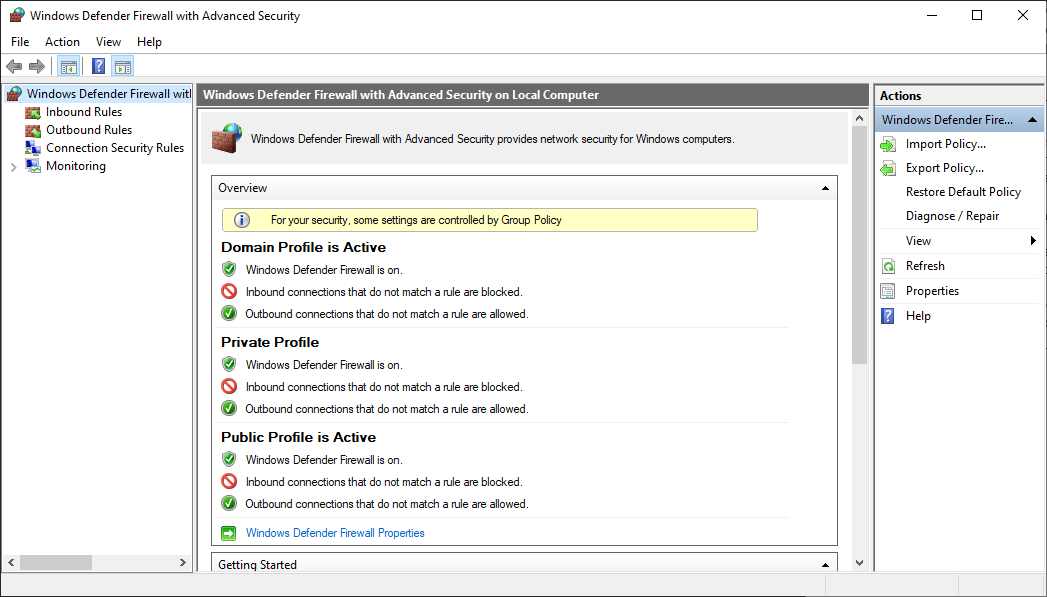
Procedimientos Recomendados Para Configurar Windows Defender Firewall
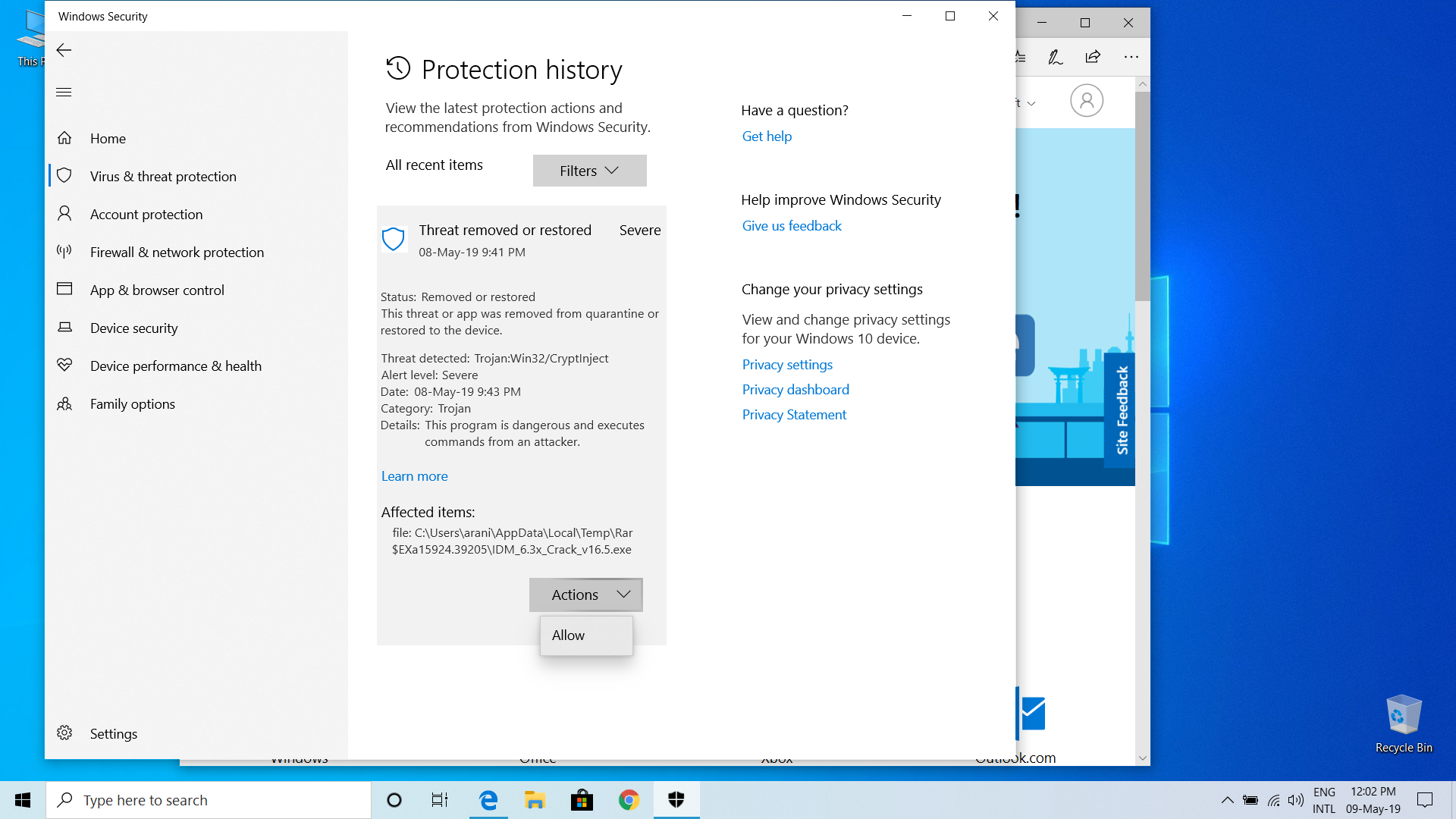
How To Clear Windows Defender Protection History Manually In Windows 10
Free Download Windows Defender Natase
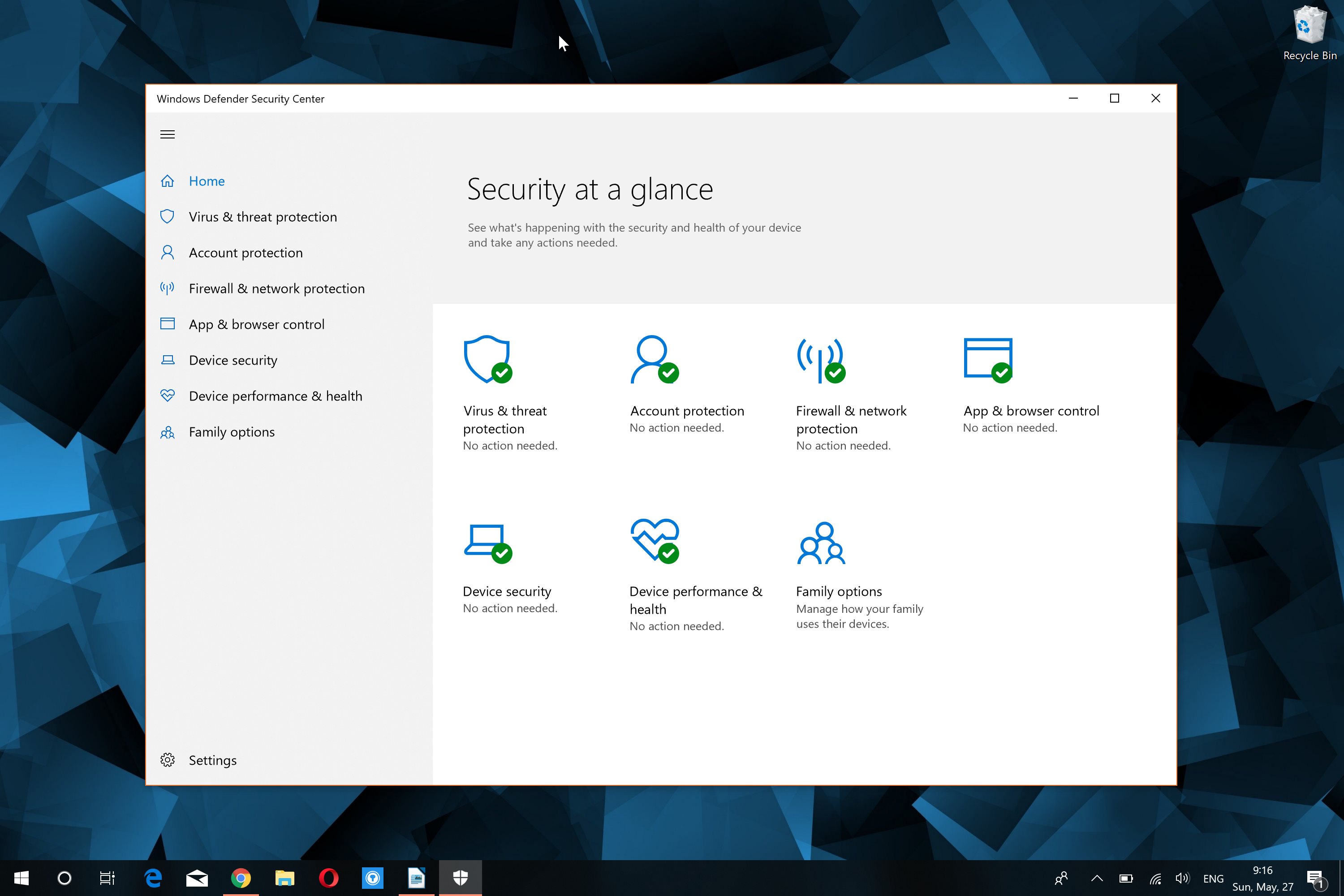
Microsoft Praises Windows Defender Shows You Don t Need Third Party
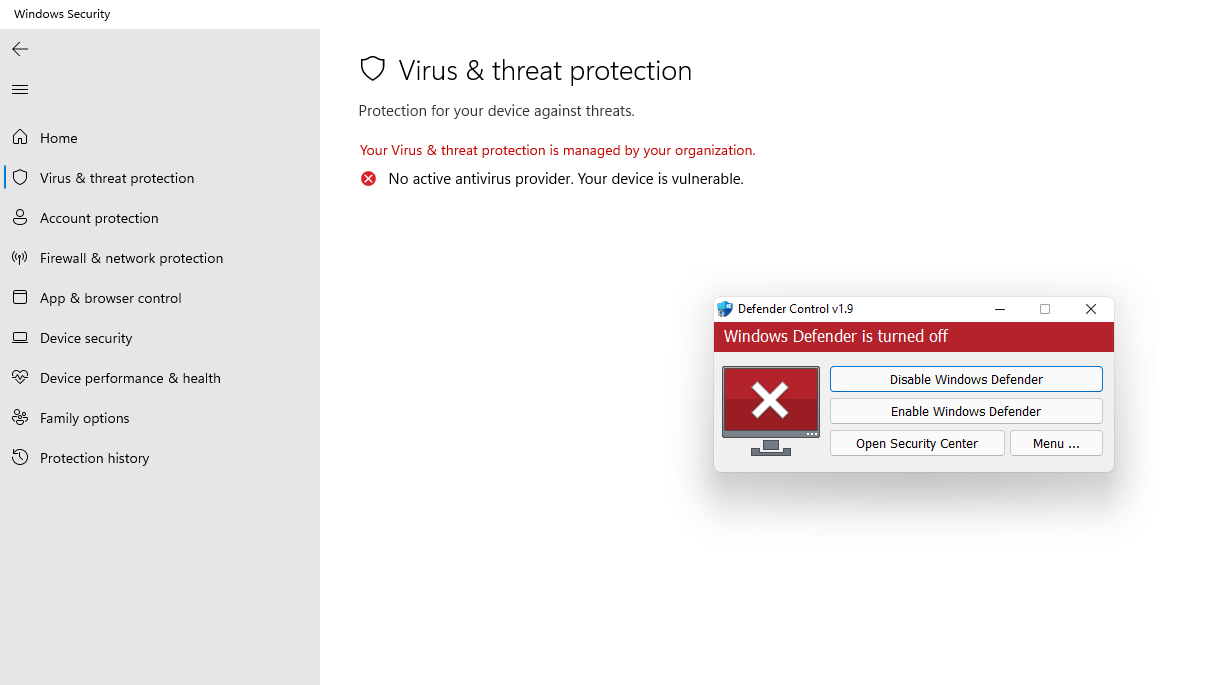
Windows Defender Link Windows 11 Tronkda

Fix Defender Threat Service Has Stopped Error In Windows 11 Technoresult
This utility is useful when you want to automate Microsoft Defender Antivirus tasks You can find the utility in ProgramFiles Windows Defender MpCmdRun exe Run it from a command prompt Tip You might need to open an administrator level version of the command prompt
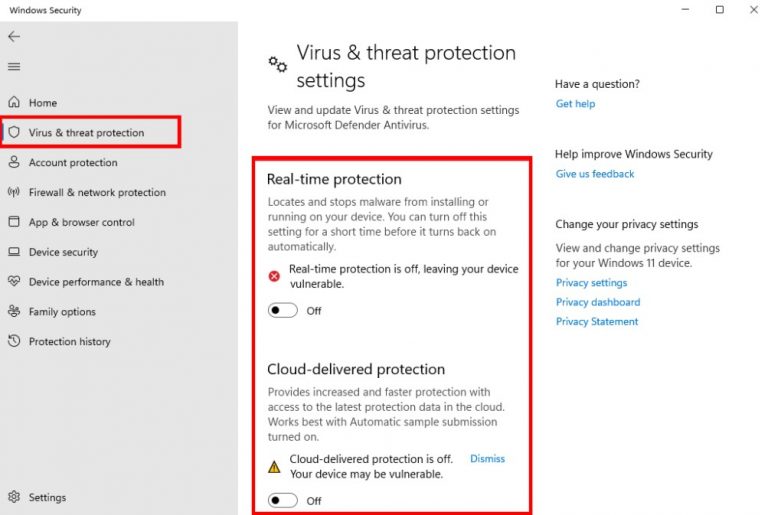
How to stop service from commandline in windows Ask Question Asked 6 years 6 months ago Modified 5 years ago Viewed 29k times 6 i would like to stop following services from command line print spooler shell harware detection windows defender windows update onedrive onecloud and also deny them from running at startup as i set to disabled in mmc
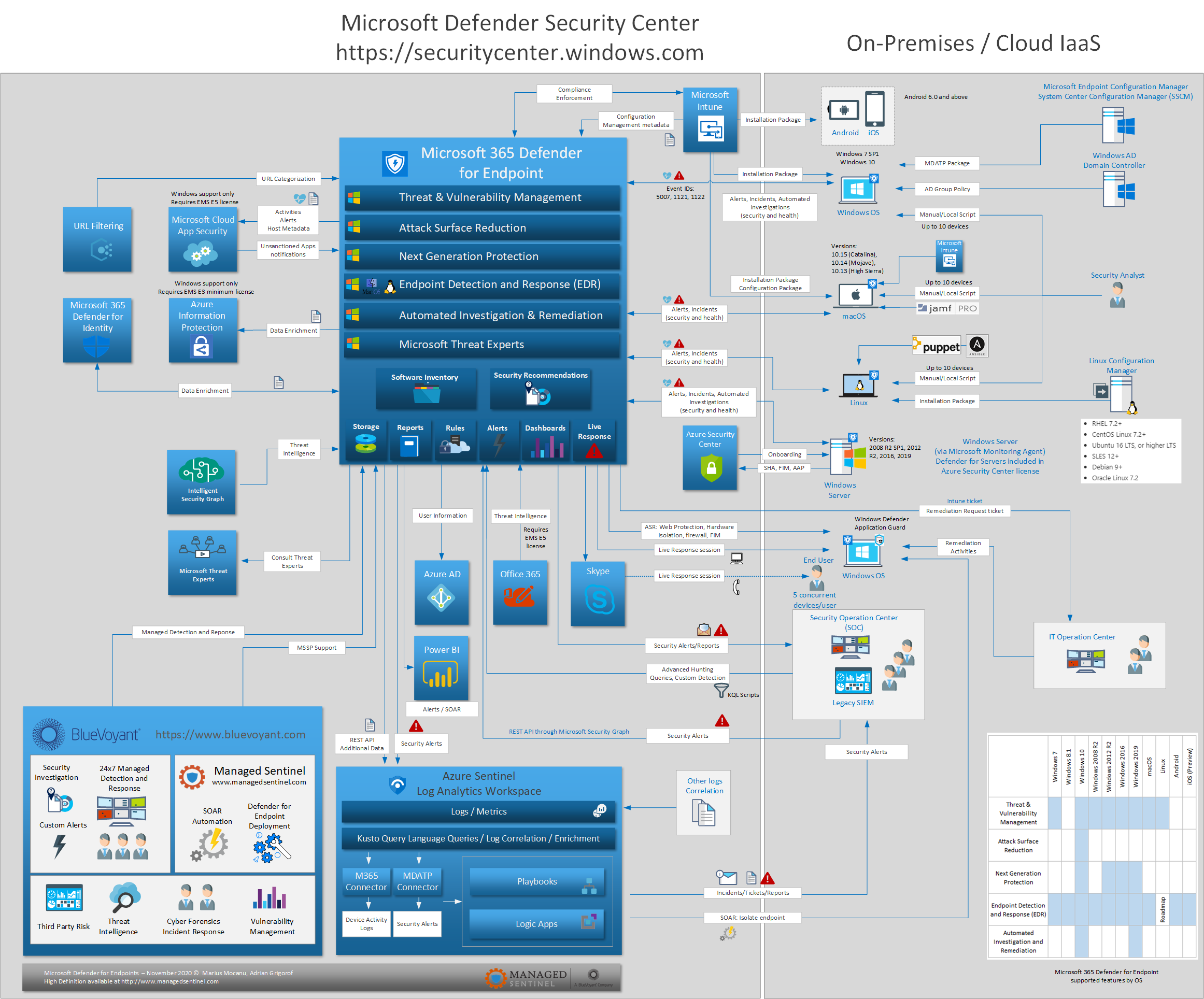
The easiest way to do this would be to use PowerShell to disable it the command you probably want is this Set MpPreference DisableRealtimeMonitoring true

Open Windows Settings Windows key i Go to Update Security Windows Security From the right hand pane select Manage settings under Virus threat protection settings Toggle the switch to Off under Real time protection

2 1K Users can manage the built in Microsoft Defender antivirus from the Security Panel GUI or from the PowerShell command line In this article we will look at how to enable disable Microsoft Defender on Windows how to manage various settings and scan the computer for threats and viruses using PowerShell
Press Win S and type Windows Security Click on the Open option to launch the app Click on the Virus and threat protection option on the home page Find the Virus and threat protection settings section and click on the Manage settings option Expand the Task Scheduler Library folder in the left pane Navigate to Microsoft Windows Windows Defender in the left pane Right click and choose Disable on the following
To run a full antivirus scan on Windows 11 use these steps Open Start Search for Command Prompt right click the top result and select the Run as administrator option Type the following